
I tried manipulating boards using Miro MCP Server from Claude Code

This page has been translated by machine translation. View original
Introduction
When creating flowcharts or tables on a Miro board, placing them manually one by one can be quite time-consuming.
Since Miro officially provides an MCP Server, I tried to see if I could automate board operations from Claude Code with just prompts.
Test Environment
- MacOS Sequoia 15.7.1
- MacOS Terminal
- Chrome
Procedure
Adding Miro MCP Server to Claude Code
First, register the Miro MCP Server with Claude Code.
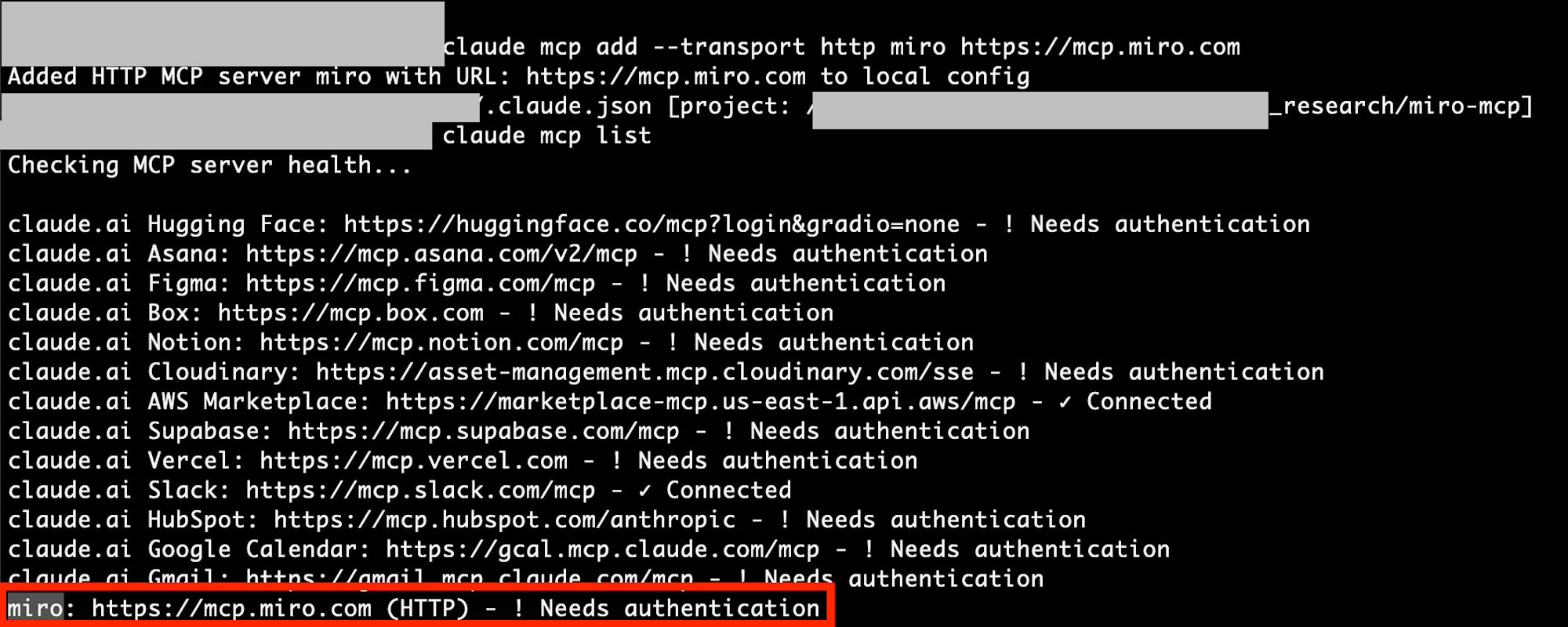
Run the following command in Terminal.
claude mcp add --transport http miro https://mcp.miro.com
After adding it, check if it's registered.
claude mcp list
If "miro" appears in the list, you're good to go.
Authentication
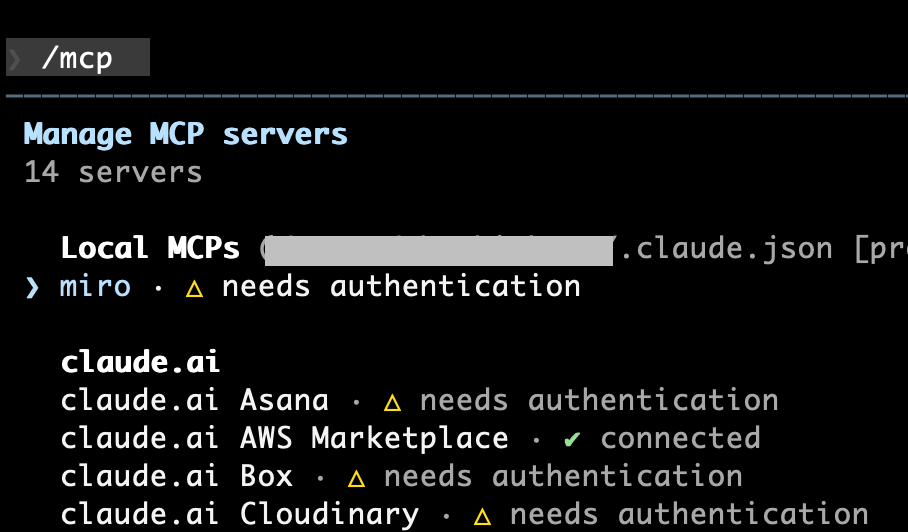
Next, launch Claude Code and run the /mcp command.
/mcp
A list of registered MCP Servers will be displayed. Find "miro" and proceed with authentication.
A browser will open with the Miro authentication page. Allow access with your logged-in account.
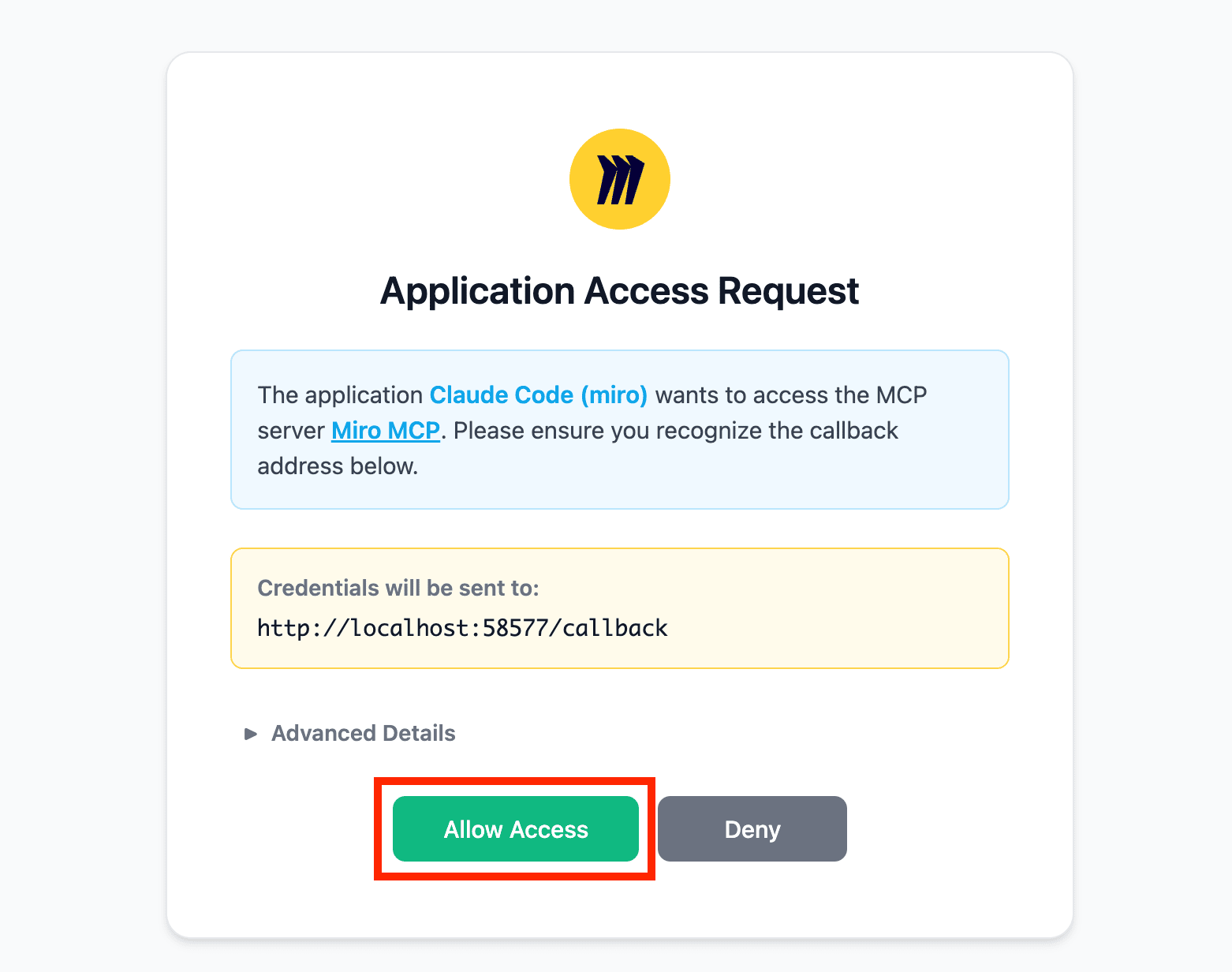
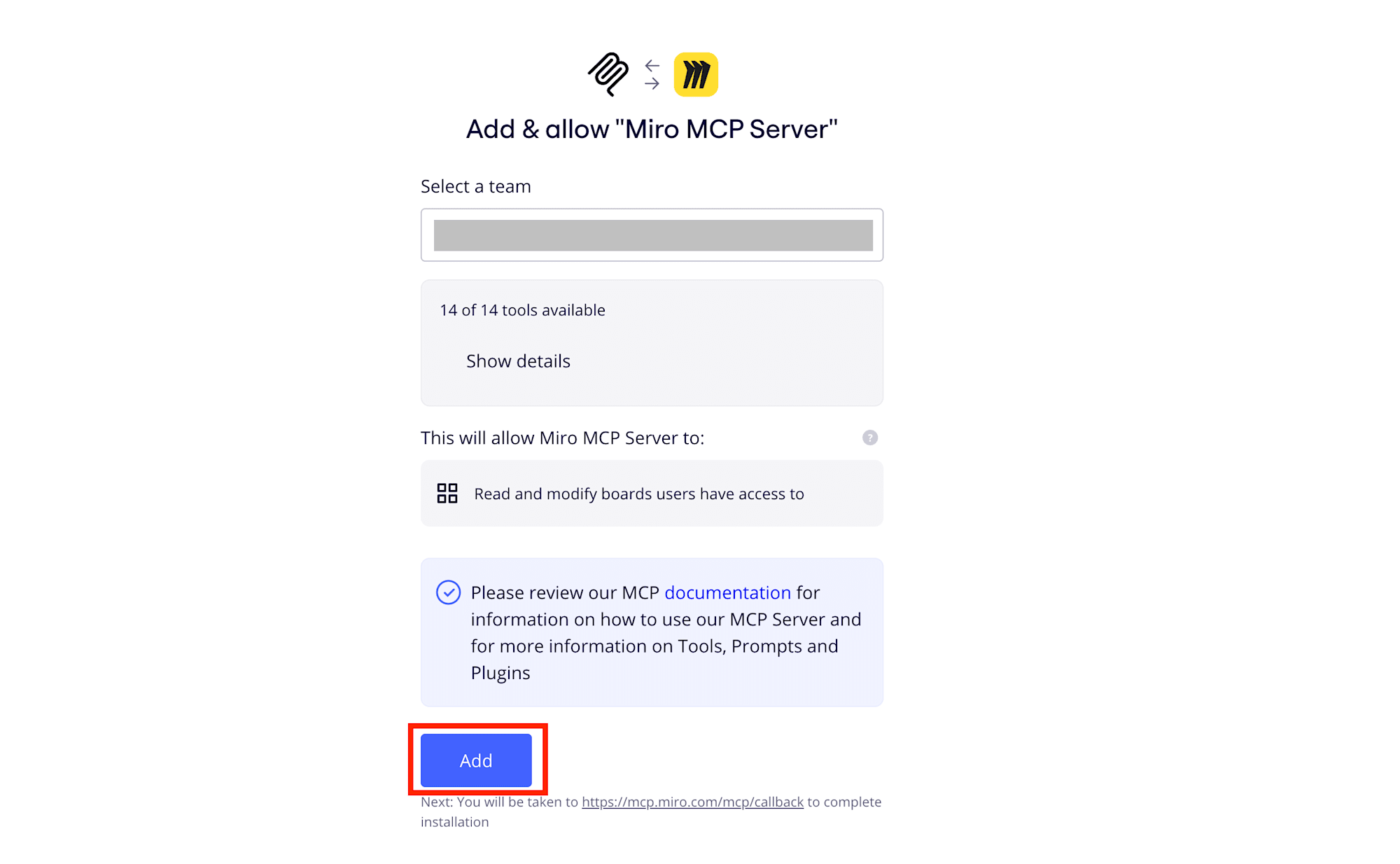
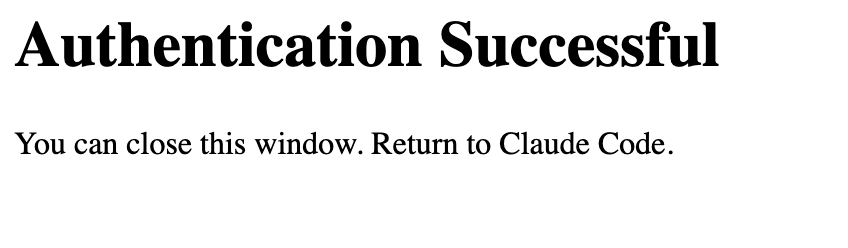
When "Authentication Successful" is displayed, the authentication is complete. Let's return to Claude Code.
Trying it out
Now that authentication is complete, let's try using it.
I submitted a prompt like this:
can you see my miro-mcp board on Miro?
try to create an eazy sample to show me about what you can do.
Since I authenticated with my account, I thought it would find the board if I specified the board name, but it couldn't find a board named "miro-mcp".
So I directly passed the board's URL to specify the target board.
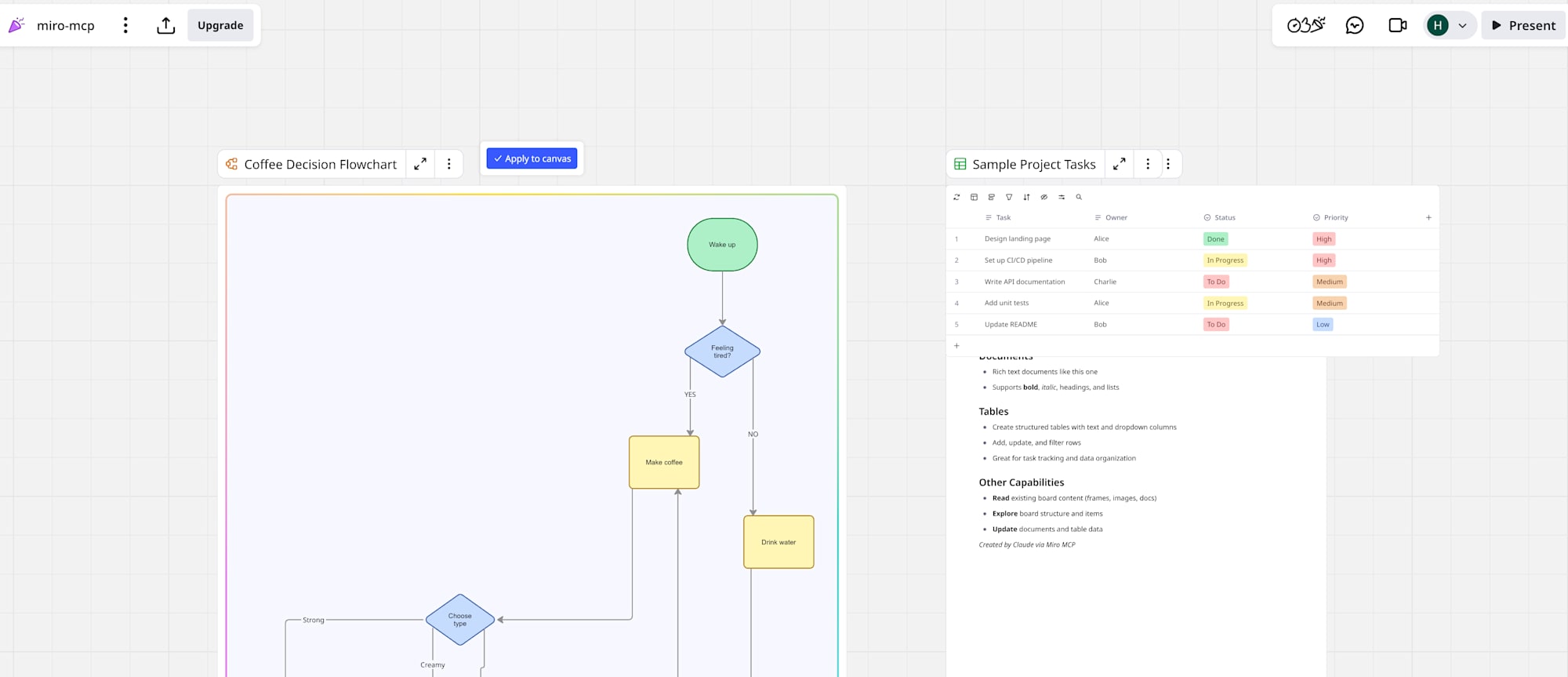
Claude Code then created content like flowcharts and tables on the board.
Limitations of Miro MCP Server discovered through use
After playing around with it, I found several limitations as of March 2026.
Reference: Miro MCP - Prompts
- No delete tool exists: Since AI Agents cannot delete items from the board, you need to manually delete them if you want to start from scratch.
- Only simple diagram tools are provided: For example, currently you can't create AWS architecture diagrams with service icons.
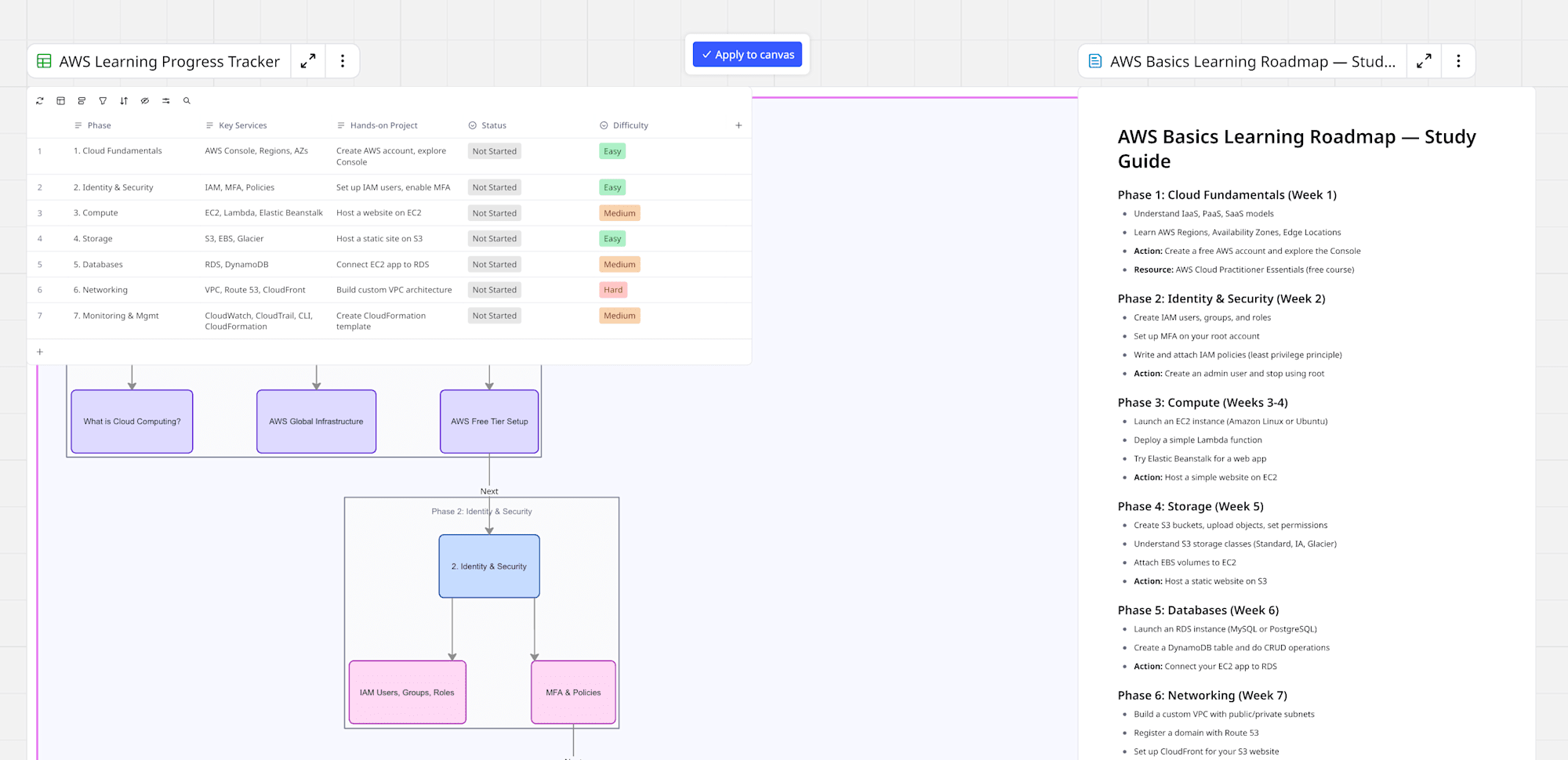
Nevertheless, it works fine for creating flowcharts, tables, and placing documents, so it's sufficient for making simple configuration diagrams or learning roadmaps.
Below is an example of an AWS basics learning roadmap I had it create.
Conclusion
Setting up the Miro MCP Server itself is very simple and can be completed in minutes.
While there are still developing aspects such as the inability to search by board name or delete items, generating flowcharts and tables on a Miro board with just a prompt is genuinely convenient.
As more tools are added in the future, the range of applications will likely expand.