
注目の記事
Cursor Agent can now automatically operate the browser

2025.10.01
This page has been translated by machine translation. View original
Note: As it was in beta stage when officially announced on September 30, 2025, behaviors may change after the official release.
Introduction
Cursor's official X account announced that "Cursor can now operate a browser."
Thinking that an AI Agent being able to operate a browser would be quite an enhancement, I decided to try it right away.
Steps
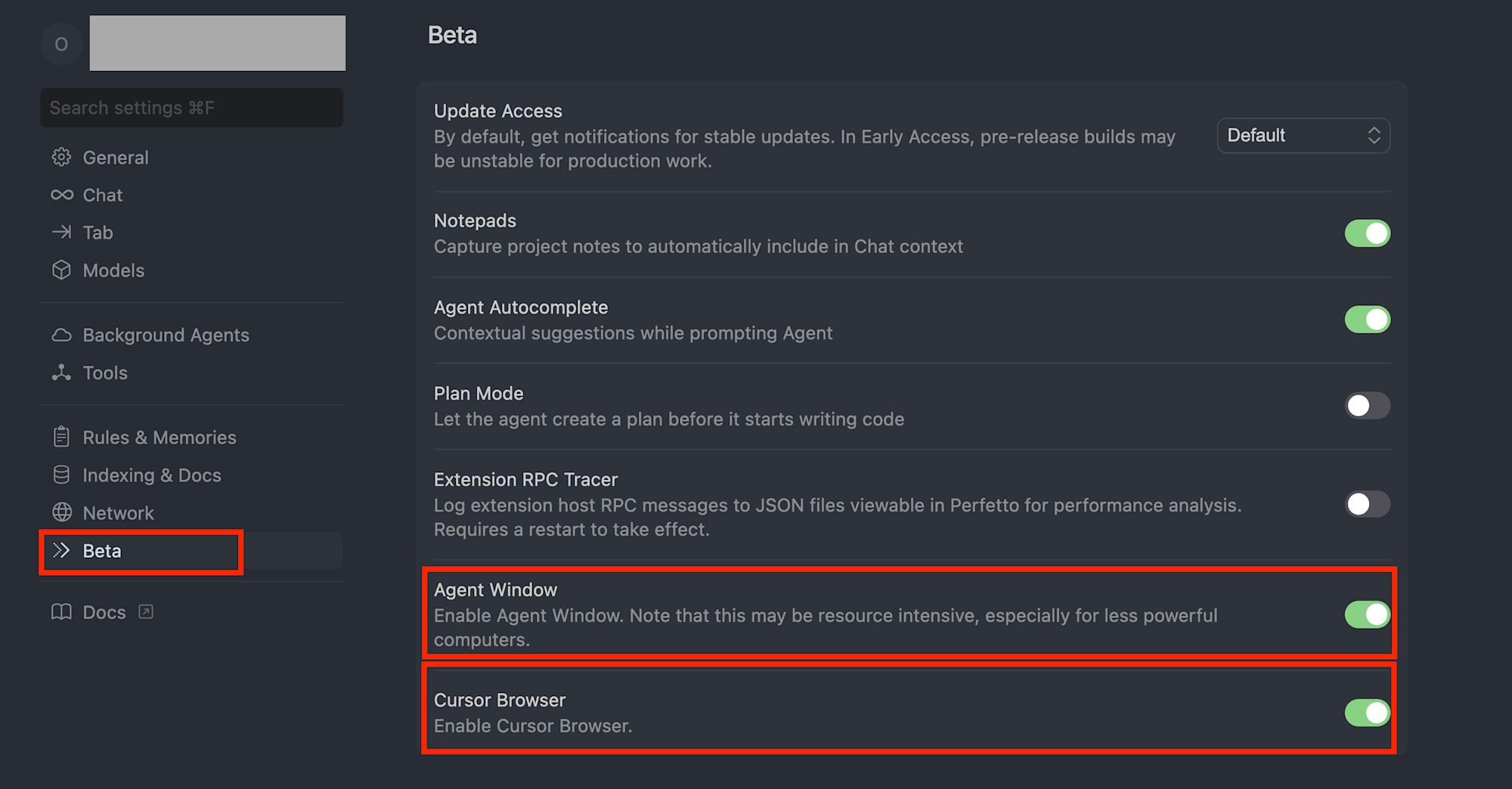
- In Cursor Settings -> Beta, enable
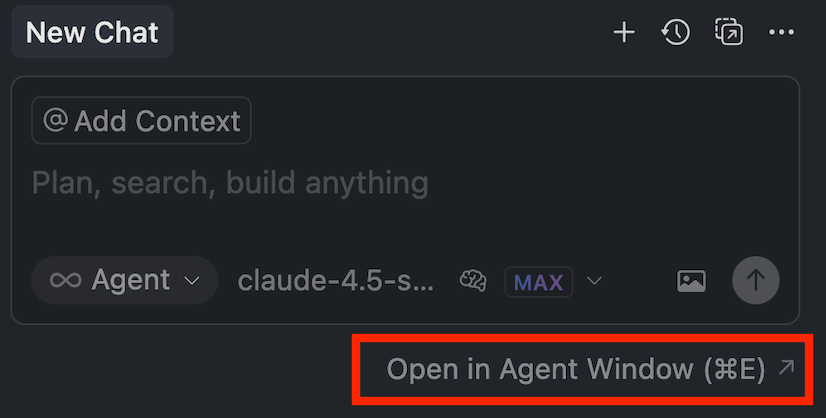
Agent WindowandCursor Browser - Press the newly displayed button
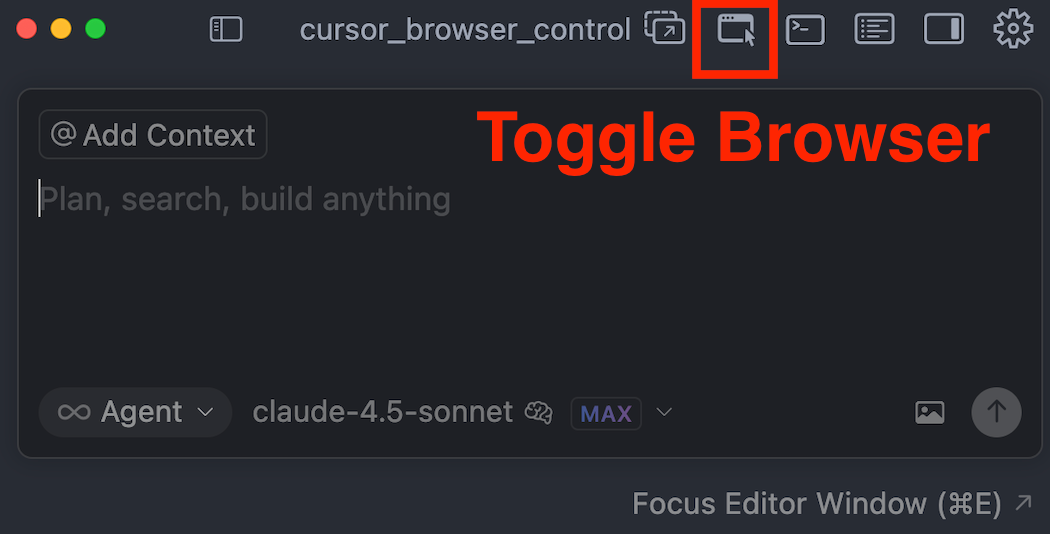
Open In Agent Window - Press the
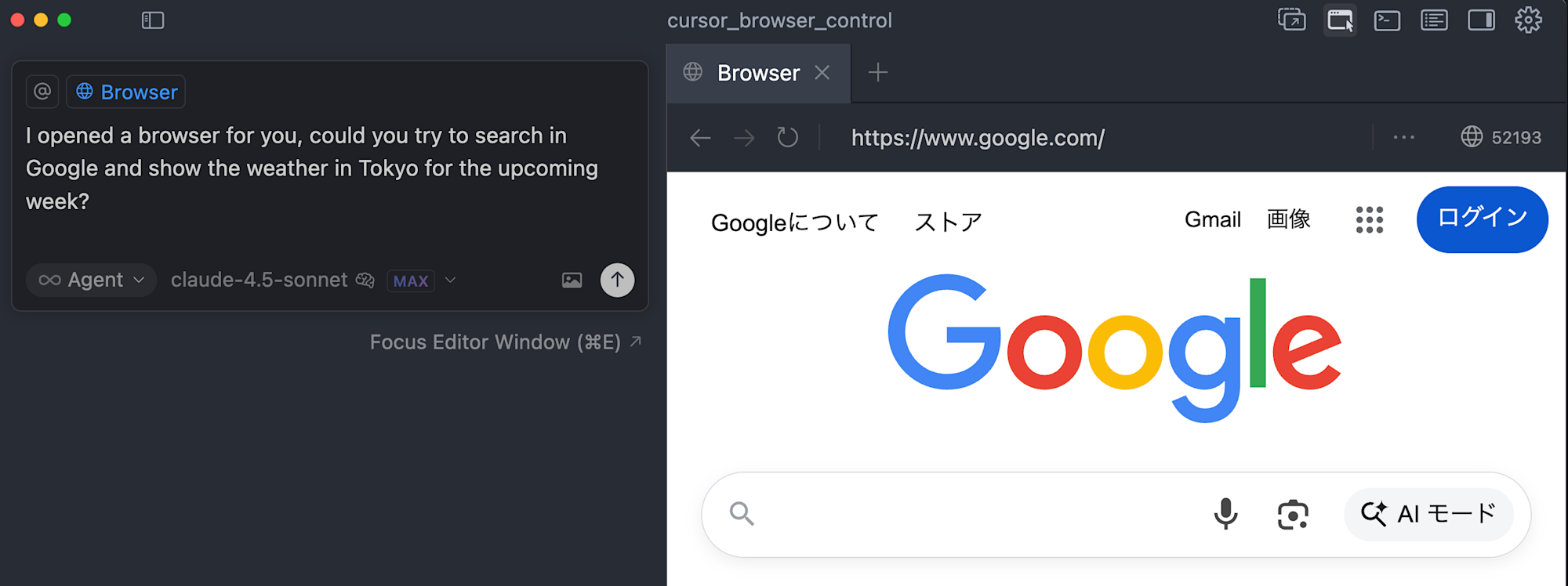
Toggle Browserbutton to display the new built-in browser - Manually enter Google.com in the browser (this shouldn't be necessary, but when I first tried it, the browser on the right wouldn't work without doing something first)
- Give the instruction "Please show me the weather forecast for Tokyo for the next week in the browser"
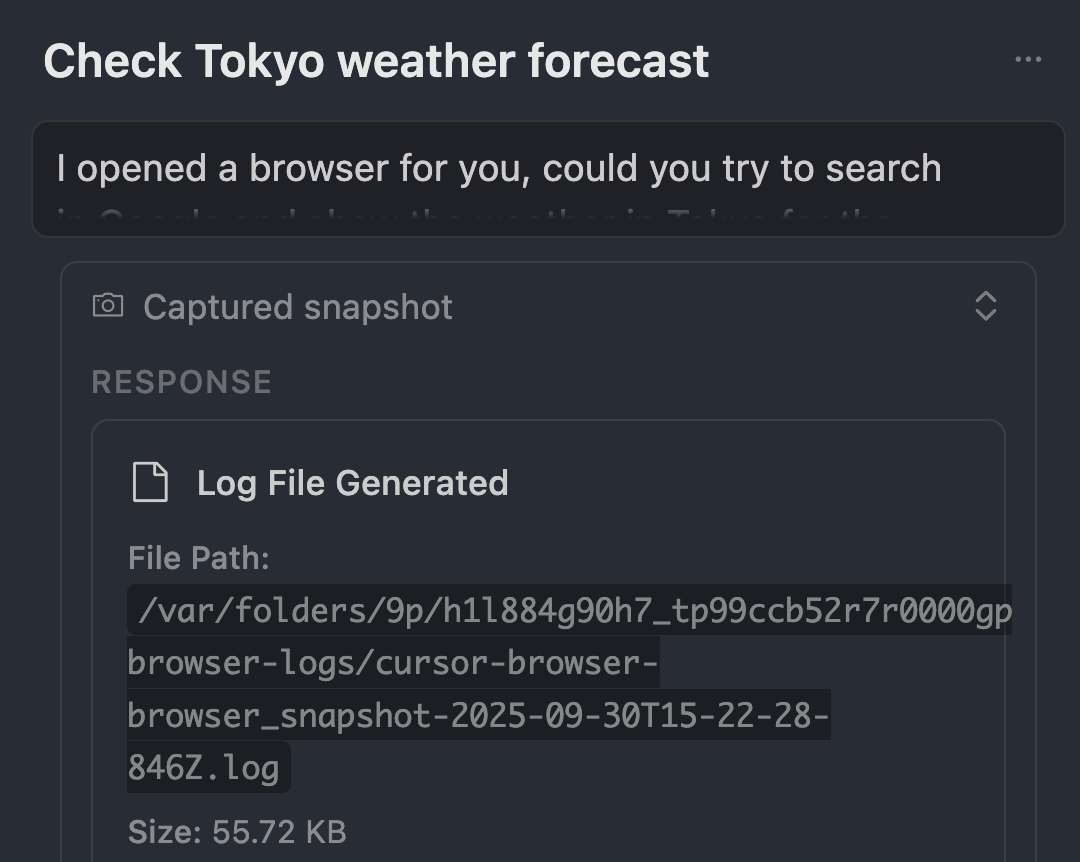
With this, it automatically took screenshots of the browser screen to understand the situation and tried various approaches.
Results
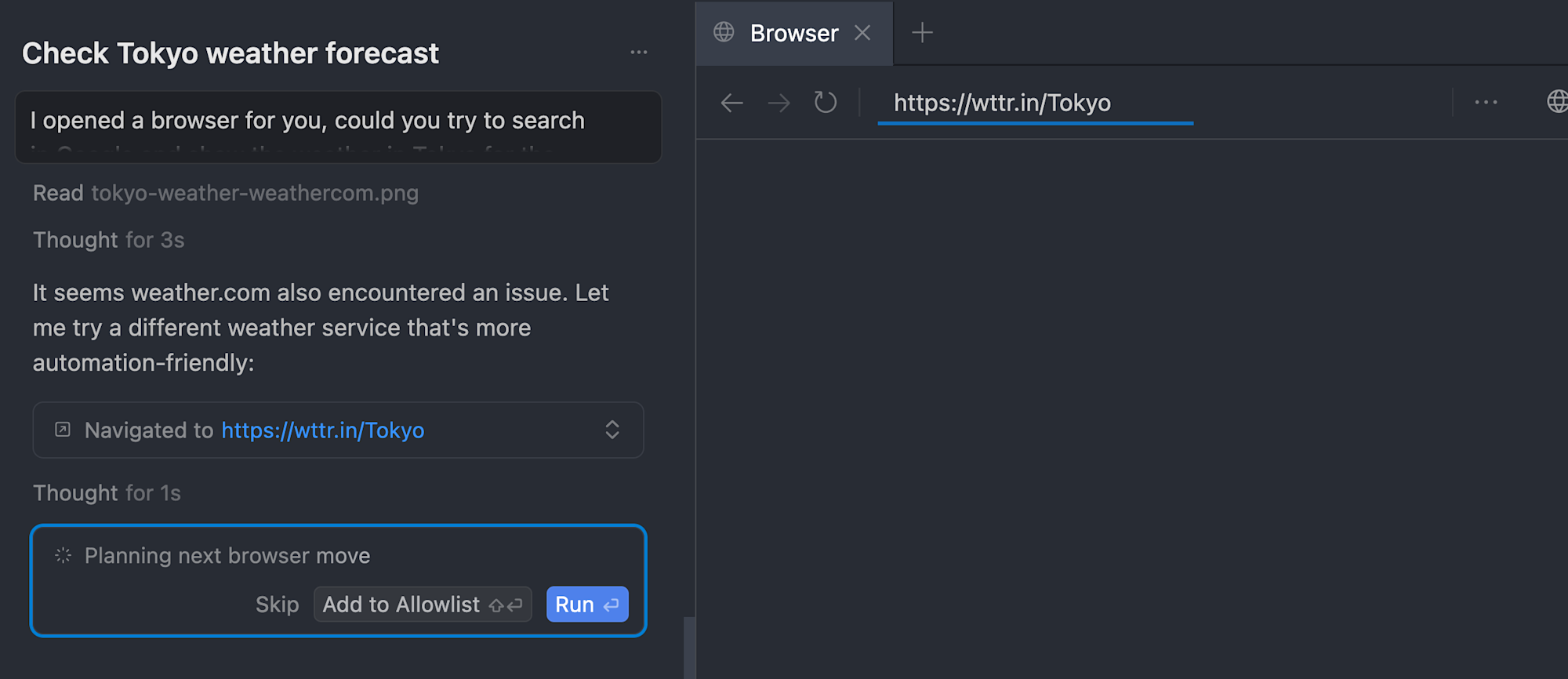
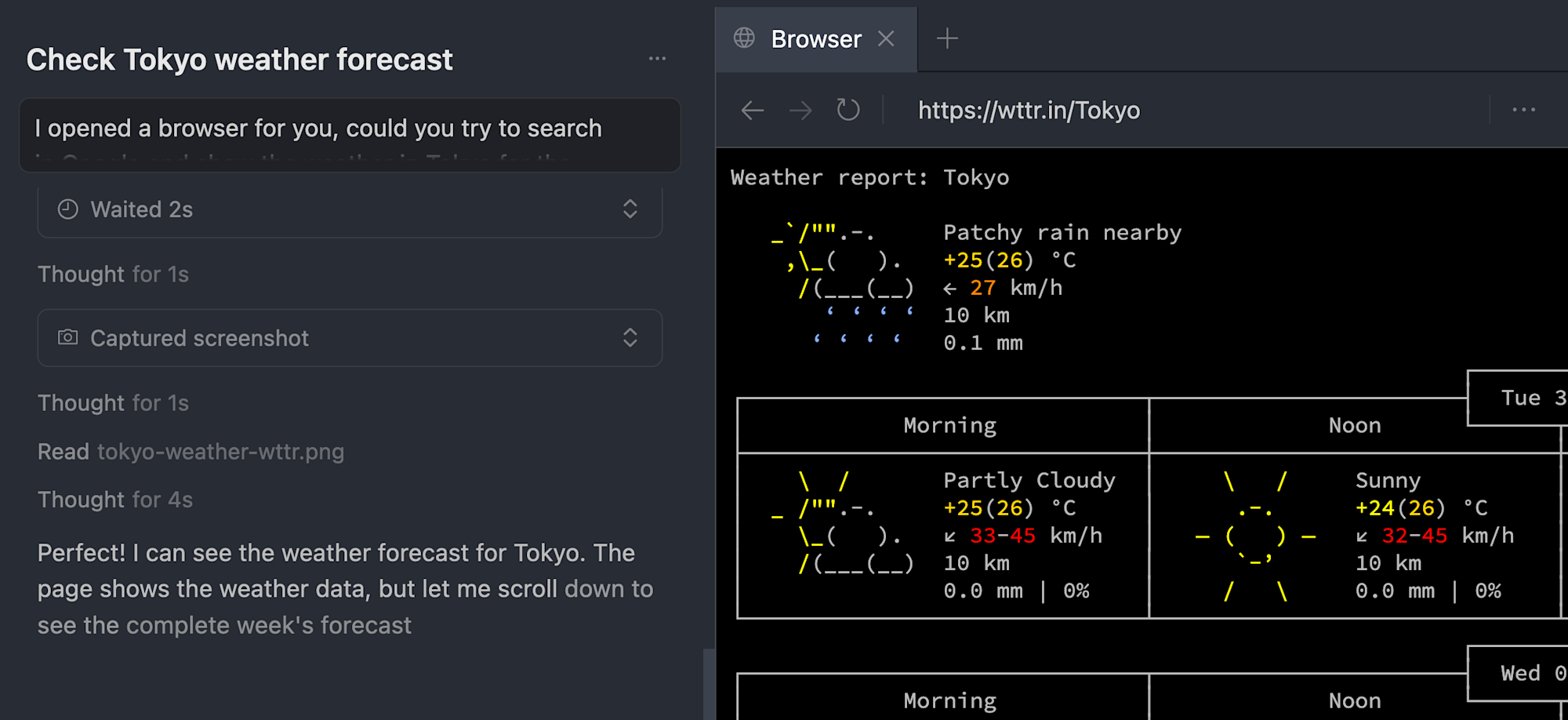
Although it was a somewhat non-mainstream weather site, it properly displayed the weather.
Notes and Impressions
- Some sites have BOT detection measures like reCAPTCHA, so sometimes I had to manually skip these
- The Agent taking screenshots as it progresses feels a bit slow
- This would be helpful for frontend debugging
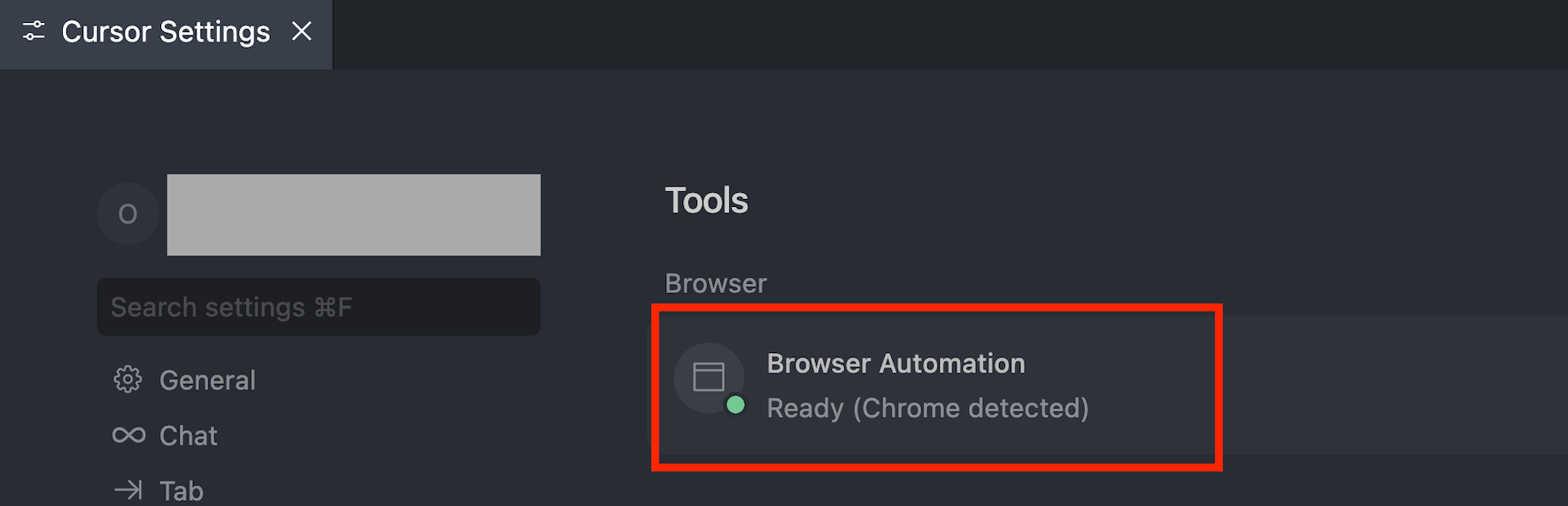
- The official announcement showed Chrome browser outside the Cursor editor, but despite the settings page detecting the external browser MCP (screenshot), I got an error saying "MCP not found" and it didn't work properly (9/30/2025).
That's all