Determining "weekday" in NocoBase workflow conditional expression

This page has been translated by machine translation. View original
I implemented automation using NocoBase Workflow to send daily notifications to Slack, excluding weekends.
I'm leaving the node settings here as a reminder.
※This method does not account for public holidays.
Setup Method
To determine "weekdays," write a condition using Formula.js in the "Condition Node".
Formula.js's WEEKDAY() function lets you get the day number, which you can use for the determination.
Sunday is 1, Saturday is 7, so to return True for days 2-6, set the condition as follows:
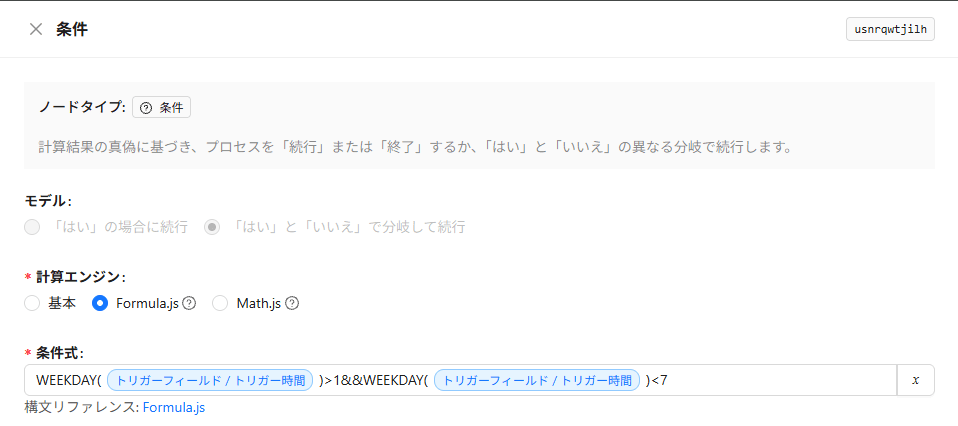
For easier testing, I've incorporated a Trigger Field/Trigger Time specifically for the "Schedule Event" into the condition.
For "Collection Events" or "After Operation Events," you can replace the Trigger Field/Trigger Time portion with TODAY() to determine the day of the week based on the execution time.
(I believe System Variables/System Time would also work.)
Verification
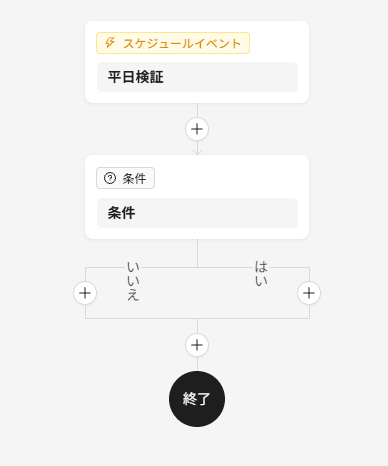
Let's check the results by running the above workflow on both a weekday and a weekend.
First, for a weekday.
When executing manually, specify a weekday (2026-02-24 Tue) for the execution date as shown below:
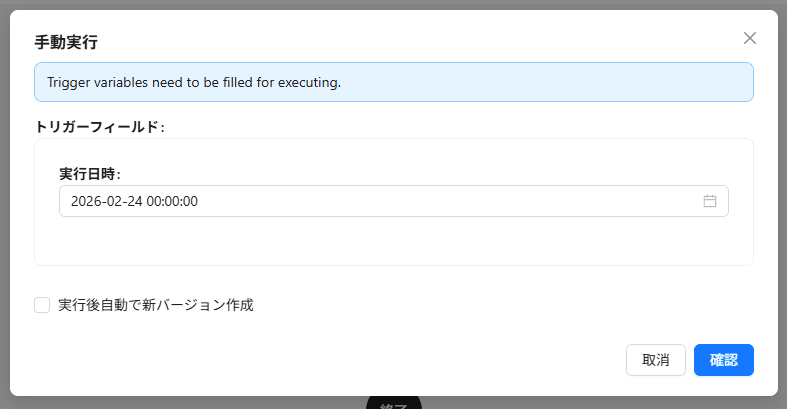
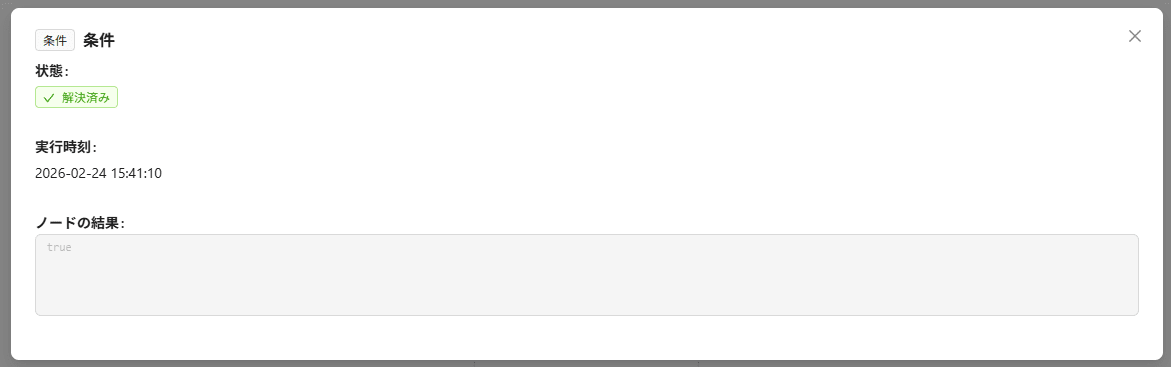
The condition node result is true as expected.
Next, for a weekend.
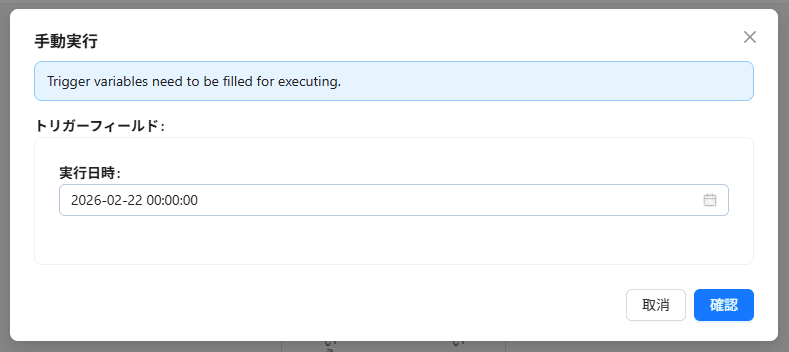
Similarly, specify a weekend date (2026-02-26 Sun) for execution as shown below:
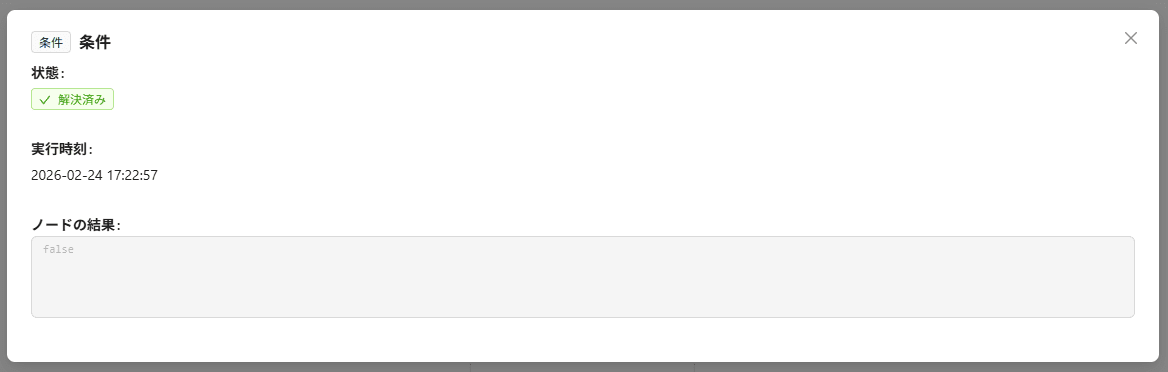
The condition node result is false as expected.
That's how to determine "weekdays" using NocoBase Workflow condition expressions 👋