
Filter Display Values Sorted in Tableau

This article was published more than one year ago. Please be aware that the information may be outdated.
Introduction:
Sorting the filter values in Tableau is often needed to better format the dashboard. This post will help users understand how to sort filter values.
How to sort filter values:
Let us consider a dataset having prefecture values of Japan. A snapshot of the prefectural list is as shown below.

When this data is fed to Tableau, and a filter is enabled to show values, we get to see alphabetic order of filter values by default.

Although it is possible, but manually rearranging the list is cumbersome.
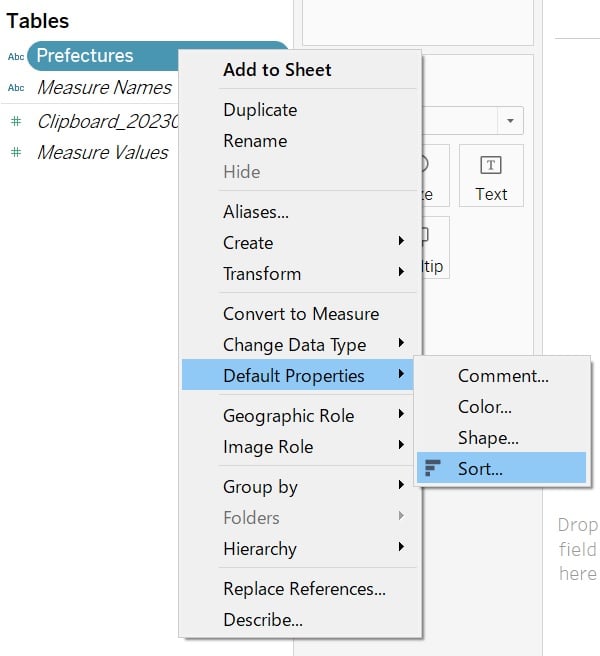

So, in order to display the filter values just as expected we do a little trick in the data. Add a column “Order” in the data source, which holds the serial number for each prefecture as shown in the figure below.

In Tableau convert the column “Order” to string and create a calculated field as shown below:

Using this calculated field in the dashboard and the filter ensures that the sort order is consistent everywhere.

Summary:
It is possible in Tableau to display the filter values exactly as the same sort order used in the dashboard with the help of this small trick.
