
Cloudflare released an Astro-based open-source CMS called "EmDash", so I immediately deployed it to Workers

This page has been translated by machine translation. View original
I'm a blogger from Berlin.
Cloudflare recently acquired Astro, and the first product from this acquisition has already arrived. They released "EmDash," a Serverless/Headless open-source CMS based on Astro, so I quickly deployed it on Cloudflare Workers to try it out.
What is EmDash?
EmDash is a full-stack serverless CMS that Cloudflare positions as the "spiritual successor to WordPress." It's written in TypeScript and released under the MIT license. Currently, it's in beta version 0.1.0.
To summarize its features: the theme and frontend are pure Astro, the admin panel looks just like WordPress, and the infrastructure is a serverless configuration with Cloudflare Workers + D1 + R2. Plugins are executed in V8 isolates, which structurally eliminates the security risks that often plague WordPress plugins. Authentication is Passkey-based by default.
Deploying from Cloudflare Dashboard
You can deploy the EmDash template from the "Workers & Pages" section in the Cloudflare dashboard. The configuration options include Git account integration, project name, D1 database, and R2 bucket.
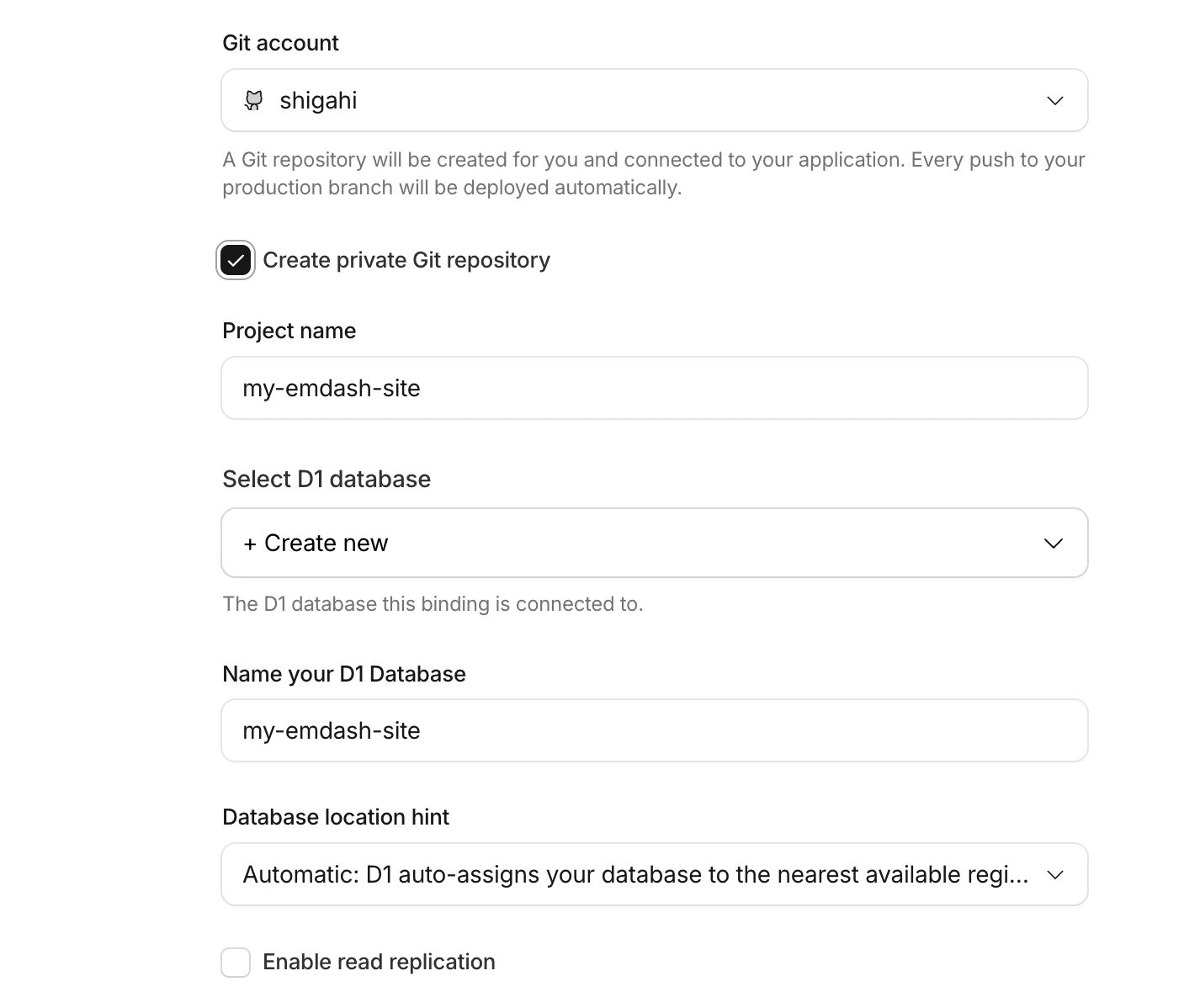
I named my project my-emdash-site and created a new D1 database and R2 bucket. I selected Western Europe (WEUR) for the R2 location. The build command npm run build and deploy command npm run deploy are pre-filled by default.
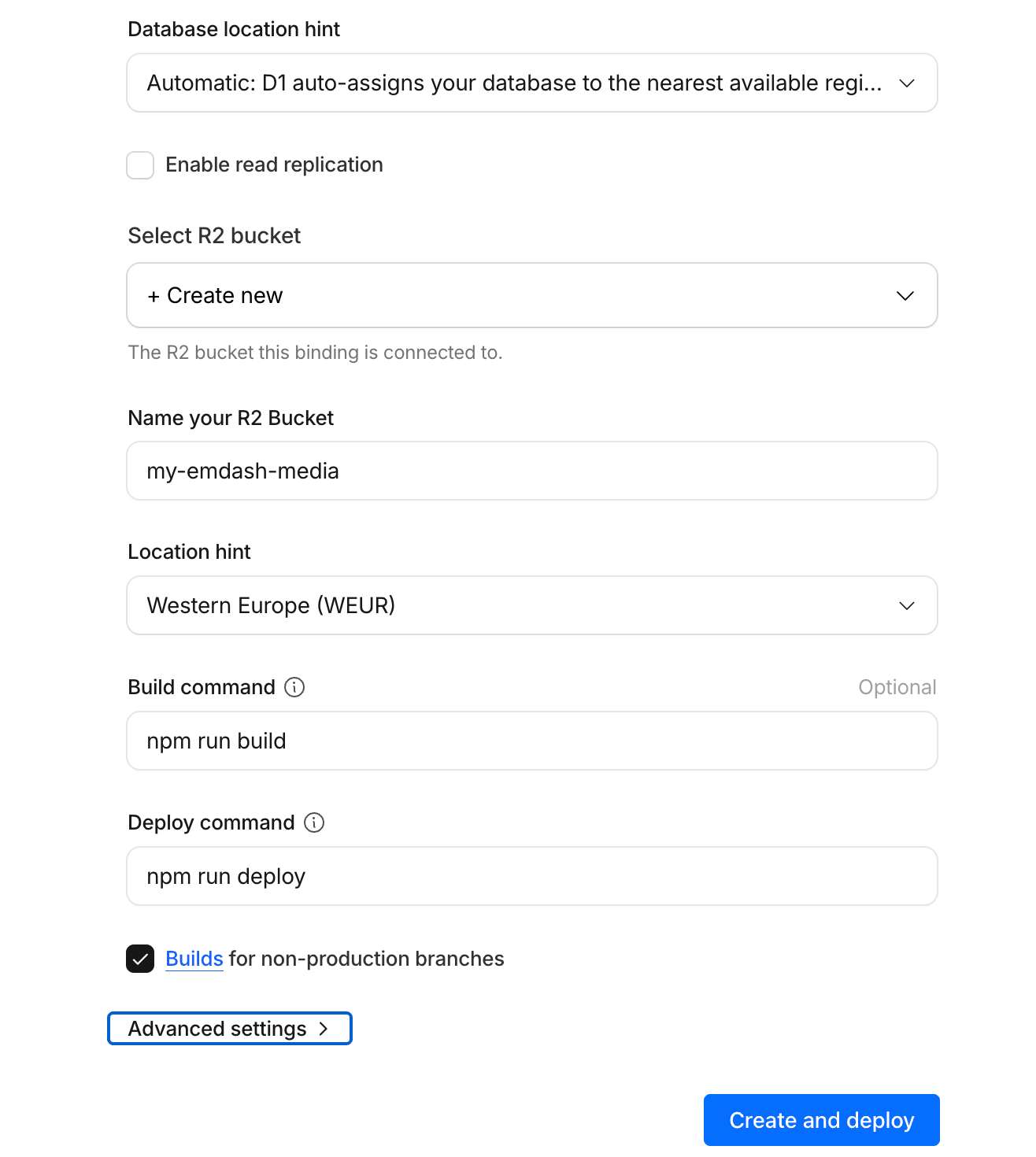
Clicking "Create and deploy" creates a private GitHub repository and automatically runs the build and deployment. This took about 4 minutes. There were no particular issues.
Initial Setup
After deployment, you can access the site at my-emdash-site.classmethodeurope.workers.dev. A setup wizard appears on first access.
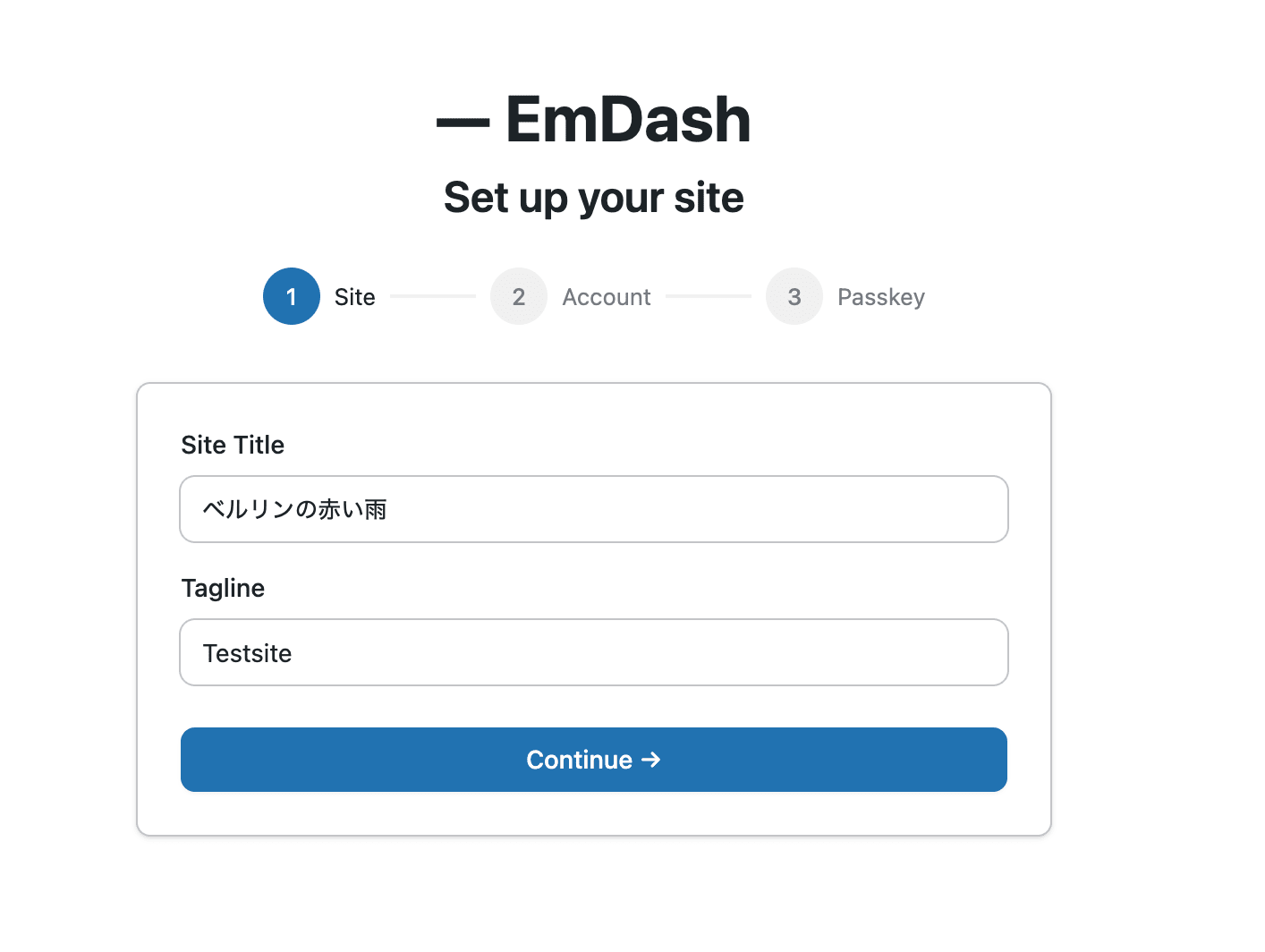
Enter the Site Title and Tagline, then proceed to create an account and register a Passkey. There are only three steps.
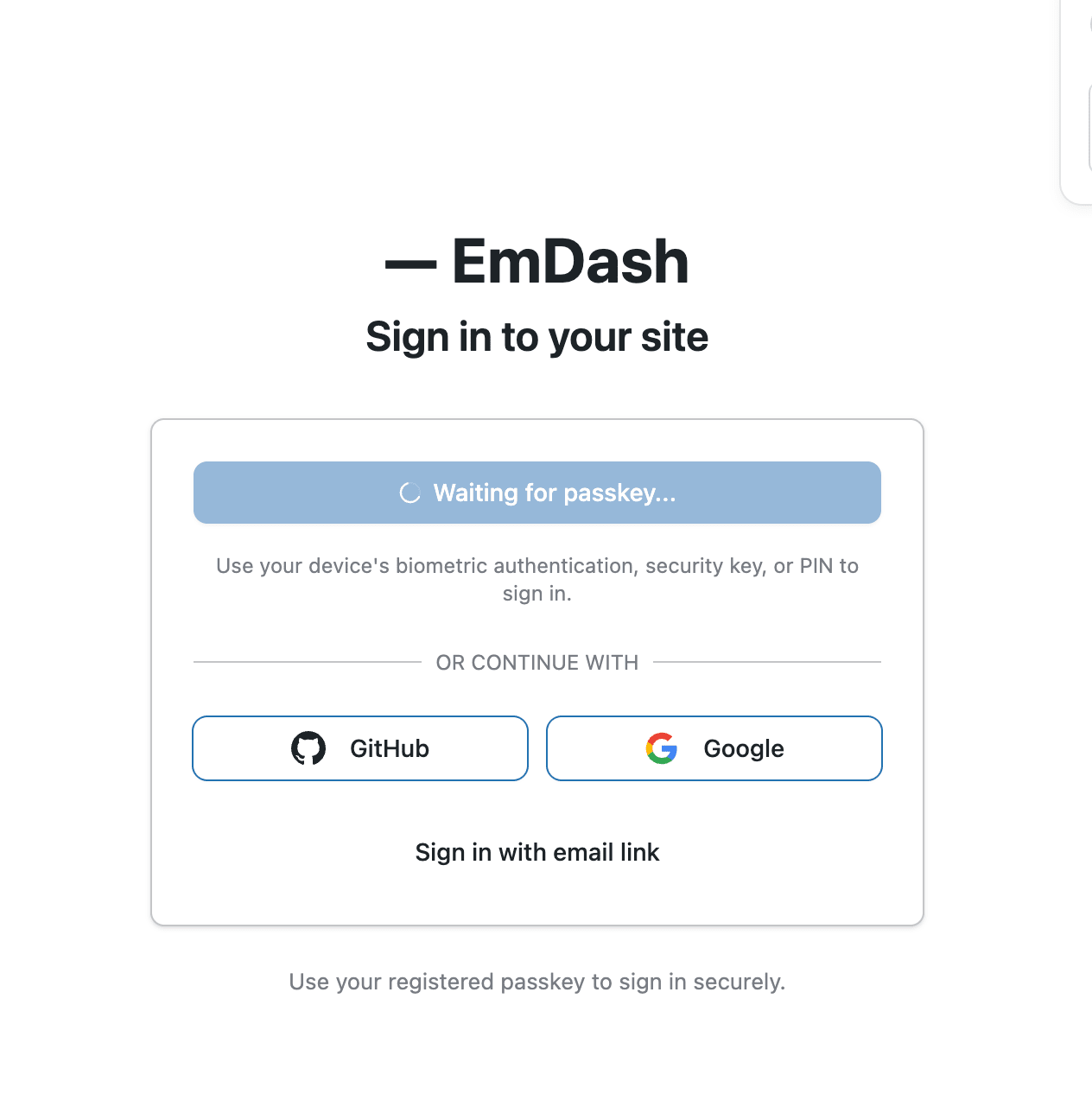
Sign-in supports Passkey, GitHub, Google, and email links. Having Passkey authentication as the default is quite modern and nice.
Admin Panel Just Like WordPress
Here's the dashboard that appears after logging in.
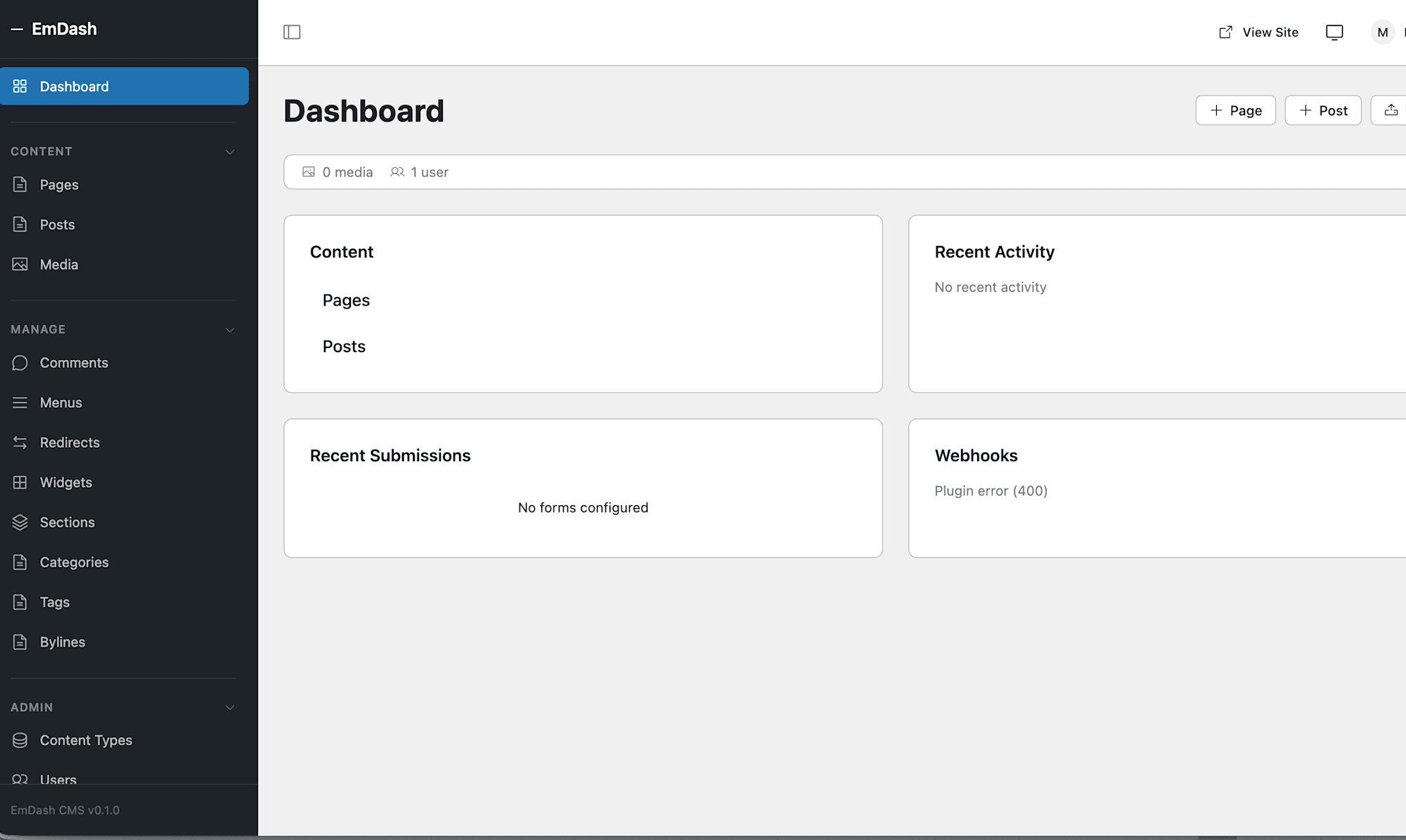
The left sidebar has Pages, Posts, Media, Comments, Menus, Redirects, Widgets, Sections, Categories, Tags, Bylines... Anyone who has used WordPress can operate it without explanation (inspired). There are also management menus such as Content Types and Users.
Page Editing
Let's create a new page from the Pages menu. It comes with a rich text editor that includes basic editing features like bold, italic, headings, lists, quotes, image insertion, etc. It's not as complex as WordPress's block editor but has all the essentials.
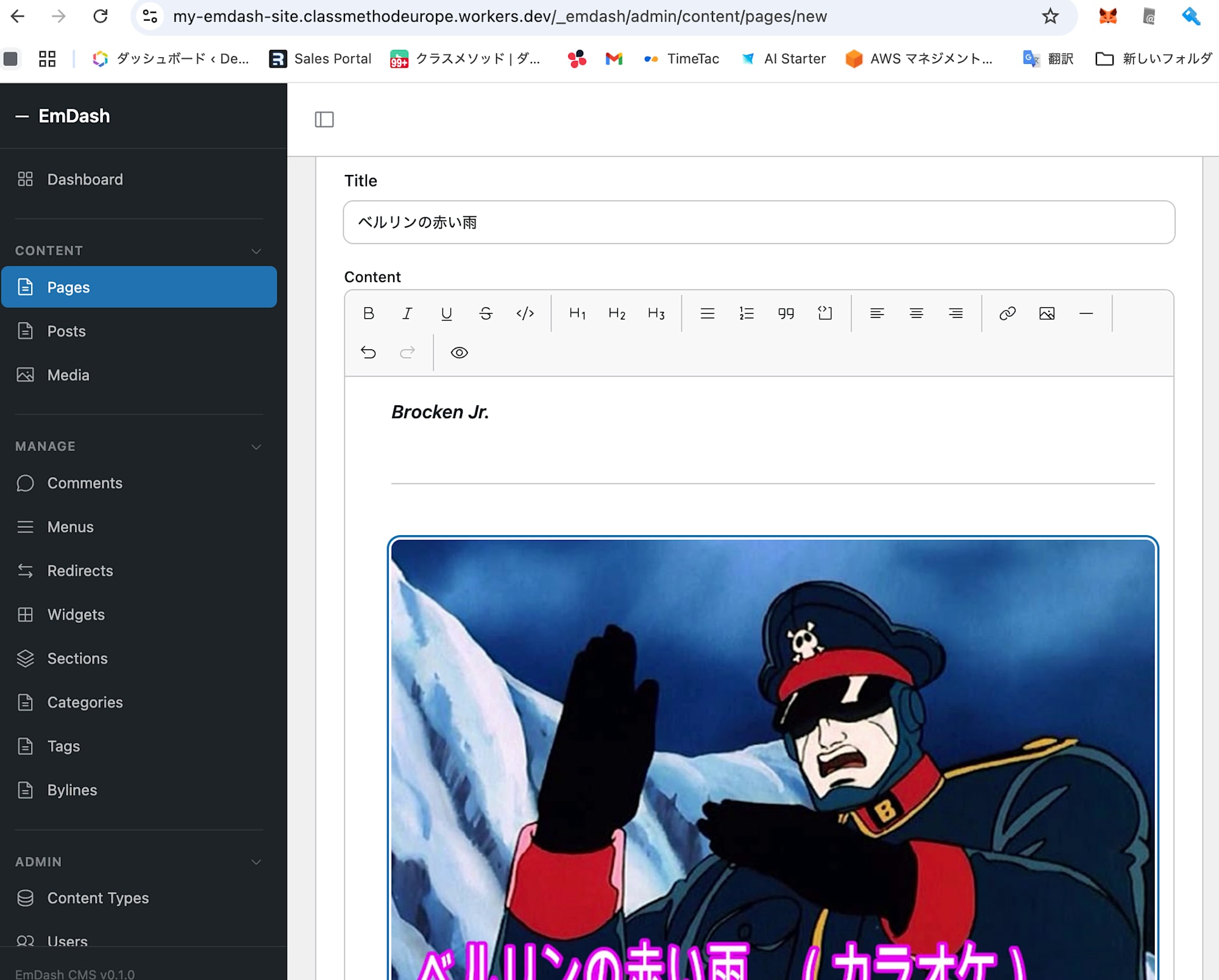
When you upload an image and publish the page, it's immediately reflected on the site.
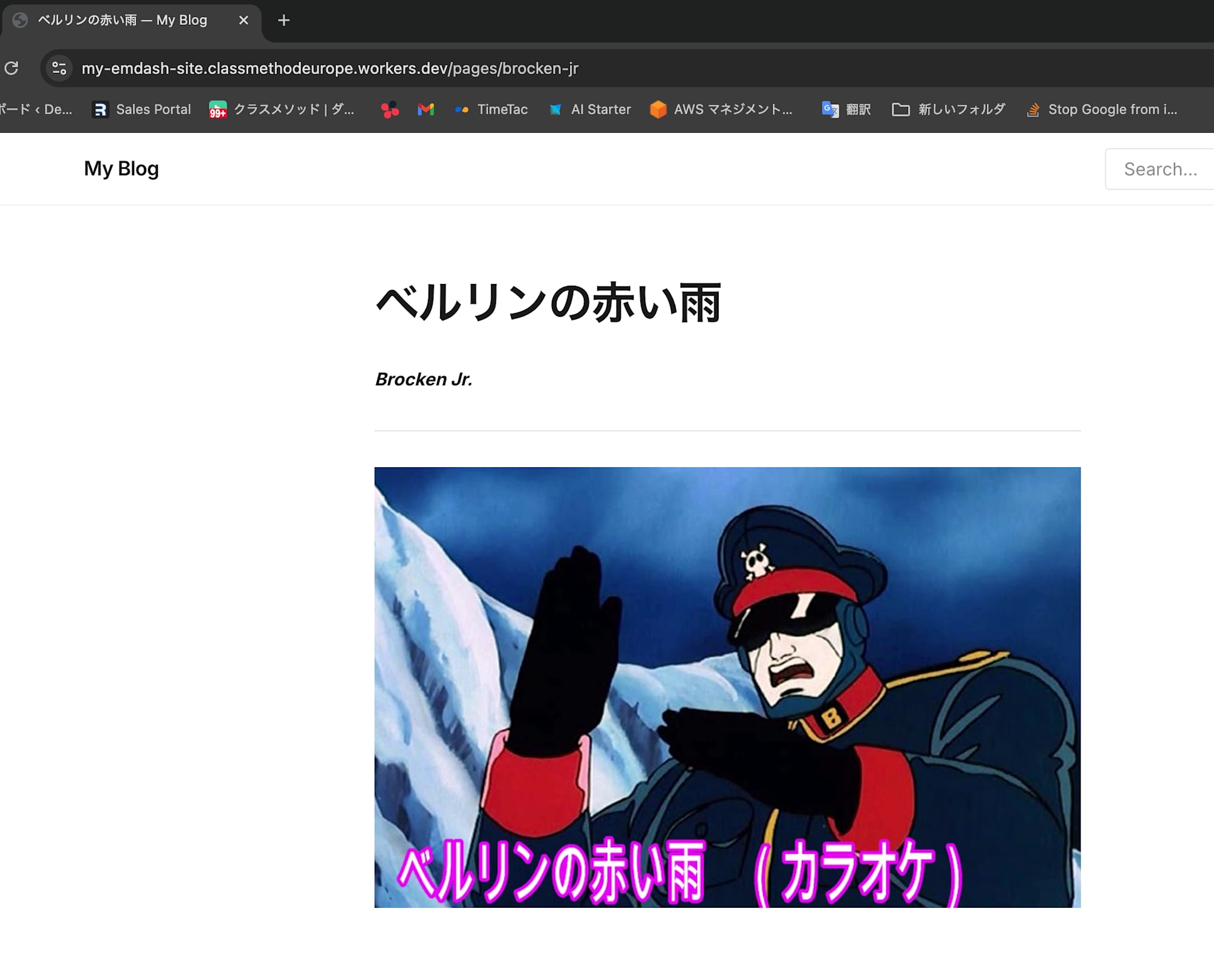
The page displayed properly at my-emdash-site.classmethodeurope.workers.dev/pages/brocken-jr. The slug was also automatically generated.
Marketplace (Plugins)
The admin panel has a Marketplace menu where you can install plugins.
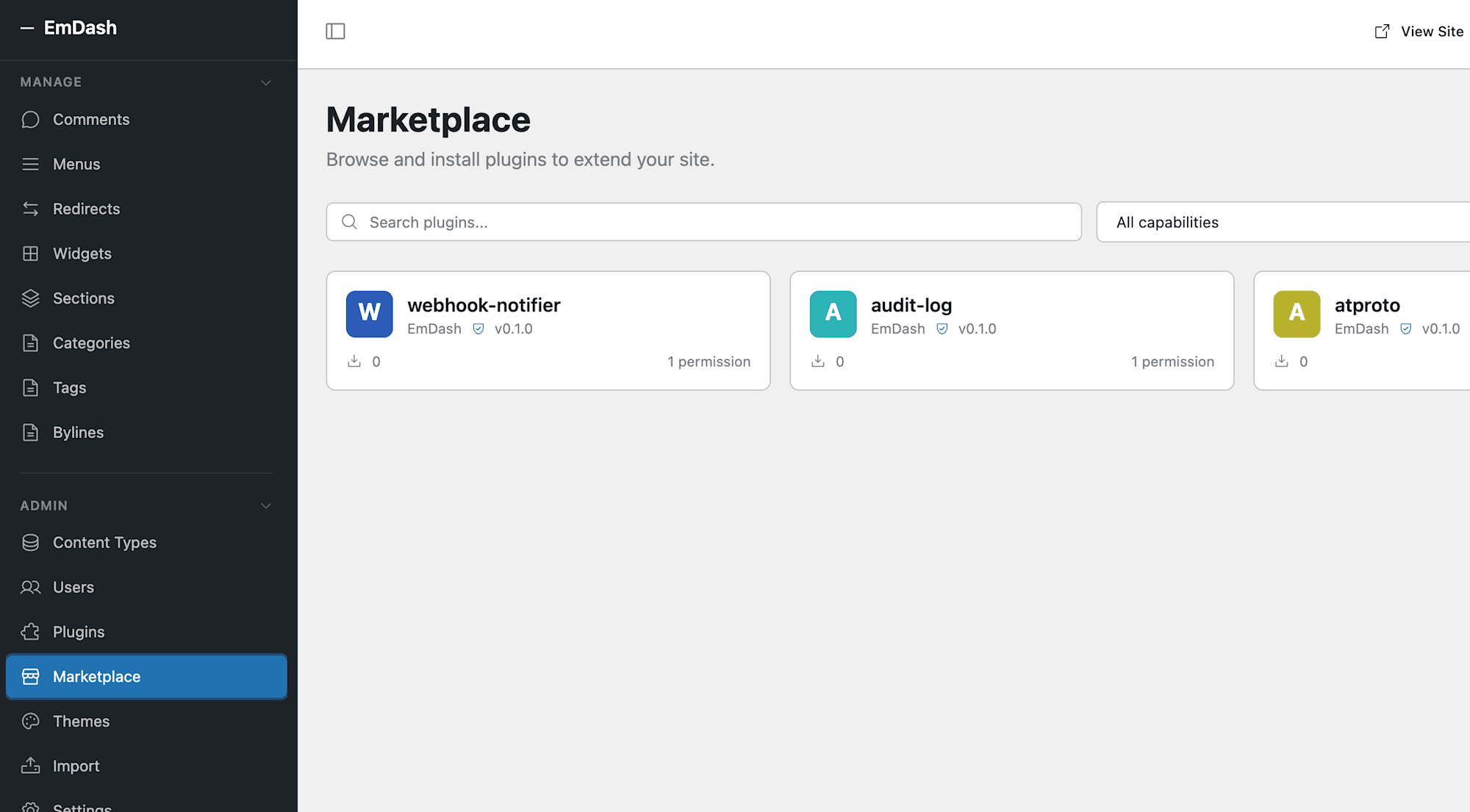
Currently, there are a few plugins available such as webhook-notifier, audit-log, and atproto (Bluesky integration). There aren't many since it's a v0.1.0 beta, but the plugin mechanism itself is solid. EmDash plugins run in isolated V8 environments and explicitly declare required permissions in their manifests. This structurally solves the issue in WordPress where plugins can directly access the database.
Content Types
In Content Types, you can manage the schemas for pages and posts.
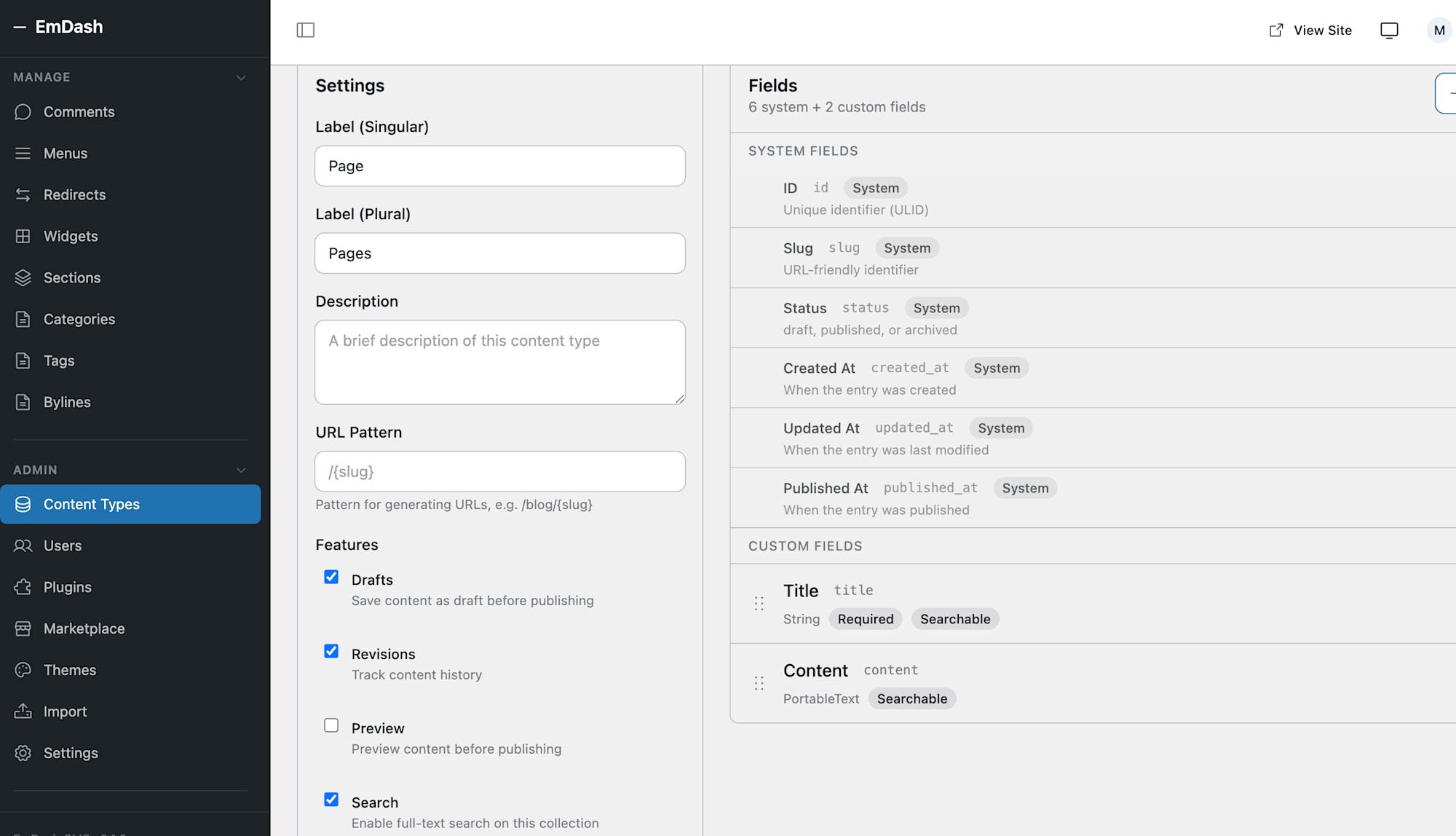
System fields (ID, Slug, Status, Created At, Updated At, Published At) are defined along with custom fields (Title, Content). This is equivalent to WordPress custom fields, but it can be managed more clearly through the UI, which is impressive.
GitHub Repository Content is Almost Pure Astro
Looking at the source code in the automatically created GitHub repository, it's almost pure Astro.
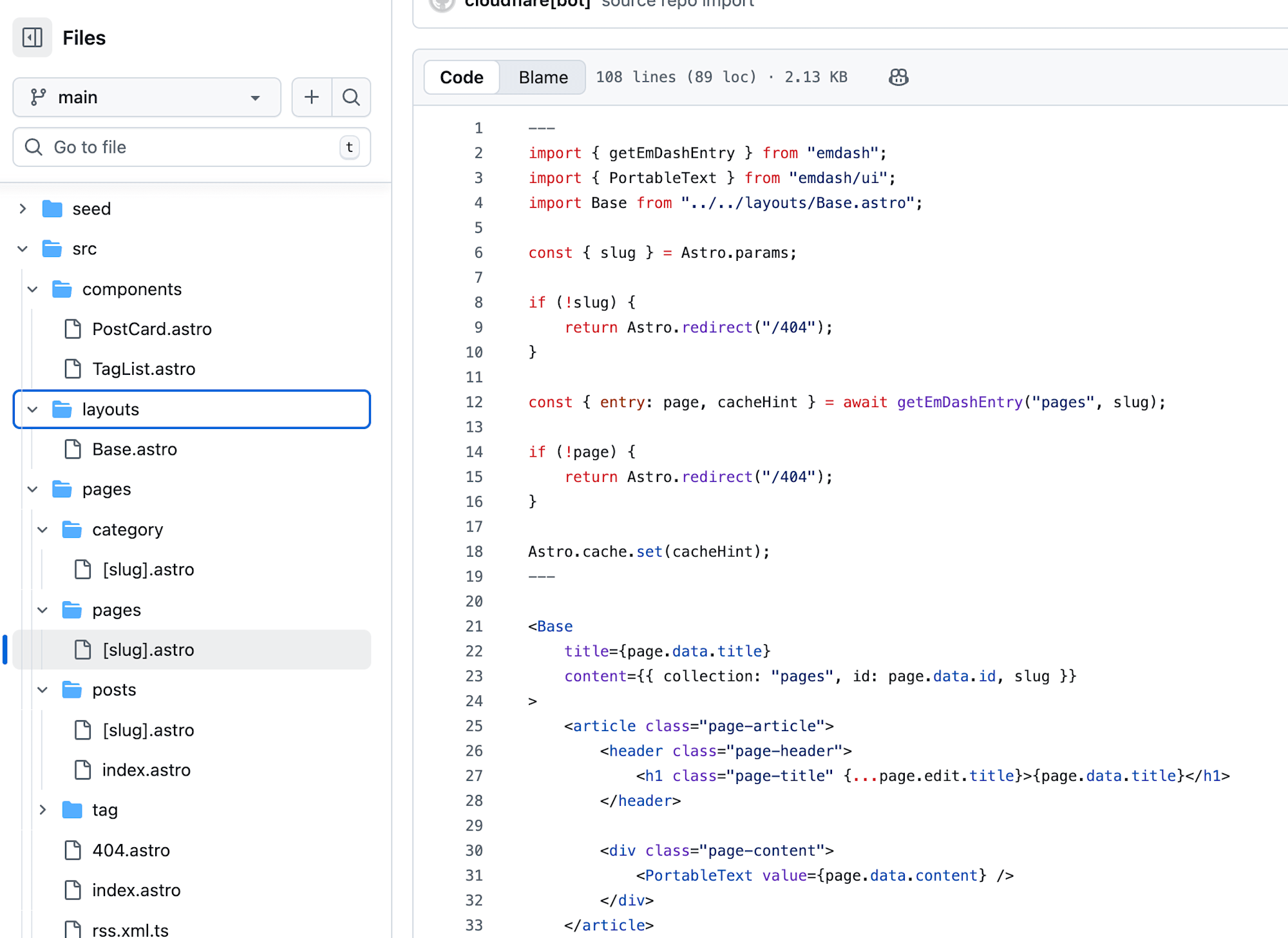
Under src/, there's the standard Astro directory structure with components/, layouts/, and pages/. Looking at the page template [slug].astro, it retrieves content from the CMS with getEmDashEntry and renders it with PortableText. If you've worked with Astro before, you won't need to learn anything new to customize the theme.
In other words, EmDash is best understood as an Astro project wrapped with a WordPress-like admin panel and CMS layer.
Impressions
Here are my impressions after trying everything from deployment to publishing an article.
The ease of setup is impressive. Deployment is completed with just a few clicks from the Cloudflare dashboard, and the initial setup is only 3 steps. It's a world away from the days of installing WordPress on a VPS. WordPress users won't get lost in the admin UI.
On the other hand, as someone experienced with both Markdown/JSON rendering in Astro and React→API→D1 sites, it seems challenging for large-scale sites with lots of content or elements at this point. Being D1 (SQLite) based, sites with thousands of pages and posts would require appropriate tuning (like multi-layer caching with KV) for performance.
However, it could be a game-changer for corporate sites, landing pages, or portfolio sites that don't have too many pages to manage—essentially replacing "those WordPress sites we set up without much thought (and ignore vulnerabilities)." No server management required, scale to zero with pay-per-use billing, and structurally secure.
Another significant point is that themes and plugins can be created based on Astro. Since Astro's ecosystem can be utilized directly, I think the community will grow quickly.
As a potential WordPress replacement, this is a project to watch.