I tried the new AWS CLI feature "aws login" command

This page has been translated by machine translation. View original
On November 19, 2025, a new command "aws login" was released that enables browser-based authentication for AWS CLI, allowing local AWS CLI usage just by authorizing through a browser where you're already logged into the AWS Management Console.
I had the opportunity to try out "aws login," which solves challenges like "I don't want to store access keys on my development machine" and "I want to easily use CLI with IAM users requiring MFA," so I'd like to introduce it.
Updating AWS CLI
The aws login command is a new feature supported in AWS CLI version 2.32.0. First, I updated my environment to the latest version.
This time, I used the recently released Kiro-CLI to update AWS CLI to version 2.32.1.
> macOS、ローカルにインストール済みの AWS CLI v2を、 version 2.32.0 以降の最新バージョンにアップデートして

> macOSでAWS CLI v2をアップデートします。
I will run the following command: curl "https://awscli.amazonaws.com/AWSCLIV2.pkg" -o "/tmp/AWSCLIV2.pkg" && sudo installer -pkg /tmp/AWSCLIV2.pkg -target / (using tool: shell)
Purpose: Download and install latest AWS CLI v2

<略>

I will run the following command: aws --version (using tool: shell)
Purpose: Verify updated AWS CLI version

aws-cli/2.32.1 Python/3.13.9 Darwin/25.1.0 exec-env/AmazonQ-For-CLI Version/1.20.0 exe/arm64
 - Completed in 8.414s

> アップデート完了しました!

AWS CLIのバージョンが 2.27.45 から 2.32.1 にアップデートされました。
 ▸ Time: 50s
Trying aws login
I executed the aws login operation.
aws login
If environment variables or config files don't have default region settings, you'll be asked to specify a region on first use.
No AWS region has been configured. The AWS region is the geographic location of your AWS resources.

If you have used AWS before and already have resources in your account, specify which region they were created in. If you have not created resources in your account before, you can pick the region closest to you: https://docs.aws.amazon.com/global-infrastructure/latest/regions/aws-regions.html.

You are able to change the region in the CLI at any time with the command "aws configure set region NEW_REGION".
Here I specified the Tokyo region (ap-northeast-1).
AWS Region [us-east-1]: ap-northeast-1
The system's default browser opens automatically. (If the browser doesn't open, instructions to manually open the URL displayed in the console will appear)
If the browser does not open, open the following URL:

https://ap-northeast-1.signin.aws.amazon.com/v1/authorize?response_type=code&client_id=arn%3Aaws%3Asignin%3A%3A%3Adevtools%2Fsame-device&state=<STATE_STRING>&code_challenge_method=SHA-256&scope=openid&redirect_uri=http%3A%2F%2F127.0.0.1%3A<PORT>%2Foauth%2Fcallback&code_challenge=<CODE_CHALLENGE>
In the browser, if you're already logged into the AWS Management Console, you can select and use that session (IAM user or switched role).
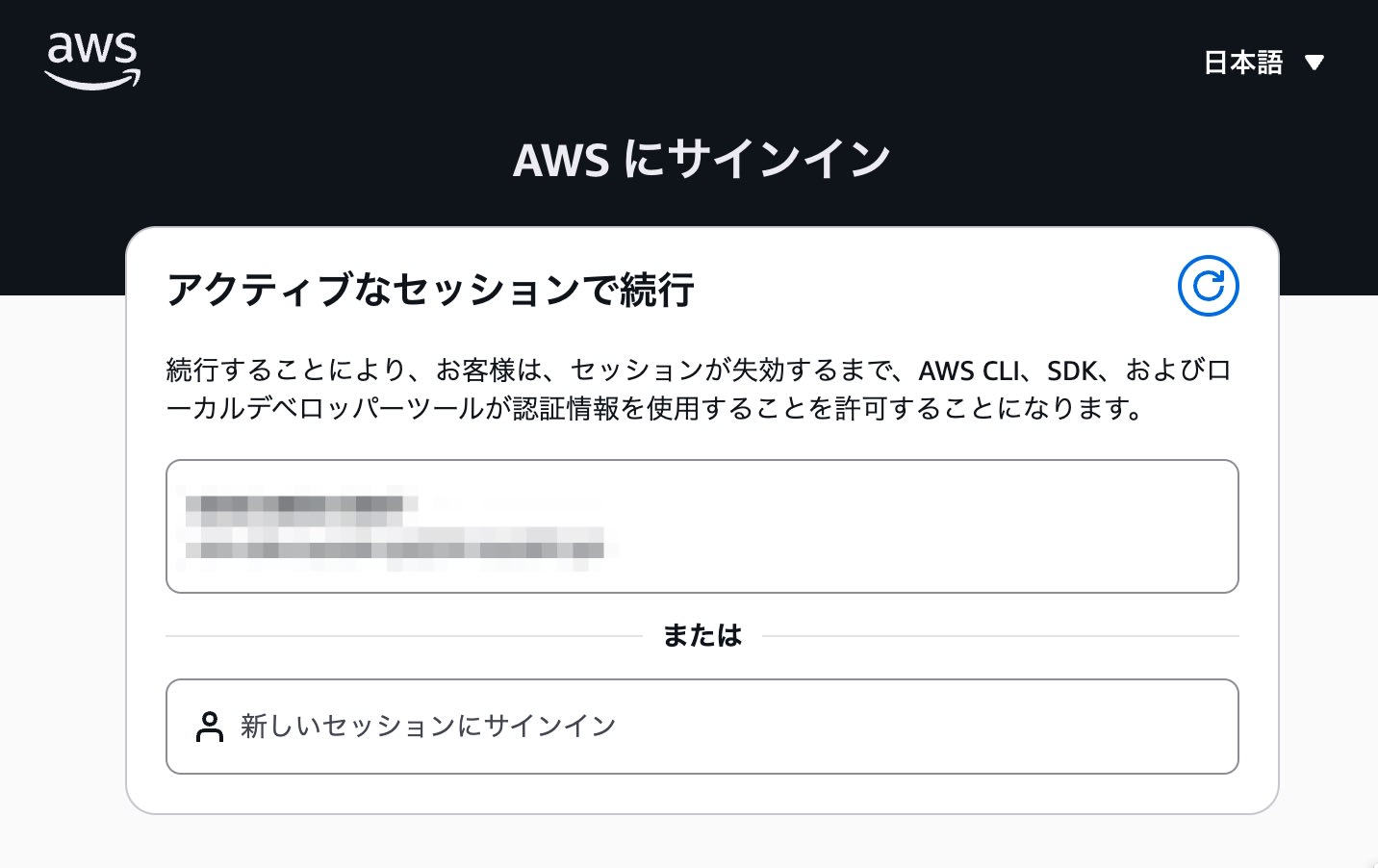
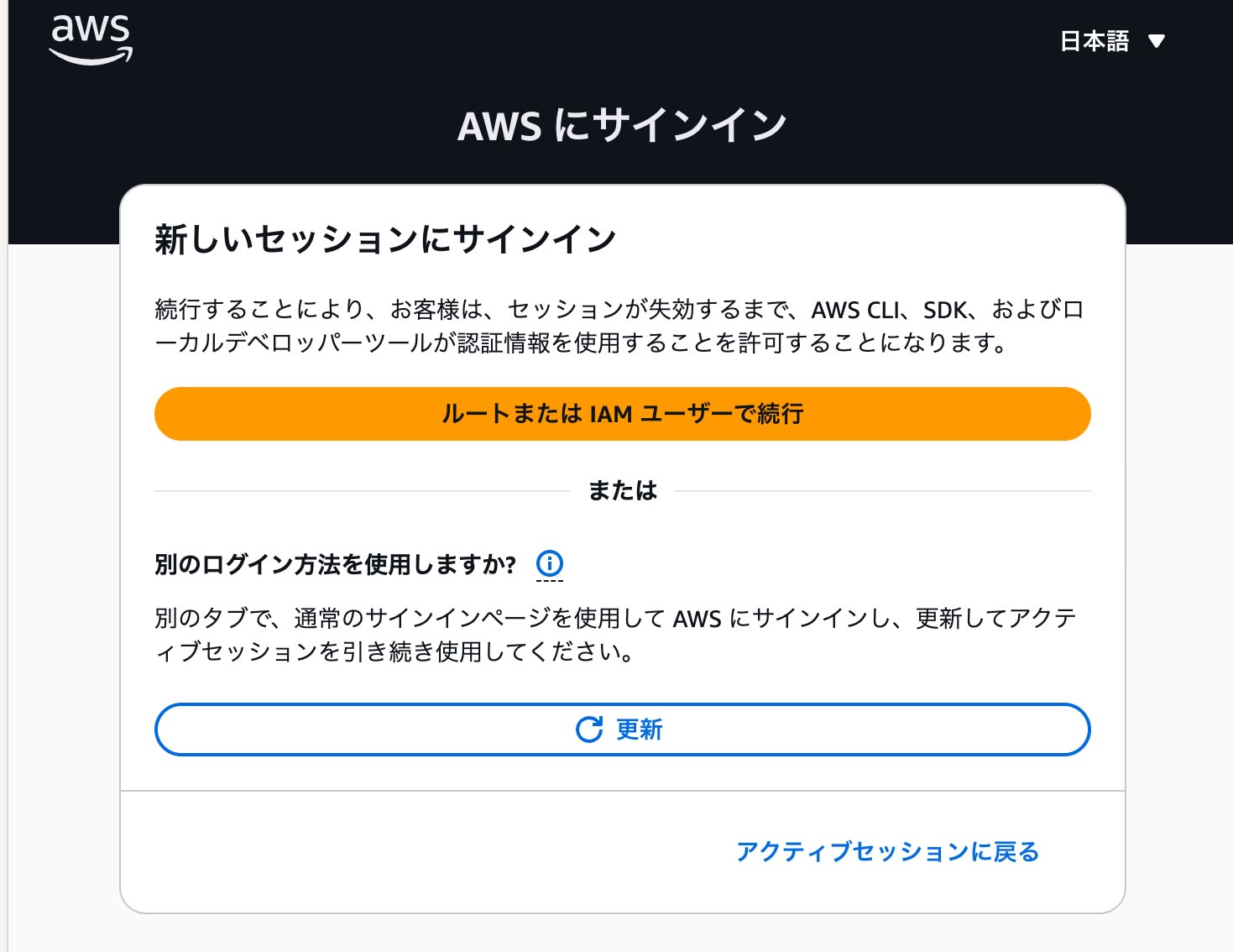
You can also log into any AWS account again by selecting "Sign in to a new session."
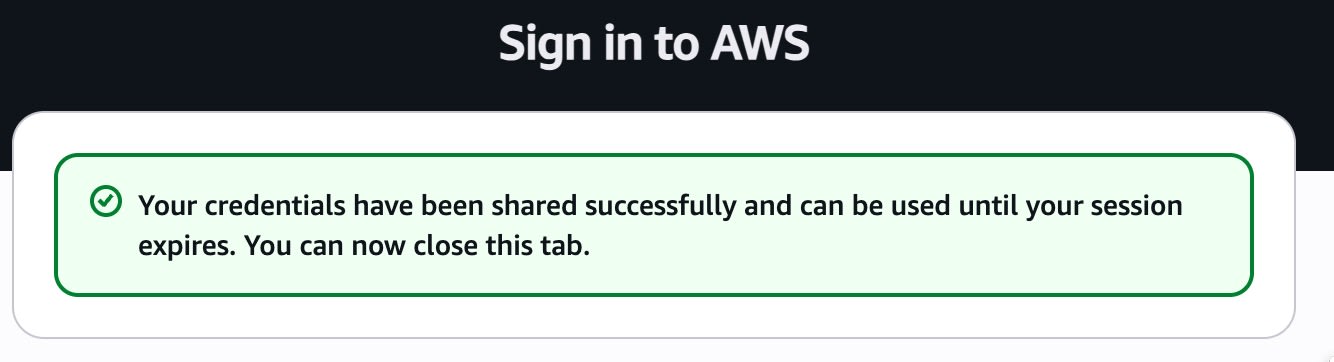
When authentication succeeds in the browser, the following screen is displayed:
When I returned to the terminal, it showed that the profile configuration was complete.
Updated profile default to use arn:aws:sts::<AWS_ACCOUNT_ID>:assumed-role/<ROLE_NAME>/<SESSION_NAME> credentials.
Verification
I ran the sts get-caller-identity command to confirm I was properly authenticated.
aws sts get-caller-identity

{
    "UserId": "AROAXXXXXXXXXXXXXXXXX:my-session-name",
    "Account": "123456789012",
    "Arn": "arn:aws:sts::123456789012:assumed-role/my-role-name/my-session-name"
}
I confirmed that the CLI can be executed with the role permissions I'm logged into in the browser.
Summary
With the introduction of aws login, you can now use CLI securely and easily without issuing long-term access keys.
It's especially convenient when you regularly manage multiple accounts via browser switch roles or work through a Jump account, as you can bring your browser authentication directly to CLI.
If you've been using aws configure to store access keys and secret keys on your terminal, please consider switching to the new "aws login."