Trying Out the New aws login Command in the AWS CLI

This page has been translated by machine translation. View original
On November 19, 2025, a new command "aws login" was released that enables browser-based authentication for the AWS CLI. Simply by approving in a browser that is already logged in to the AWS Management Console, you can now use the AWS CLI locally.
I had the chance to try "aws login", which solves problems like "I don't want to store access keys on my development machine" and "I want to use the CLI easily with an IAM user that requires MFA", so I'd like to introduce it.
Updating the AWS CLI
The aws login command is a new feature supported in AWS CLI version 2.32.0. First, I updated my local environment to the latest version.
This time, I asked the recently released Kiro-CLI to update the AWS CLI to version 2.32.1.
> macOS、ローカルにインストール済みの AWS CLI v2を、 version 2.32.0 以降の最新バージョンにアップデートして

> macOSでAWS CLI v2をアップデートします。
I will run the following command: curl "https://awscli.amazonaws.com/AWSCLIV2.pkg" -o "/tmp/AWSCLIV2.pkg" && sudo installer -pkg /tmp/AWSCLIV2.pkg -target / (using tool: shell)
Purpose: Download and install latest AWS CLI v2

<略>

I will run the following command: aws --version (using tool: shell)
Purpose: Verify updated AWS CLI version

aws-cli/2.32.1 Python/3.13.9 Darwin/25.1.0 exec-env/AmazonQ-For-CLI Version/1.20.0 exe/arm64
 - Completed in 8.414s

> アップデート完了しました!

AWS CLIのバージョンが 2.27.45 から 2.32.1 にアップデートされました。
 ▸ Time: 50s
Trying out aws login
I ran the aws login operation.
aws login
If a default region and so on are not set via environment variables or the config file, you will be prompted to specify a region only the first time.
No AWS region has been configured. The AWS region is the geographic location of your AWS resources.

If you have used AWS before and already have resources in your account, specify which region they were created in. If you have not created resources in your account before, you can pick the region closest to you: https://docs.aws.amazon.com/global-infrastructure/latest/regions/aws-regions.html.

You are able to change the region in the CLI at any time with the command "aws configure set region NEW_REGION".
Here, I specified the Tokyo region (ap-northeast-1).
AWS Region [us-east-1]: ap-northeast-1
The OS default browser launches. (If the browser does not open, guidance is displayed telling you to manually open the URL shown in the console.)
If the browser does not open, open the following URL:

https://ap-northeast-1.signin.aws.amazon.com/v1/authorize?response_type=code&client_id=arn%3Aaws%3Asignin%3A%3A%3Adevtools%2Fsame-device&state=<STATE_STRING>&code_challenge_method=SHA-256&scope=openid&redirect_uri=http%3A%2F%2F127.0.0.1%3A<PORT>%2Foauth%2Fcallback&code_challenge=<CODE_CHALLENGE>
On the browser side, if you are already logged in to the AWS Management Console, you can select and use that session (an IAM user or a switched role destination).
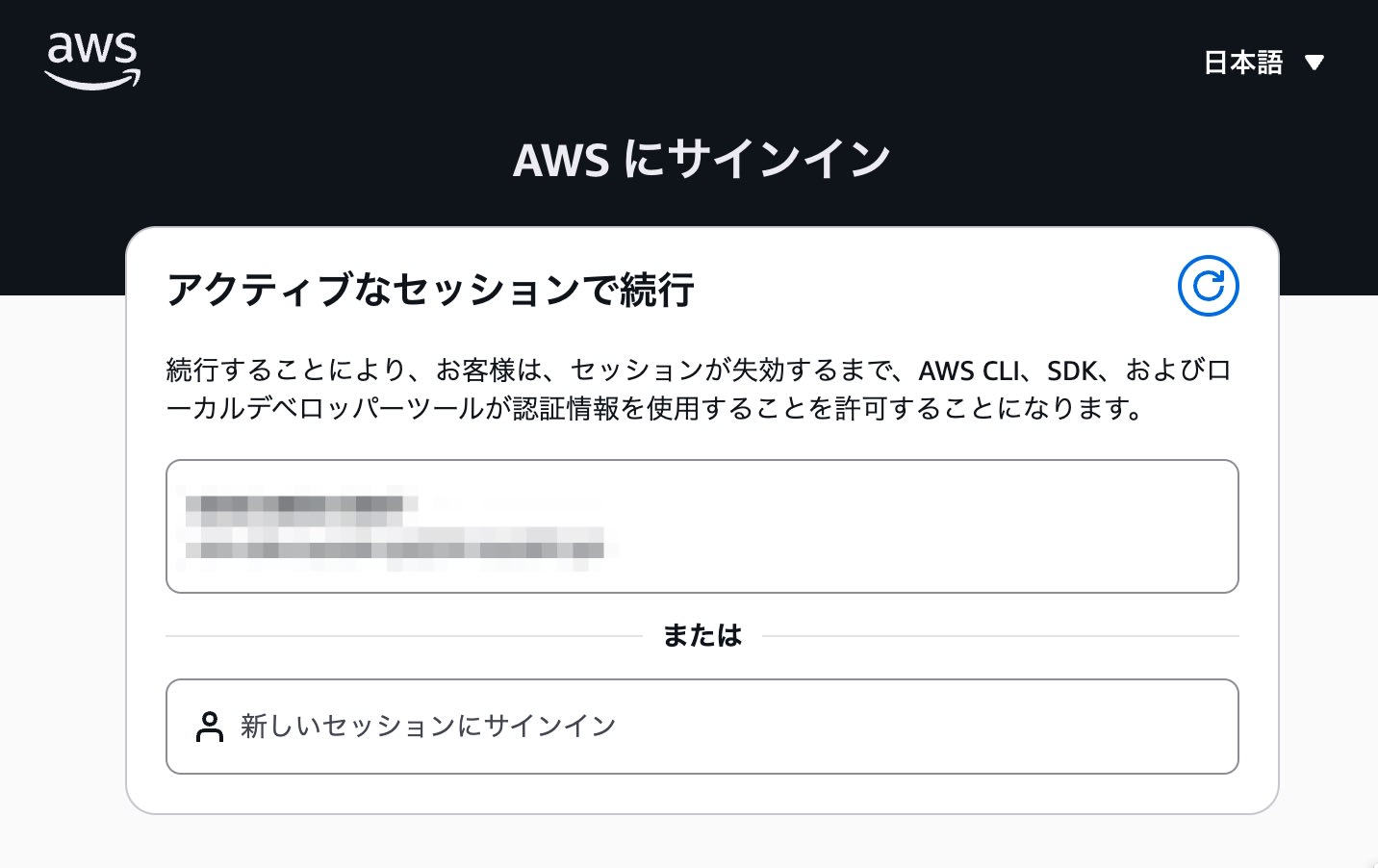
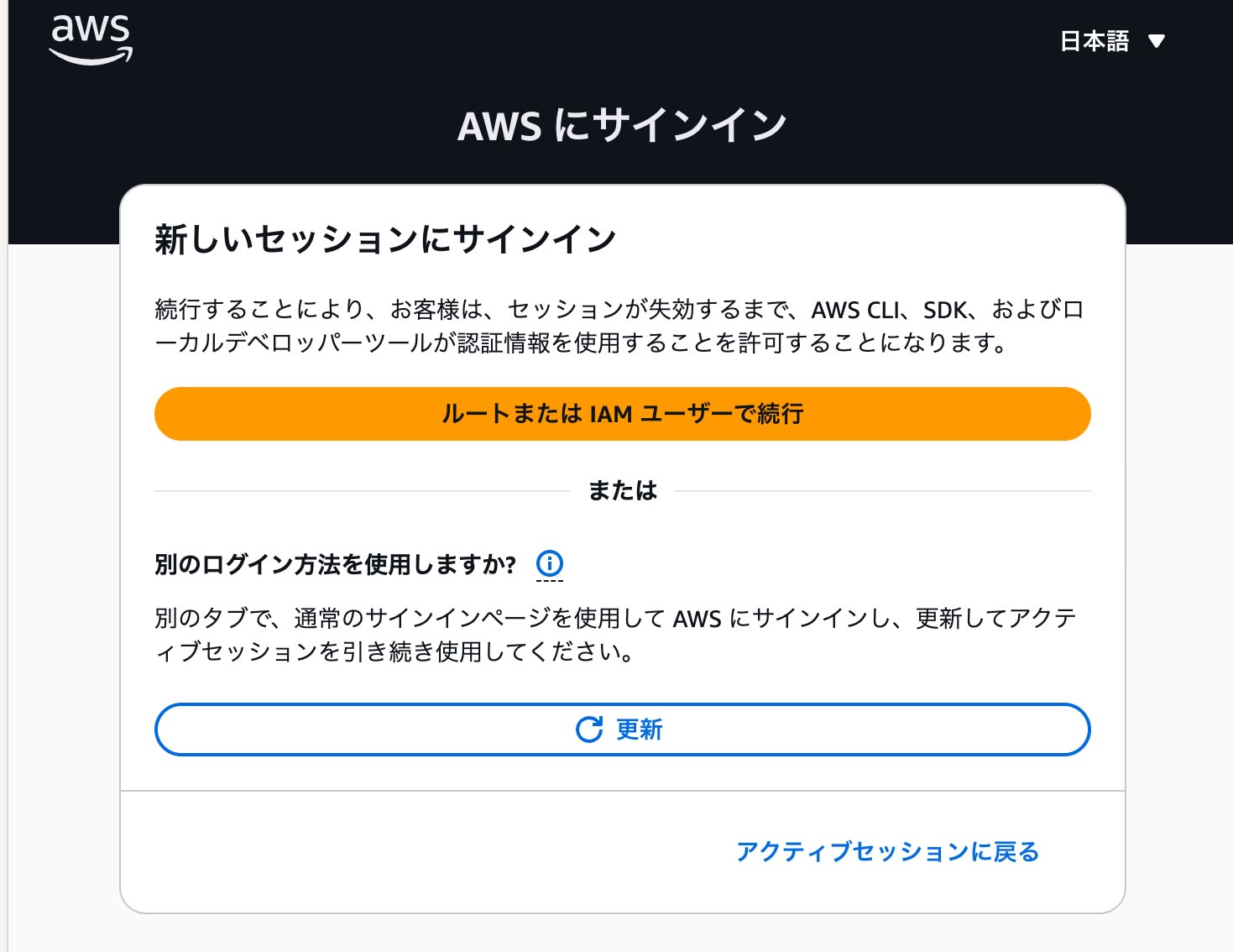
By choosing "Sign in to a new session", you can also log in again to any AWS account.
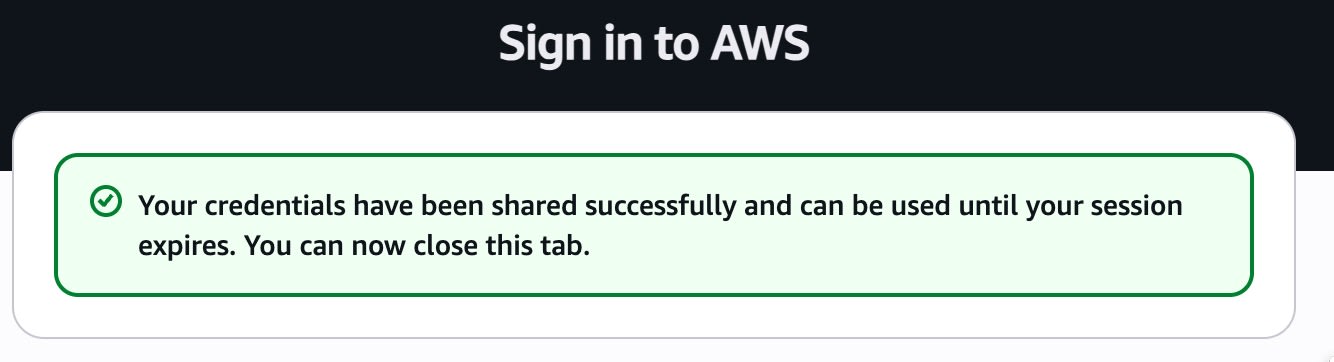
When authentication succeeds in the browser, the following screen is displayed.
Back in the terminal, a message indicating that the profile setup was complete was displayed.
Updated profile default to use arn:aws:sts::<AWS_ACCOUNT_ID>:assumed-role/<ROLE_NAME>/<SESSION_NAME> credentials.
Verifying operation
I run the sts get-caller-identity command to check that authentication is working correctly.
aws sts get-caller-identity

{
    "UserId": "AROAXXXXXXXXXXXXXXXXX:my-session-name",
    "Account": "123456789012",
    "Arn": "arn:aws:sts::123456789012:assumed-role/my-role-name/my-session-name"
}
I confirmed that the CLI can be run with the permissions of the role currently logged in on the browser.
Summary
With the arrival of aws login, you can now use the CLI securely and easily without issuing long-term access keys.
In particular, if you usually manage multiple accounts by switching roles in the browser, or work via a Jump account, being able to bring your browser credentials straight into the CLI is very convenient.
If you have been storing access keys and secret keys on your machine with aws configure until now, please consider switching to the new "aws login".
