
I tried to see if I could leave web application operation verification to Cloudflare Kitesurf

This page has been translated by machine translation. View original
Introduction
After modifying a web application, you need to verify form inputs, screen transitions, error displays, and more one by one. When customizing a SaaS interface or updating product documentation, you also need to actually operate the screens and retake screenshots at each step.
If a browser operation agent could handle these verifications, it would reduce the burden of humans repeating the same operations. However, even if a static page can be opened, there is no guarantee that screens involving input and asynchronous updates can be correctly operated and that the necessary screenshots can be captured.
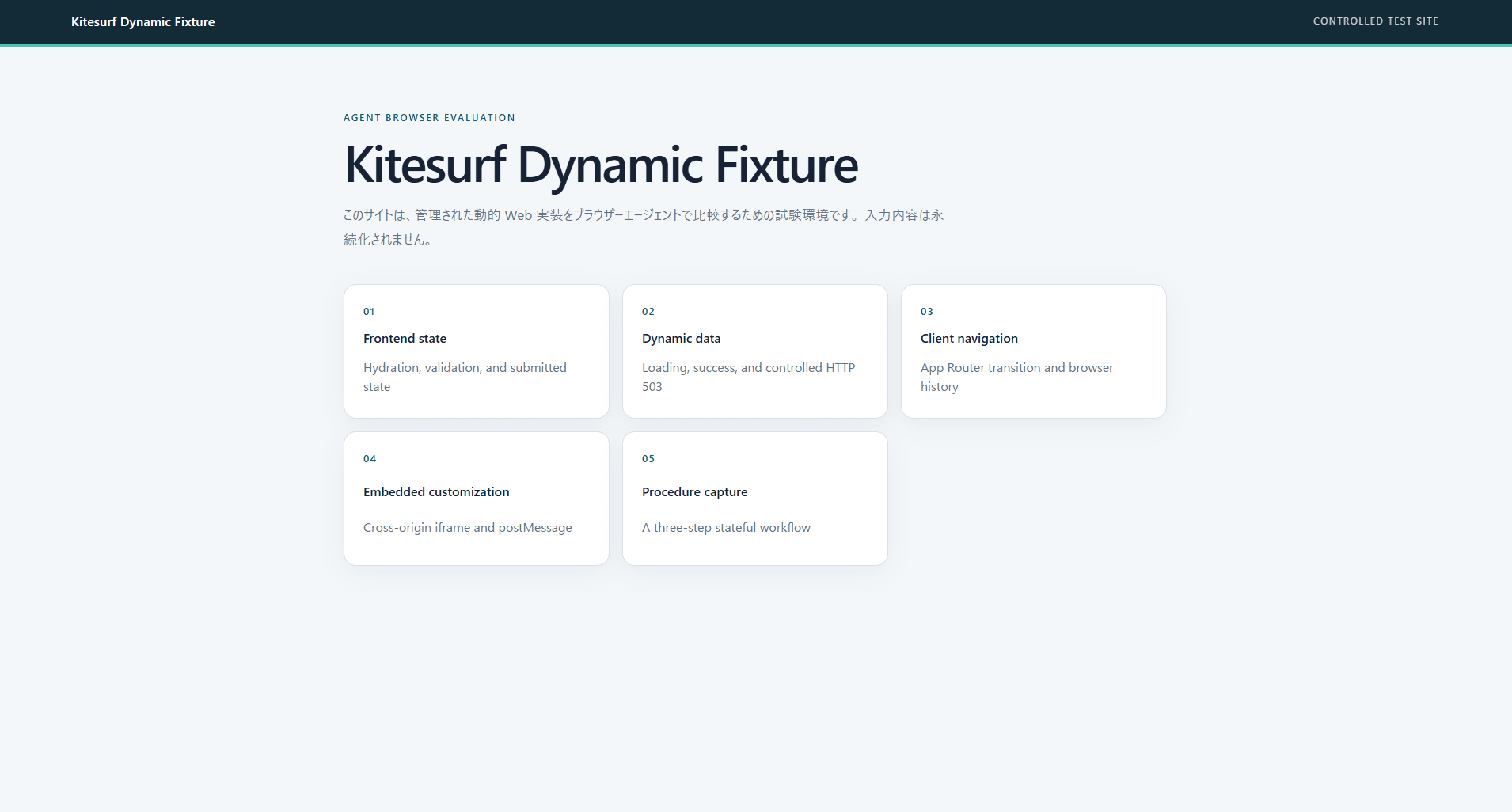
Therefore, we tested how far Kitesurf, Cloudflare's browser for AI agents, can be used for dynamic screen verification. We prepared a Next.js site with forms, asynchronous APIs, screen transitions, embedded screens, and multi-step operations, and verified it with operations modeled after real business tasks.
As a result, form input, asynchronous API, and multi-step operations were completed successfully. On the other hand, the "back" operation and cross-origin iframes showed unexpected behavior, and there were attempts where screenshot capture failed.
What is Kitesurf
Kitesurf is a stateless browser for AI agents that runs on Cloudflare Workers. Rather than implementing the full features of Chromium, it targets features used by agents such as displaying and operating pages, retrieving HTML, and capturing screenshots. According to official documentation, it uses Web Platform Tests (WPT), a common test for measuring whether browsers conform to web standards, to verify DOM, HTML, SVG, CORS, XHR, URL, and more.
Target Audience
- Those who want to use browser operation agents for verifying web application implementations
- Those who want to automatically verify SaaS extension screens and embedded screens
- Those who want to automate screenshot capture for product documentation
Verification Environment
- Verification web app: Next.js 16.3.0, React 19.2.8
- Chrome version returned by Kitesurf: 145.0.0.0
- Comparison browser: Chrome 150.0.7871.24 (Chrome for Testing)
- Tool connecting Codex and the browser: Chrome DevTools MCP 1.6.0
- Agent operating the browser: Codex (model used:
gpt-5.6-sol)
Kitesurf ran in a remote Linux environment, while Chrome for Testing ran in a local Windows environment. Therefore, speed and rendering appearance were not compared.
References
- Kitesurf
- Browser Run Pricing
- Browser Run Limits
- Using Browser Run from MCP Clients
- Chrome DevTools MCP
Dynamic Pages Verified
Retrieving static HTML alone is not sufficient to determine whether the tool can be used for post-implementation screen verification. The verification web app was prepared with 5 types of pages modeled after operations verified in actual business tasks.
Form
After React initialization is complete, submitting with empty fields displays an input error. Entering a display name and submitting reflects the display name in the post-submission state. This page is for verifying input validation and screen updates after submission.
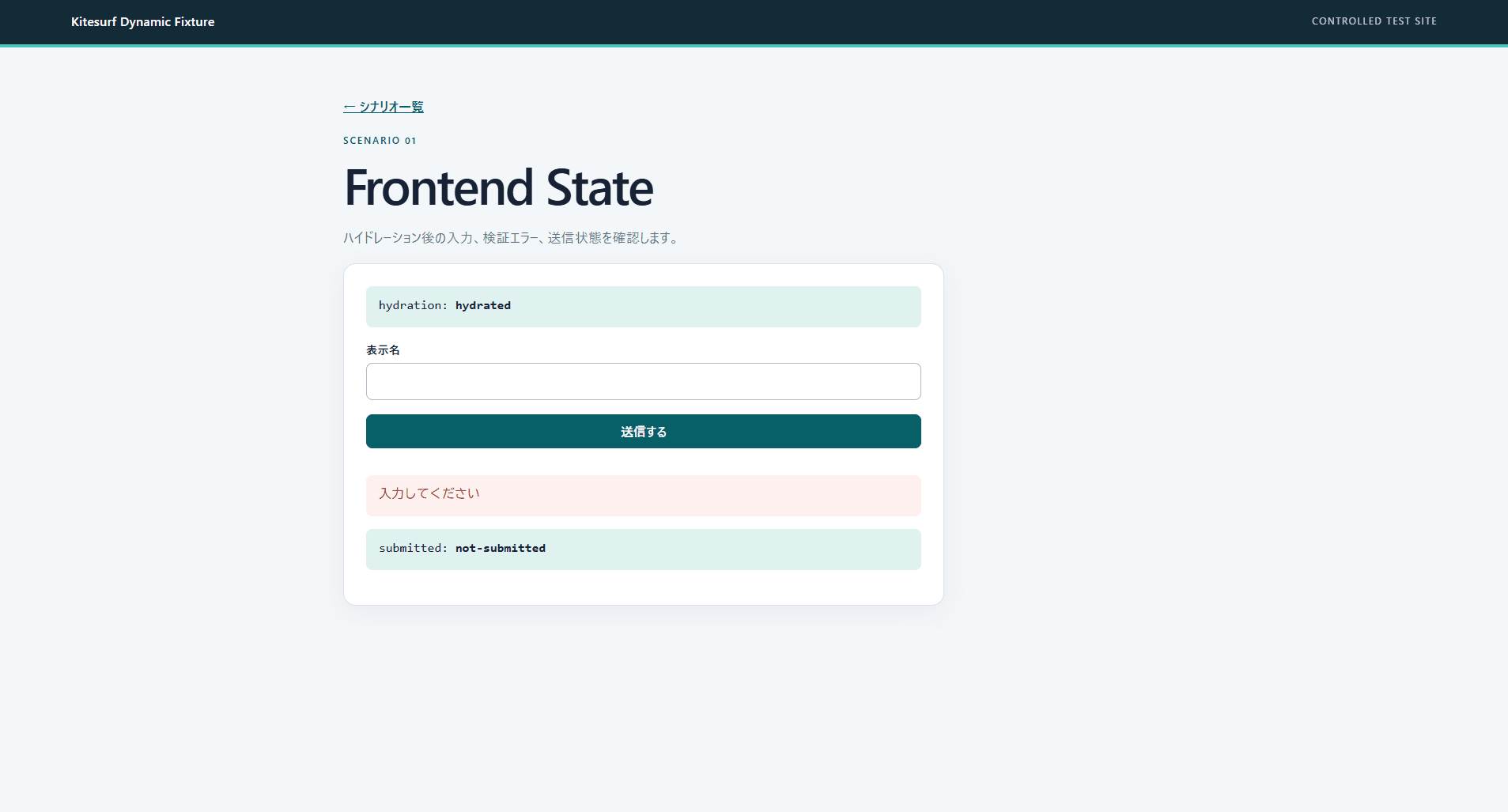
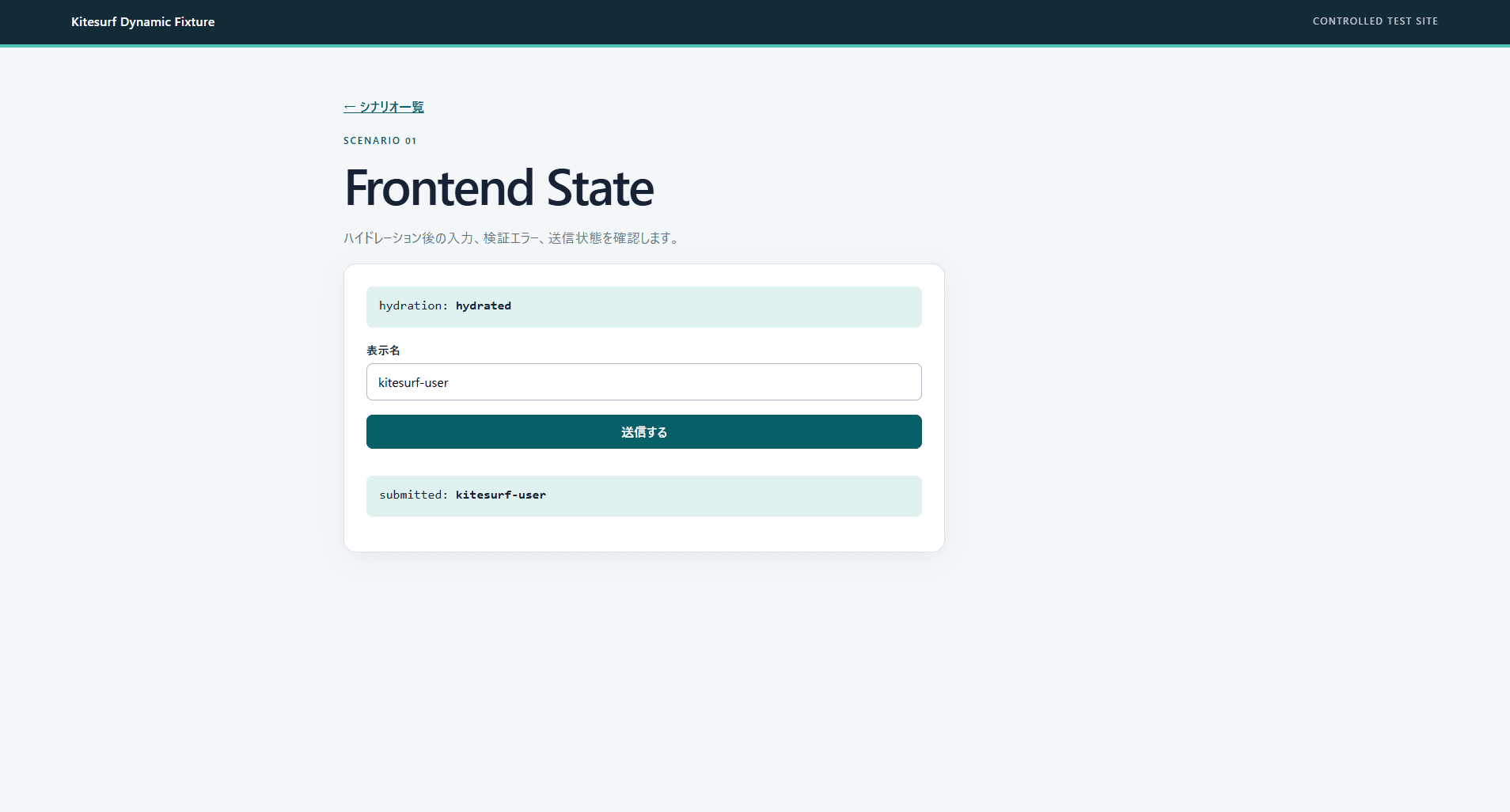
Kitesurf was able to verify the error when no input was provided, then enter a display name and submit. It was able to confirm not only the entered value but also that the value was reflected on the screen after submission.
Asynchronous API
Pressing a button starts a query to the API and switches to a loading display. On success, it shows the retrieved data; on error, it shows HTTP 503. This page is for verifying screen changes: data loading, data retrieval complete, and error.
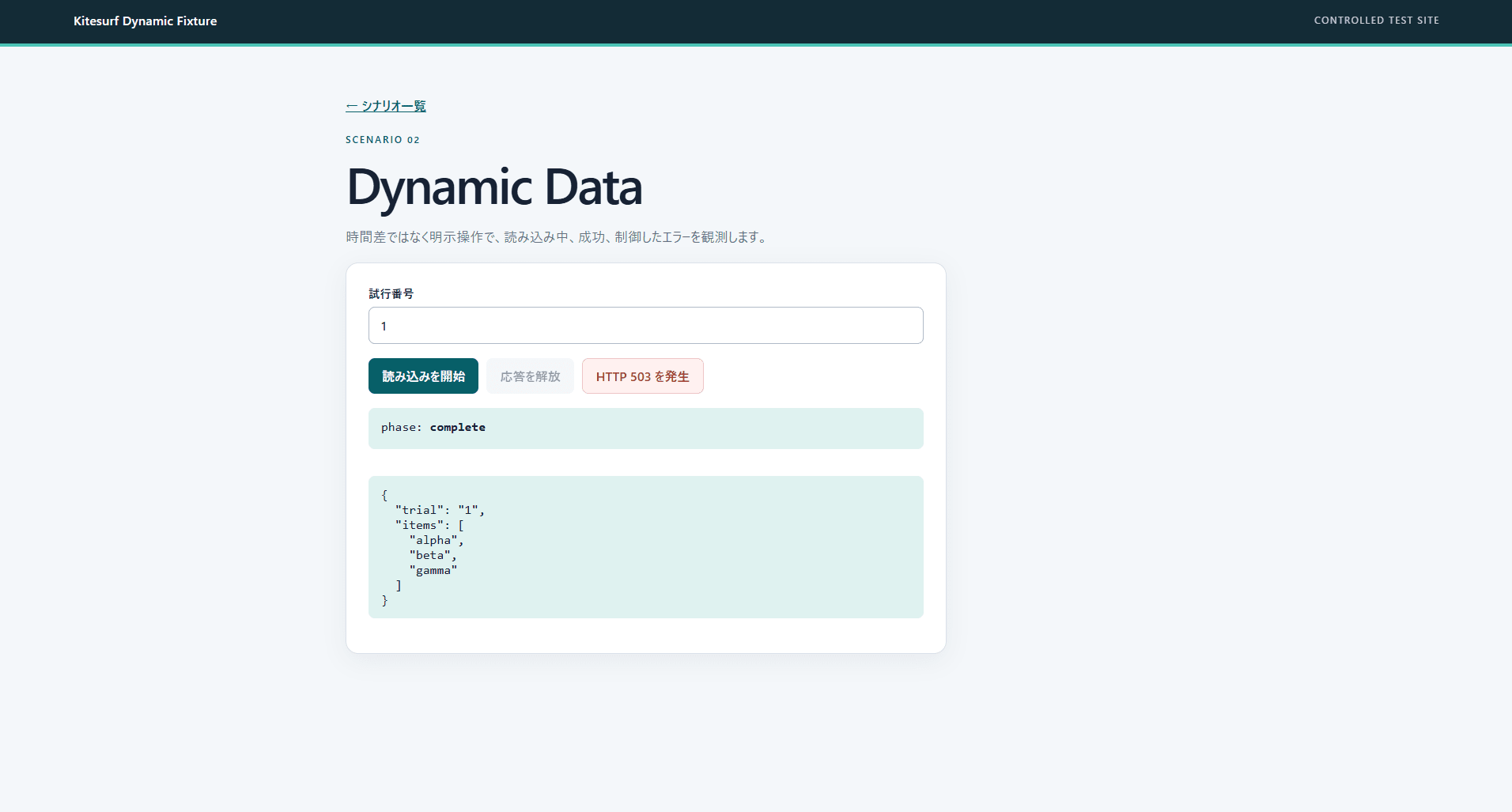
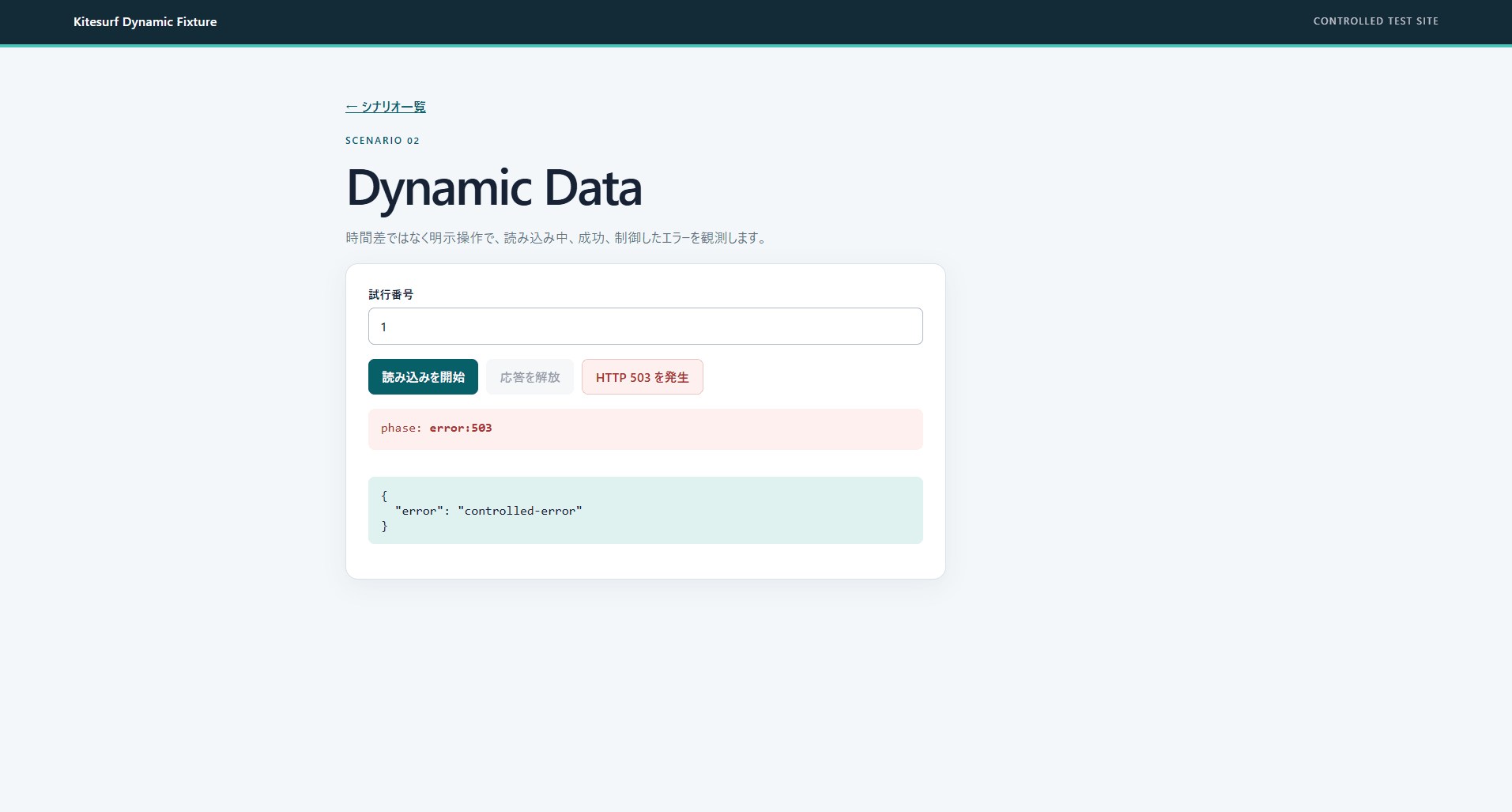
Kitesurf was able to wait for the loading display and verify the retrieved data on success. When an error was triggered, it was also able to verify the HTTP 503 display.
Screen Transition
Navigating from a Next.js link to a detail screen displays the URL search value on the screen. After opening the detail screen, the browser's back operation returns to the list screen. This page is for verifying screen navigation and browser history in web apps that switch screens without reloading the entire page.
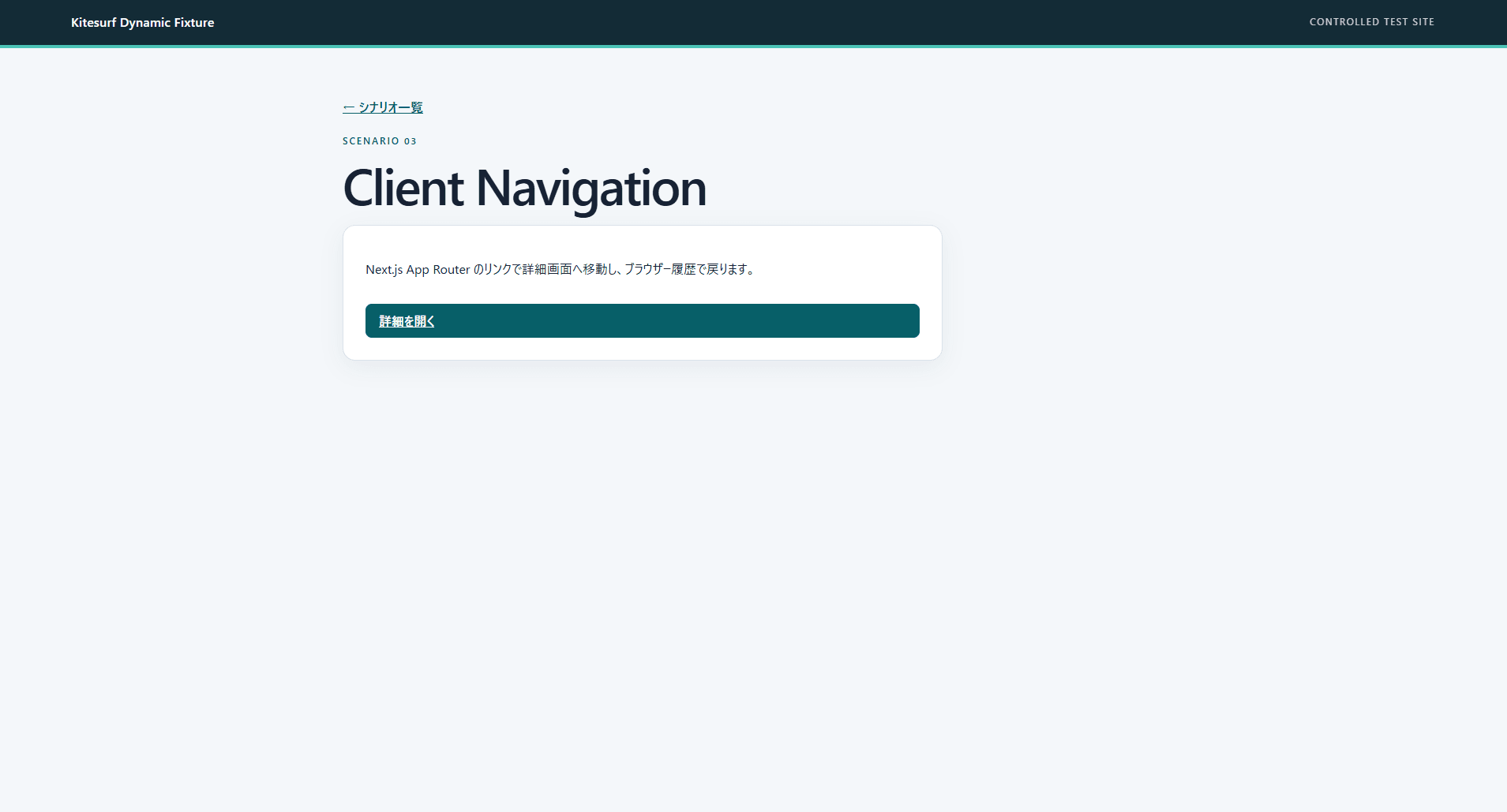
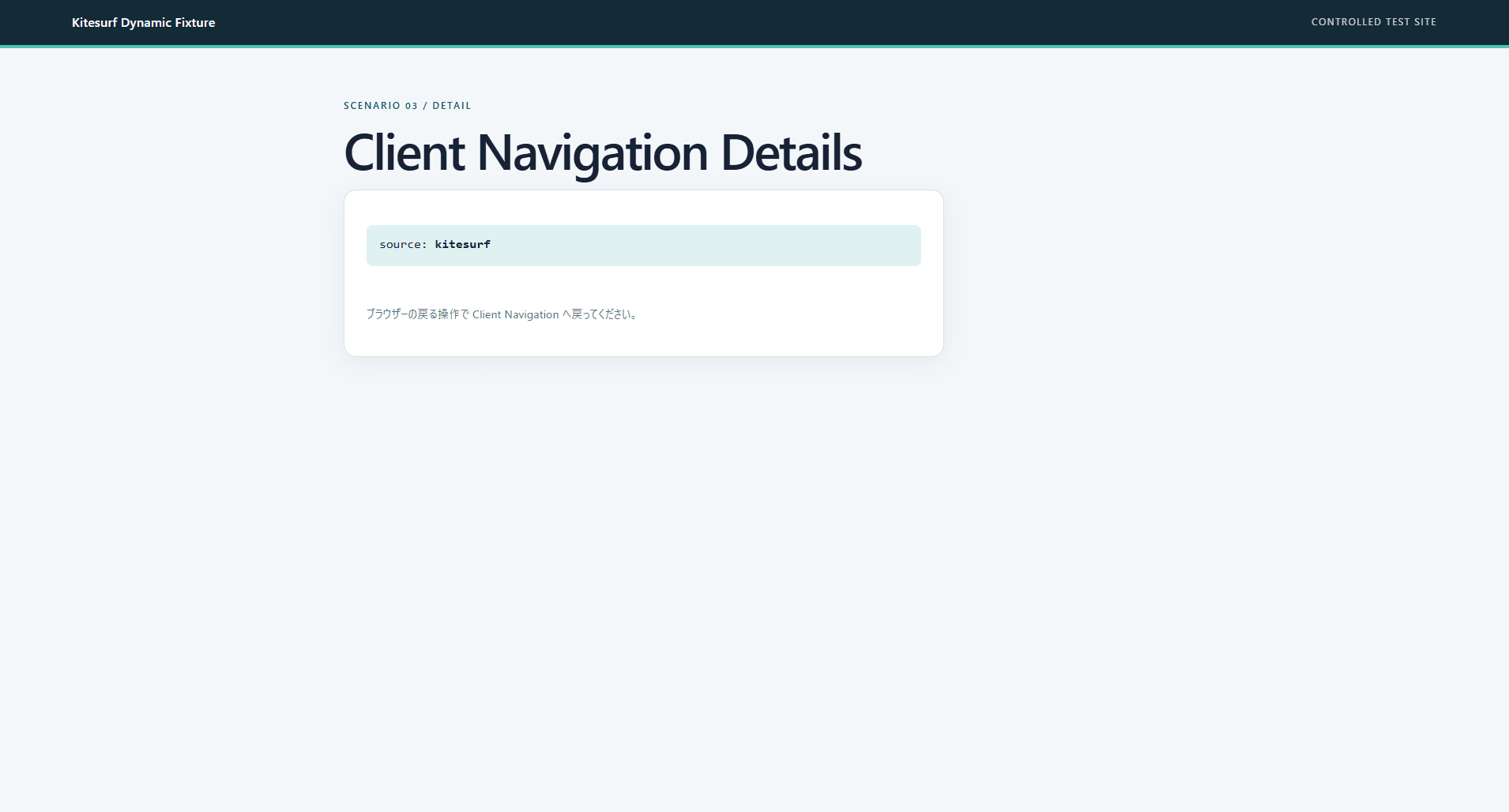
Navigation to the detail screen was successful. However, when the browser's "back" operation was executed, it navigated back to a different page that had been operated previously, rather than the expected list screen.
Embedded Screen
A screen hosted on a different origin is embedded in the page via an iframe, and the Ocean theme is sent from the parent screen. The embedded screen reflects the theme and returns a completion notification to the parent screen. This page models cross-origin screen coordination used in SaaS customization screens.
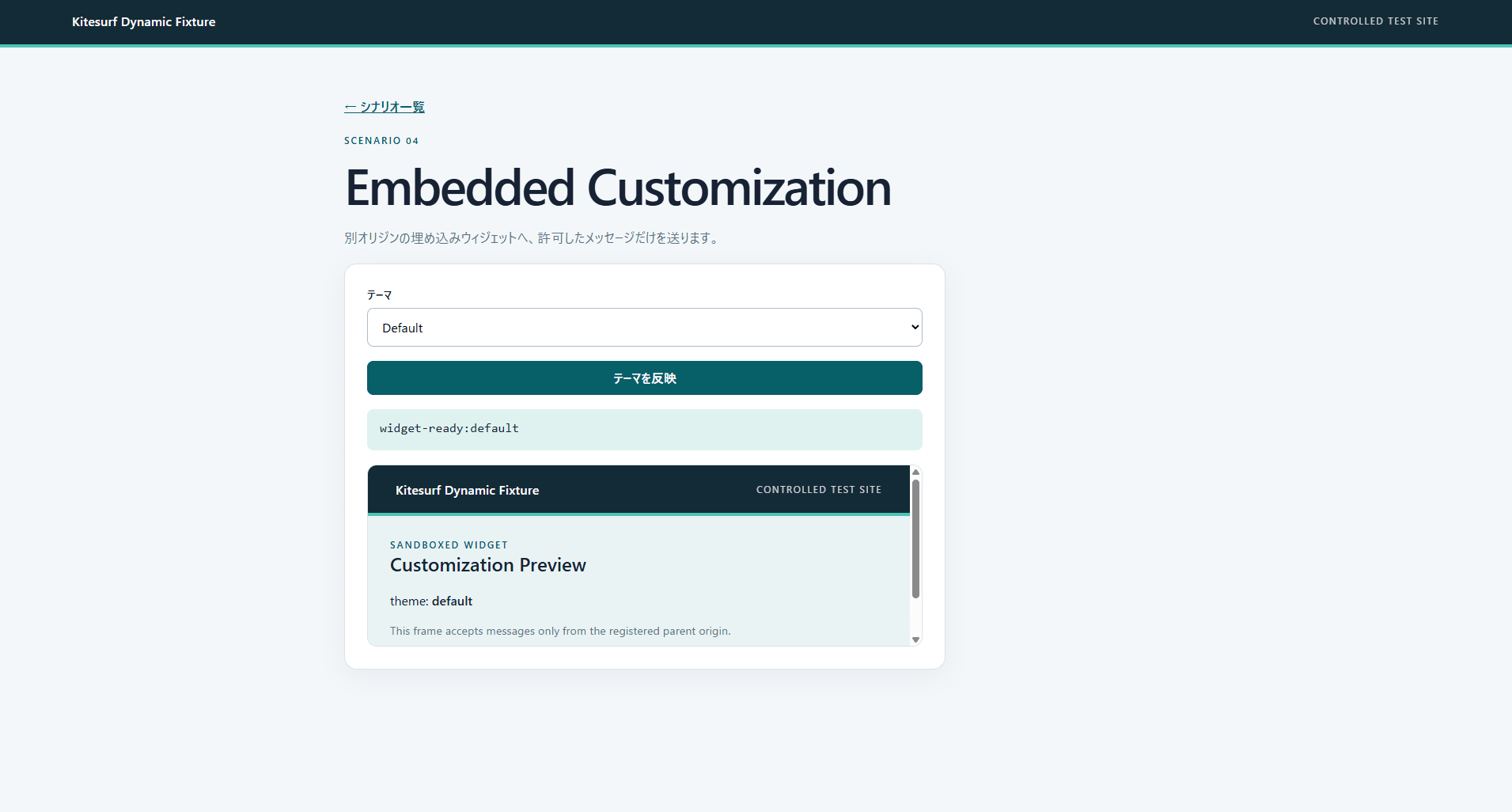
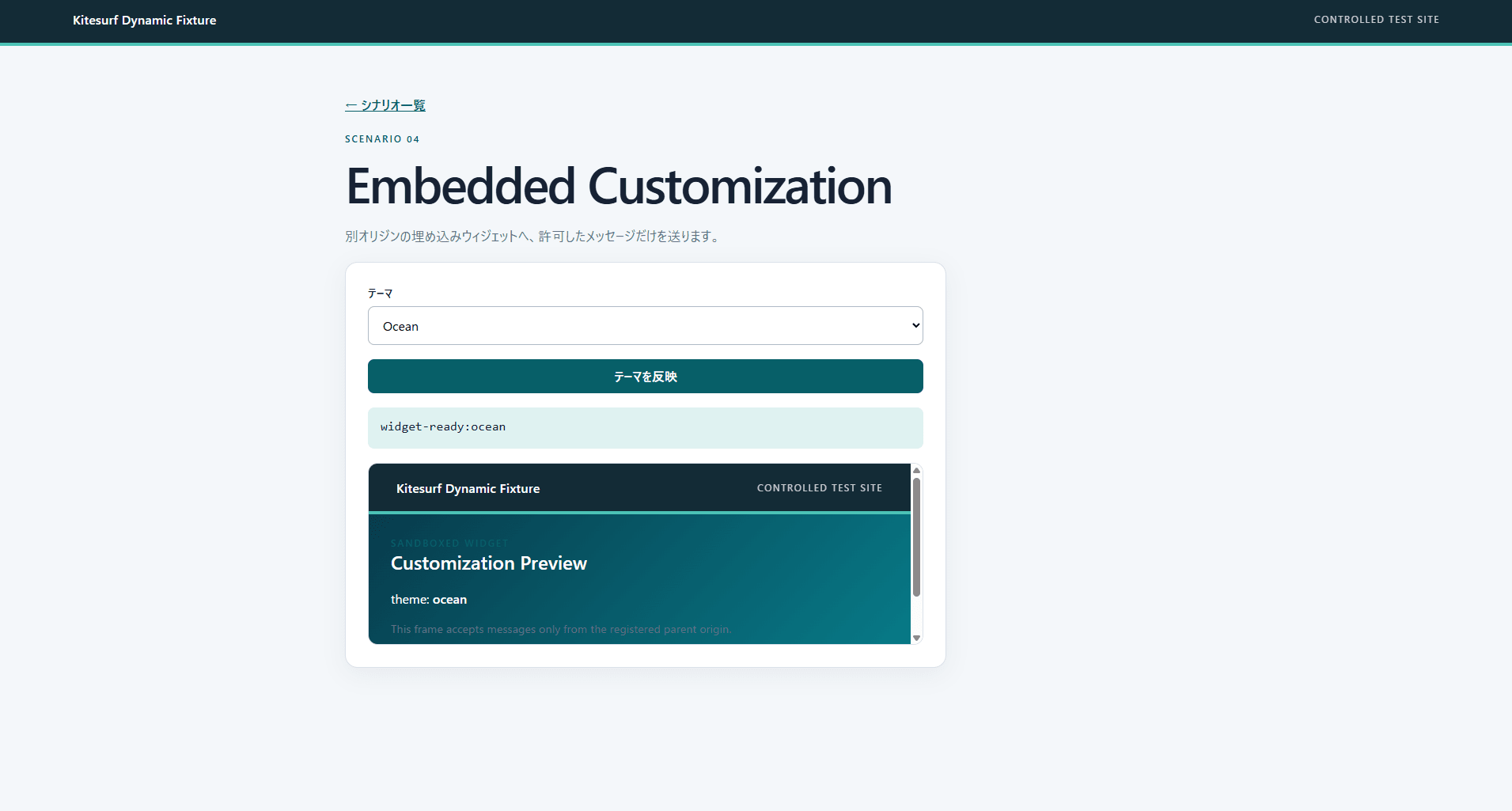
As a result, the entire page could not be loaded, and it was not possible to verify the theme being reflected in the embedded screen. Chrome for Testing was able to operate the same page, but the cause of the loading failure in Kitesurf could not be identified.
Multi-Step Operation
The screens proceed in order: basic information, notification settings, and confirmation, carrying over input content to the next step. Screenshots are taken during and after the operation to verify whether the screens needed for product documentation can be recorded.
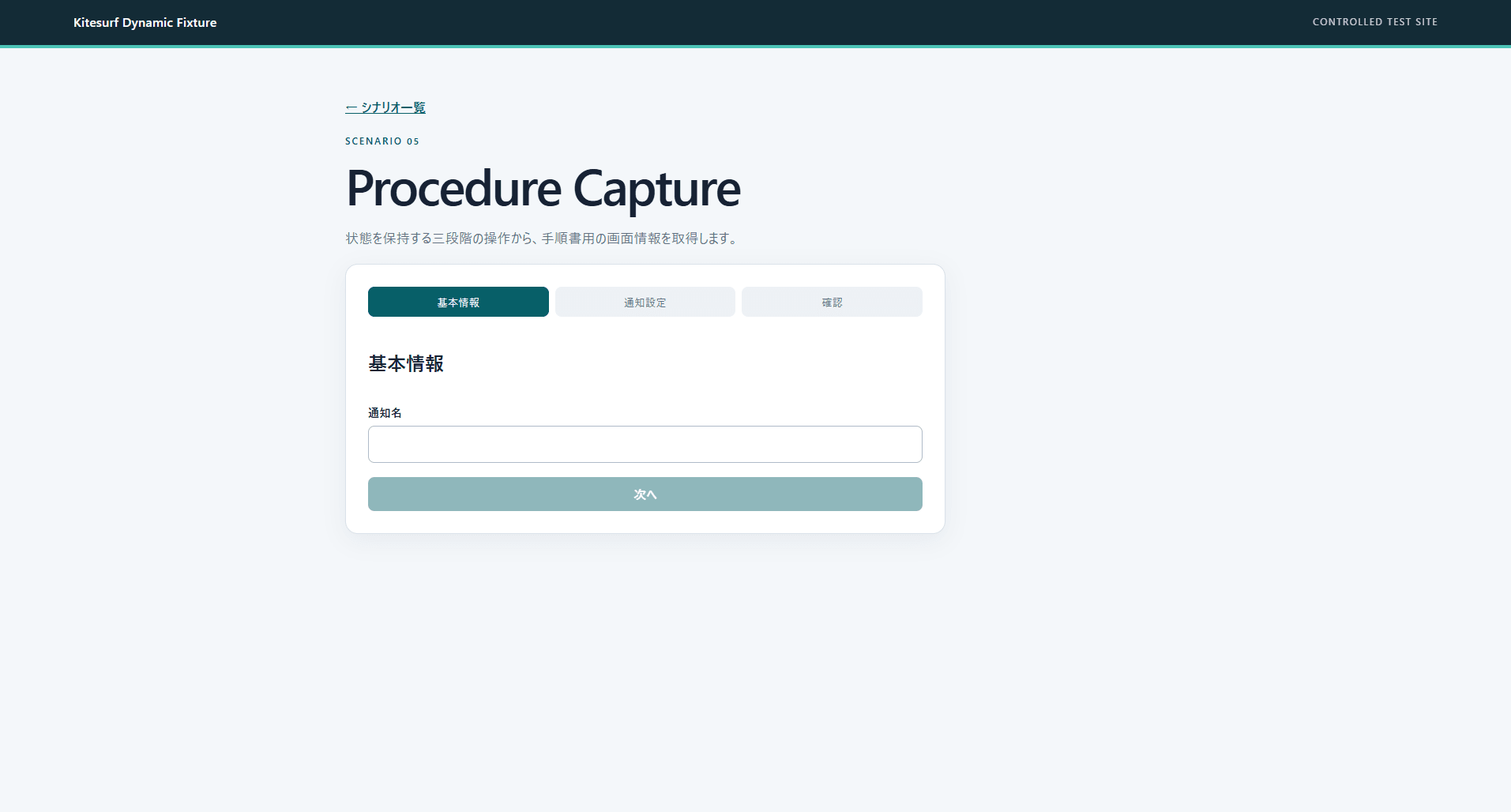
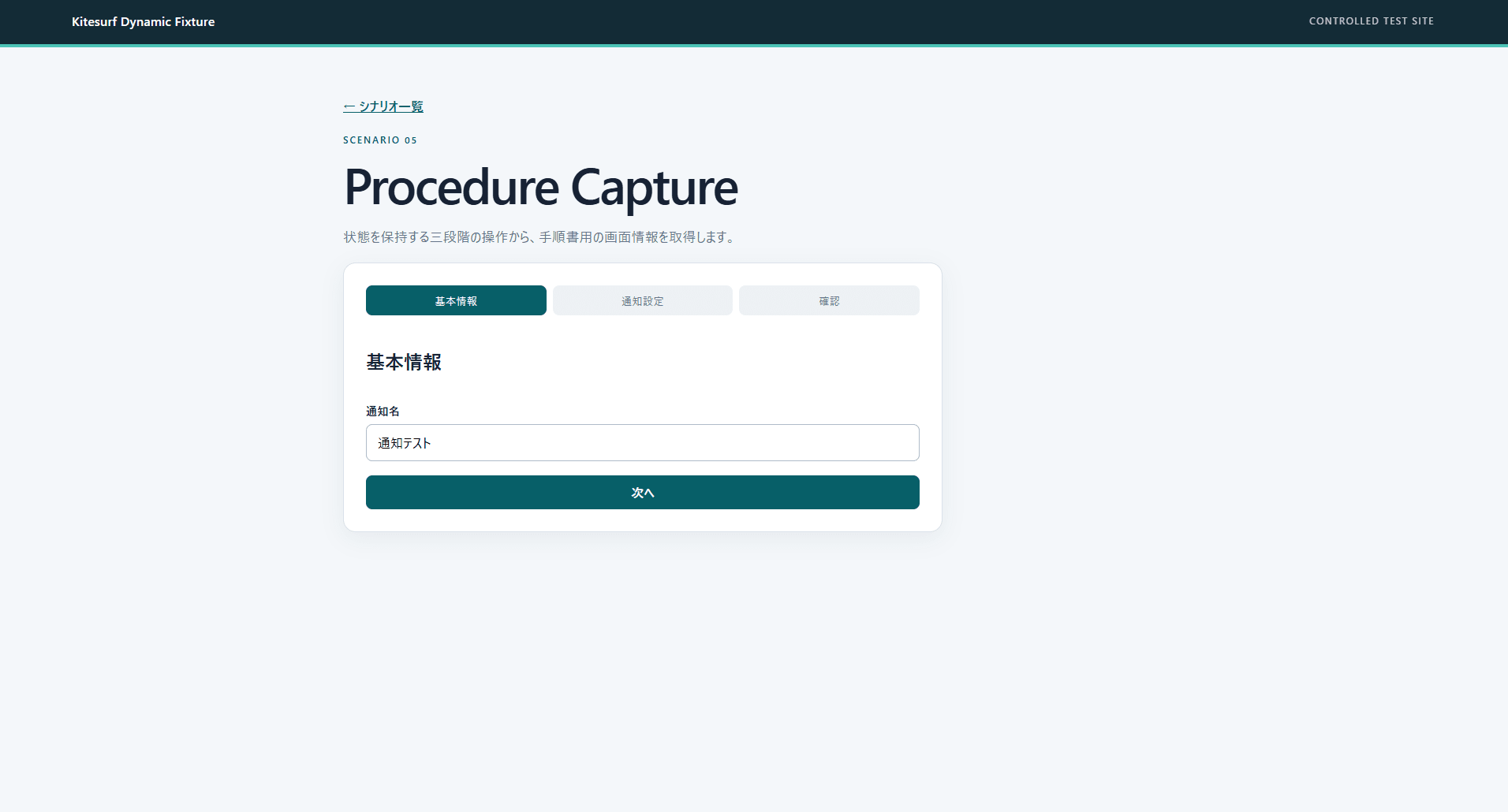
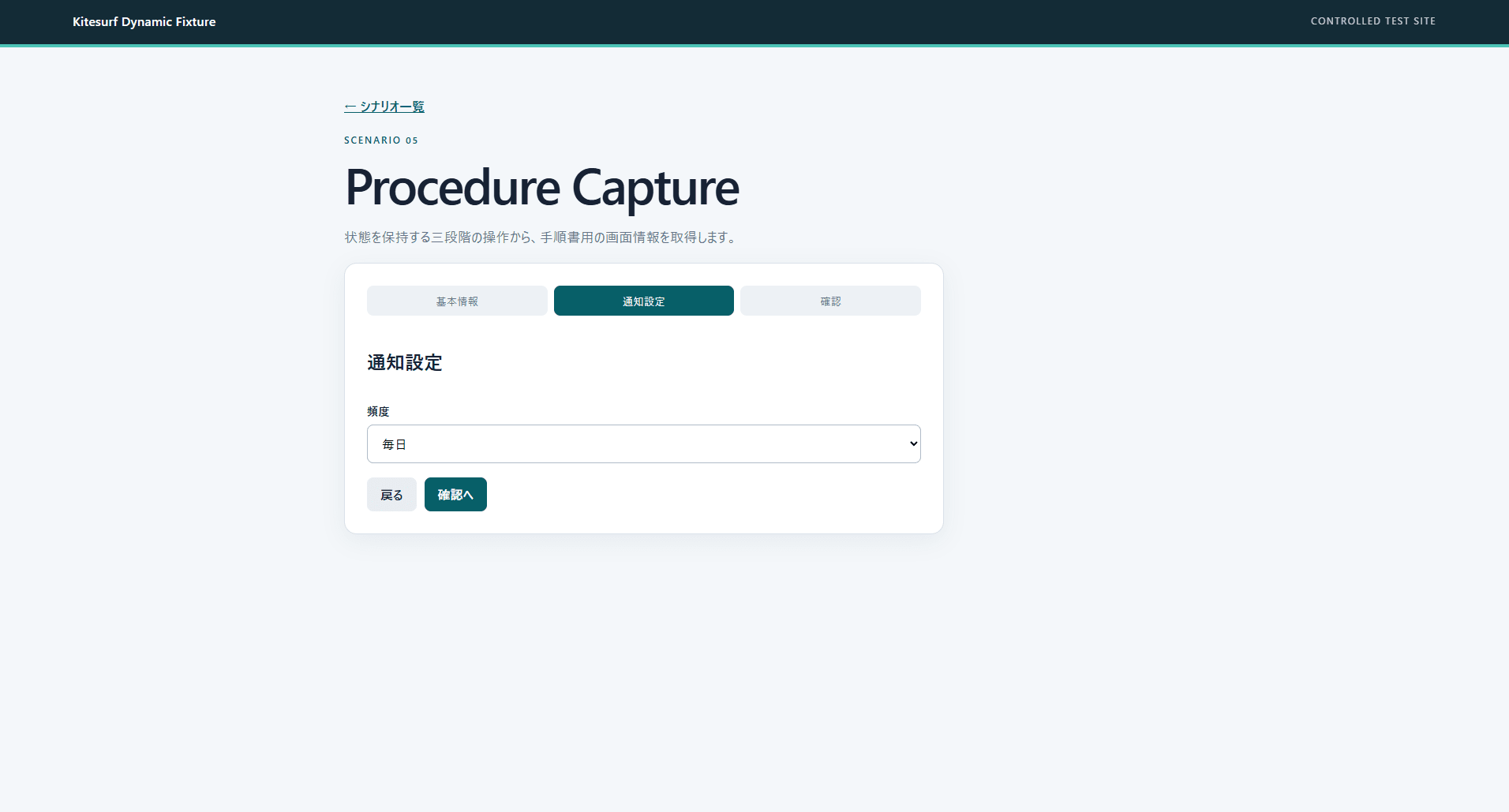
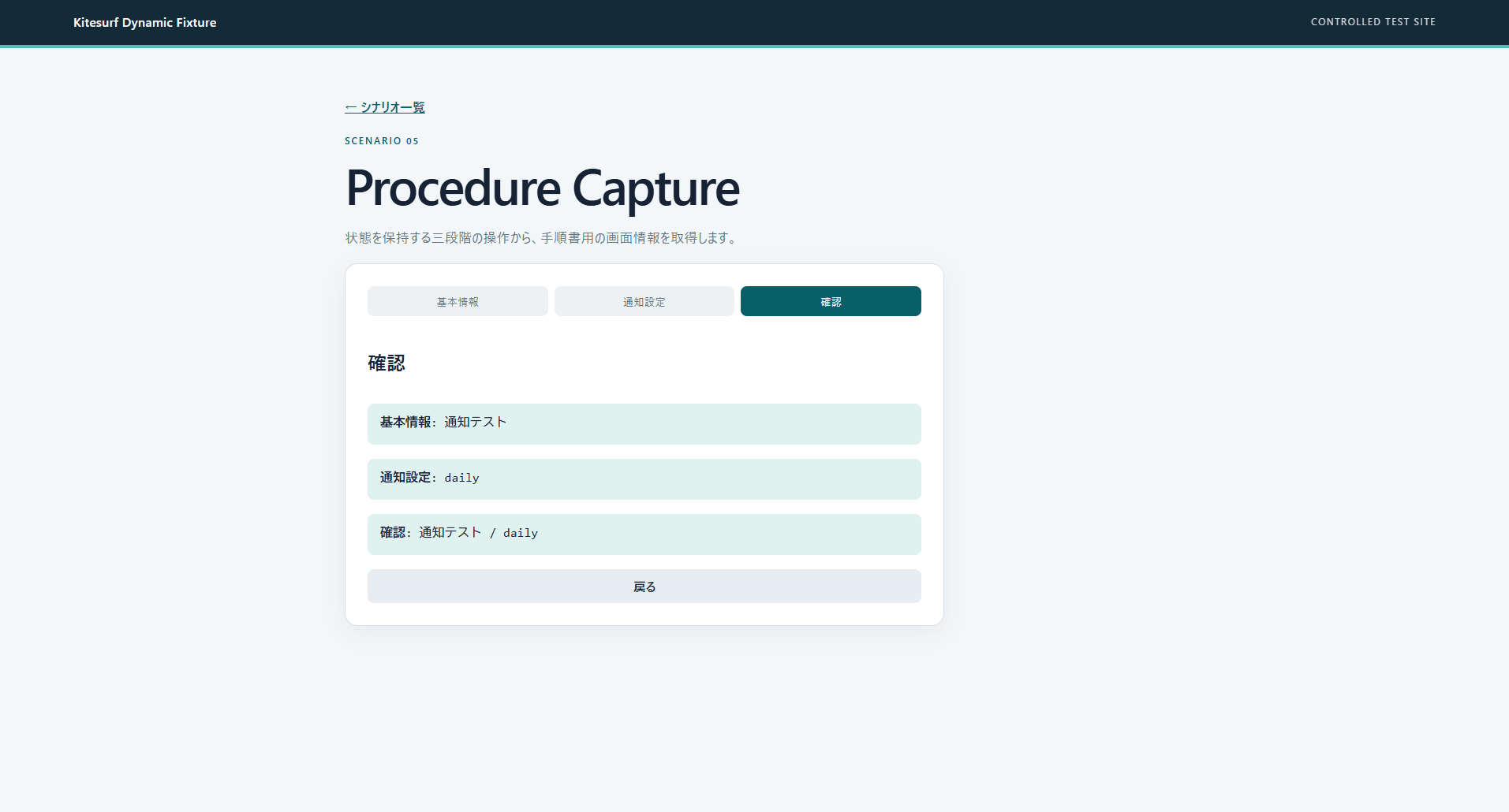
The 3-step input was completed, and screenshots of the notification settings screen and confirmation screen were captured. On the other hand, in a separate attempt, there was a case where screenshot capture failed 4 times after reaching the confirmation screen.
Discussion
Based on the results, Kitesurf does not yet appear ready to replace human final verification, but it seems sufficiently usable for the purpose of handling routine screen verification first. A practical approach would be to use Kitesurf for broad initial verification, and then have humans verify the areas where issues were found and the important checks before release using standard Chrome.
On the other hand, since the "back" operation showed unexpected behavior, there are concerns about relying solely on Kitesurf for tests spanning multiple screens. Since screens embedding a different origin via iframe could not be loaded, it also seems difficult at this point to use it for SaaS admin screens with the same configuration. When delegating screenshot capture, it will likely be necessary to incorporate verification of capture results and retry mechanisms.
Summary
Using Kitesurf, we were able to operate dynamic Next.js pages including form input, asynchronous APIs, and multi-step operations. The "back" operation and cross-origin iframes showed different behavior from Chrome for Testing, and there were attempts where screenshot capture failed. When using Kitesurf for operation verification, it would be appropriate to first try the necessary operations on a small scale. We hope this serves as a reference when incorporating browser operation agents into the verification of frontend and SaaS extension screens.