I compared the DeletionPolicy options in CloudFormation

This page has been translated by machine translation. View original
Introduction
Hello, I'm Shota Yamamoto.
While studying for SOA, I became interested in CloudFormation's DeletionPolicy.
Since I had been operating without specifying it, I decided to try actually specifying the options to see how they behave.
What is DeletionPolicy?
DeletionPolicy is an attribute that specifies how a target resource should be handled when a CloudFormation stack is deleted or when a resource is removed from the template during a stack update.
The three main options are as follows.
| Option | Behavior |
|---|---|
| Delete | Deletes the resource when the stack is deleted |
| Retain | Keeps the resource even after the stack is deleted |
| Snapshot | Creates a snapshot before deleting the resource |
Delete
Delete is a setting that also deletes the resource when the stack is deleted.
In CloudFormation, if DeletionPolicy is not specified, most resources are deleted by default, so the behavior is the same even without explicitly specifying it.
Retain
Retain is a setting that keeps the resource even after the stack is deleted.
The stack itself is deleted, but the target resource remains in the AWS account.
Since the remaining resource is no longer managed by the CloudFormation stack, it must be manually deleted when no longer needed.
Snapshot
Snapshot is a setting that creates a snapshot before deleting the resource.
It can be used with resources that support snapshots, such as EBS and RDS.
When Snapshot is specified, CloudFormation creates a snapshot before deleting the target resource.
Let's Try It
Verifying Delete
First, let's verify the behavior of DeletionPolicy: Delete.
With Delete, when the CloudFormation stack is deleted, the created EBS volume is also deleted.
Create delete.yml with the following content.
AWSTemplateFormatVersion: '2010-09-09'
Description: DeletionPolicy Delete hands-on using EBS volume

Resources:
  DeleteVolume:
    Type: AWS::EC2::Volume
    DeletionPolicy: Delete
    Properties:
      AvailabilityZone: !Select [0, !GetAZs '']
      Size: 1
      VolumeType: gp3
      Tags:
        - Key: Name
          Value: cfn-deletion-policy-delete
        - Key: Project
          Value: deletion-policy-handson
        - Key: DeletionPolicy
          Value: Delete

Outputs:
  DeleteVolumeId:
    Description: EBS volume ID with DeletionPolicy Delete
    Value: !Ref DeleteVolume
Use the created template to create a stack from the CloudFormation console.
- Click "Create stack" in CloudFormation and select "With new resources"
- In the template specification, choose "Upload a template file", upload
delete.yml, and proceed to the next step - Enter
deletion-policy-delete-handsonas the stack name - Proceed to the next step as is, review the contents, and create the stack
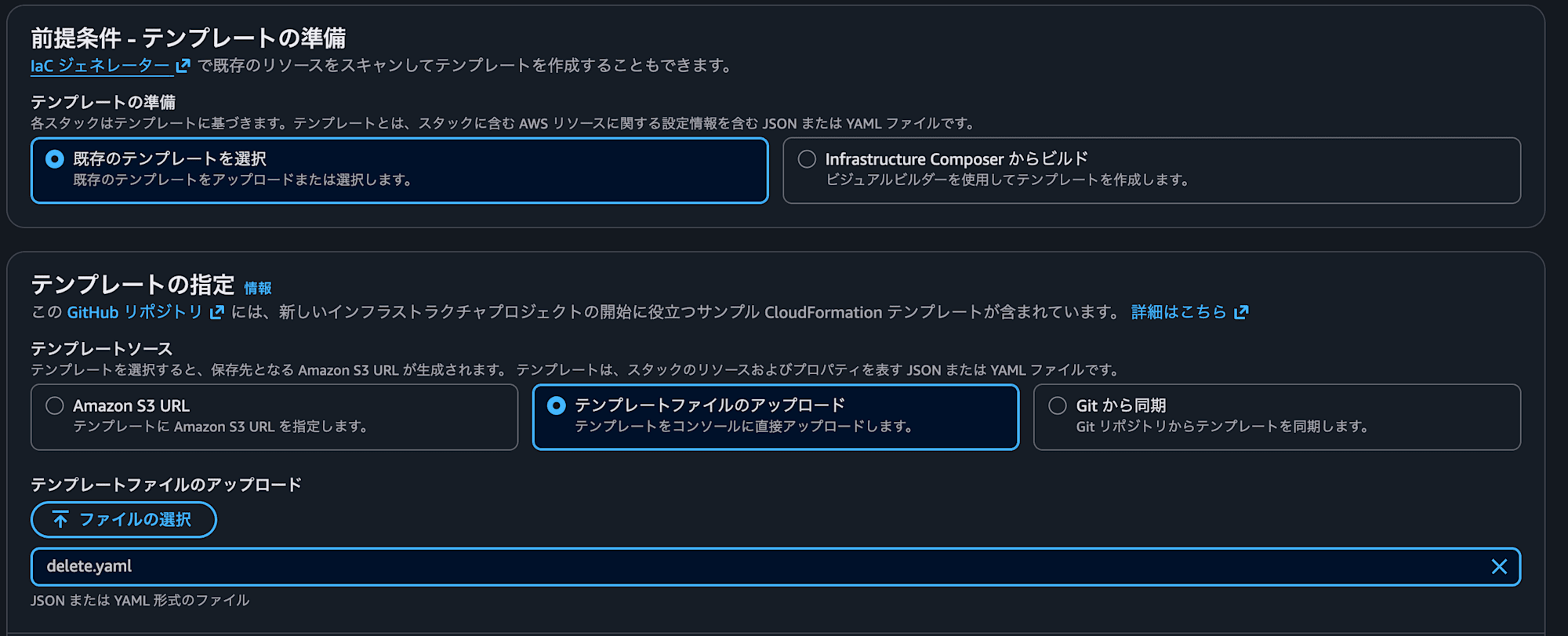
Creation is complete when the status becomes CREATE_COMPLETE.
Verify that the EBS volume has been created from the EC2 console.
- Open the EC2 console
- Click "Volumes" under "Elastic Block Store" in the left menu
- Search for
cfn-deletion-policy-deletein the search bar
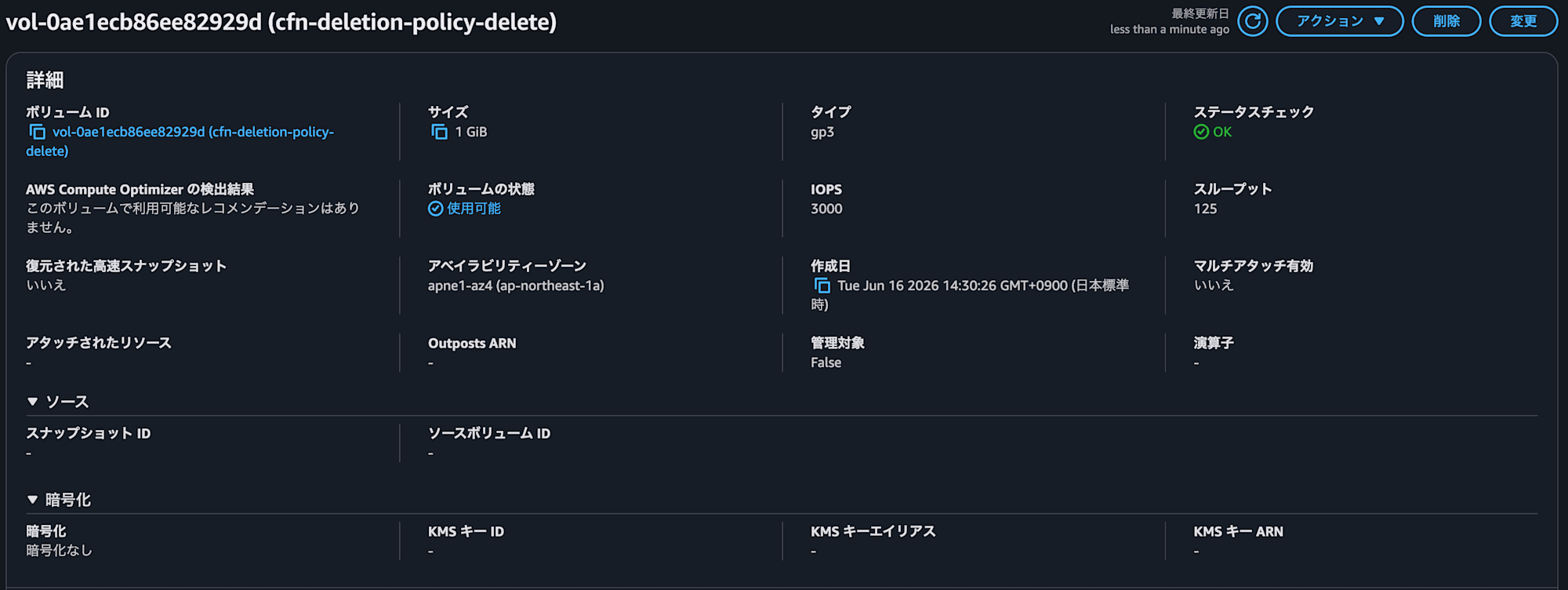
You have succeeded if you can confirm an EBS volume like the following.
| Item | Value |
|---|---|
| Name | cfn-deletion-policy-delete |
| VolumeType | gp3 |
| Size | 1 GiB |
| DeletionPolicy tag | Delete |
Select deletion-policy-delete-handson from the CloudFormation console and click "Delete".
Wait until the stack deletion is complete.
Search for cfn-deletion-policy-delete in "Volumes" in the EC2 console.
You have succeeded if the volume is not displayed.
Since DeletionPolicy: Delete was specified, the EBS volume was also deleted when the stack was deleted.
Verifying Retain
Next, let's verify the behavior of DeletionPolicy: Retain.
With Retain, even if the CloudFormation stack is deleted, the created EBS volume remains without being deleted.
Create retain.yml with the following content.
AWSTemplateFormatVersion: '2010-09-09'
Description: DeletionPolicy Retain hands-on using EBS volume

Resources:
  RetainVolume:
    Type: AWS::EC2::Volume
    DeletionPolicy: Retain
    Properties:
      AvailabilityZone: !Select [0, !GetAZs '']
      Size: 1
      VolumeType: gp3
      Tags:
        - Key: Name
          Value: cfn-deletion-policy-retain
        - Key: Project
          Value: deletion-policy-handson
        - Key: DeletionPolicy
          Value: Retain

Outputs:
  RetainVolumeId:
    Description: EBS volume ID with DeletionPolicy Retain
    Value: !Ref RetainVolume
Following the same procedure as Delete, upload retain.yml and create a stack with the stack name deletion-policy-retain-handson.
After creation is complete, verify that cfn-deletion-policy-retain has been created in "Volumes" in the EC2 console.
Once confirmed, delete the stack from the CloudFormation console.
Search for cfn-deletion-policy-retain in "Volumes" in the EC2 console.
You have succeeded if the volume is displayed.

Since DeletionPolicy: Retain was specified, the CloudFormation stack was deleted, but the EBS volume remained.
Note that resources remaining with Retain continue to exist in the AWS account even after the stack is deleted.
Please be aware that they must be manually deleted when no longer needed.
Verifying Snapshot
Finally, let's verify the behavior of DeletionPolicy: Snapshot.
With Snapshot, when the CloudFormation stack is deleted, the EBS volume is deleted, but an EBS snapshot is created before deletion.
Create snapshot.yml with the following content.
AWSTemplateFormatVersion: '2010-09-09'
Description: DeletionPolicy Snapshot hands-on using EBS volume

Resources:
  SnapshotVolume:
    Type: AWS::EC2::Volume
    DeletionPolicy: Snapshot
    Properties:
      AvailabilityZone: !Select [0, !GetAZs '']
      Size: 1
      VolumeType: gp3
      Tags:
        - Key: Name
          Value: cfn-deletion-policy-snapshot
        - Key: Project
          Value: deletion-policy-handson
        - Key: DeletionPolicy
          Value: Snapshot

Outputs:
  SnapshotVolumeId:
    Description: EBS volume ID with DeletionPolicy Snapshot
    Value: !Ref SnapshotVolume
Following the same procedure as Delete, upload snapshot.yml and create a stack with the stack name deletion-policy-snapshot-handson.
After creation is complete, verify that cfn-deletion-policy-snapshot has been created in "Volumes" in the EC2 console.
Once confirmed, delete the stack from the CloudFormation console.
Next, verify the created snapshot.
- Open the EC2 console
- Click "Snapshots" under "Elastic Block Store" in the left menu
- Search for
cfn-deletion-policy-snapshotin the search bar

You have succeeded if the snapshot is displayed.
Thanks to DeletionPolicy: Snapshot, a snapshot was created before the EBS volume was deleted.
Bonus
As a bonus at the end, I tried specifying Snapshot for a service that does not support snapshots to see what would happen.
I tried creating S3 with snapshot enabled using the following template.
AWSTemplateFormatVersion: '2010-09-09'
Description: DeletionPolicy Snapshot hands-on using S3
Resources:
  SnapshotBucket:
    Type: AWS::S3::Bucket
    DeletionPolicy: Snapshot
    Properties:
      BucketName: !Sub "cfn-deletion-policy-snapshot-${AWS::AccountId}"
      Tags:
        - Key: Name
          Value: cfn-deletion-policy-snapshot
        - Key: Project
          Value: deletion-policy-handson
        - Key: DeletionPolicy
          Value: Snapshot

Outputs:
  SnapshotBucketName:
    Description: S3 Bucket with DeletionPolicy Snapshot (NOT supported)
    Value: !Ref SnapshotBucket
The stack creation and deletion procedures are the same as before, so I will omit them.
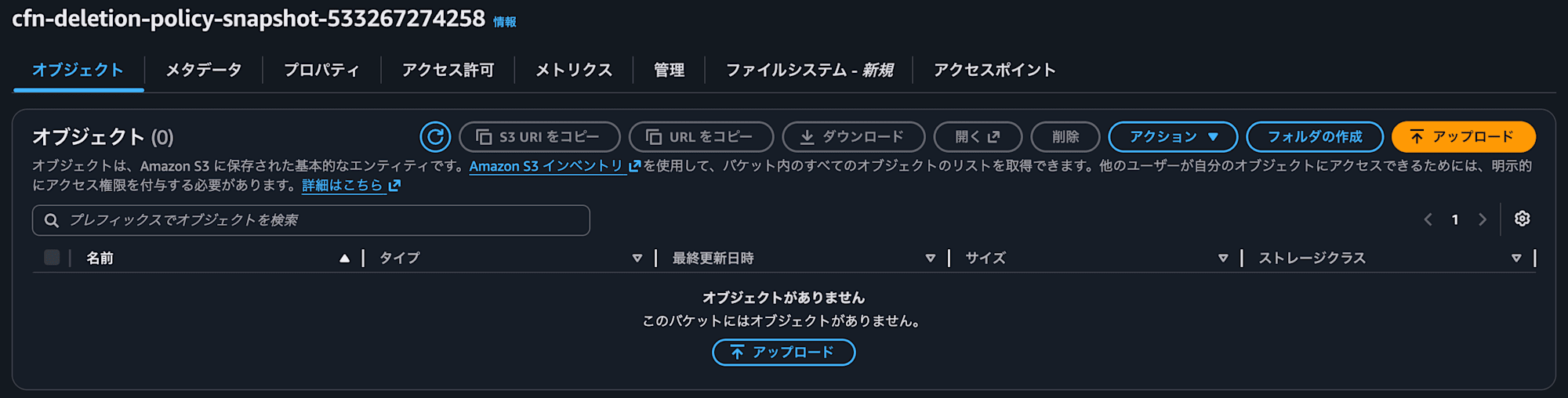
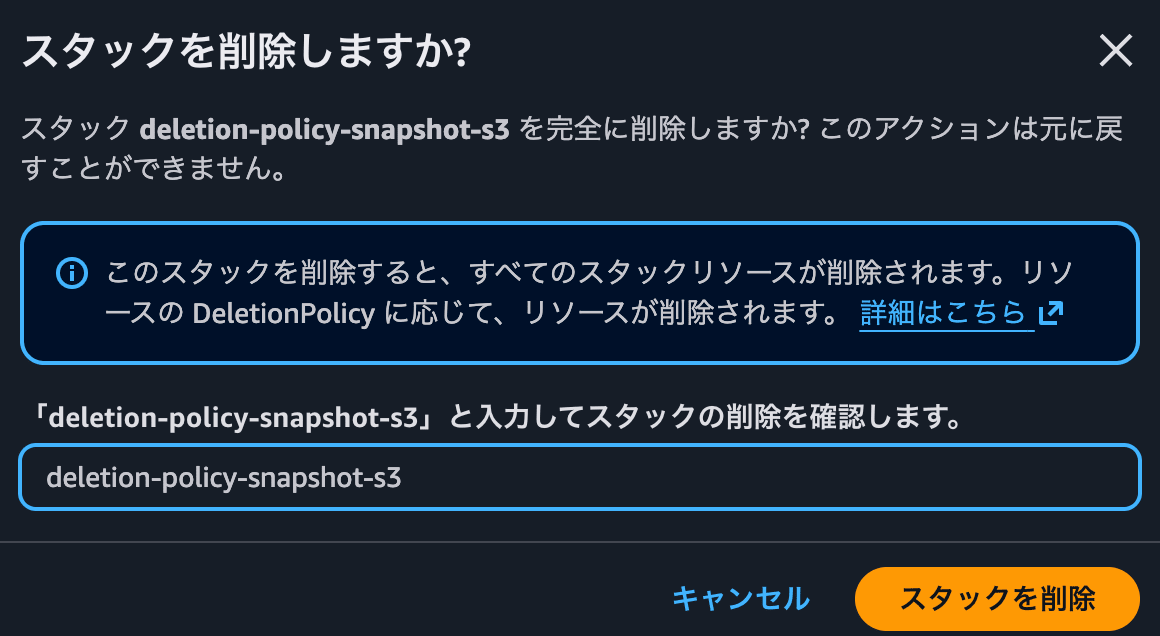
The result was that the S3 bucket was deleted as-is when the stack was deleted.
Even if Snapshot is specified for a resource that does not support snapshots, no error occurs during either stack creation or deletion.
Of course, no snapshot is created either, and it effectively behaves the same as Delete.
Since no error is raised, it may appear to be working as intended, so when specifying Snapshot, it is advisable to check in advance whether the target resource supports snapshots. (This can be confirmed from the official documentation)
Conclusion
This time, I used CloudFormation's DeletionPolicy to verify the behavior of resources when a stack is deleted.
When creating templates, it is easy to overlook deletion behavior, which often results in effectively using Delete, but I think it is reassuring to set Retain or Snapshot when handling resources that hold data.
Please feel free to try them out according to your use case.
References
About Classmethod Operations, Inc.
We are an operations company in the Classmethod Group.
We are a group of experts with specialized teams in operations, maintenance development, support, IT systems, and back office, providing everything from business process outsourcing to problem-solving and high-value-added services for our customers through "systems" that make full use of IT and AI.
We are recruiting members for a variety of positions.
If you are interested in our culture, systems, and ways of working that together realize "operational excellence" and "working and living your way," please visit the Classmethod Operations, Inc. corporate website. ※ The company name was changed from Annotation Inc. in January 2026.