
I Tried Using the New CloudFront Functions Feature to Get Edge Location Information and Switch Origins

This page has been translated by machine translation. View original
On November 20, 2025, Amazon CloudFront received an update that added three CloudFront Functions capabilities.
With this update, within CloudFront Functions (CFF) it is now possible to retrieve the airport code of the edge location and Regional Edge Cache (REC) information, and you can also dynamically select (change) the origin.
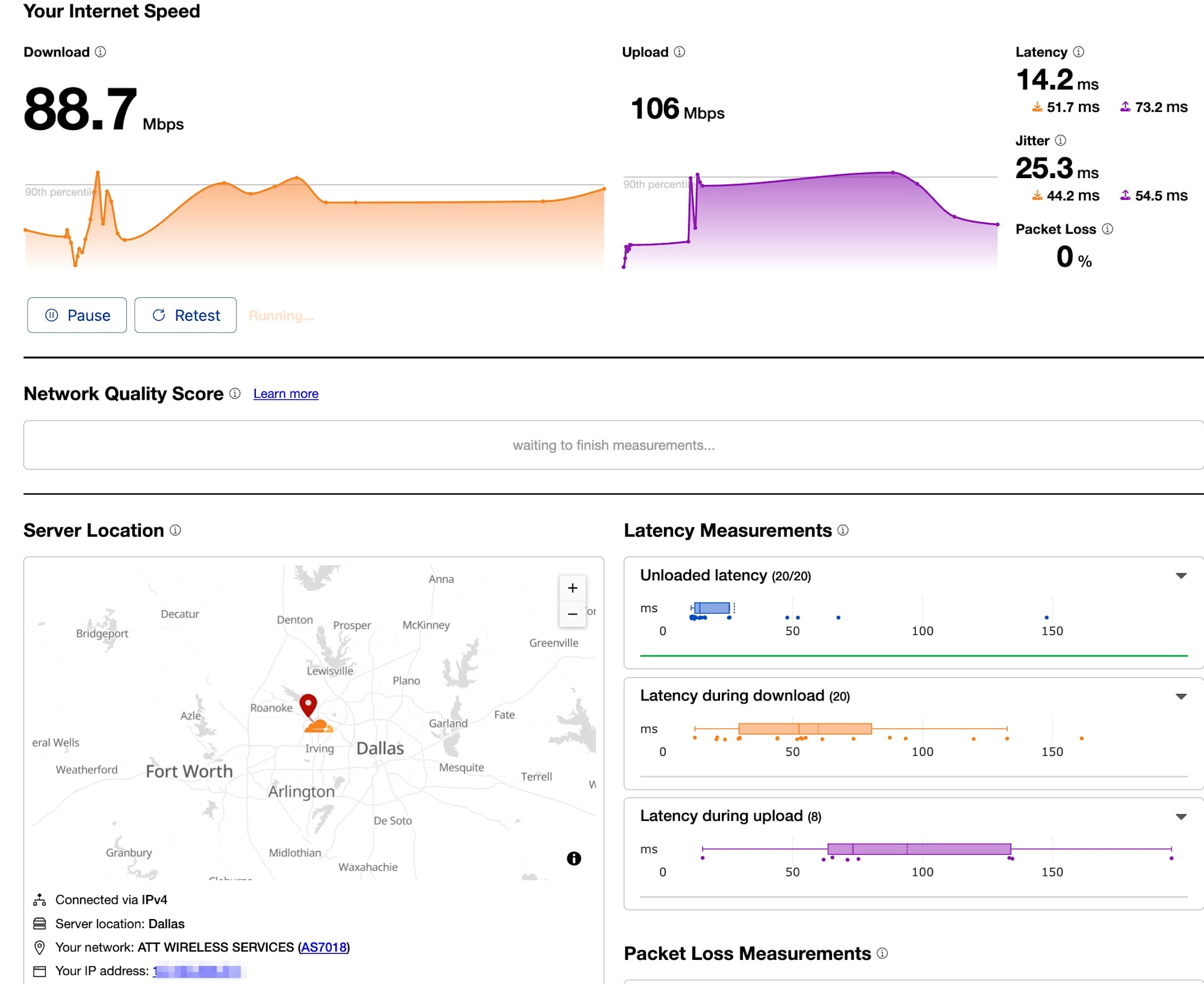
To verify this feature, I happened to have the opportunity to stay near Dallas/Fort Worth International Airport (DFW) in the United States. So, rather than simulating access with a VPN or proxy, I used the local physical network and checked, through logs and actual behavior, whether the airport code of my current location was correctly retrieved as DFW.
Current Location
Overview of the New Features and Verification Scenario
The main features verified this time are as follows.
- Retrieving edge location information (
cf.edgeLocation): Retrieve the airport code (IATA), REC, and server IP. - Dynamically changing the origin (
cf.selectRequestOriginById): Change the origin to connect to on a per-request basis.
Verification Scenario
I built a configuration that **"routes access from Dallas, Texas to a Dallas-specific S3 bucket, and everything else to the default S3 bucket"**, and checked whether the content switches depending on where the access comes from.
- Verification location: Flower Mound, Texas, USA (near DFW Airport)
- Network: Physical line via a local ISP (Spectrum)
Building the Verification Environment with CloudFormation
To ensure reproducibility of the verification, I defined the environment with CloudFormation (IaC).
To use the new features, you need to specify cloudfront-js-2.0 as the CloudFront Functions runtime.
Template (Excerpt)
AWSTemplateFormatVersion: '2010-09-09'
Resources:
  # 1. CloudFront Function (Runtime 2.0)
  RoutingFunction:
    Type: AWS::CloudFront::Function
    Properties:
      Name: !Sub '${AWS::StackName}-routing'
      AutoPublish: true
      FunctionConfig:
        Comment: 'Route based on Edge Location'
        Runtime: cloudfront-js-2.0
      FunctionCode: |
        import cf from 'cloudfront';

        function handler(event) {
            var request = event.request;
            var edge = cf.edgeLocation;

            // エッジロケーション情報をヘッダーに付与(検証用)
            request.headers['x-edge-code'] = { value: edge.name };
            request.headers['x-edge-rec'] = { value: edge.region };
            request.headers['x-server-ip'] = { value: edge.serverIp };

            // ダラス(DFW)のエッジ経由の場合、専用オリジンへルーティング
            if (edge.name === 'DFW') {
                cf.selectRequestOriginById('dallas-origin');
            } else {
                cf.selectRequestOriginById('default-origin');
            }

            return request;
        }

  # 2. CloudFront Distribution
  MyDistribution:
    Type: AWS::CloudFront::Distribution
    Properties:
      DistributionConfig:
        Enabled: true
        # 2つのオリジンを定義
        Origins:
          - Id: default-origin
            DomainName: !GetAtt DefaultBucket.DomainName
            S3OriginConfig:
              OriginAccessIdentity: ''
          - Id: dallas-origin
            DomainName: !GetAtt DallasBucket.DomainName
            S3OriginConfig:
              OriginAccessIdentity: ''
        DefaultCacheBehavior:
          TargetOriginId: default-origin # デフォルト設定
          FunctionAssociations:
            - EventType: viewer-request
              FunctionARN: !GetAtt RoutingFunction.FunctionARN
I deployed the above template and placed a different index.html in each of the two S3 buckets.
- DallasBucket:
<h1>Hello from Dallas Origin (DFW)</h1> - DefaultBucket:
<h1>Hello from Default Origin</h1>
Operation Verification
I actually send requests from a client and check the responses and logs.
1. Actual Access from Texas (near Dallas)
I ran curl from the network at my place of stay and checked the connected edge location and the returned content.
$ curl -v https://d1xxxxxxxx.cloudfront.net/index.html
Result (response headers and body):
< HTTP/2 200
< date: Sun, 30 Nov 2025 23:00:00 GMT
< x-edge-code: DFW
< x-edge-rec: us-east-1
< x-server-ip: 18.160.xxx.xxx
...
<h1>Hello from Dallas Origin (DFW)</h1>
As a result of the verification, DFW was returned in the custom header x-edge-code.
Also, the HTML content displayed was that of the Dallas bucket, confirming that dallas-origin was correctly selected based on the physical location.
2. Access from Japan (Tokyo)
For comparison, I accessed from Japan using AWS CloudShell (Tokyo Region).
[cloudshell-user@ip-10-0-xx-xx ~]$ curl -v https://d1xxxxxxxx.cloudfront.net/index.html
Result:
< HTTP/2 200
< x-edge-code: NRT
< x-edge-rec: ap-northeast-1
...
<h1>Hello from Default Origin</h1>
Here, the Narita (NRT) edge location was selected, and the request was routed to the default origin.
Summary
This verification confirmed the following facts.
- Accuracy of edge location information: For physical access from near DFW, CloudFront Functions accurately returned the airport code
DFW. - Behavior of dynamic routing: Based on the retrieved code,
cf.selectRequestOriginByIdswitched the origin as intended.
This demonstrated that traffic control at the city level or based on network topology, far more granular than the conventional country-level (GeoLocation), is now possible.
Within Japan as well, I would like to verify, after returning home, whether a configuration that distributes origins between, for example, Tokyo (NRT/HND) and Osaka (KIX) is possible.
