I tried web application vulnerability scanning with Snyk DAST

This page has been translated by machine translation. View original
Hello.
This is Nishikawa from the Game Solutions Division / Business Efficiency Solutions Division.
Have you ever felt a sudden chill when asked "Did you run a vulnerability assessment?" right before a release?
The typical vulnerability assessment process involves requesting an external vendor, waiting several weeks, and then receiving the results.
But for a team running two-week sprints, this cycle simply doesn't align.
In this article, I'll walk through how to bring web application vulnerability assessments in-house and automate them using Snyk's dynamic analysis (DAST) product, "Snyk API & Web."
Three Problems with Vulnerability Assessments
1. Mismatch Between Release Frequency and Assessment Frequency
Every time you request an external assessment, there's a fair amount of preparation and coordination involved.
It's not something you can request repeatedly, and for some teams, once or twice a year is realistically the limit.
On the other hand, if your development team is releasing every two weeks, your application changes dozens of times a year while assessments happen only twice.
At this point, the periods when you're actually protected are overwhelmingly shorter.
The release cycle and assessment cycle are simply running on entirely different timelines.
2. Waiting Times Halt Releases
It's common for the time between submitting a request and receiving the final report to stretch two weeks to a month.
During that time, teams are forced to choose between "hold the release until the assessment is done" or "ship it without being assessed."
3. Inability to Internalize Vulnerability Assessment Know-How
There's also the problem of expertise accumulating on the external vendor's side rather than remaining within the team.
Every time a point of contact changes, you end up restarting from vendor selection and coordination, and a situation where you can't immediately produce "evidence of vulnerability assessment" when asked may become the norm.
[Solution] What Is Snyk DAST (Snyk API & Web)?
This is where Snyk's DAST product, "Snyk API & Web," comes in.
In contrast to static analysis (SAST), which reads code, DAST (Dynamic Application Security Testing) is an approach that finds vulnerabilities by actually attacking a running application from the outside.
Think of it like a hands-on health checkup — sending requests to a live web app or API from an attacker's perspective and observing how it behaves.
Snyk API & Web is based on technology from Probely, a DAST provider acquired by Snyk in 2024.
The key differentiator compared to engaging an external vendor is its ability to integrate with CI/CD.
Once embedded in your pipeline, assessments run automatically with every release and become part of your everyday workflow.
[Hands-On] Snyk DAST in Practice
For this verification, I deployed the intentionally vulnerable web application "OWASP Juice Shop" on AWS and used it as the target.
Step 1: Setting Up Snyk DAST
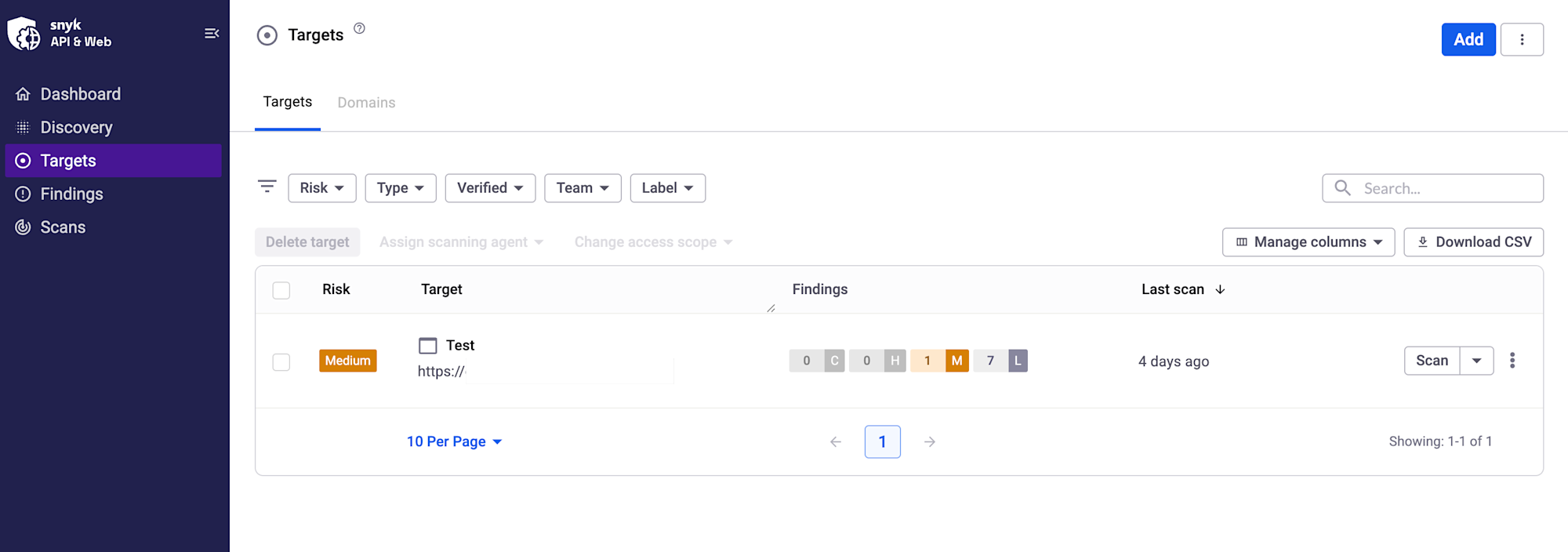
First, create an account at Snyk API & Web and open the Targets screen in Snyk API & Web.
Click "Add" in the upper right to register your scan target.
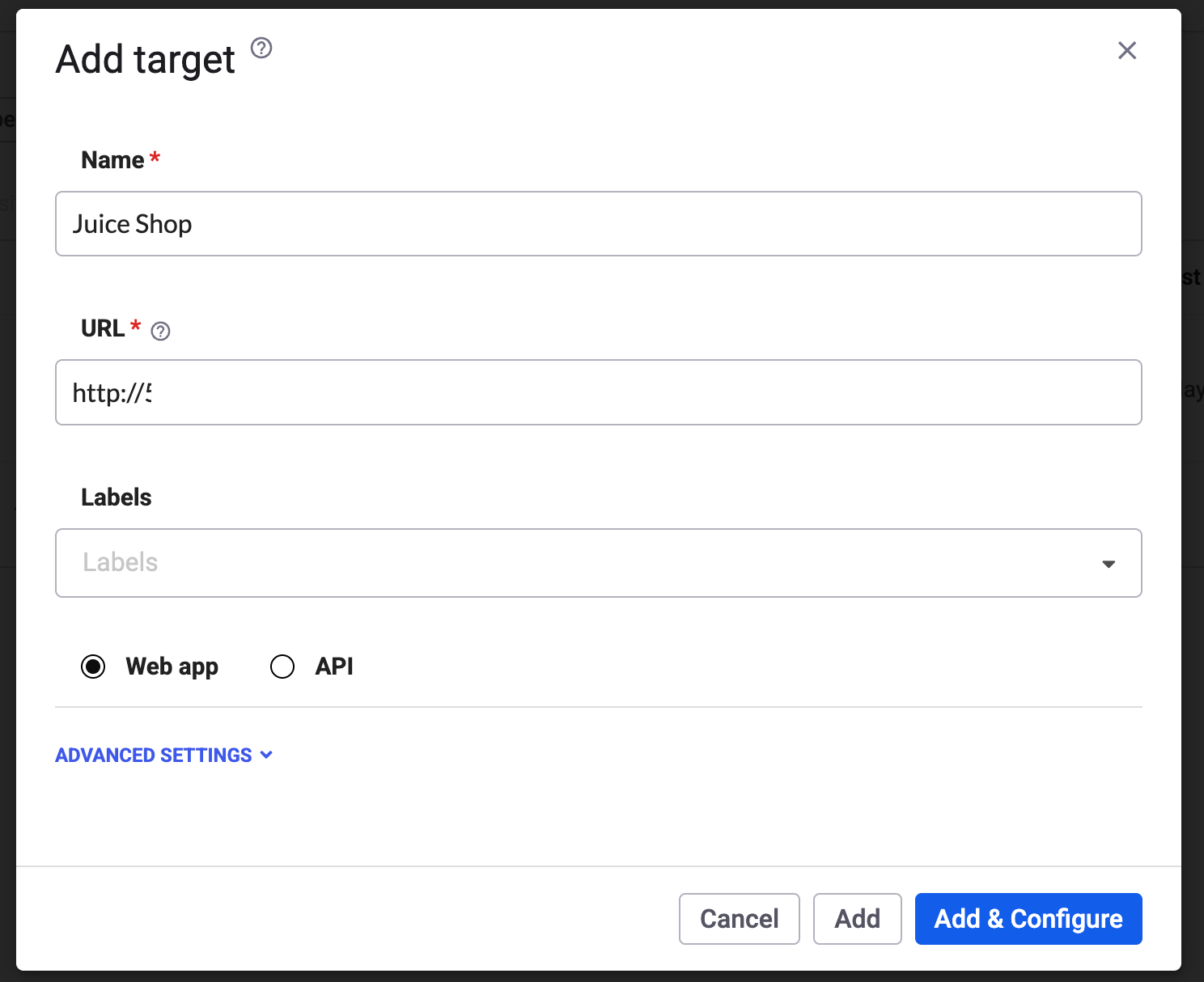
Specify the target's name and URL.
Step 2: Running the Scan
Once the target is registered, all that's left is to run the scan.
Select "Scan now" from "Scan" to start the scan immediately. As described later, it can also be triggered via CI/CD or the API.
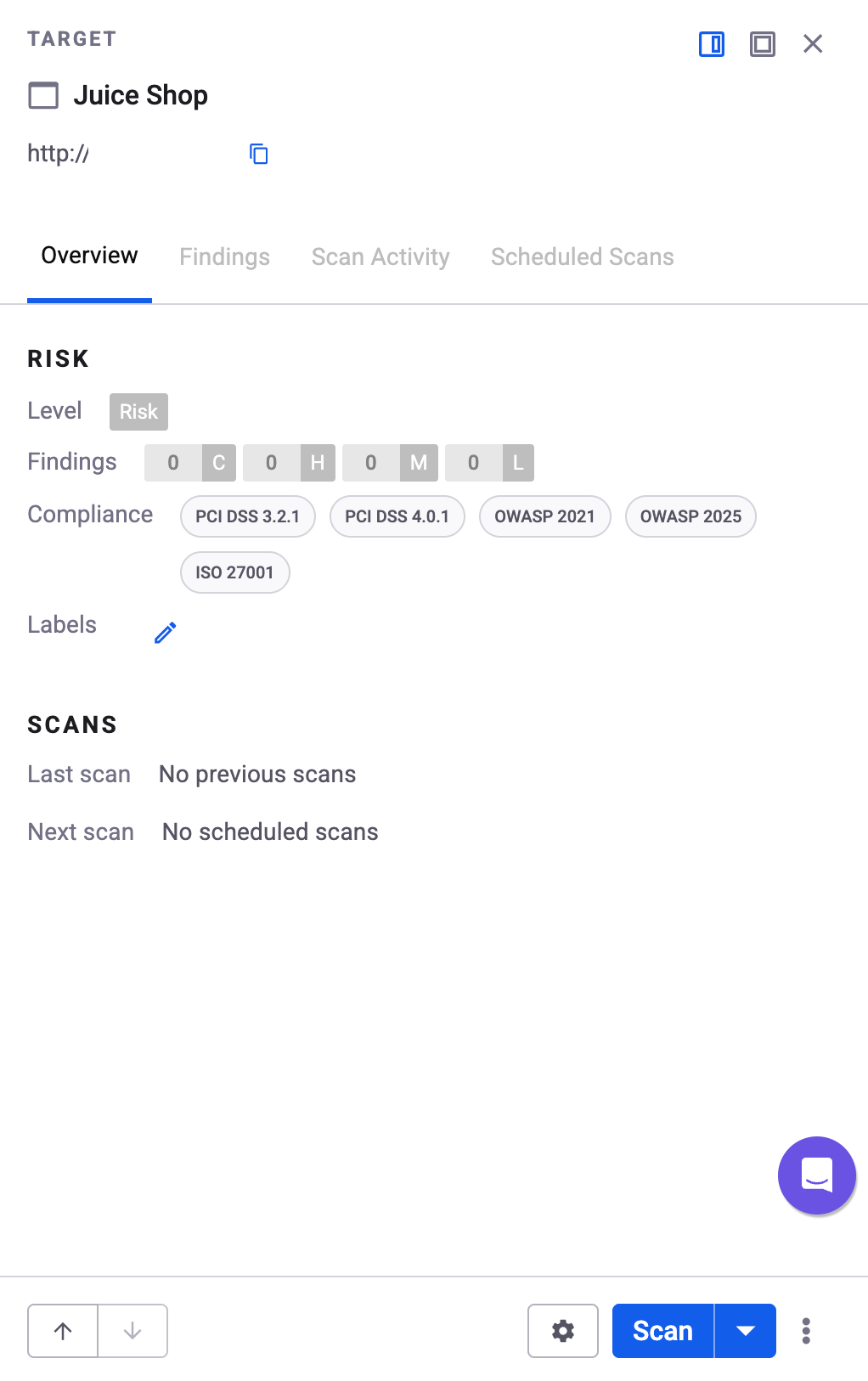
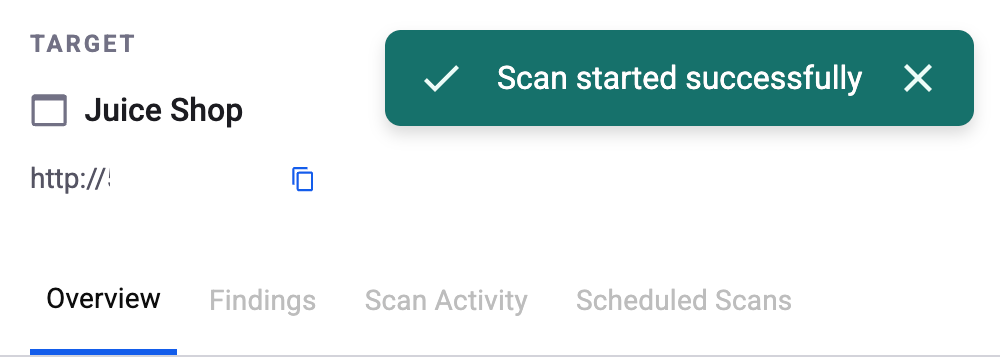
Once triggered, "Scan started successfully" is displayed and Snyk begins exploring the application by sending actual requests.
Step 3: Reviewing the Vulnerability Report
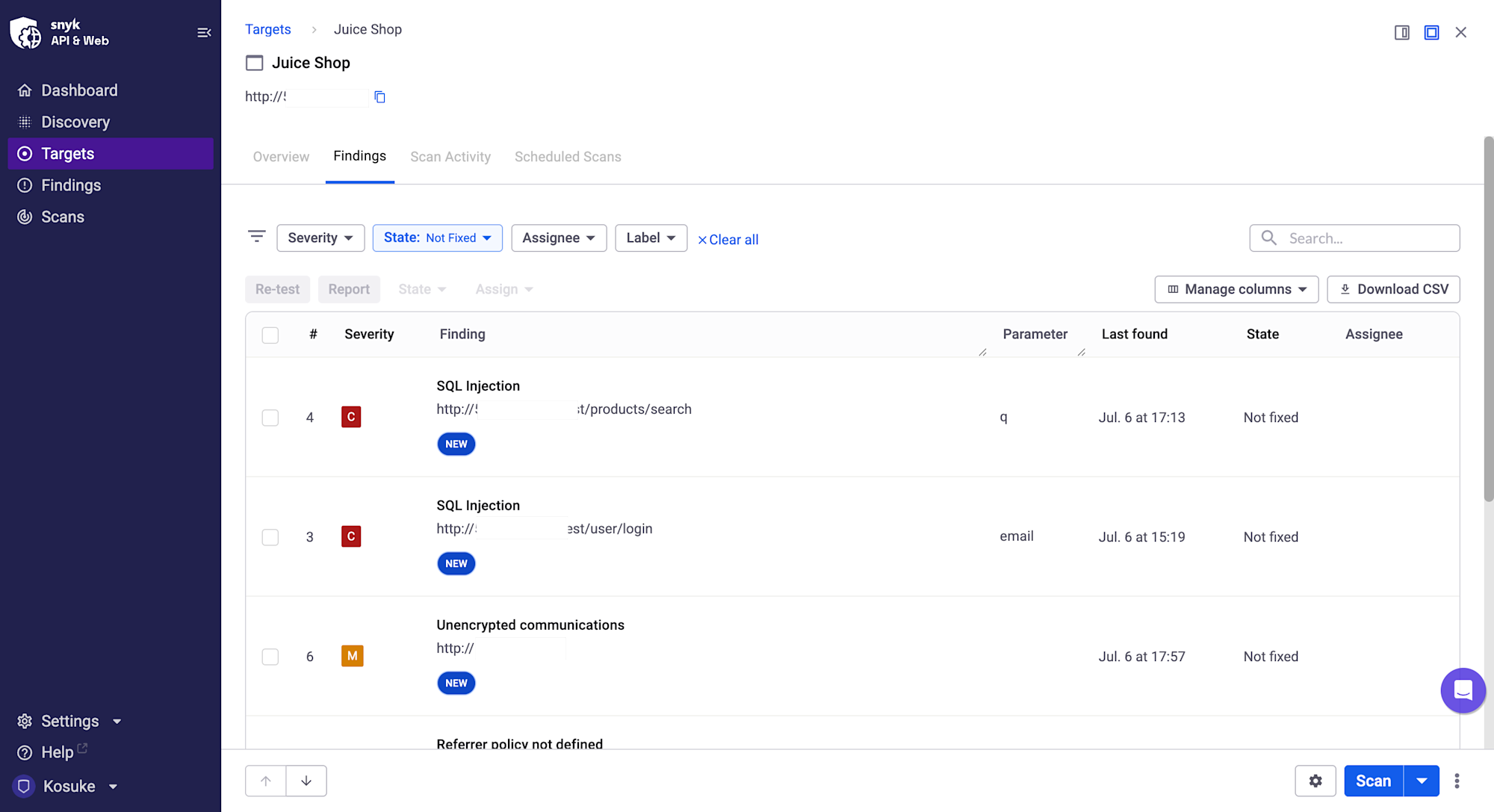
When the scan is complete, detected vulnerabilities are listed in Findings.
Each one comes with a severity level (Critical/High/Medium/Low) and an explanation of what happened and where, so you can immediately see which issues to prioritize.
With this Juice Shop instance, issues that can only be discovered by actually running the application came up clearly — including SQL Injection (Critical) on /rest/products/search and /rest/user/login, as well as unencrypted communications.
Step 4: Obtaining Evidence
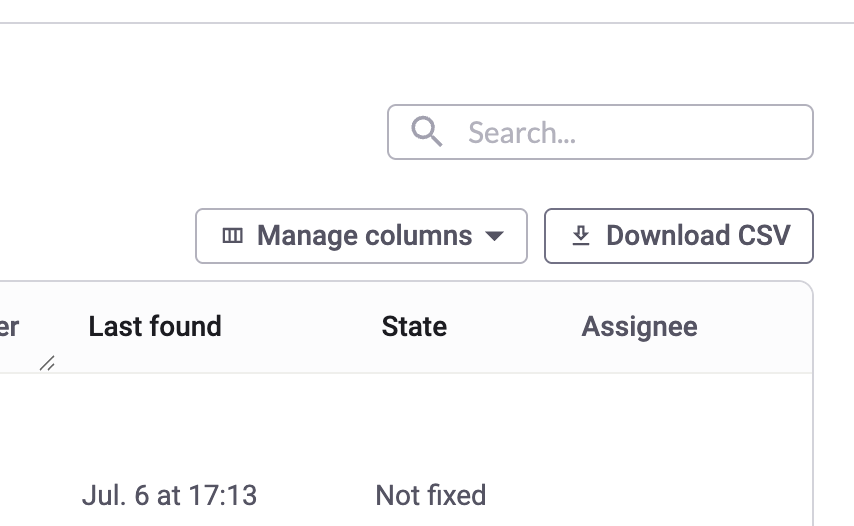
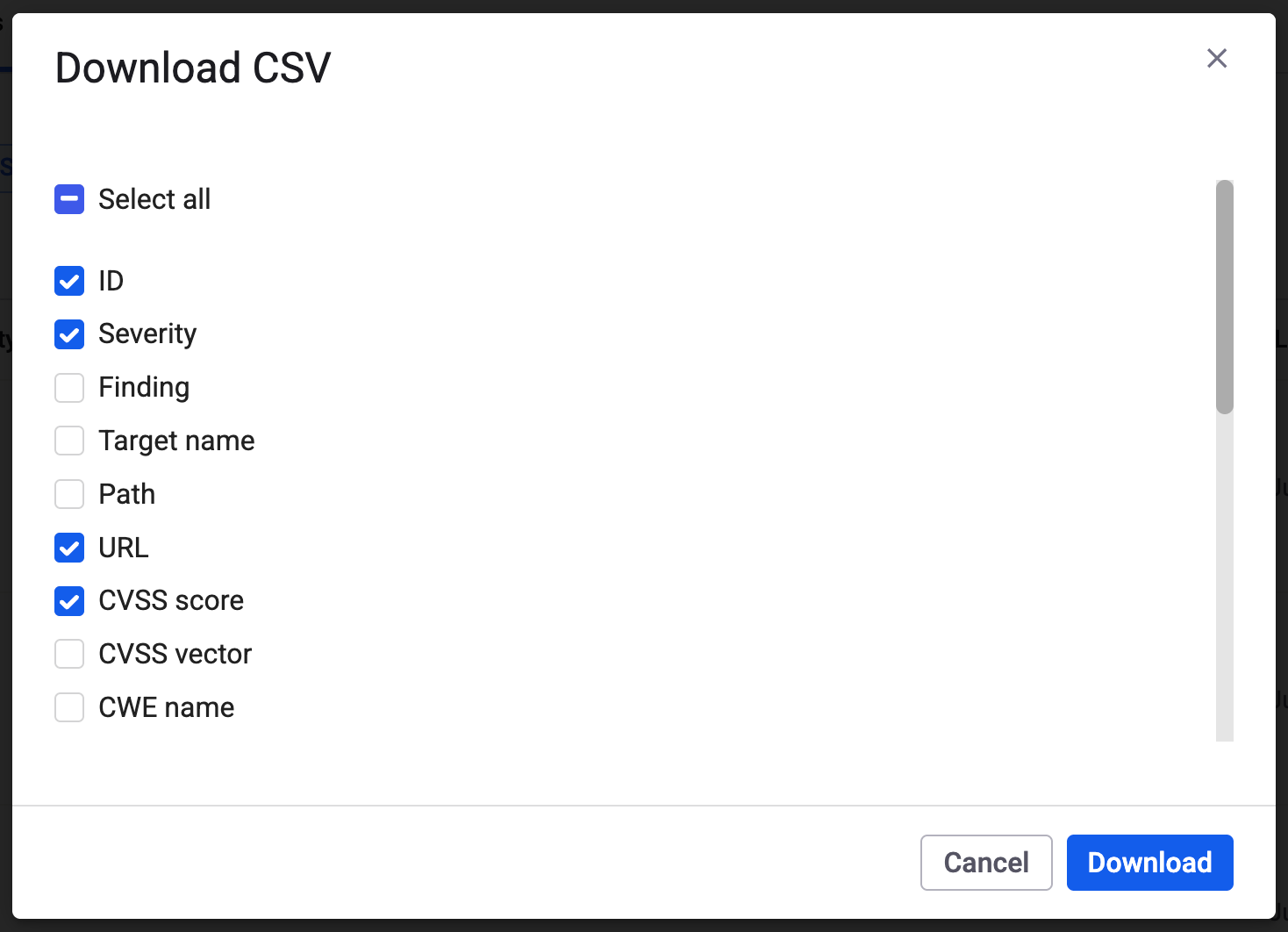
You can export the report on the spot. From the "Download CSV" button on the Findings screen, you can select the fields you want and download them.
You can choose which columns to export, such as ID, severity, URL, and CVSS score.
This means that when asked to "provide evidence of vulnerability assessment," you can submit it the same day.
Integrating with CI/CD (Advanced)
Once you've come this far, the final step is automation.
By embedding scan triggers into your GitHub Actions workflow, assessments will run automatically with every release.
name: DAST Scan
on:
  push:
    branches: [main]

jobs:
  dast:
    runs-on: ubuntu-latest
    steps:
      - name: Trigger Snyk API & Web scan
        run: |
          curl -X POST "https://api.probely.com/targets/${TARGET_ID}/scan_now/" \
            -H "Authorization: Bearer ${SNYK_DAST_TOKEN}"
        env:
          TARGET_ID: ${{ secrets.SNYK_DAST_TARGET_ID }}
          SNYK_DAST_TOKEN: ${{ secrets.SNYK_DAST_TOKEN }}
This creates a state where, rather than someone remembering to run it manually, assessments run automatically whenever code is pushed.
Closing Thoughts
To summarize what we covered:
- With Snyk DAST (API & Web), you can assess a running application on the same day, whenever you need to
- By integrating with CI/CD, assessments run automatically as part of your release flow
We also offer implementation support and PoC assistance for Snyk DAST.
Feel free to reach out anytime.
I hope this article is helpful for anyone struggling with the frequency or speed of their vulnerability assessments.