I discovered by accident that I can use Kiro CLI in AWS CloudShell just by pressing "q"

This page has been translated by machine translation. View original
Discovered that Kiro CLI can be used without installation
During other testing, I accidentally pressed q in CloudShell and Kiro CLI launched.
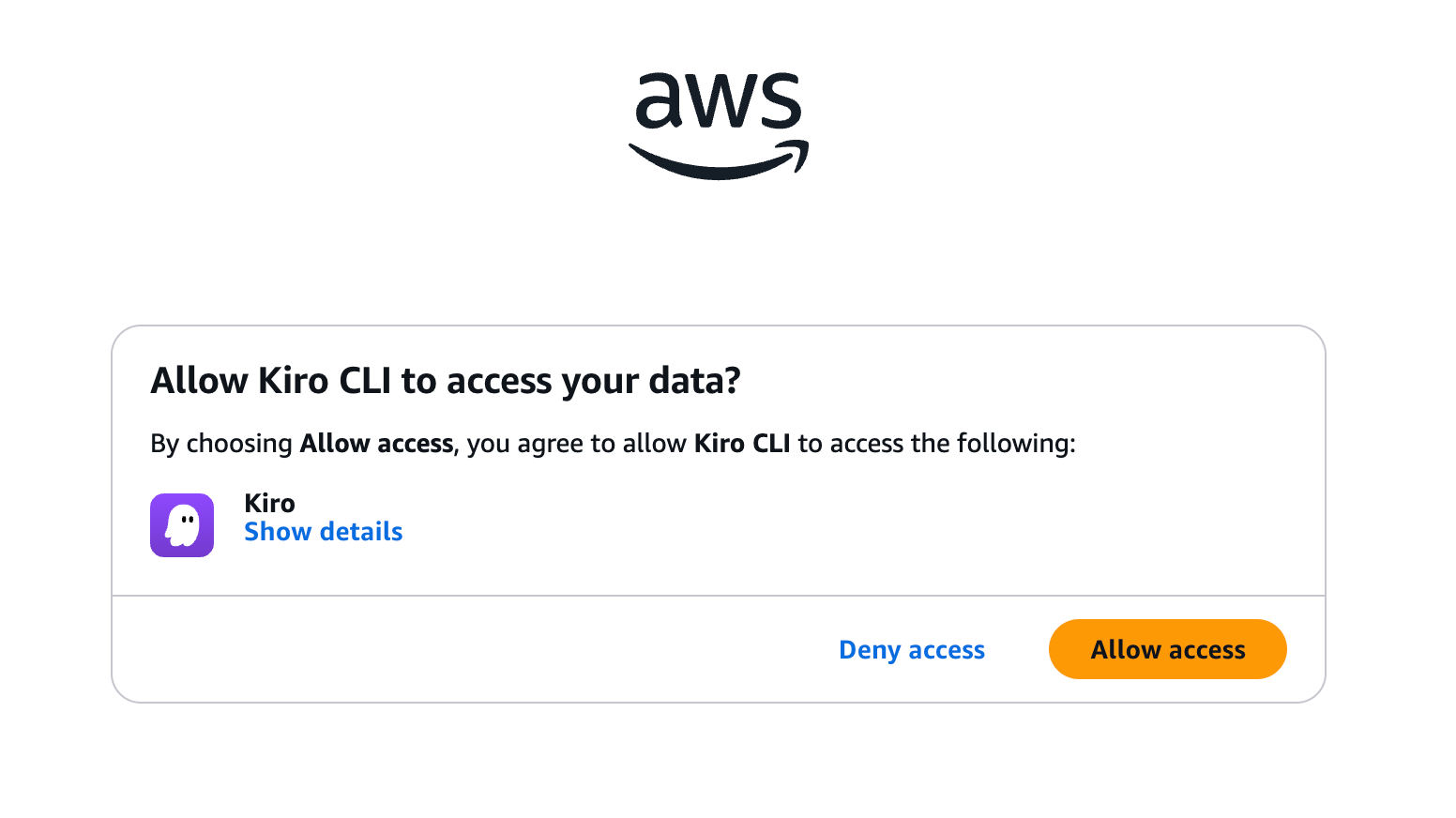
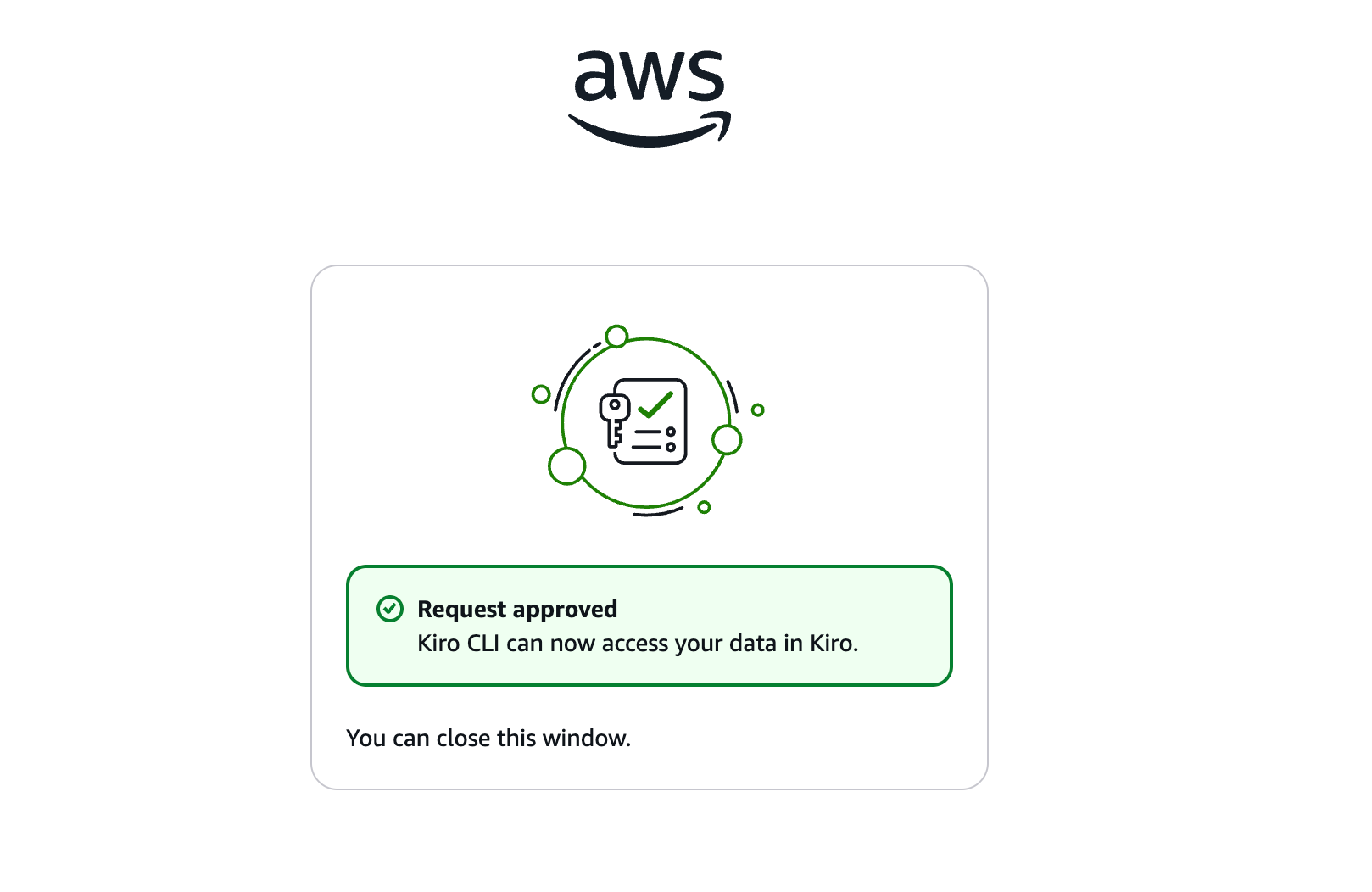
Since I hadn't used Kiro CLI before, I took this opportunity to try it out, and was able to easily log in with AWS Builder ID authentication via URL and have a conversation.
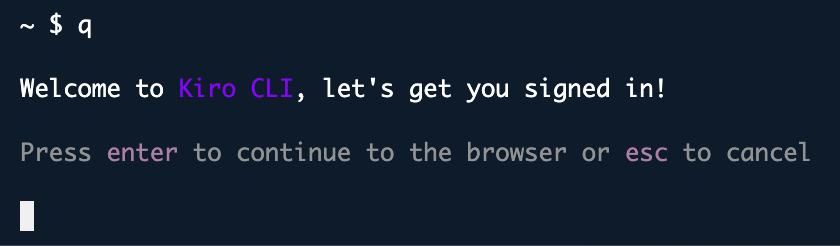
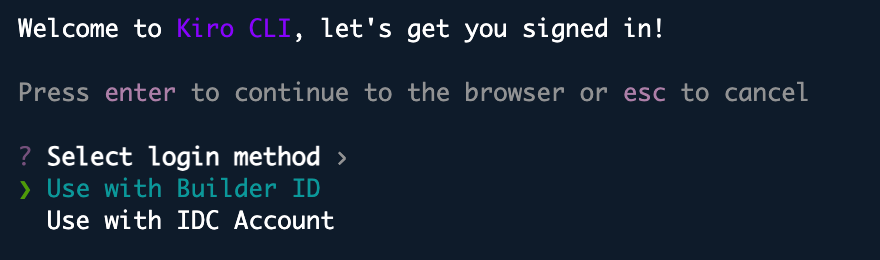
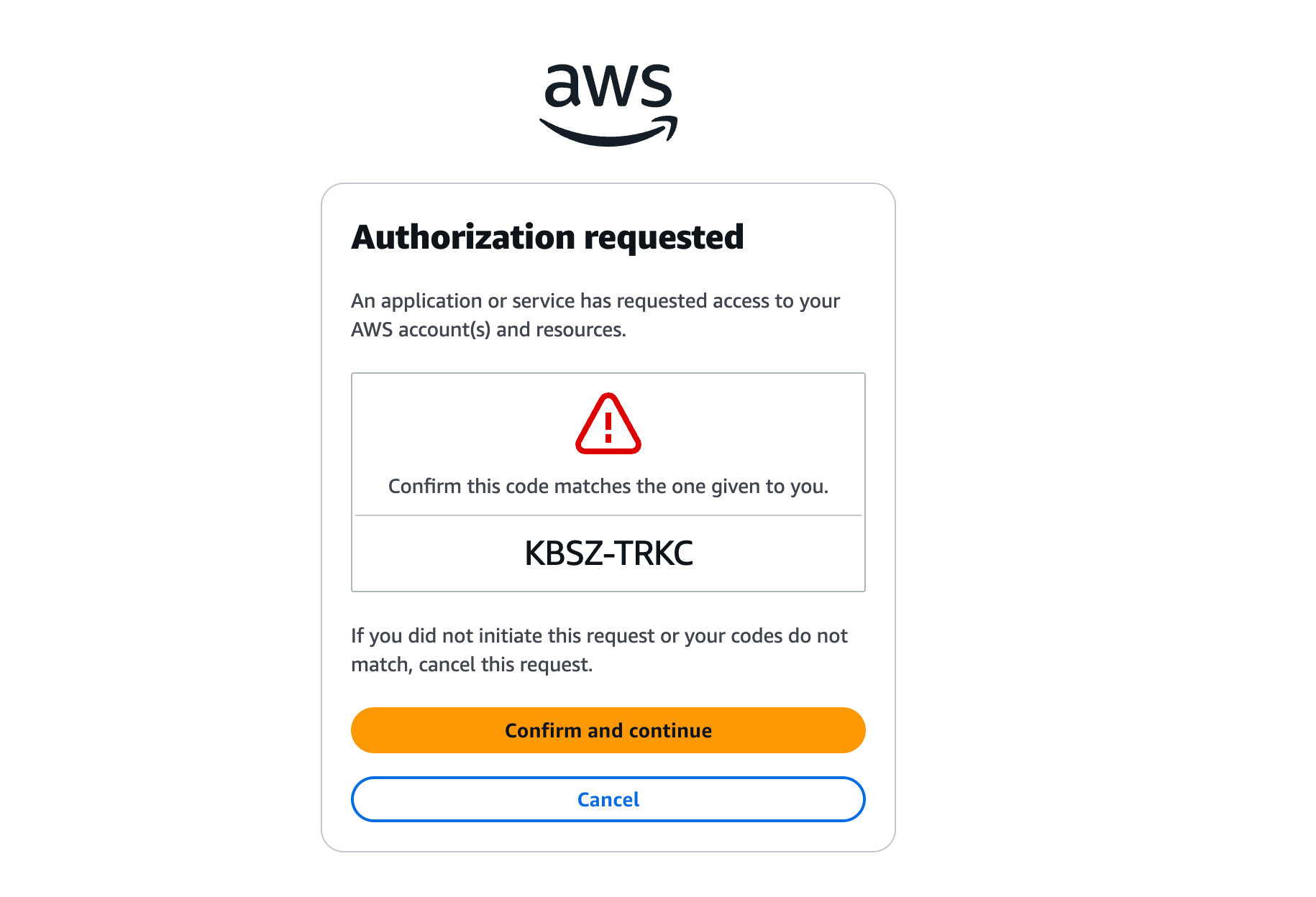
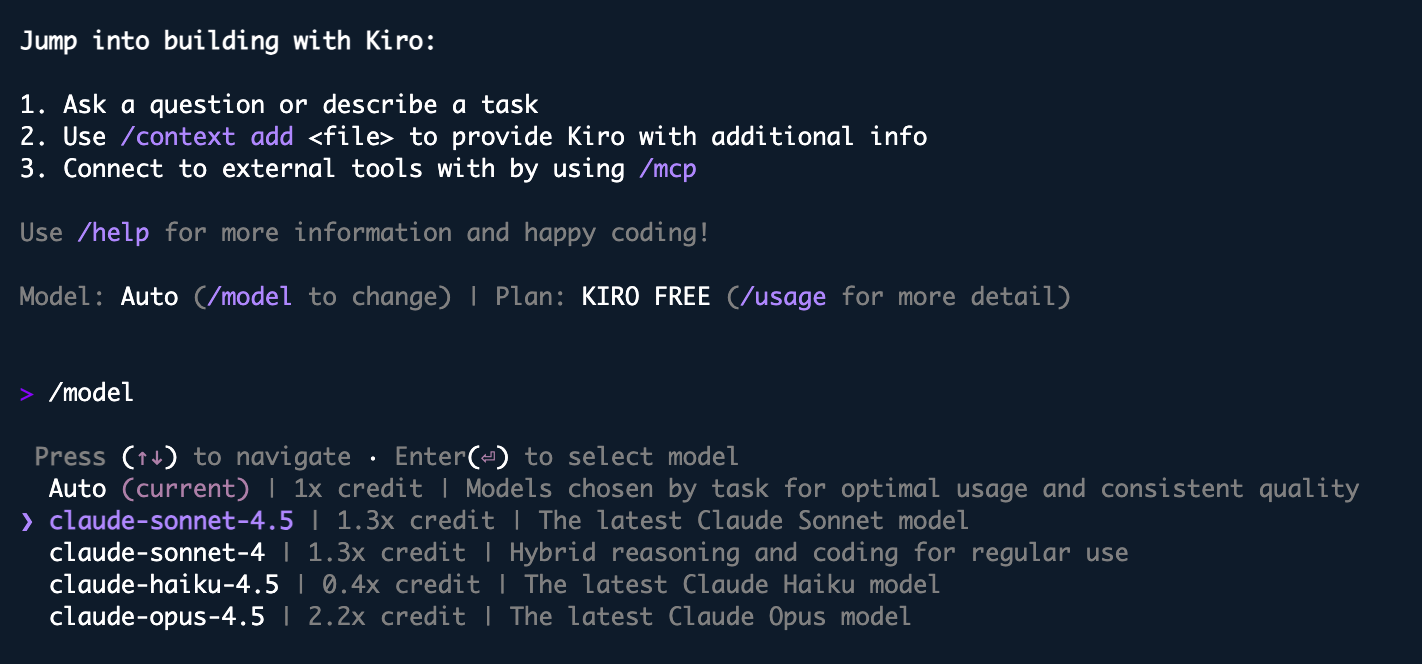
I'm not sure if it's related to the Free plan, but Claude was the only model available.
Investigating the path
Since I couldn't find any official announcements even after searching, I decided to investigate myself.
Looking into what q actually is, it's an alias/symlink to kiro-cli, which appears to have been added around November 2025.
~ $ which q
alias q='kiro-cli'
        /usr/local/bin/kiro-cli

~ $ ls -la /usr/local/bin/q*
lrwxrwxrwx. 1 root root 23 Nov 25 12:45 /usr/local/bin/q -> /usr/local/bin/kiro-cli
lrwxrwxrwx. 1 root root 28 Nov 25 12:45 /usr/local/bin/qchat -> /usr/local/bin/kiro-cli-chat
lrwxrwxrwx. 1 root root 28 Nov 25 12:45 /usr/local/bin/qterm -> /usr/local/bin/kiro-cli-term
I also checked the filesystem. CloudShell's persistent storage (1GB) is only for $HOME and is retained per region. Since /usr/local/bin/ is on the AWS-managed system storage (/ root), I confirmed that Kiro CLI comes pre-installed in the CloudShell environment.
~ $ df -h /usr/local/bin/ && echo "---" && df -h ~
Filesystem      Size  Used Avail Use% Mounted on
overlay          16G  6.3G  8.6G  43% /
---
Filesystem      Size  Used Avail Use% Mounted on
/dev/loop0      974M  388K  906M   1% /home/cloudshell-user

~ $ lsblk -f | grep -E "loop0|overlay|nvme"
loop0                                  905.8M     0% /home/cloudshell-user
nvme0n1
├─nvme0n1p1                             24.9G    17% /aws/mde/.mde_env_api_auth_token
├─nvme0n1p127
└─nvme0n1p128
nvme1n1                                  8.5G    40% /aws/mde/logs

~ $ echo $HOME
/home/cloudshell-user
Final thoughts
It was lucky that I found Kiro CLI available in CloudShell by chance. I think it will be useful for checking AWS resources and doing small tests or analyses, so please give it a try if you're interested.
That's all.