Learning from LoL (League of Legends) Certificate Expiration Incident: How AWS ACM Automatic Renewal Works

This page has been translated by machine translation. View original
Introduction
On January 4, 2026, a major outage occurred in the MOBA game League of Legends (LoL) due to an expired SSL certificate.
In this article, I'll organize the details of the outage and introduce an automatic certificate renewal mechanism using AWS Certificate Manager (ACM).
Outage Timeline
On January 4, 2026, the SSL certificate used by the LoL game client expired, preventing players worldwide from connecting to game servers.
In fact, a similar outage had occurred in 2016, and the certificate issued at that time had reached its expiration exactly 10 years later.
Incident Verification Links
Certificate Details
| Field | Value |
|---|---|
| Common Name (CN) | rclient |
| Issued By | LoL Game Engineering Certificate Authority |
| Issued On | Thursday, January 7, 2016 at 9:03:33 PM |
| Expires On | Sunday, January 4, 2026 at 9:03:33 PM |
| Valid Period | About 10 years |
Why Everyone Lost Connection
In SSL/TLS communications, the client-side checks the certificate's expiration date.
Expired certificates are deemed "untrustworthy," and connections are rejected.
Client-side verification flow:
1. Receive certificate from server
2. Check expiration date → Reject if expired
3. Reject connection (no exceptions)
While browsers offer a "proceed anyway" option, game clients don't have such a bypass.
How Certificates Are Managed with AWS ACM
AWS Certificate Manager (ACM) is a managed service for issuing, managing, and automatically renewing SSL/TLS certificates.
Official documentation: Managed certificate renewal in AWS Certificate Manager
Conditions for Automatic Renewal
For ACM to automatically renew certificates, the following conditions must be met:
| Condition | Description |
|---|---|
| Use DNS validation | Issue certificates with DNS validation, not email validation |
| Validation records exist | CNAME records remain in Route 53 or similar DNS |
| Linked to AWS service | In use with ELB, CloudFront, API Gateway, etc. |
If these conditions are met, ACM automatically begins the renewal process 60 days before expiration.
Comparison with Manual Management
| Item | Manual Management (Riot's case) | ACM Auto-Renewal |
|---|---|---|
| Renewal Trigger | Humans must remember | Automatic (starts 60 days before) |
| Human Error Risk | High | Almost zero |
| Certificate Deployment | Manual server installation | Automatic implementation to AWS services |
| Cost | Paid CA + labor costs | ACM public certificates are free |
Testing Manually in Practice
New certificates have about 13 months validity, so we can't reproduce an expiration, but we can verify the flow from certificate issuance to becoming eligible for automatic renewal.
Prerequisites
- A test domain in Route 53
- API Gateway (REST API) already created (steps omitted)
Step 1: Request a Certificate in ACM
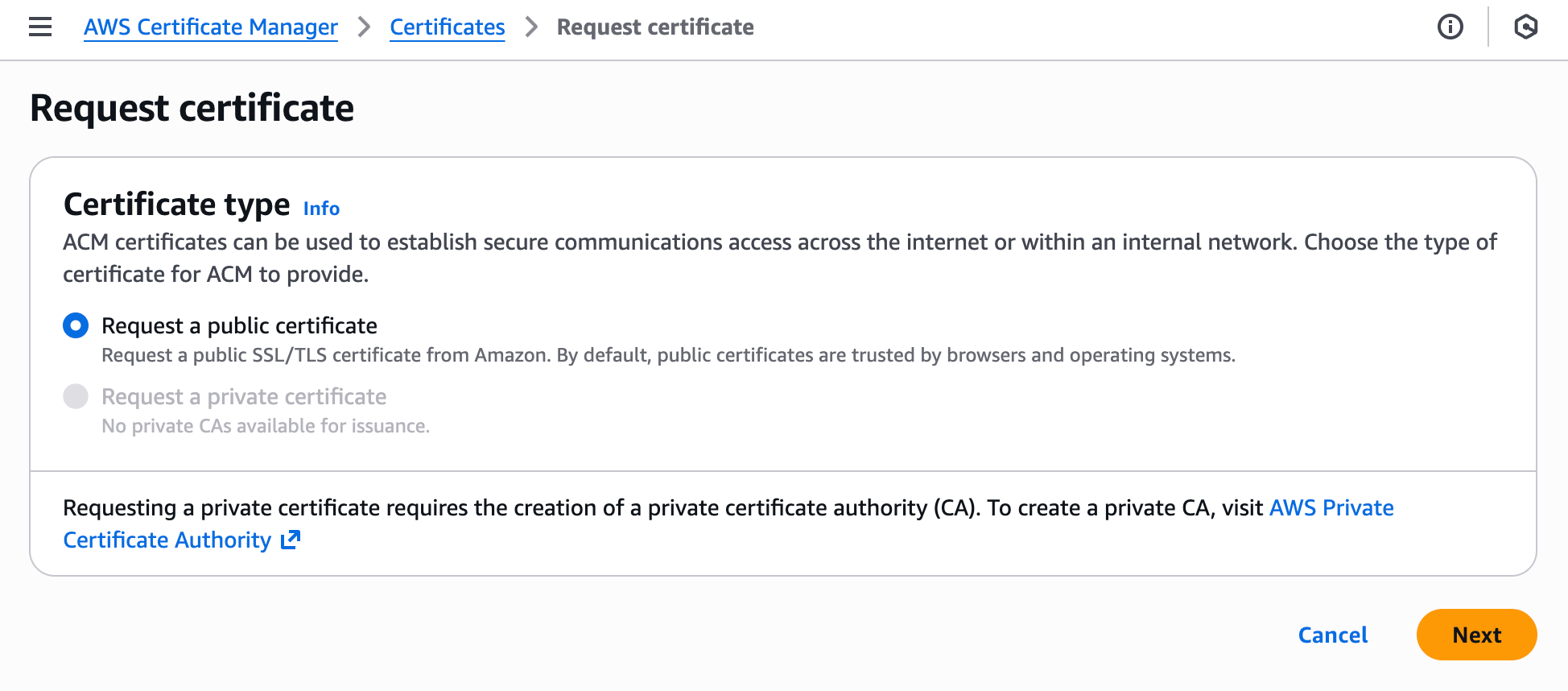
- Open Certificate Manager in the AWS console
- Click Request a certificate
- Select Request a public certificate
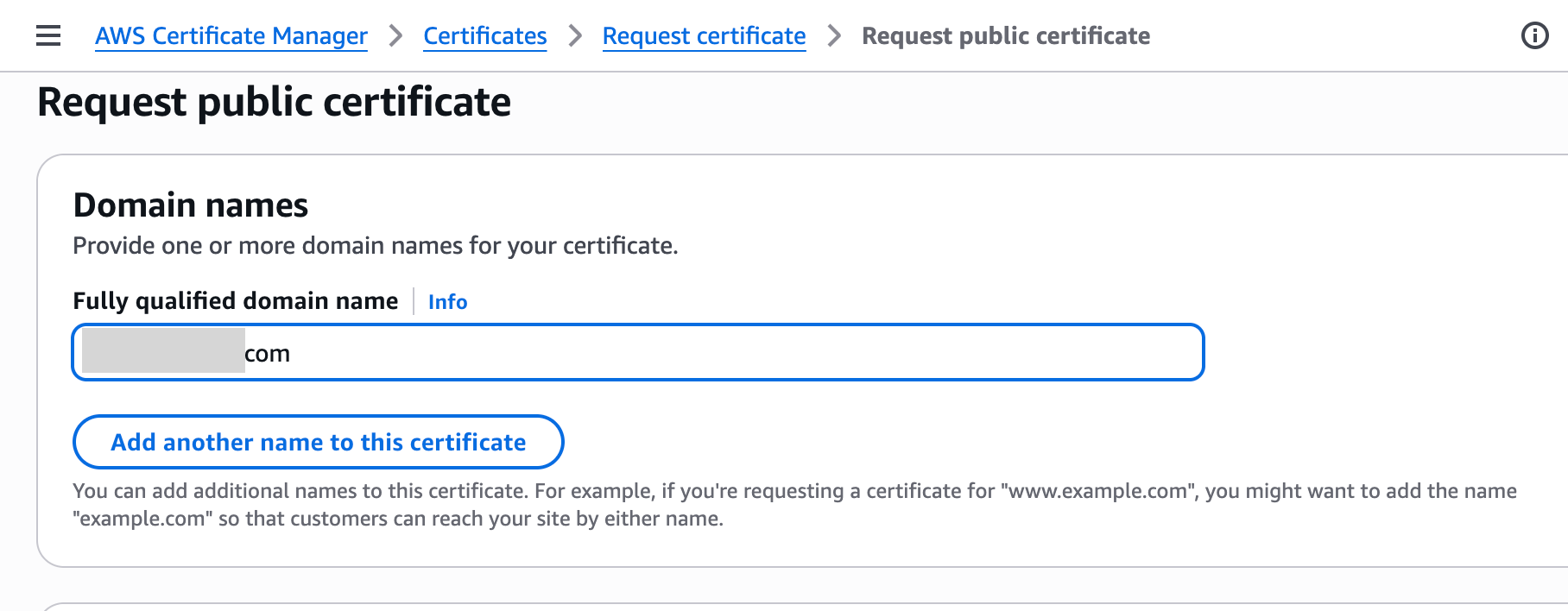
- Enter domain name (e.g.,
example.com,*.example.com) - Select DNS validation as validation method
- Click Request
Step 2: Complete DNS Validation
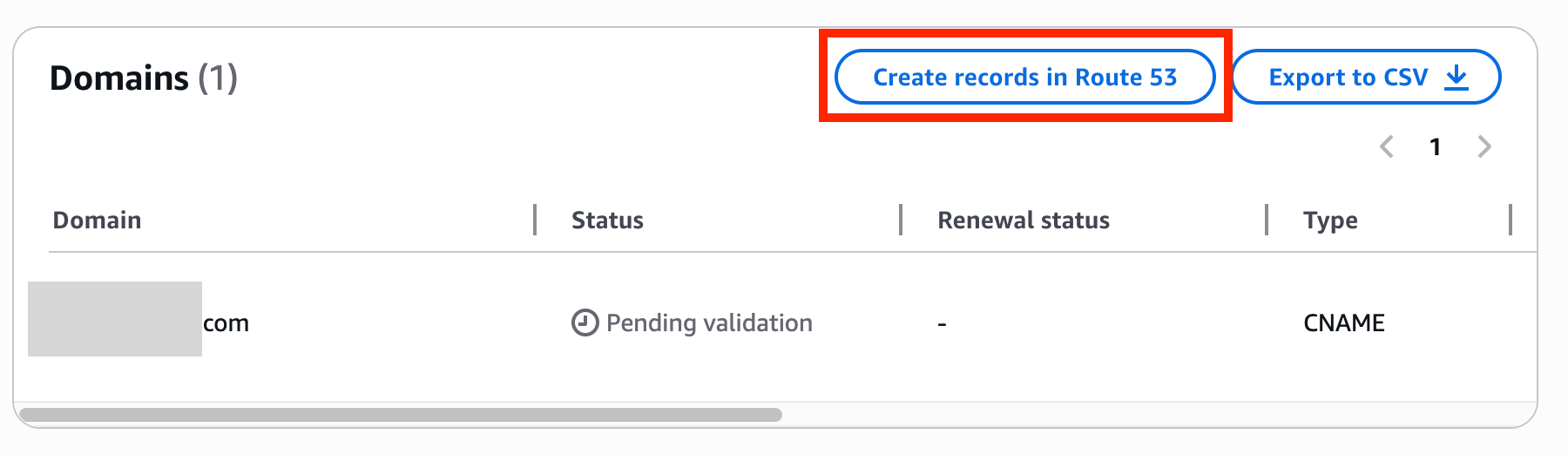
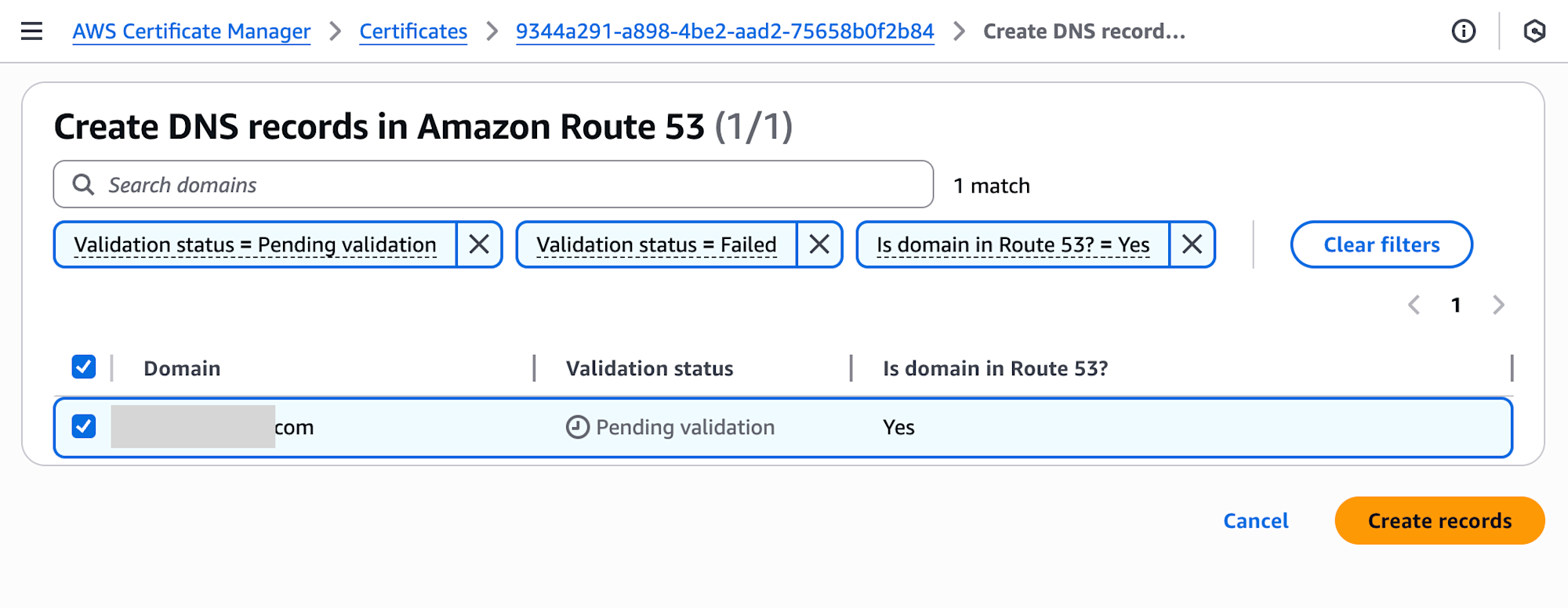
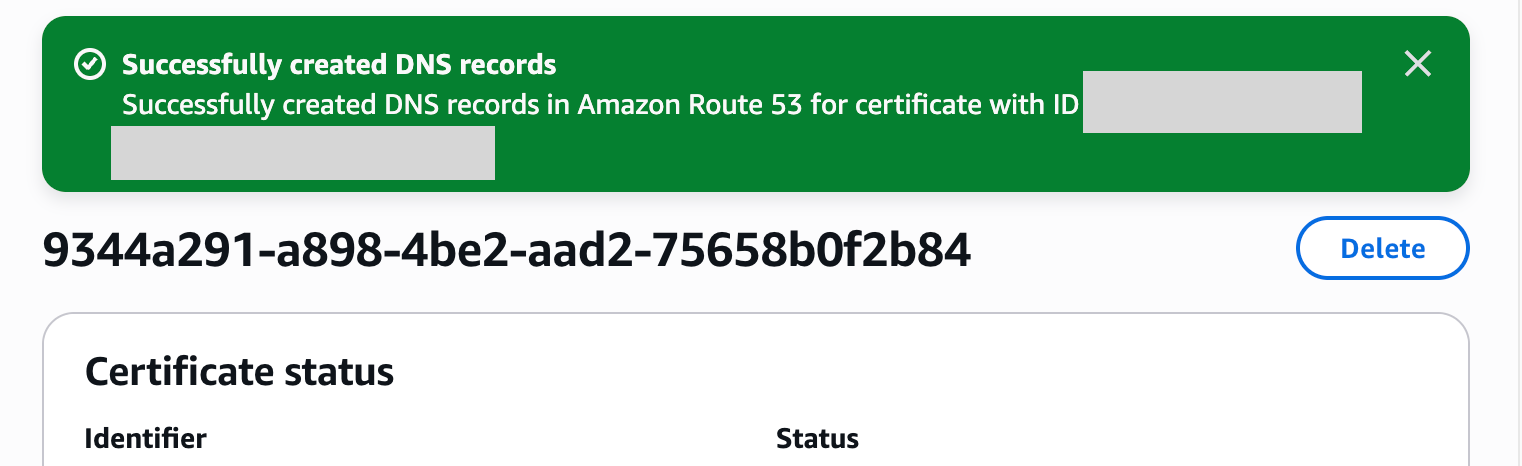
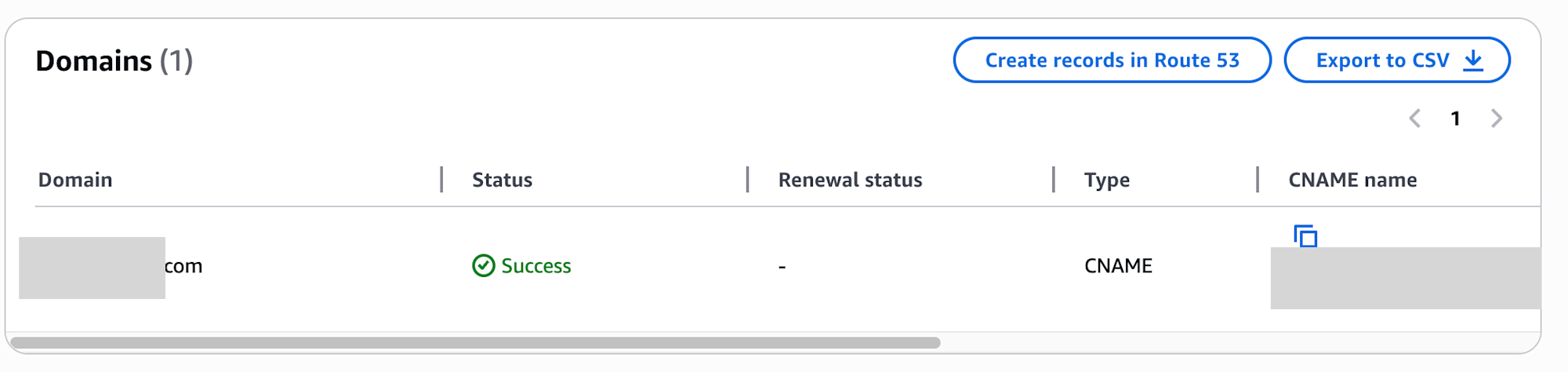
On the certificate details screen, clicking the Create records in Route 53 button automatically adds CNAME validation records to Route 53.
After a short wait, the Status changes to Success.
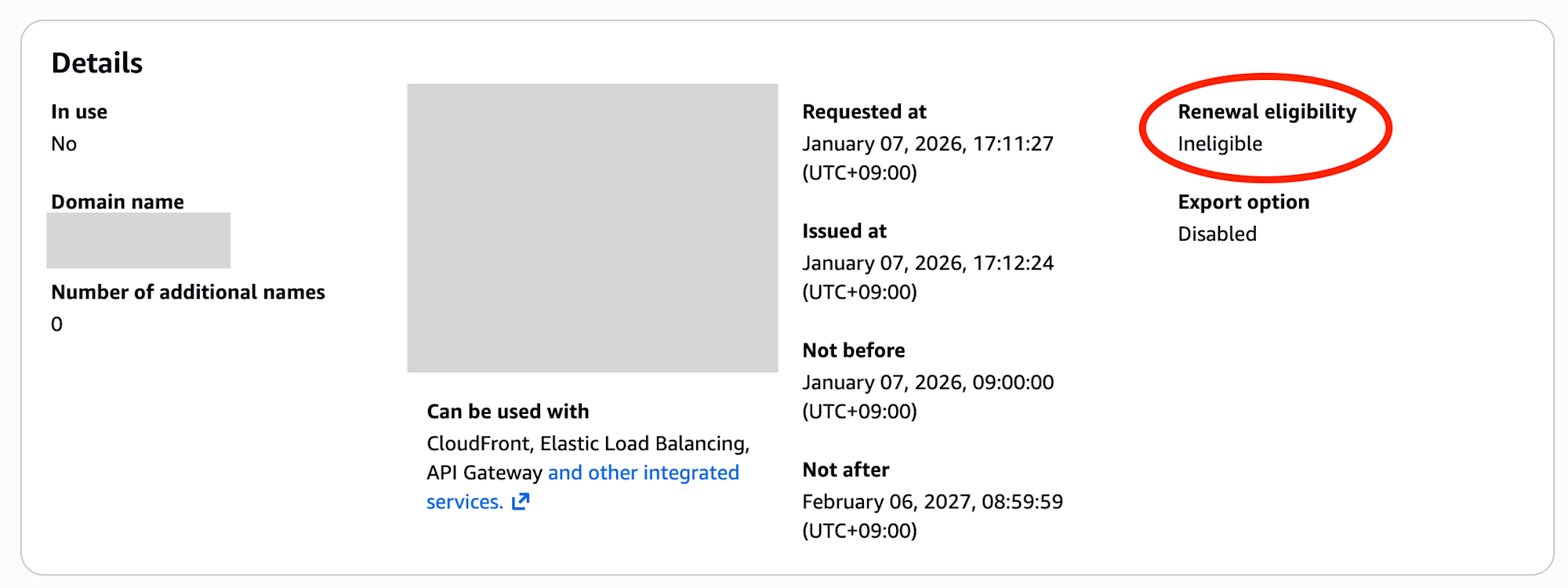
Step 3: Check Certificate Renewal Eligibility Status
At this point, the certificate is not yet linked to any AWS service, so it's not eligible for automatic renewal.
Renewal eligibility: Ineligible
Step 4: Link Certificate to API Gateway
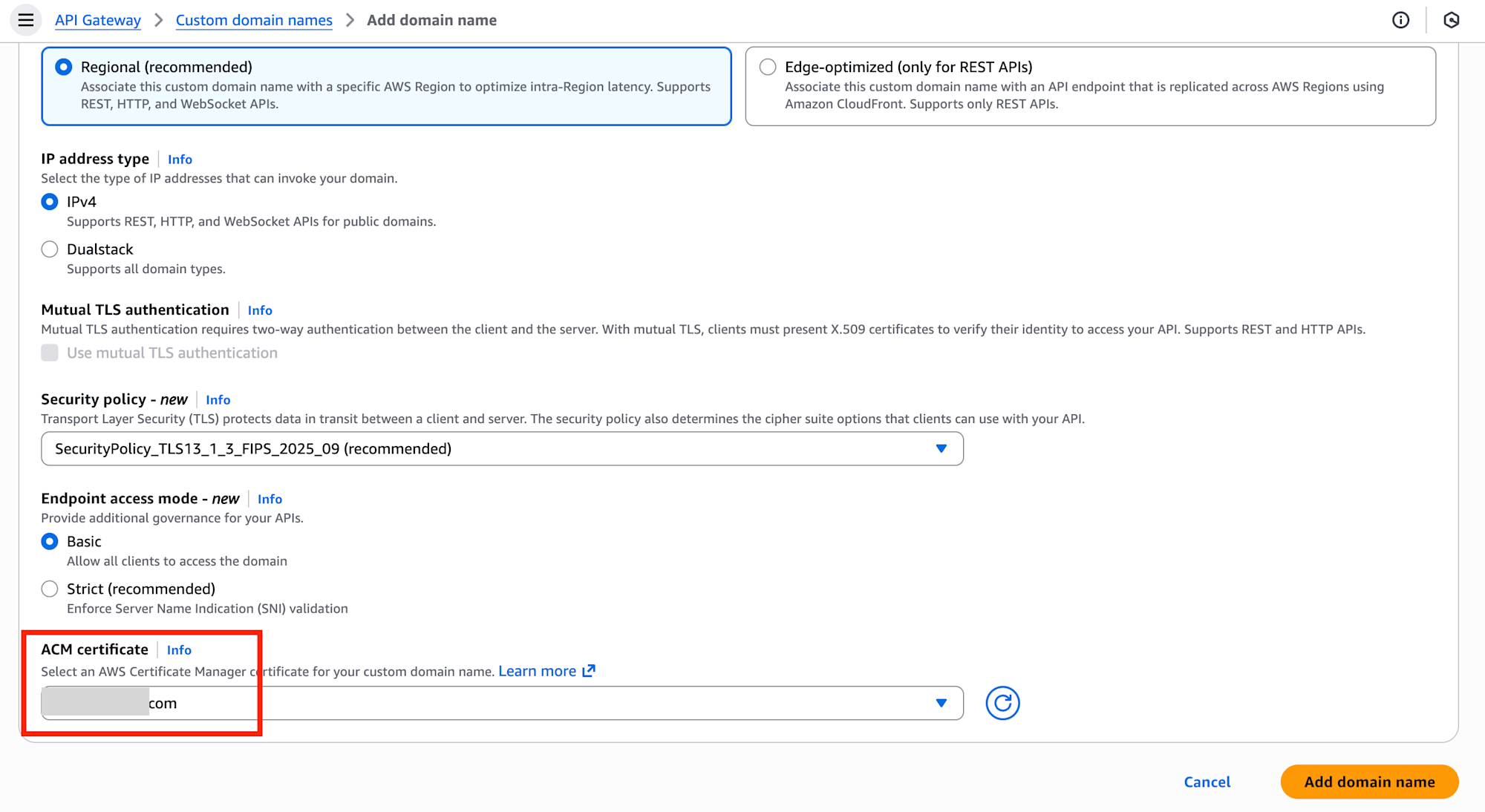
Open Custom domain names in the API Gateway console and click the Add domain name button.
Select ACM certificate in the detailed settings screen.
Step 5: Confirm Automatic Renewal Eligibility
After linking to API Gateway, check the certificate in the ACM console to see its status has changed.
Renewal eligibility: Eligible
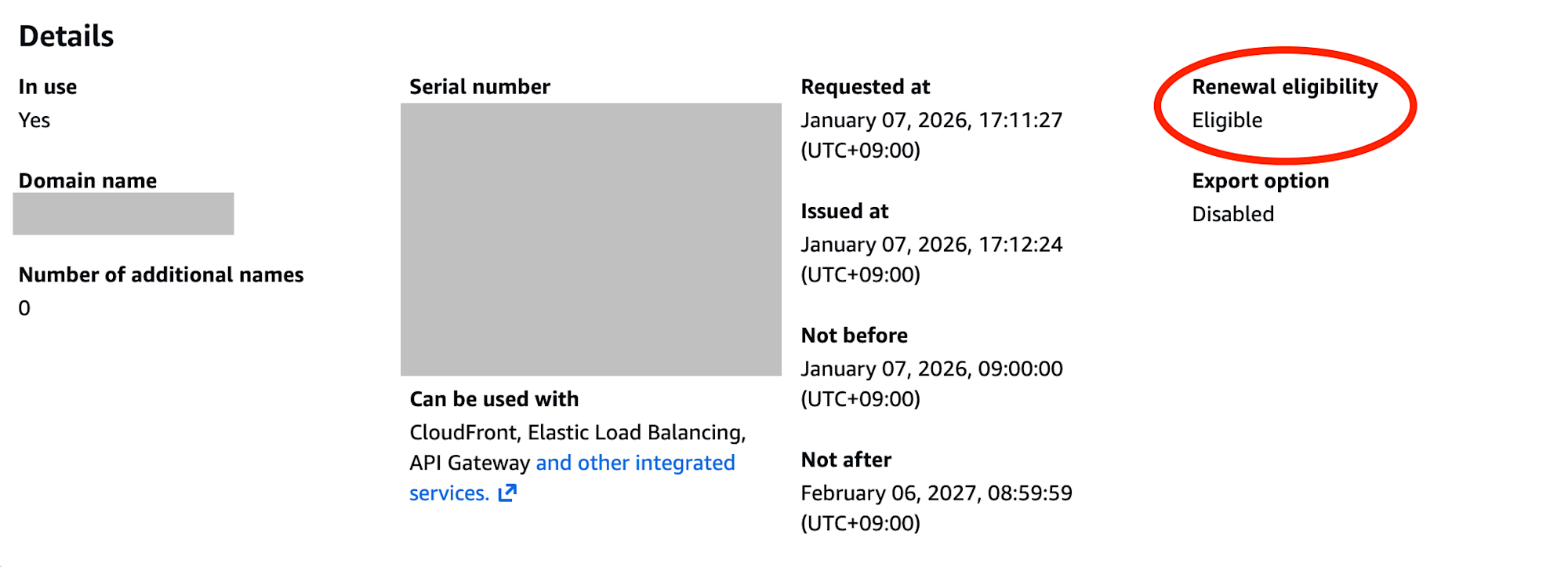
Now ACM will automatically renew the certificate starting 60 days before expiration.
Conclusion
With AWS ACM, certificate renewal happens automatically as long as DNS validation records are maintained. By automating certificate management, you can significantly reduce the risk of outages caused by human error.