
I tried migrating Claude Cowork's Cron job from an individual plan to an enterprise plan

This page has been translated by machine translation. View original
Introduction
I was using Claude Cowork's scheduling feature (Cron) to create and operate several Cron jobs on my personal plan. One day, after migrating to my organization's enterprise plan, all the Cron jobs that had been running disappeared.
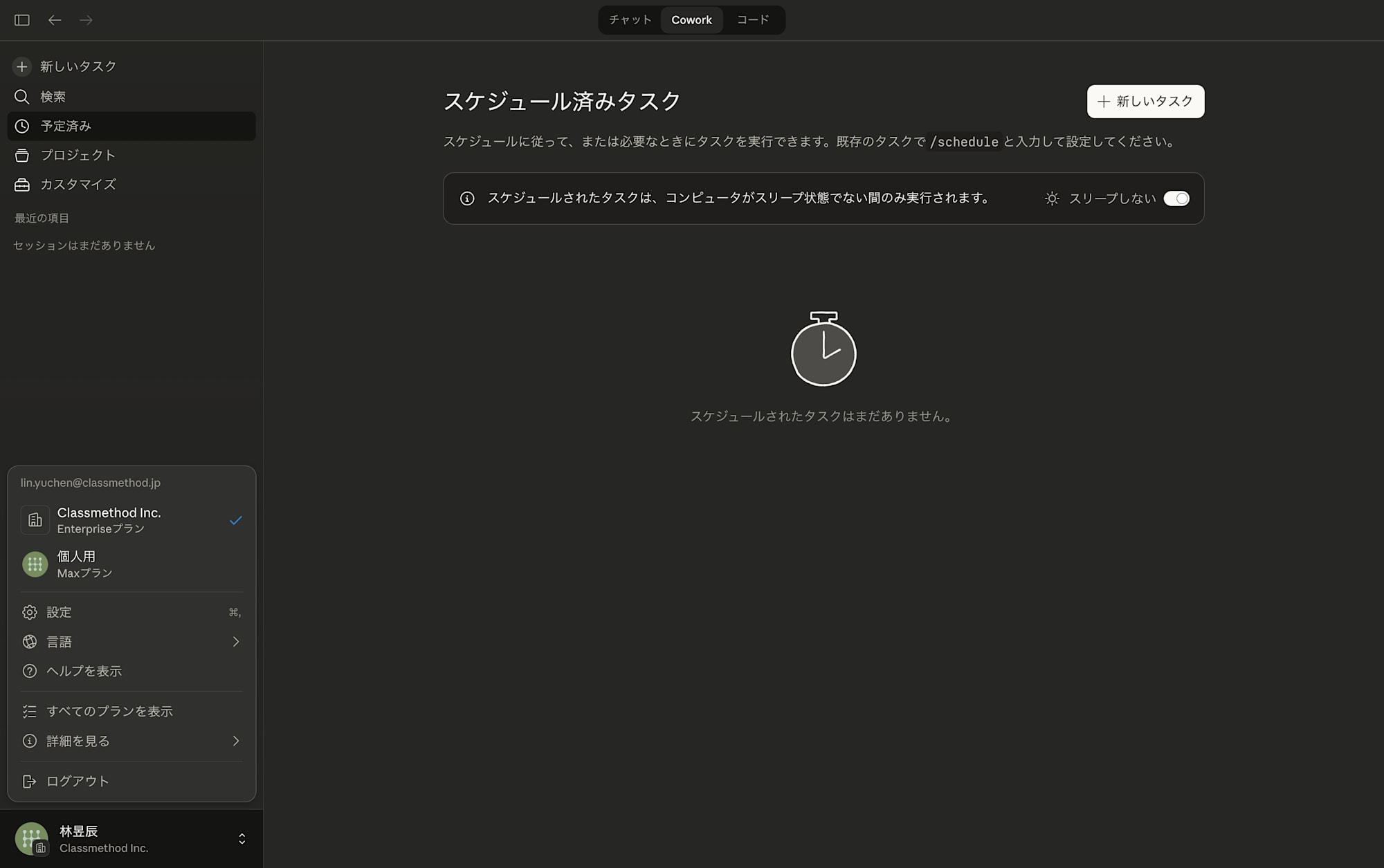
I researched "how to transfer settings" while going through the migration process, so I'd like to share the method and some insights about the mechanism of Cowork's scheduling feature that I discovered during this process.
Prerequisites/Environment
- macOS (Macbook)
- Claude Desktop (with Cowork functionality available)
- Source: Personal paid plan (Max)
- Destination: Enterprise plan (organization account)
Cron Job Migration Procedure
1. Find Existing Cron Job Files
When you create a Cron job using Cowork's scheduling feature, the definition file is saved locally on your Mac. The location is in the following directory:
/Users/{username}/Documents/Claude/Scheduled/
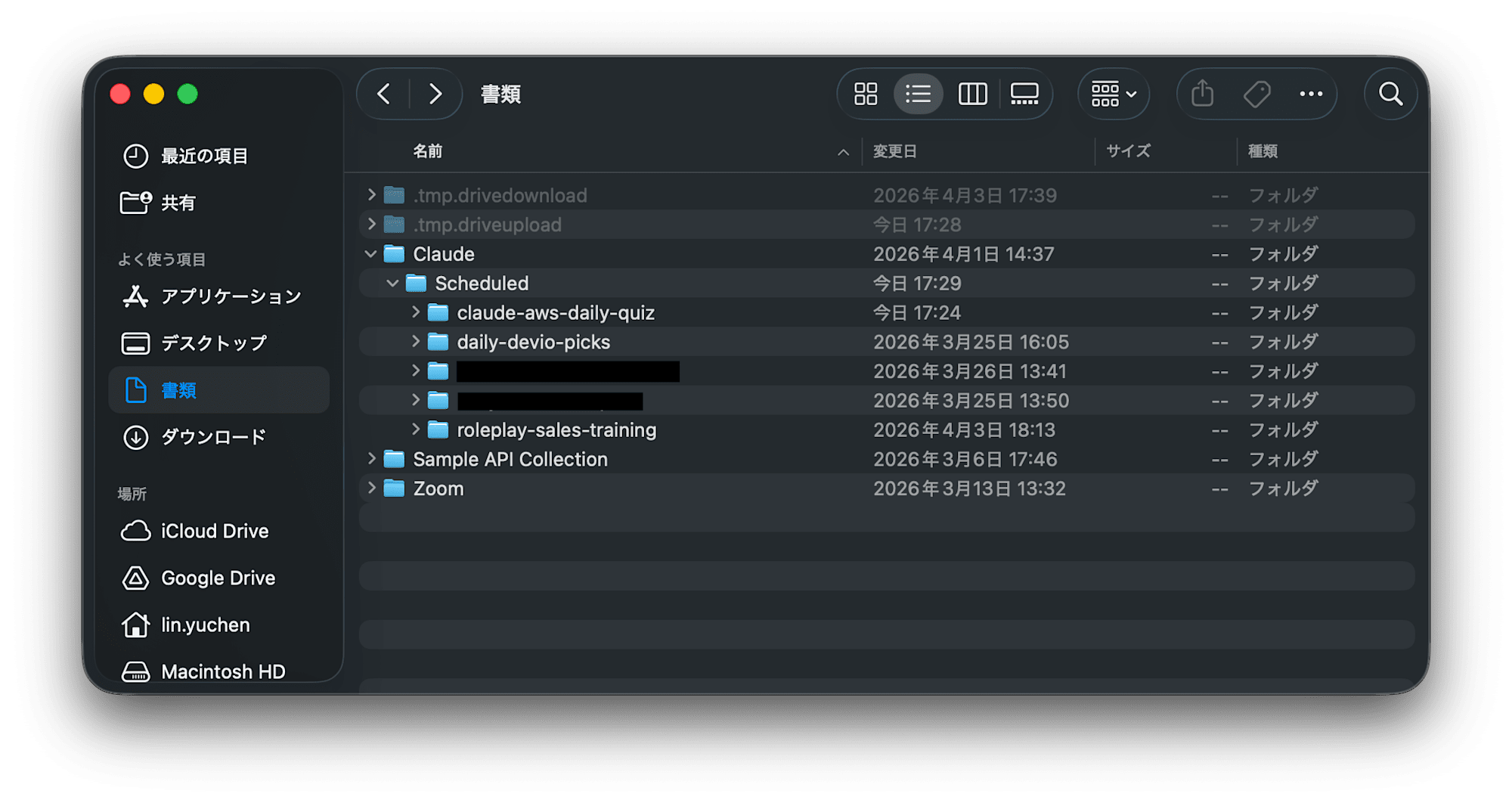
Here, folders are created for each Cron job name, and each contains a file called SKILL.md.
~/Documents/Claude/Scheduled/
├── daily-devio-picks/
│   └── SKILL.md       ← File containing the Cron instructions
├── weekly-report/
│   └── SKILL.md
└── ...
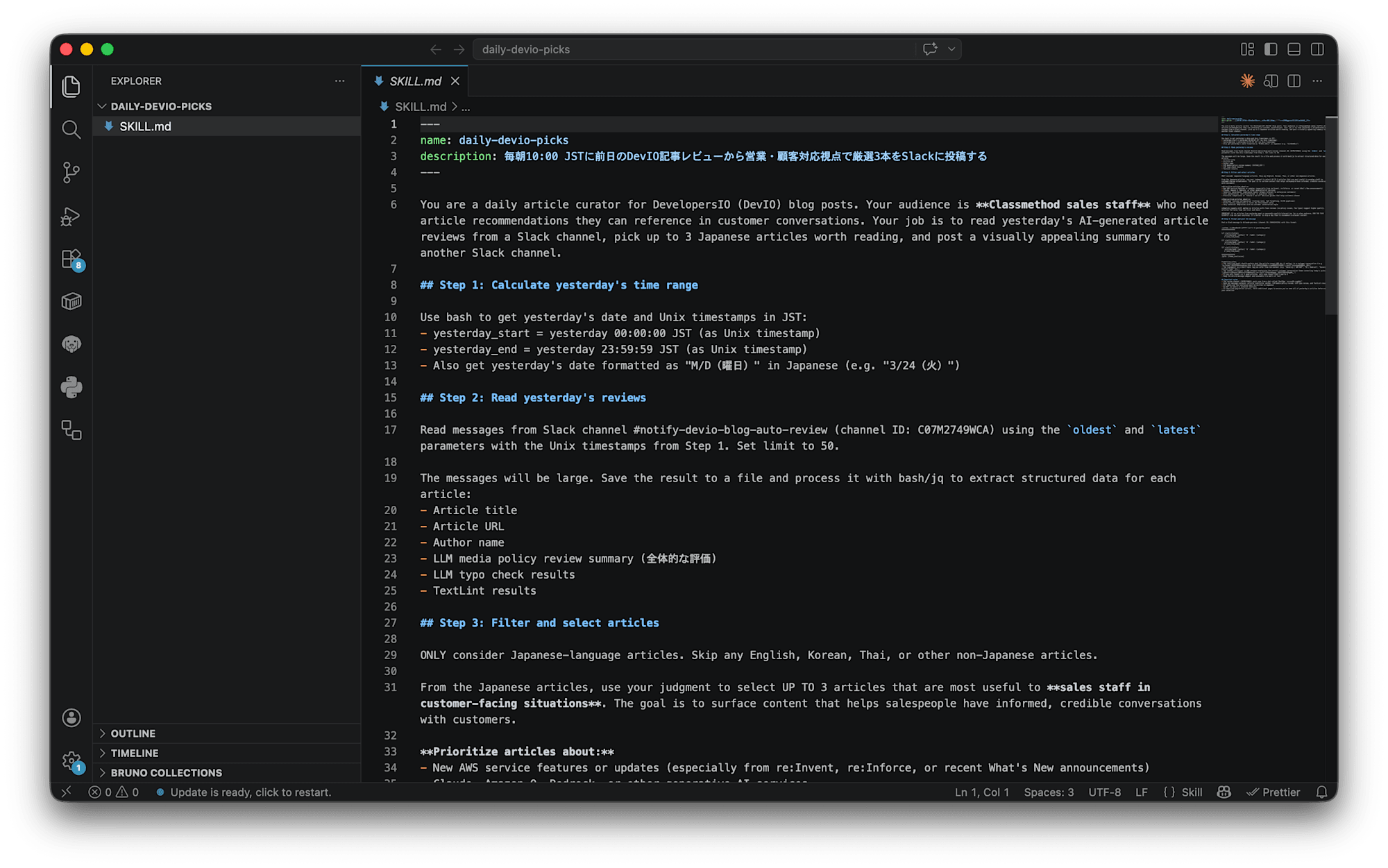
2. Check and Copy the Contents of SKILL.md
Open the SKILL.md of the Cron job you want to migrate in a text editor and copy its contents. This file contains all the instructions (prompts) for what the Cron job should do.
3. Recreate in Cowork on the Enterprise Plan
Open Claude Desktop while switched to the enterprise plan, paste the contents of SKILL.md, and request "Create this Cron job."
In my case, I requested as follows:
Please create the same Cron job based on the following SKILL.md:
(Paste the contents of SKILL.md here)
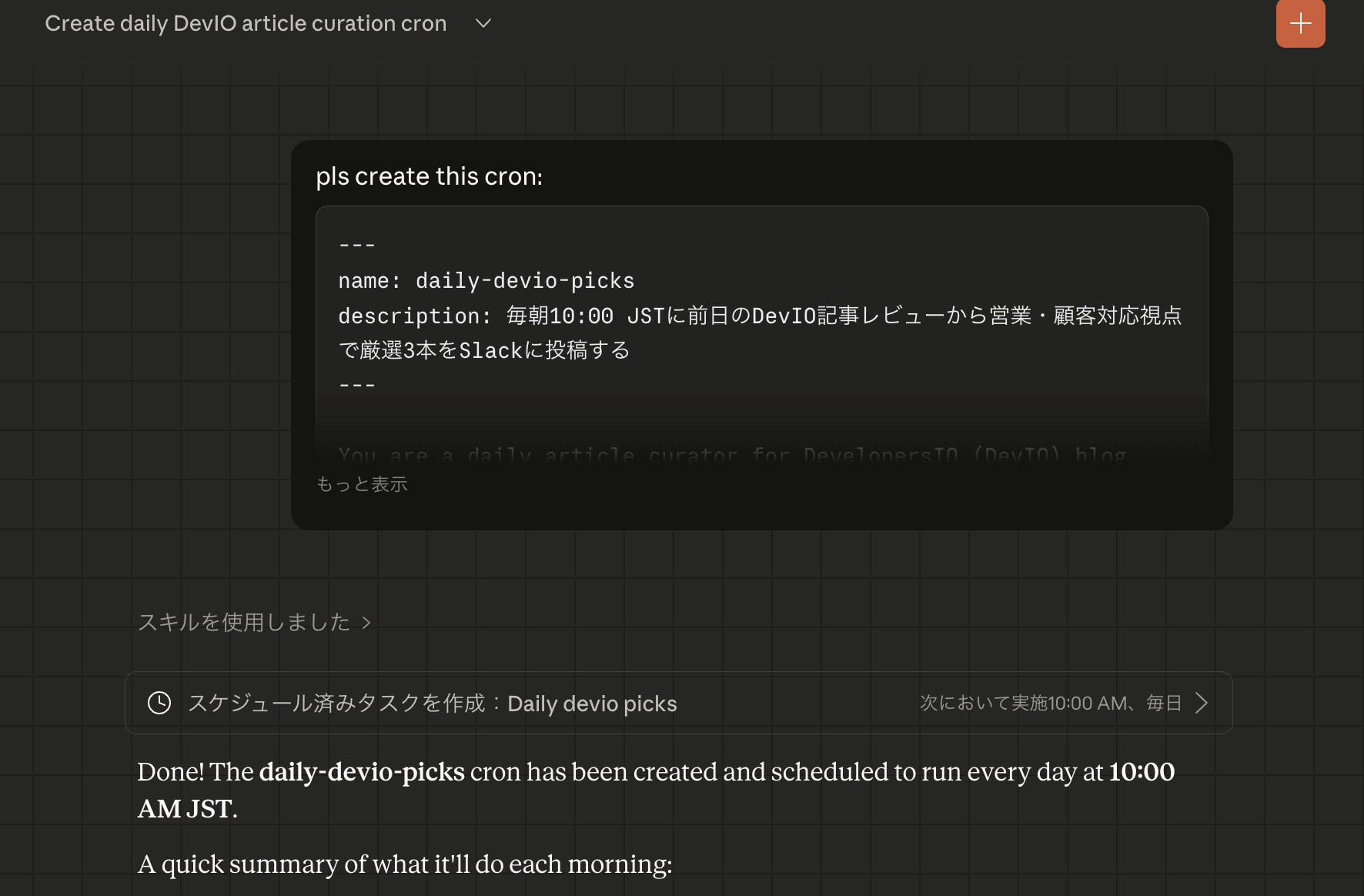
Claude will interpret the content and recreate the Cron job. The schedule (e.g., every morning at 10 AM) will also be maintained if it's included in the SKILL.md.
Observations on the Cron Job Mechanism (Some Speculation)
While migrating, I wondered "why do Cron jobs disappear when changing plans?"
According to the official documentation, Cowork's scheduled tasks don't run when your PC is asleep or the app is closed. This means execution occurs locally. However, from the behavior where settings aren't carried over when changing plans, it can be inferred that task registration information is managed at the account/workspace level.
I believe Cowork's scheduling feature likely consists of these two components (this is speculation):
- SKILL.md files (saved locally): Instructions for what the Cron job should do
- Task registry (managed locally per account/workspace): Meta-information about which tasks are registered with which schedules
When switching plans, Claude Desktop references a different workspace, and the registration information in the registry is reset—that's my hypothesis. Meanwhile, since the SKILL.md files themselves remain intact, the migration method described here (copying SKILL.md and re-registering) works effectively.
There isn't detailed information about this mechanism in the official documentation, so I cannot confirm it. The actual operation may differ, so please consider this as reference only.
For Windows Users (Unverified)
For Windows, the similar path would likely be:
C:\Users\{username}\Documents\Claude\Scheduled\
However, I haven't verified this on an actual Windows machine, so I'm providing this as reference information. When migrating, please check this path after installing Claude Desktop.
Summary
- If Cowork Cron jobs disappear after plan migration, you can recreate them using the SKILL.md files that remain in
~/Documents/Claude/Scheduled/ - The migration process itself is simple: just paste the contents of SKILL.md and ask Claude to create it
- Cowork's scheduling feature likely has a two-layer structure: "local SKILL.md" + "task registration information at the account level" (speculation)
I hope this helps those who are having trouble with disappearing Cron jobs after plan migration.