I tried OpenAI's "gpt-oss-20b" on a Mac Mini (M4 Pro)

This page has been translated by machine translation. View original
On August 5, 2025, OpenAI released open-weight language models gpt-oss-120b and gpt-oss-20b.
I had the opportunity to try the open model "gpt-oss-20b," which is said to be comparable to OpenAI o3-mini and runs on about 16GB of VRAM, on a Mac Mini (M4) environment with LM Studio installed as a local LLM execution environment. Here are the steps and performance results.
Execution Environment
I used a Mac mini 2024 with the following specifications:
-
Chip: Apple M4 Pro
- 12-core CPU
- 16-core GPU
-
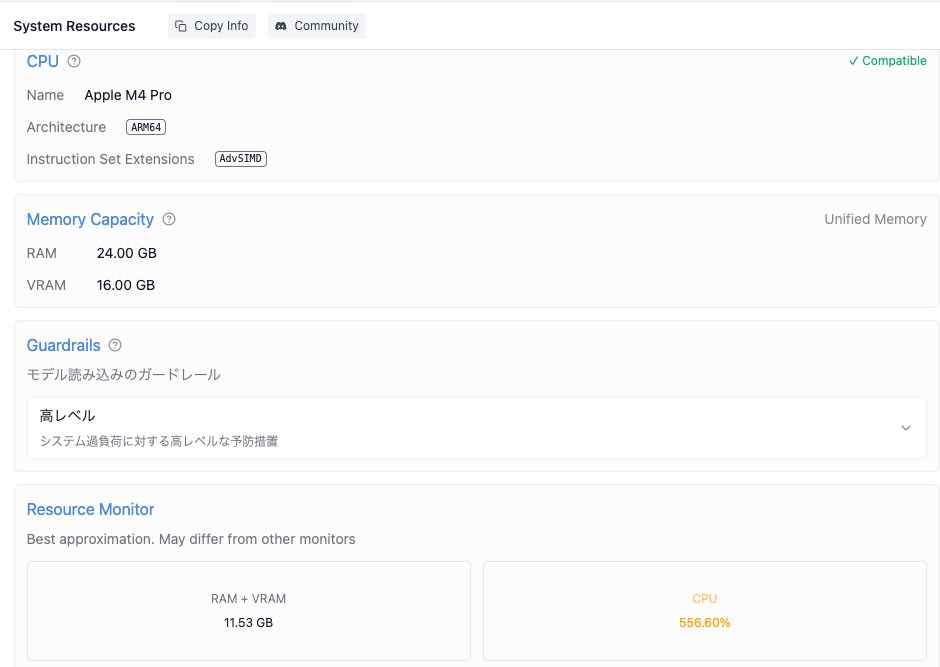
Memory: 24GB Unified Memory
- RAM: 24.00 GB
- VRAM: 16.00 GB
-
macOS Sequoia 15.6
LM Studio
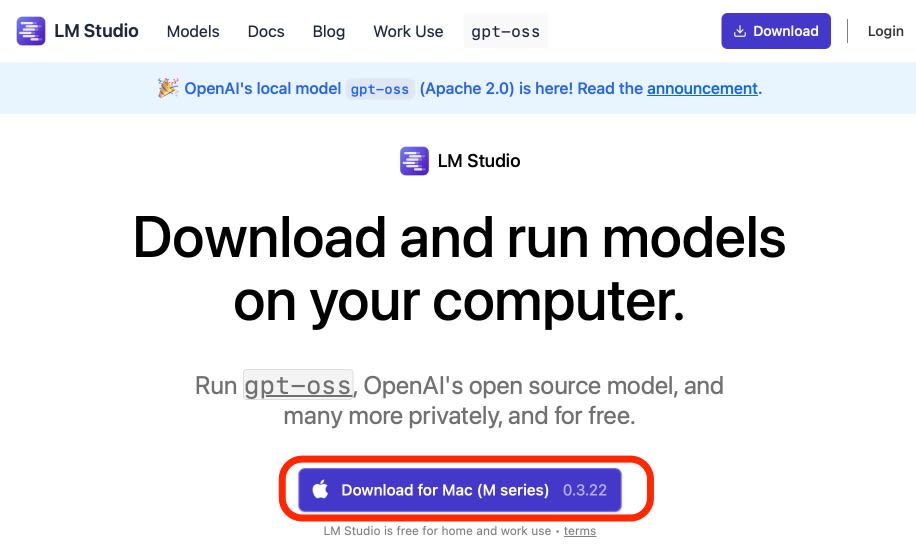
Download
Downloaded the Mac installer (0.3.22) from LM Studio's official website
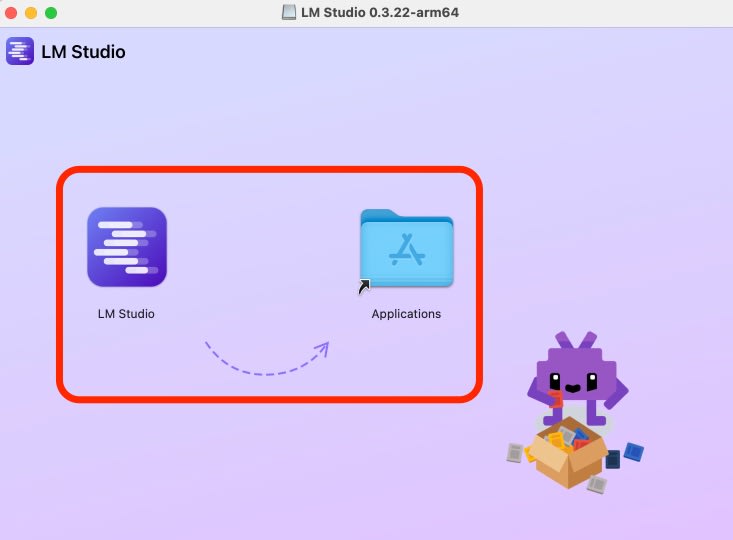
Installation
Installed in the Applications folder and launched
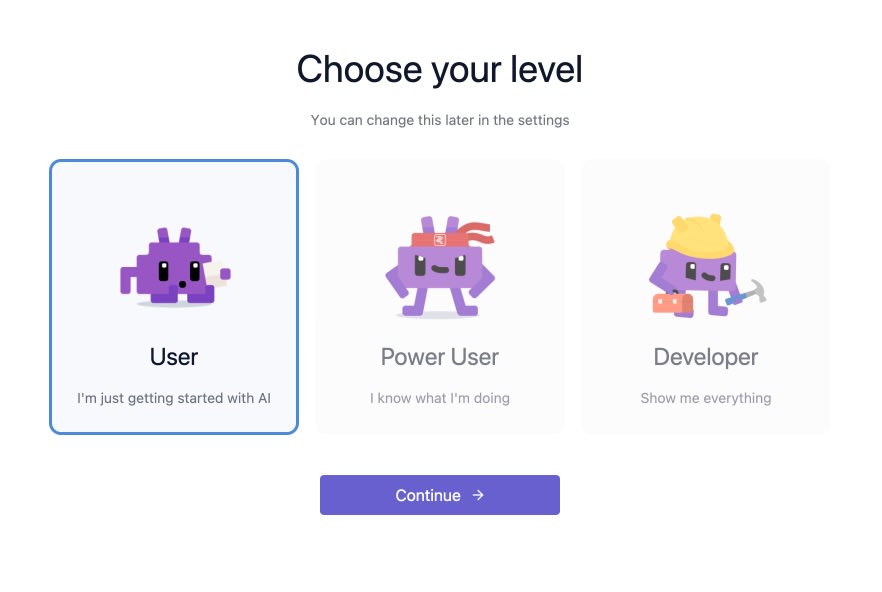
Initial Setup
Selected "User" as the level
Downloaded "openai / gpt-oss-20b" as suggested for the initial model
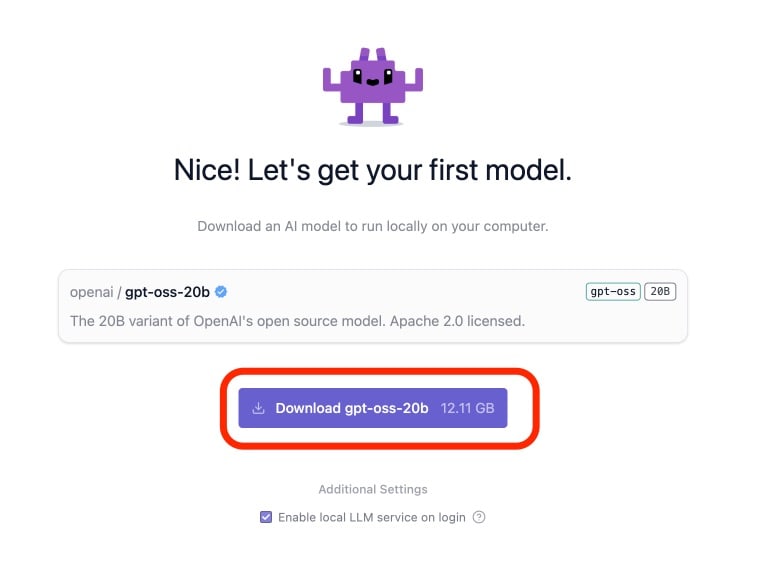
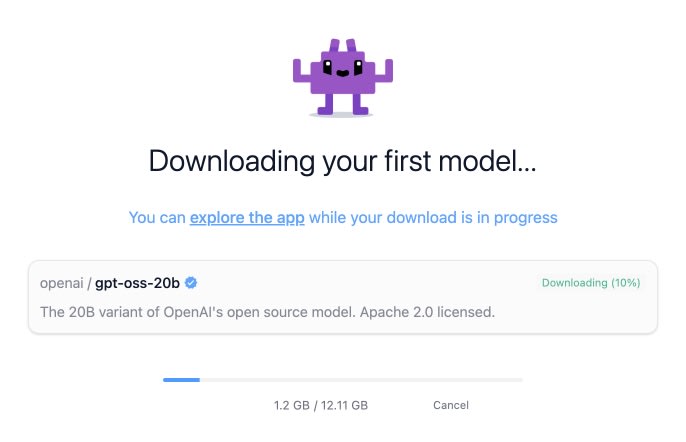
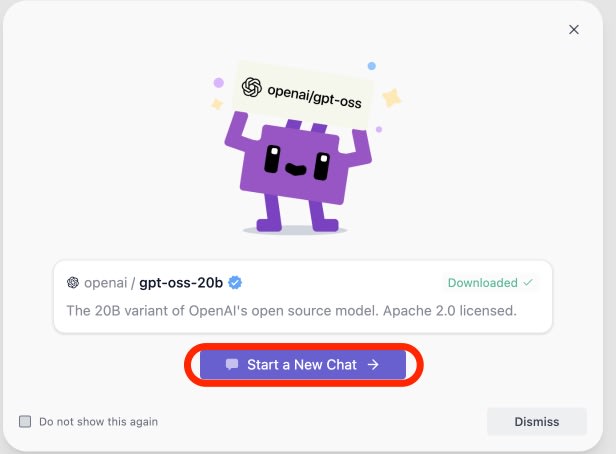
I did not customize any other settings and confirmed chat functionality via "Start a New Chat."
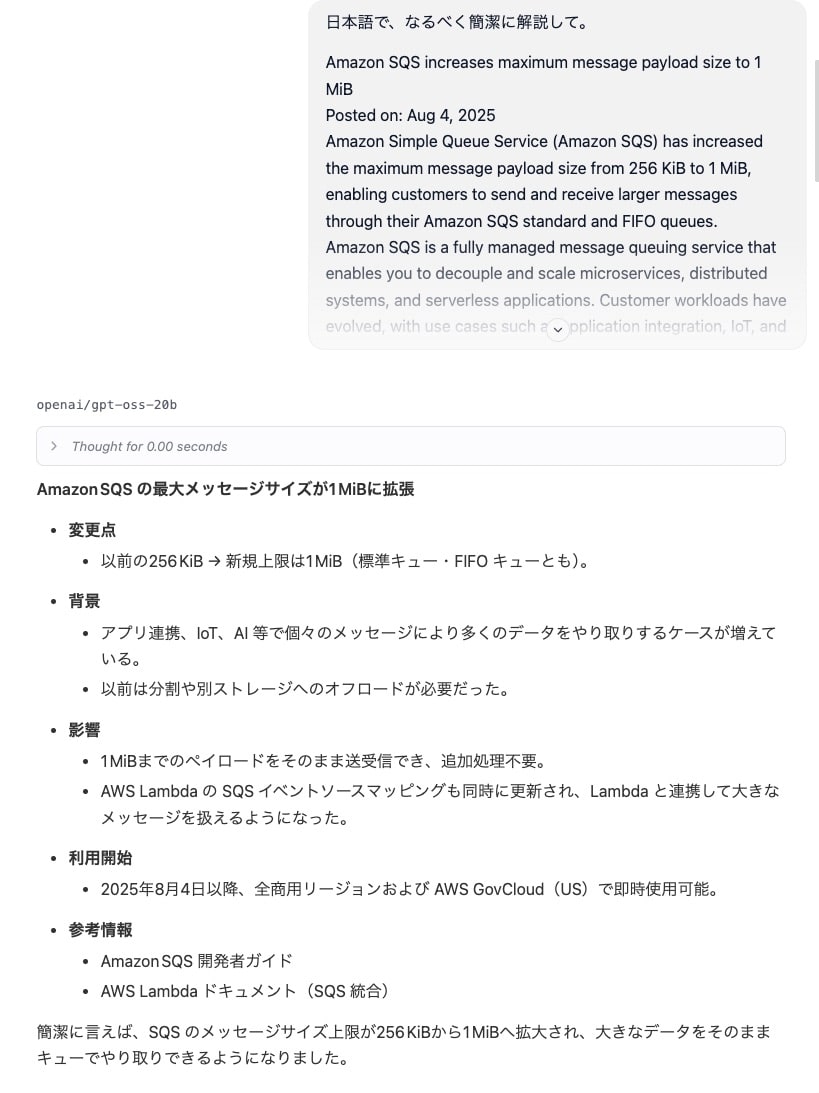
I tested a prompt requesting a Japanese explanation of a recent English article about the SQS payload size being expanded to 1MiB.
Though it was a short document, I received an accurate response in natural Japanese.
Operation capture video
Resource Consumption
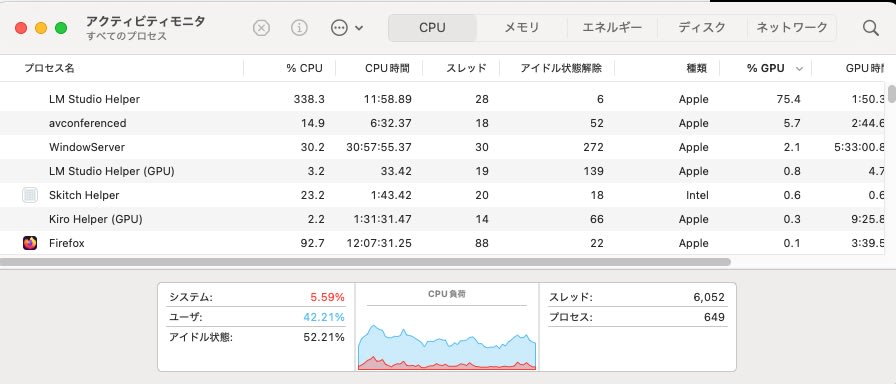
During summary processing, CPU usage was 300-500%, about half of the available cores, and RAM consumption was around 11.5GB.
Summary
I confirmed that "gpt-oss-20b," which is considered high-performance compared to previously released local LLMs, can be used on a Mac environment with 24GB of memory.
The "gpt-oss-120b" model, which requires 80GB of GPU, might be practical on devices like Mac Studio that offer more unified memory.
This experience reaffirmed that Macs equipped with the latest Apple silicon are excellent platforms for running high-performance LLMs locally. I look forward to the continued evolution of open models.