
Running Gemma 4 locally on MacBook (16GB) — From model selection to UI building and practical project implementation using Ollama

This page has been translated by machine translation. View original
Introduction
Gemma 4, released by Google in 2026, is gaining attention as an open-weight LLM that can run locally. Having your own AI endpoint with zero API cost is attractive, but the first hurdle is "Will it run on my MacBook?"
In this article, I'll introduce the process of running Gemma 4 locally on a MacBook (Apple M5) with 16GB of memory. After experiencing a screen freeze with the first model I chose, I eventually reached a point where it could be utilized in real projects.
Overview of the Gemma 4 Family
Gemma 4 has four variations.
| Model | Parameter Count | Architecture | Disk Space (Q4) | Estimated Memory Required | Features |
|---|---|---|---|---|---|
| E2B | 2.3B | Dense | ~2 GB | ~3-4 GB | Ultra-lightweight, for edge devices |
| E4B | 4.5B | Dense | ~3 GB | ~5-6 GB | Balanced, comfortable on most Macs |
| 26B (MoE) | 25.2B (Active: 3.8B) | Mixture of Experts | ~17 GB | ~18-19 GB | High quality but heavy memory consumption |
| 31B | 31B | Dense | ~20 GB | ~20+ GB | Highest quality, 32GB+ recommended |
The important point here is that disk space and required memory are different things. Disk space is the storage needed for model files, while required memory is the RAM used by GPU/CPU when loading the model for inference.
Step 1: Check MacBook Specifications
First, check the available memory on your machine.
sysctl hw.memsize
hw.memsize: 17179869184
This is a 16GB MacBook. On Apple Silicon, CPU and GPU share the same unified memory. There is no separate "VRAM" area; the GPU uses part of the physical memory.
When launching Ollama, it displays the amount of memory actually available.
inference compute  id=0  library=Metal  name=Metal  description="Apple M5"
  total="11.8 GiB"  available="11.8 GiB"
I found that about 11.8GB can be allocated to the model out of 16GB, after subtracting what the OS and system use.
Step 2: Install Ollama
Ollama is a runtime environment for local LLMs. You can install it with Homebrew.
brew install ollama
Start the server.
ollama serve
Pull or run models in a separate terminal tab.
Step 3: The Story of Trying the 26B MoE and Failing
Looking at the specifications alone, you might think 26B MoE is light because "it only has 3.8B active parameters." Mixture of Experts doesn't use all parameters during inference; only some experts are activated for each token.
However, all model parameters need to be loaded into memory. The smaller active parameters relates to computational load, not memory usage.
ollama pull gemma4:26b
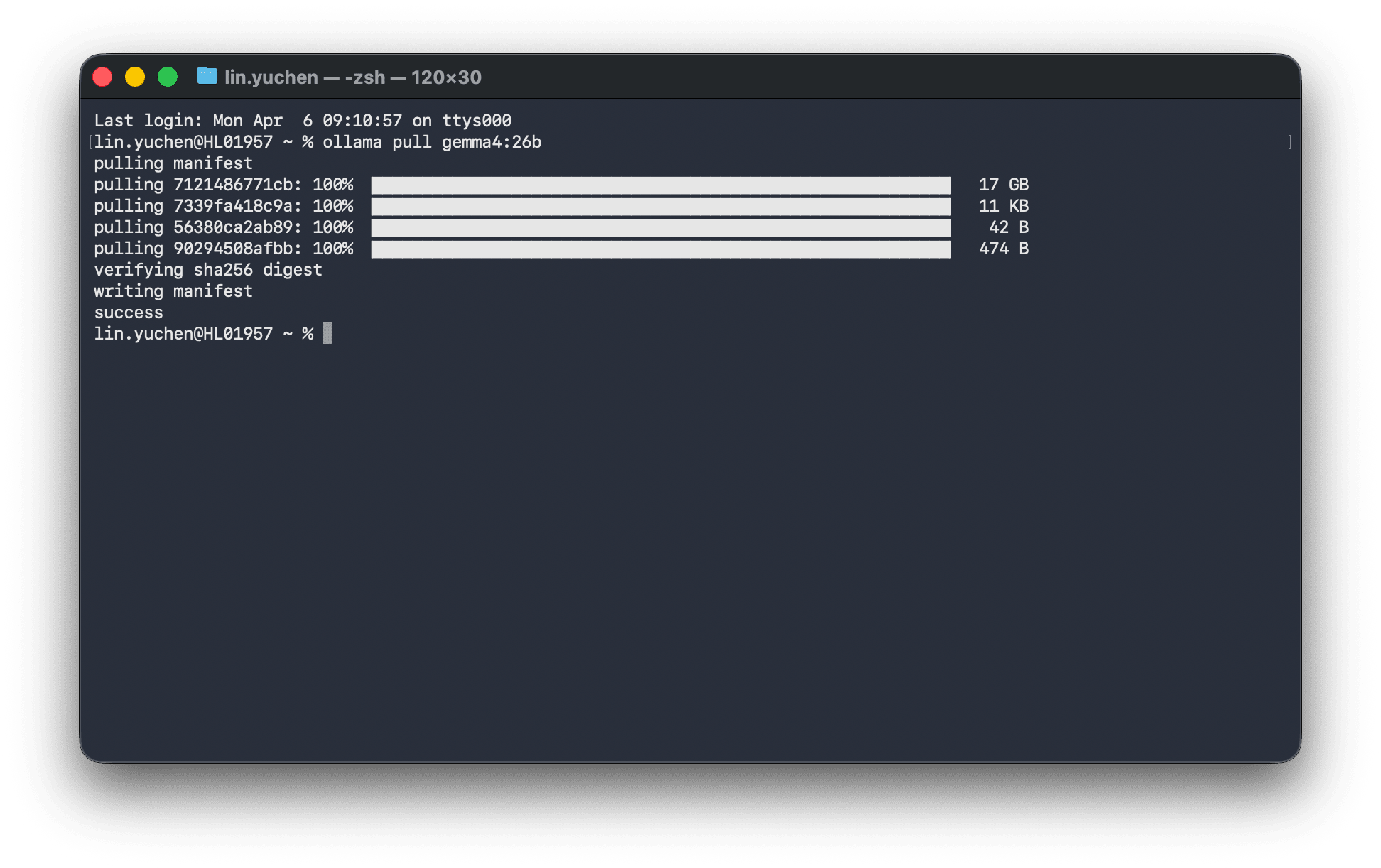
After completing the 17GB download, when I tried to run it...
model weights  device=Metal  size="10.0 GiB"
model weights  device=CPU    size="7.3 GiB"    ← Overflowing to CPU because it doesn't fit on GPU
offloaded 20/31 layers to GPU                   ← Only 20 of 31 layers fit on GPU
total memory  size="18.8 GiB"                   ← Required memory 18.8GB > Available 11.8GB
The screen completely froze. After 13 minutes of being unable to operate, I received an HTTP 500 error.
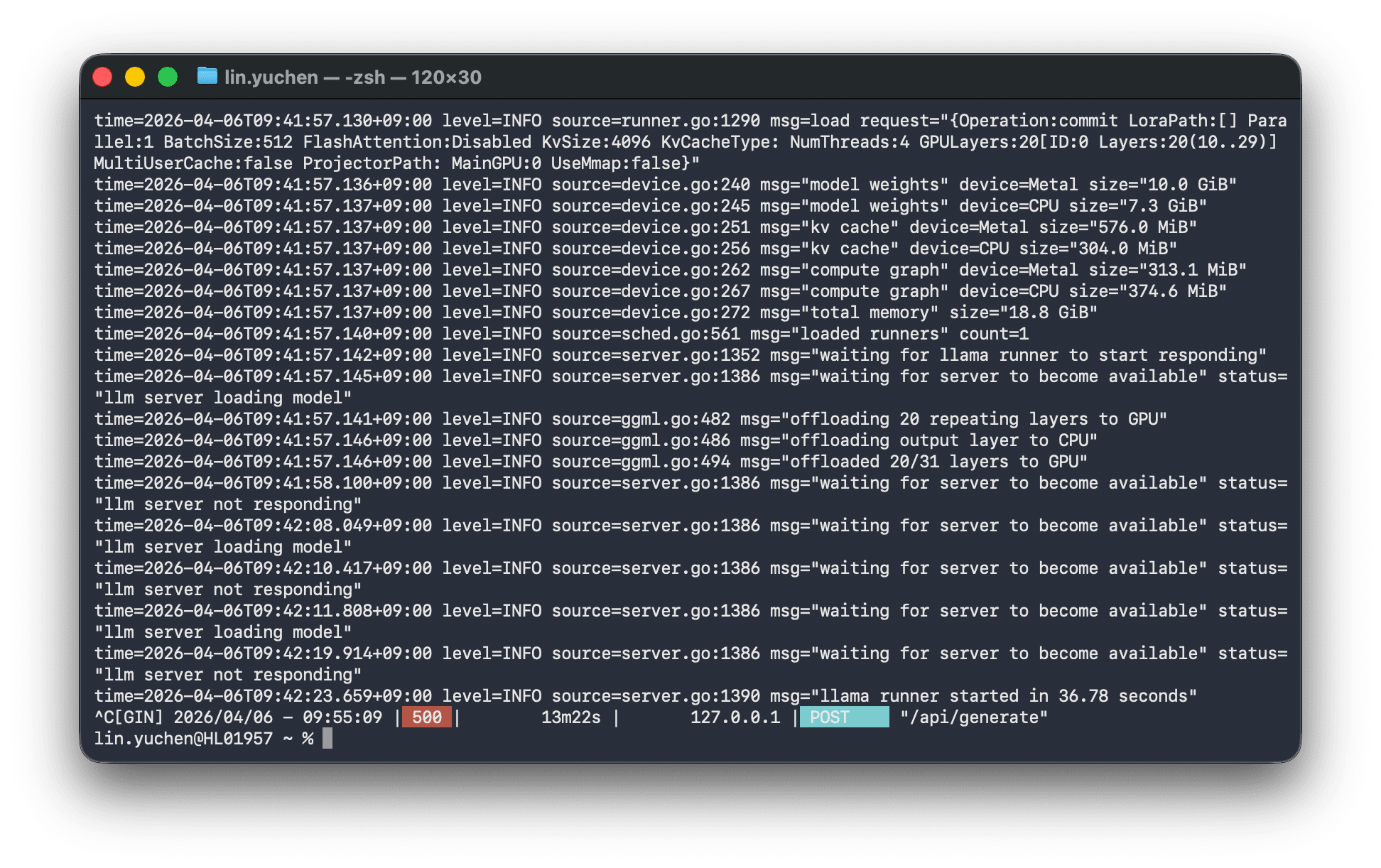
Parts that couldn't fit in GPU memory overflowed (offloaded) to CPU memory, and data transfer between GPU↔CPU became a bottleneck, making the entire machine unresponsive.
I deleted the unnecessary model to free up disk space.
ollama rm gemma4:26b
Step 4: Running Smoothly with E4B
Taking a fresh approach, I switched to E4B.
ollama pull gemma4:e4b
After downloading, I tested it.
curl -s http://localhost:11434/api/generate \
  -d '{"model":"gemma4:e4b","prompt":"Say hello in one sentence.","stream":false}'
{
  "model": "gemma4:e4b",
  "response": "Hello!",
  "total_duration": 12755806500,
  "load_duration": 12189128000,
  "eval_count": 3,
  "eval_duration": 60049084
}
The first time takes about 12 seconds to load the model, but once loaded, it stays in memory. Let's check the response speed for subsequent requests.
# Testing in chat format
curl -s http://localhost:11434/api/chat \
  -d '{
    "model": "gemma4:e4b",
    "messages": [{"role": "user", "content": "日本の首都は?"}],
    "stream": false
  }'
| Test | Response Time |
|---|---|
| Short question ("What is the capital of Japan?") | 0.5 seconds |
| Creative task (Write a haiku) | 0.9 seconds |
| Long answer (Explain APIs in 2-3 sentences) | 13.5 seconds |
It ran smoothly with no screen freezes. E4B fits in about 5-6GB of memory, well within the 11.8GB constraint.
Step 5: Building a Chat UI with Open WebUI
Ollama itself is an API server, so we need a separate chat UI for browser use. Open WebUI is the most popular choice.
Preparing Docker Runtime Environment
There are several options for using Docker on macOS.
| Tool | Price | Features |
|---|---|---|
| Docker Desktop | Free for personal use, paid for commercial (250+ people or $10M+ revenue) | Official GUI |
| OrbStack | Free for personal use, $8/month for commercial ($10K+ revenue) | Lightweight, fast, optimized for Apple Silicon |
| Colima | Completely free (MIT License) | CLI-based, no licensing issues for commercial use |
| Podman Desktop | Completely free (Apache 2.0) | Developed by Red Hat, has GUI |
Both Docker Desktop and OrbStack incur license fees for commercial use. Be careful if using them for work. I chose Colima for this project because it can be used without licensing concerns.
brew install colima docker
colima start
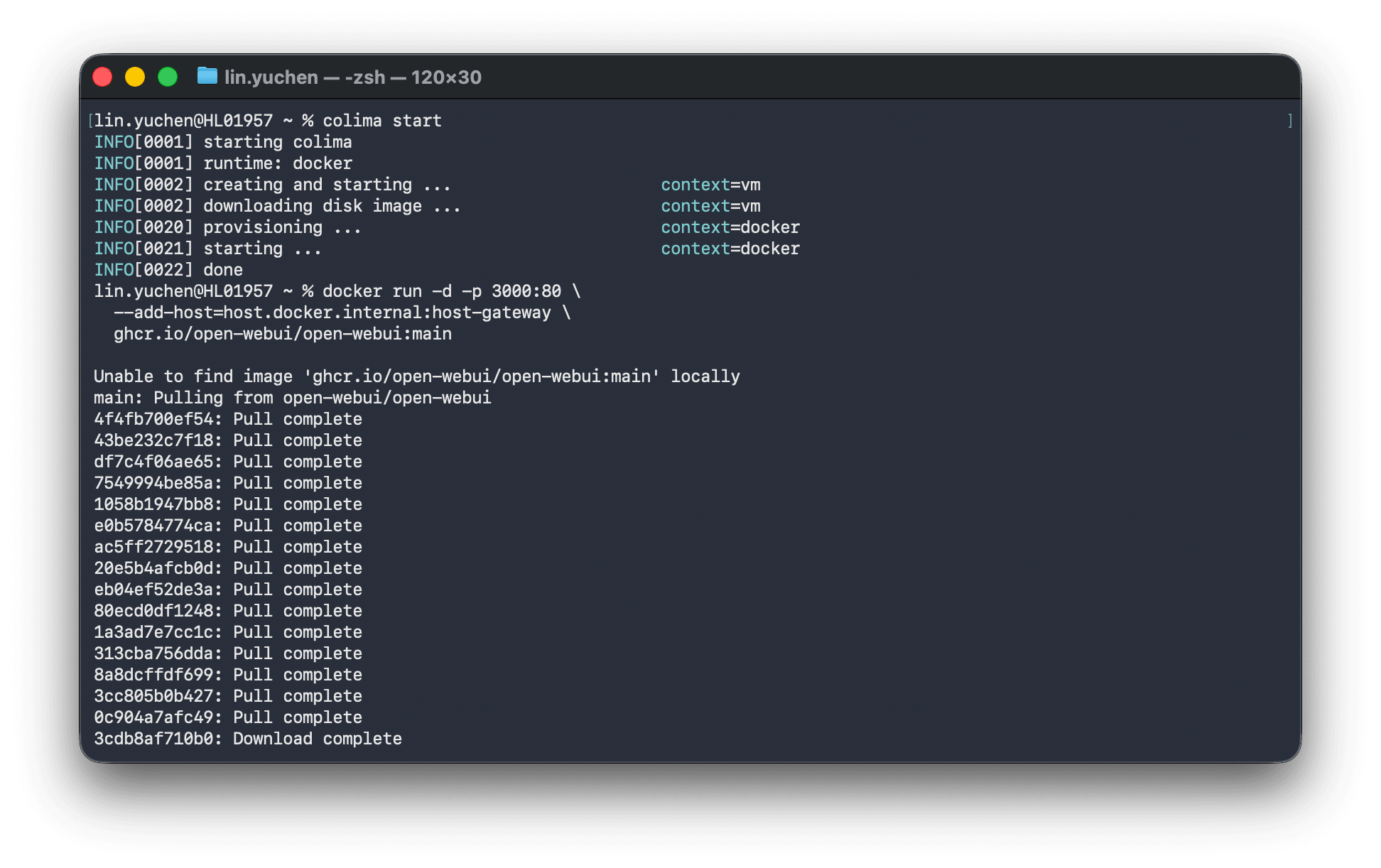
colima start launches a Linux VM where Docker Engine can be used. From here, regular docker commands work as usual.
Starting Open WebUI
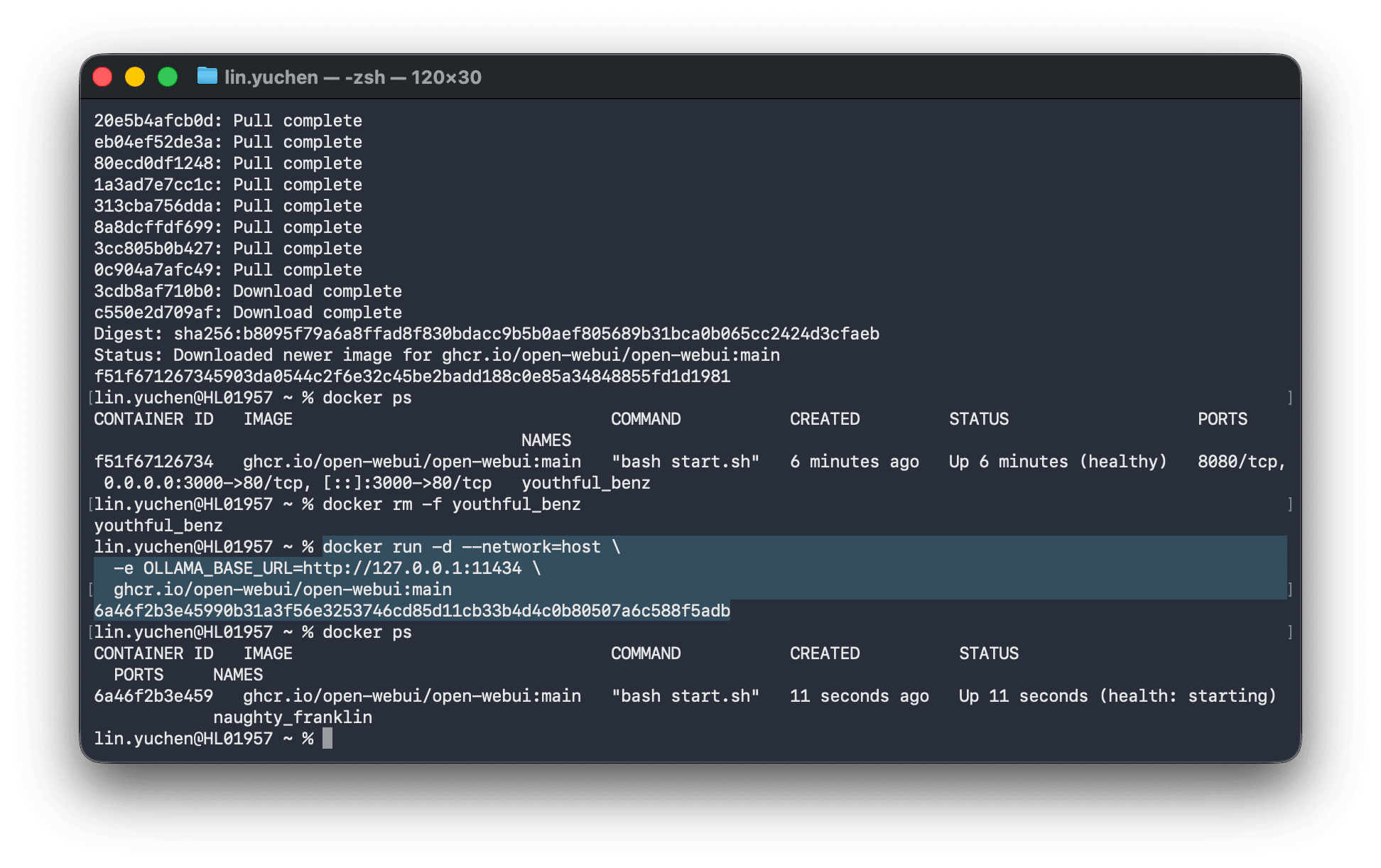
docker run -d --network=host \
  -e OLLAMA_BASE_URL=http://127.0.0.1:11434 \
  ghcr.io/open-webui/open-webui:main
Using --network=host allows the container to directly share the host machine's network, ensuring a reliable connection to Ollama. In this case, Open WebUI's port is 8080.
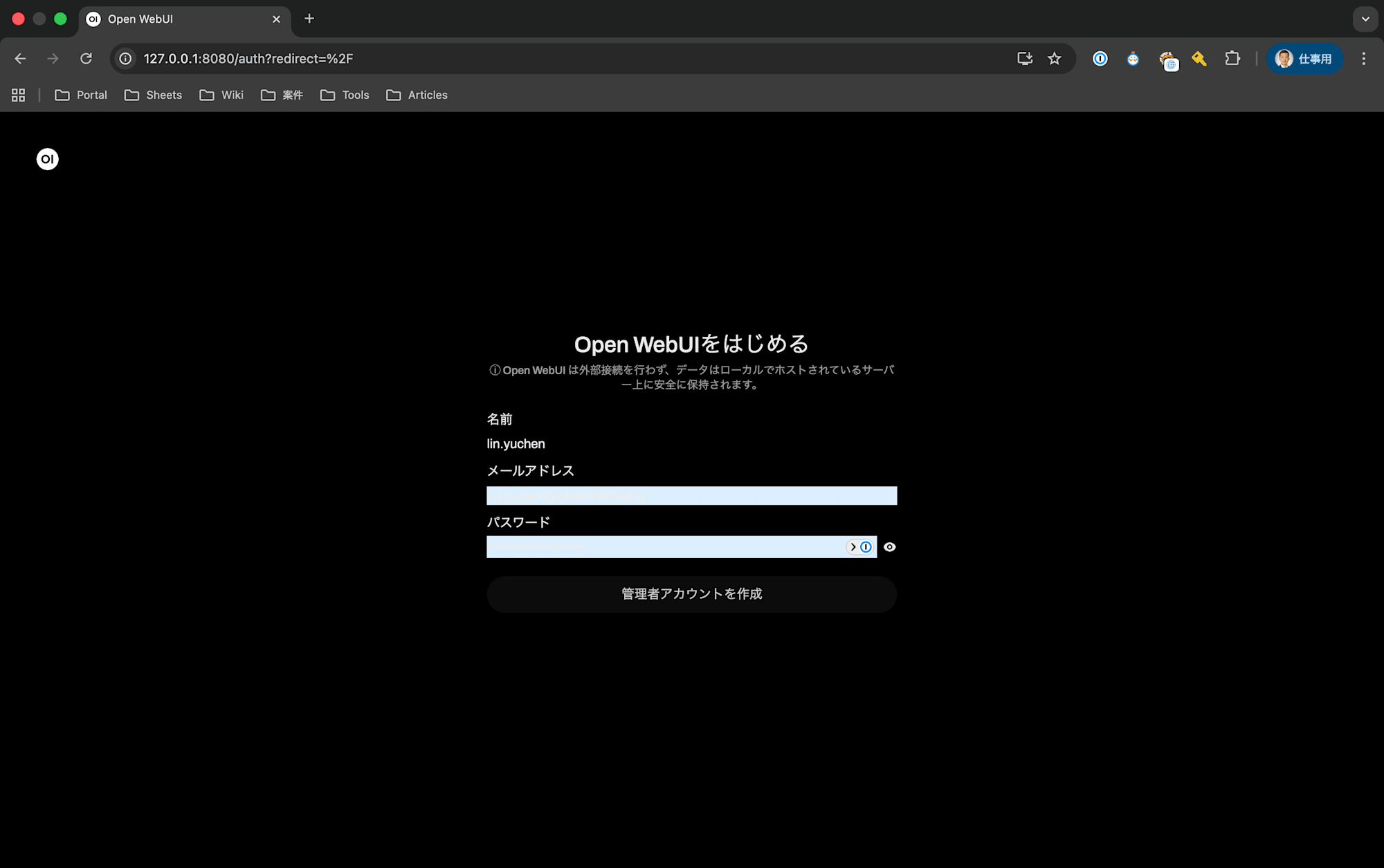
Open http://localhost:8080 in your browser to see a ChatGPT-like interface. Create an account on first access.
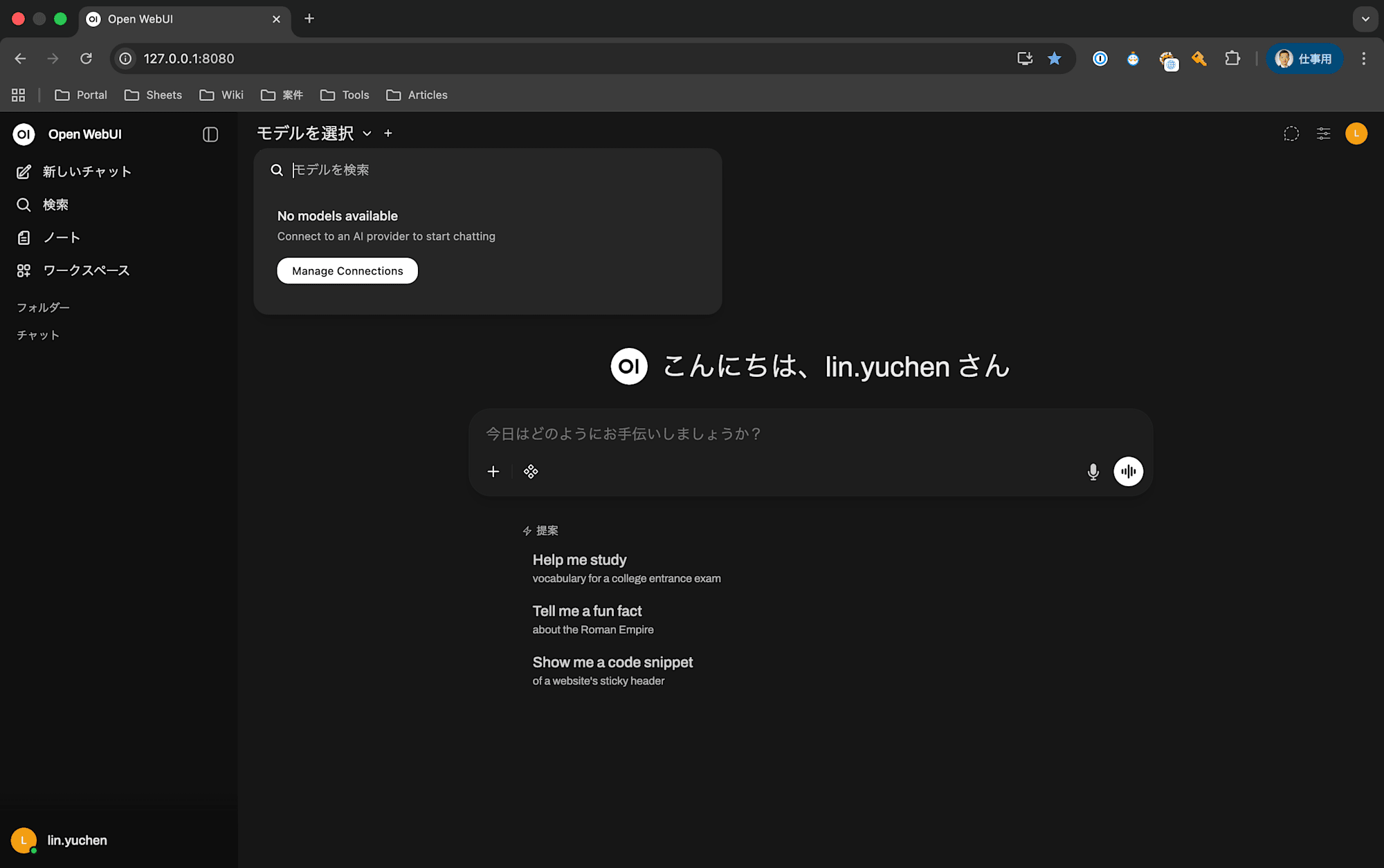
Configuring Ollama Connection
On first launch, you might see "No models available" in the model selection. This means Open WebUI can't find the Ollama endpoint.
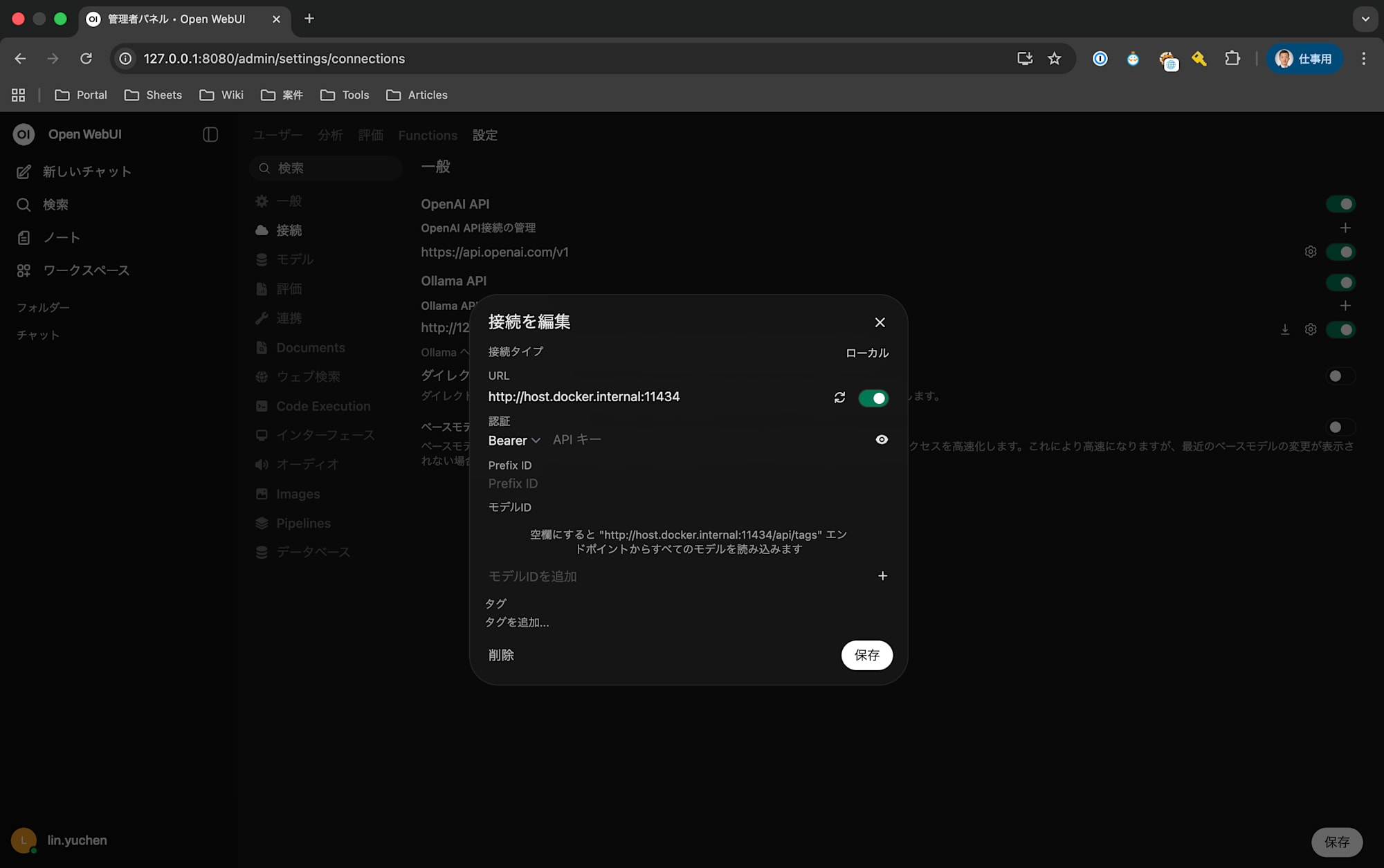
- Click "Manage Connections" at the top of the screen
- Set the Ollama API URL to:
http://host.docker.internal:11434 - Once the connection is confirmed,
gemma4:e4bwill appear in the model list
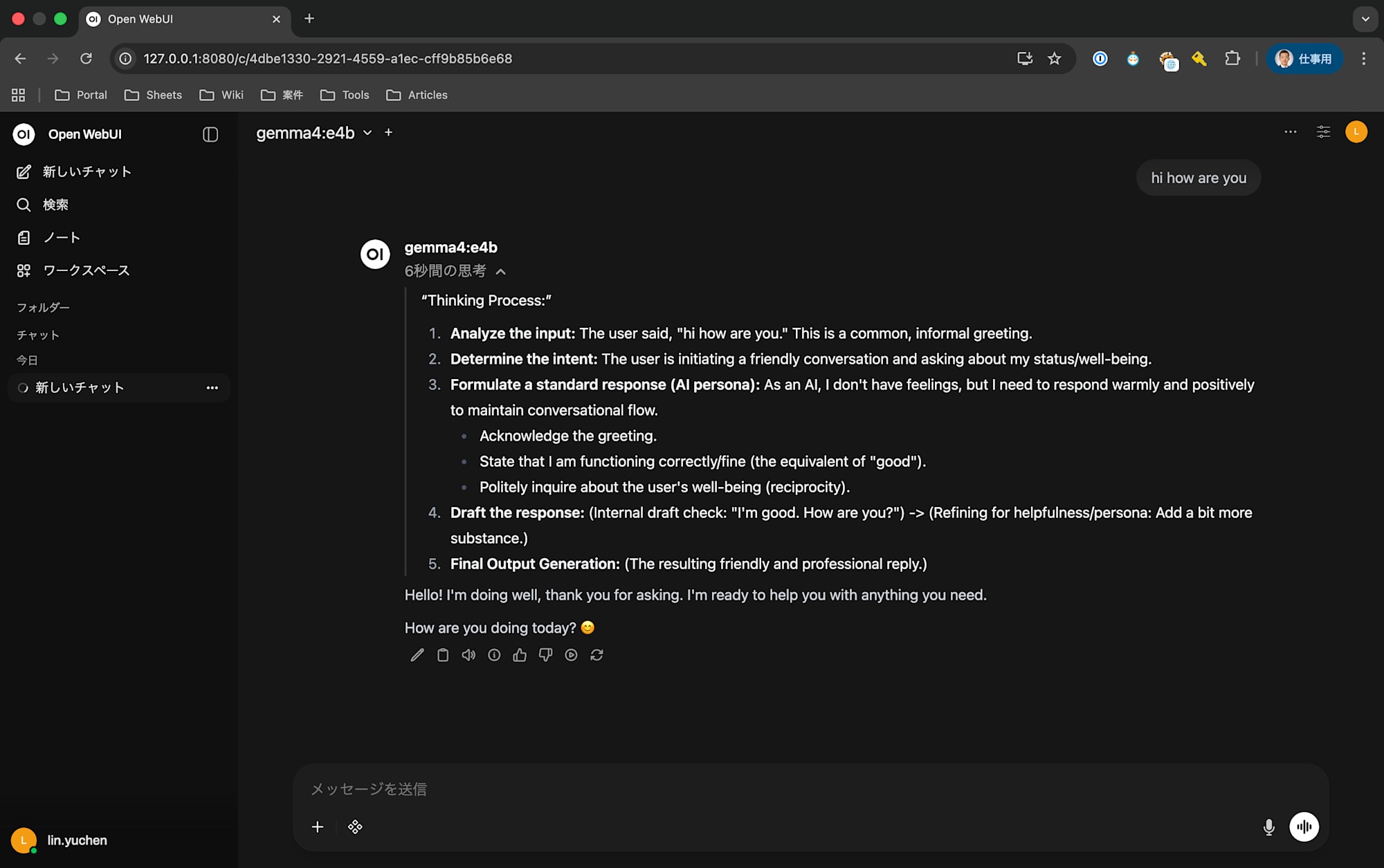
Once connected, you can interact with Gemma 4 through a ChatGPT-like interface.
Step 6: Real Project Example — Text-to-SQL Agent
The true value of local LLMs becomes apparent when used in actual projects. Here's an example of a Text-to-SQL agent that generates SQL from natural Japanese language.
Project Overview
A system that takes natural language questions about Japanese financial data (area-based P&L, product category sales) and generates SQL, executes it, and returns results.
User: "What are the cumulative sales for Kanto in 2025?"
    ↓
Gemma 4 (E4B) generates SQL
    ↓
SELECT SUM(売上_実績) FROM area_pl WHERE エリア = '関東' AND 年度 = 2025
    ↓
Result: 12,345 million yen
Integrating the Ollama Python Client
Calling Ollama from Python is very simple.
pip install ollama
import ollama

MODEL = "gemma4:e4b"

response = ollama.chat(
    model=MODEL,
    messages=[
        {"role": "system", "content": system_prompt},
        {"role": "user", "content": "関東の売上は?"},
    ],
)
sql = response.message.content.strip()
The ollama library connects to localhost:11434 by default, so no environment variables or URL configuration is needed.
Including Schema Information in the Prompt
To help the LLM generate accurate SQL, table definitions and column names are dynamically incorporated into the system prompt.
from functools import lru_cache

@lru_cache
def build_system_prompt():
    return f"""You are an SQL expert.
Please generate only a DuckDB-compatible SELECT statement based on the table definitions below for the user's question.

{schema_definitions}

Rules:
- Generate only SELECT statements (INSERT, UPDATE, DELETE are prohibited)
- Use table and column names as-is in Japanese
"""
Why Choose a Local LLM
| Aspect | Local (Ollama) | Cloud API |
|---|---|---|
| Cost | Free | Token-based billing |
| Latency | No network needed | API roundtrip required |
| Privacy | Data stays internal | Transmission required |
| Quality | E4B class | Claude/GPT-4 class |
| Setup | Only Ollama startup | API key management needed |
For the PoC phase, a local LLM was optimal because it allowed zero-cost, fast iteration. The design allows switching to cloud APIs (like Claude) in production by simply replacing ollama.chat() with the Anthropic SDK.
Conclusion
To summarize the process of running Gemma 4 locally on a MacBook (16GB):
- About 70-75% of Apple Silicon's unified memory can be used for models (about 11.8GB for a 16GB machine)
- MoE Active parameter count ≠ Required memory. The 26B MoE needed 18.8GB and wouldn't run on a 16GB machine
- Gemma 4 E4B is the sweet spot for 16GB machines. It fits in 5-6GB and responds quickly
- Ollama + Open WebUI lets you build a chat UI without writing code
- Real projects can easily integrate via the
ollamaPython library
Local LLMs are ideal for PoCs and early development prototyping. No API key management or token billing is needed, allowing quick iteration while maintaining privacy. With the right model, even a 16GB MacBook can provide a practical environment.