
Managing Postman became painful so I tried migrating to Bruno — from VSCode integration to Git management to secret management

This page has been translated by machine translation. View original
Introduction
Postman is the go-to tool for API testing, but after using it for a long time, the stress quietly builds up.
- Collections from Project A and Project B get mixed together in Postman's UI
- Sharing collections with team members requires a Postman account
- Even when managing exported JSON with Git, the diffs are hard to read
I recently tried an open-source API client called Bruno, and it cleanly solved all of these problems, so I'm putting together a setup guide here.
What's great about Bruno
API collections are self-contained per project
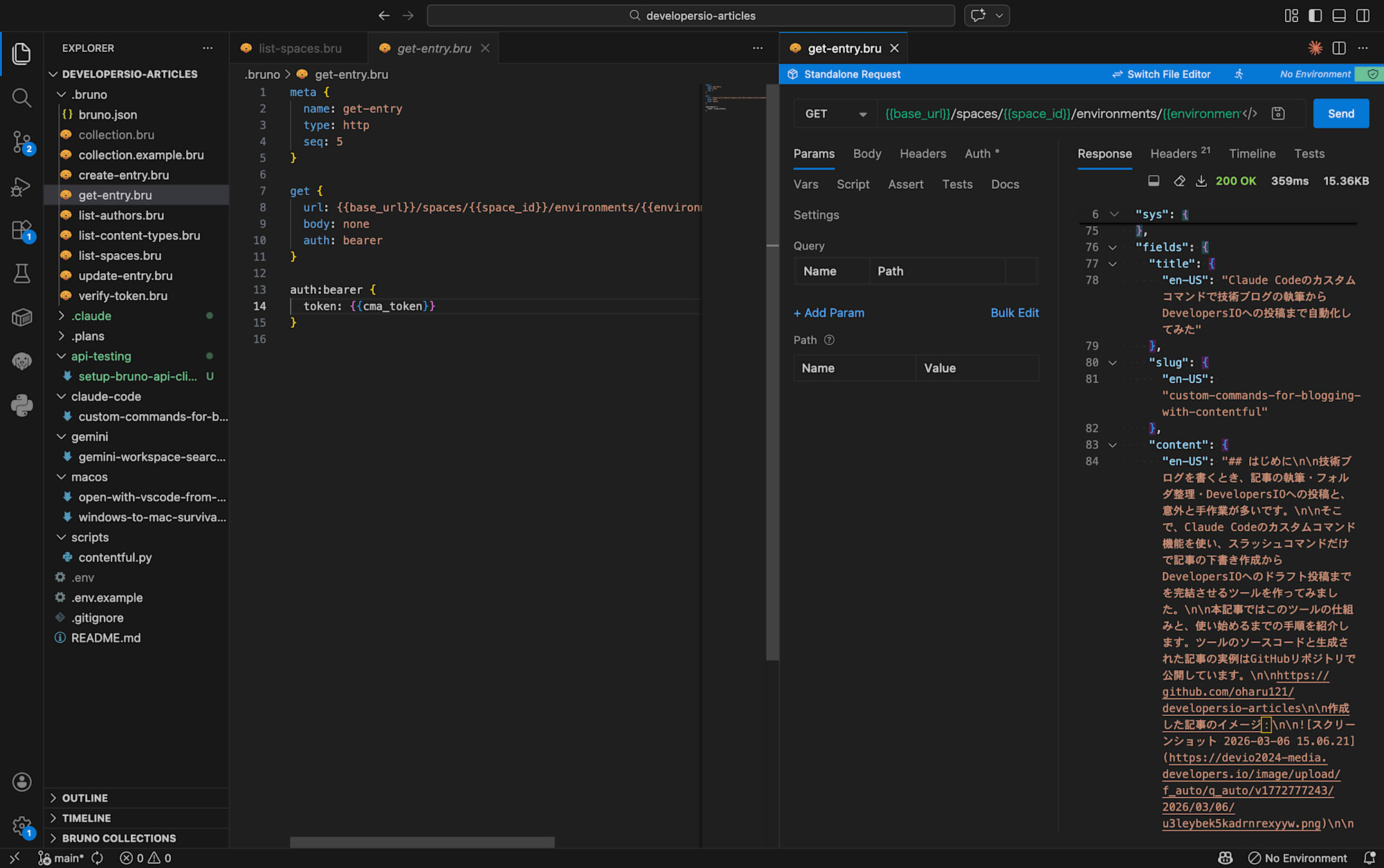
In Bruno, collections are placed as .bru files inside the project folder. Unlike Postman, where collections from all projects are mixed together in one app, a natural 1:1 relationship of project = collection is achieved effortlessly.
Can be managed and shared with Git
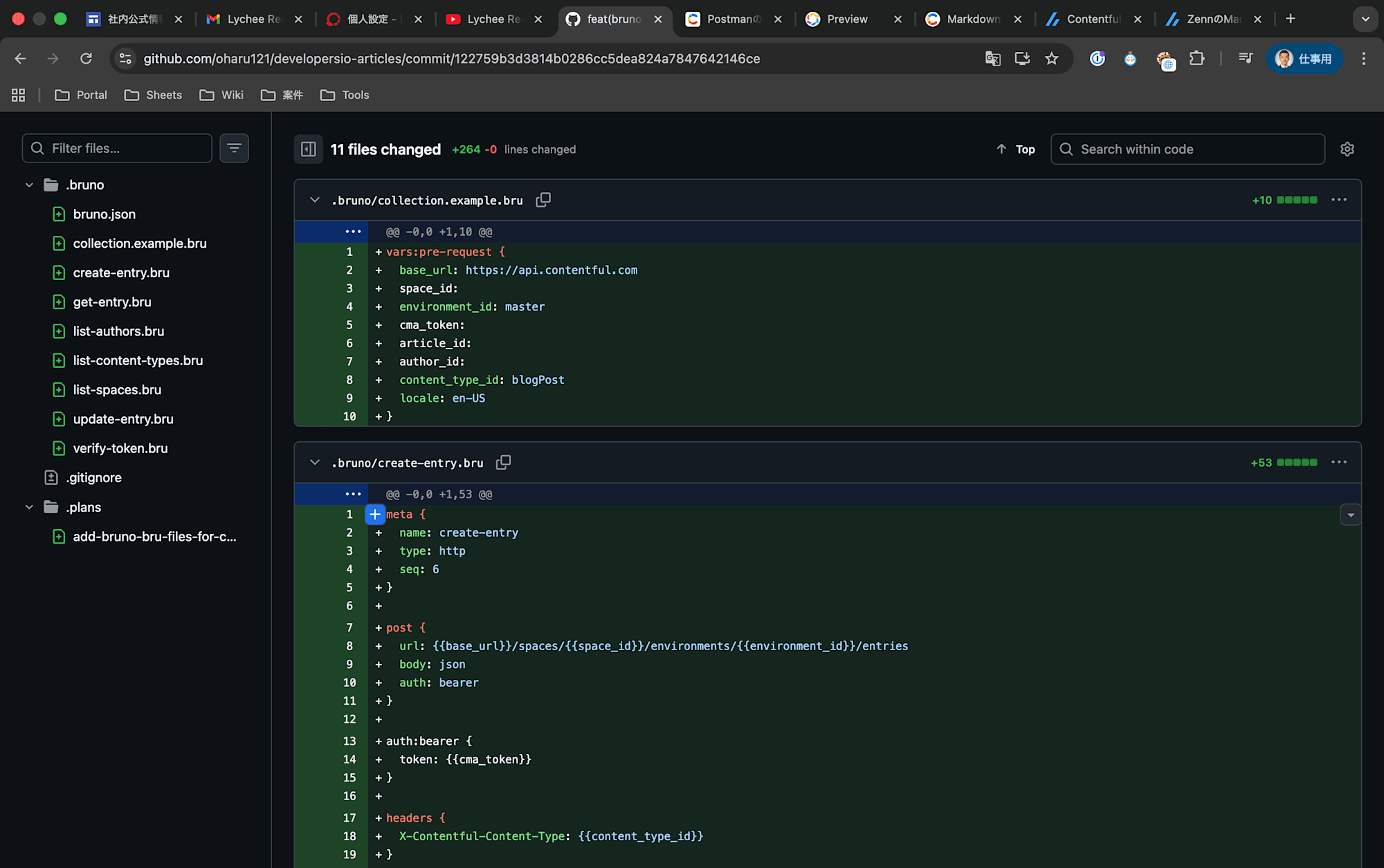
.bru files are plain text, so Git diffs are easy to read and they can be reviewed in PRs. New members can run git clone and immediately have their API testing environment ready. There's no need for Postman account invitations or the hassle of exporting/importing.
No account required, works offline
Bruno has no cloud sync. No login or subscription is required. It works entirely locally even in environments with unstable network connections.
Prerequisites & Environment
| Item | Version |
|---|---|
| macOS | 15.x |
| Bruno Desktop | 1.x (latest at time of writing) |
| VSCode | 1.9x |
| Bruno VSCode Extension | Latest at time of writing |
Setup Steps
Step 1: Install the Bruno Desktop app
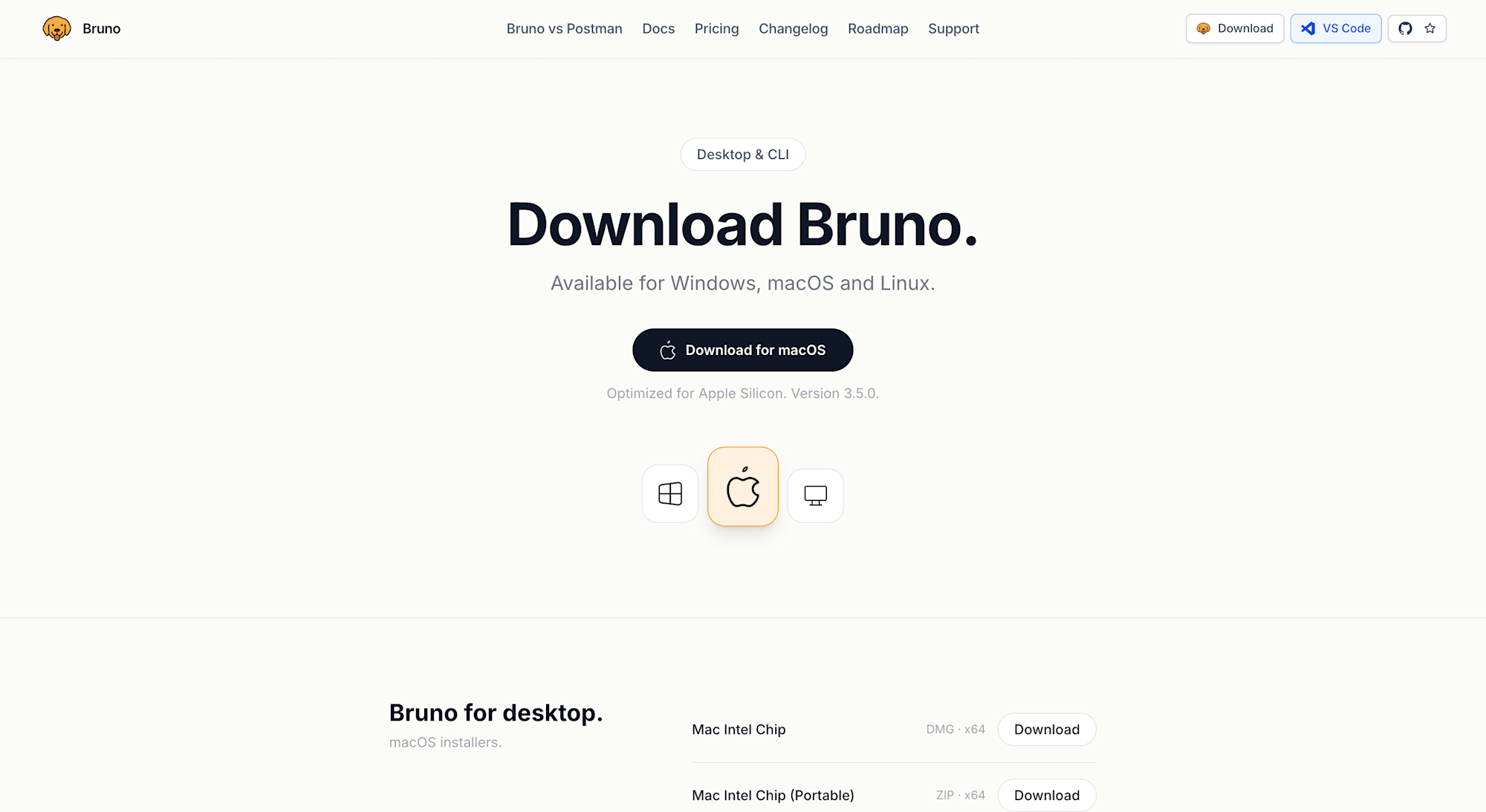
Download and install the desktop app from the Bruno official website.
On macOS, you can also install it via Homebrew:
brew install bruno
Step 2: Install the VSCode extension
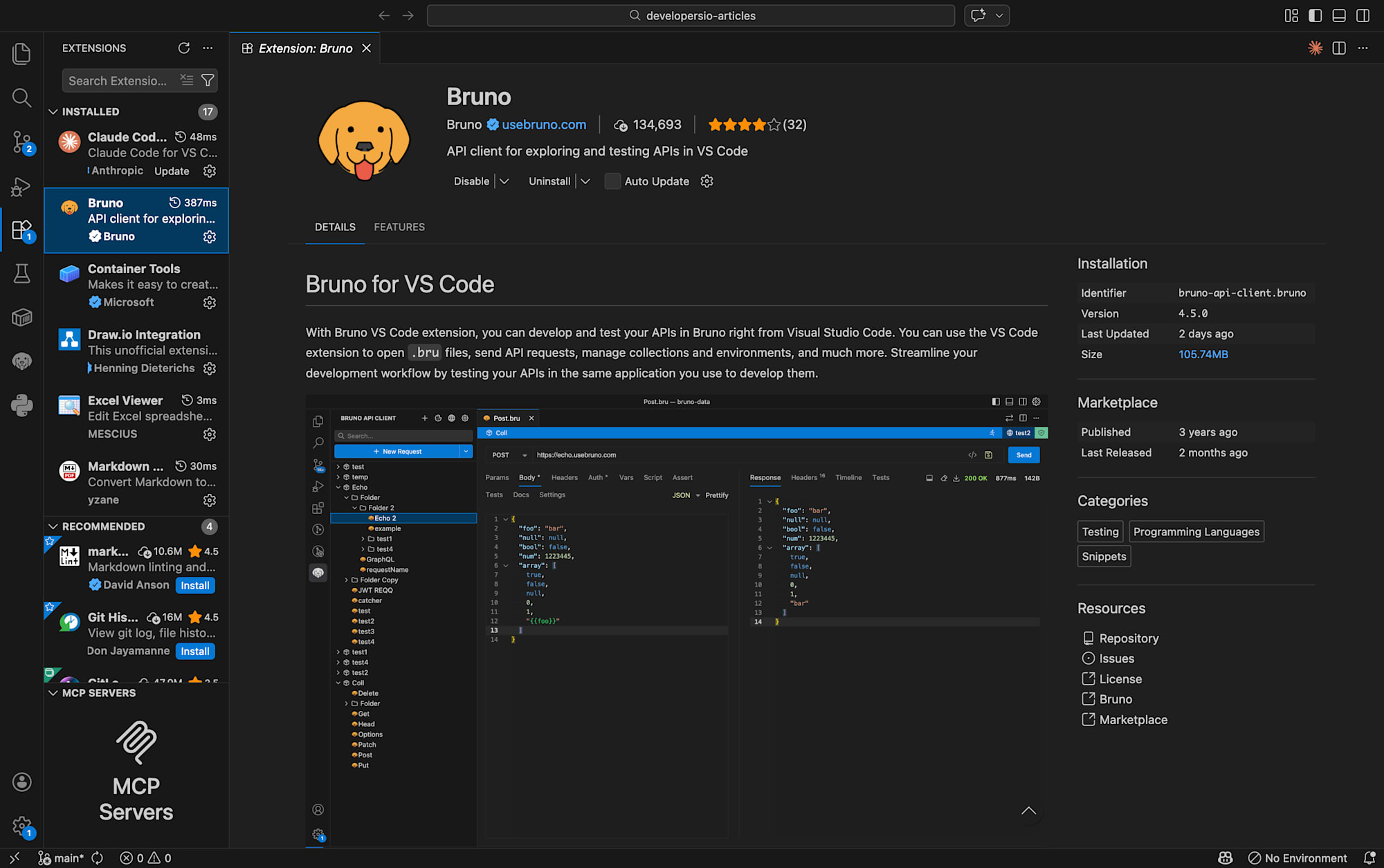
Search for Bruno in the VSCode extension marketplace and install it.
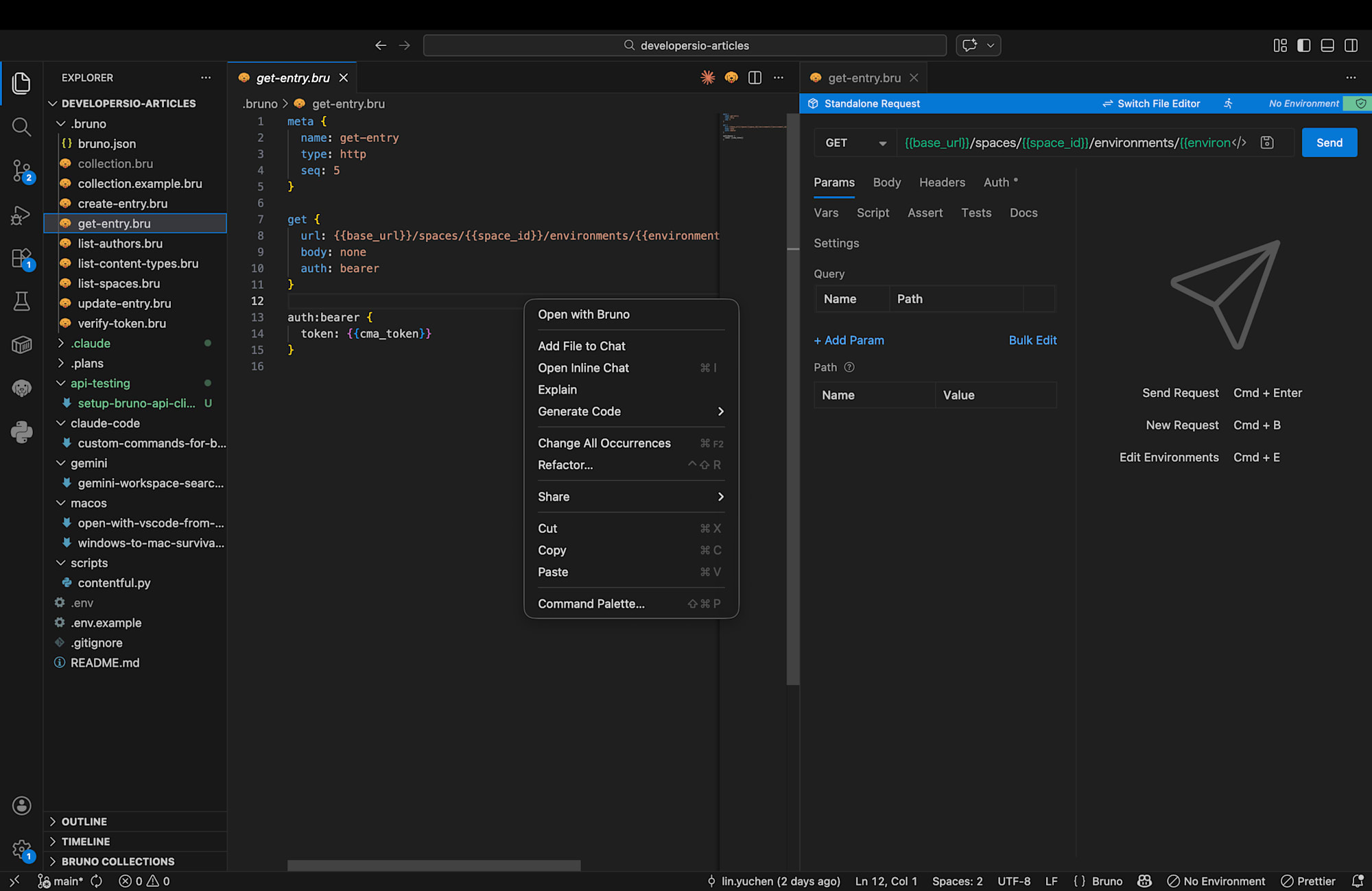
This extension enables syntax highlighting for .bru files in VSCode, and allows you to right-click a collection folder and select "Open with Bruno" to launch the desktop app.
Step 3: Create a collection
Create a .bruno/ directory in the project root and place the collection configuration file inside it. The final directory structure will look like this:
my-project/
├── .bruno/
│   ├── bruno.json              ← Collection settings
│   ├── collection.bru          ← Variables & secrets (.gitignore)
│   ├── collection.example.bru  ← Template (Git-managed)
│   ├── list-users.bru          ← GET request
│   └── create-user.bru         ← POST request
├── src/
│   └── ...
└── .gitignore
Now let's create each file one by one.
mkdir .bruno
bruno.json (Collection settings)
{
  "version": "1",
  "name": "My API Collection",
  "type": "collection",
  "ignore": ["node_modules", ".git"]
}
collection.bru (Collection variables)
vars:pre-request {
  base_url: https://api.example.com
  api_token: your-token-here
}
Since collection.bru may contain sensitive information such as API tokens, add it to .gitignore:
.bruno/collection.bru
It's helpful to prepare an empty template under a different name for team members:
# collection.example.bru
vars:pre-request {
  base_url: https://api.example.com
  api_token:
}
Step 4: Create request files
Inside the .bruno/ directory, create .bru files with one file per request.
Example GET request
meta {
  name: list-users
  type: http
  seq: 1
}

get {
  url: {{base_url}}/users
  body: none
  auth: bearer
}

auth:bearer {
  token: {{api_token}}
}
Example POST request
meta {
  name: create-user
  type: http
  seq: 2
}

post {
  url: {{base_url}}/users
  body: json
  auth: bearer
}

auth:bearer {
  token: {{api_token}}
}

body:json {
  {
    "name": "Test User",
    "email": "test@example.com"
  }
}
Key points:
- Use
{{variable_name}}to reference variables fromcollection.bru - Configure token authentication with the
auth:bearerblock - Write JSON body in the
body:jsonblock - Control display order in Bruno with
seq
Step 5: Execute requests
Right-click the .bruno folder in VSCode and select "Open with Bruno" to open the collection in the Bruno desktop app. Click each request and hit "Send" to execute it.
Tips for managing secrets and variables
Exclude collection.bru from Git
As mentioned earlier, add collection.bru, which contains actual token values, to .gitignore. Instead, commit collection.example.bru and provide setup instructions in the README or similar:
cp .bruno/collection.example.bru .bruno/collection.bru
# Open collection.bru and fill in your own token
Bonus: Auto-generating .bru files with Claude Code
Through this setup process, I also created a custom Claude Code skill called /bruno. It reads API calls in the source code and automatically generates the corresponding .bru files.
How to use it:
/bruno scripts/contentful.py
That's all it takes — it analyzes the HTTP requests in the specified Python file and generates all the appropriate .bru files. No more manually transcribing request URLs, headers, and bodies one by one.
The skill definition is available at generate-bruno-files, so you can customize it to fit your own project.
Install with gh
gh skill install oharu121/skills generate-bruno-files
My honest thoughts
Bruno is not a complete replacement for Postman. Advanced test automation, mocking, and monitoring features that Postman offers are not available in Bruno. Postman also has a clear edge in terms of UI polish.
However, for my use case — wanting to quickly hit project-specific APIs to verify them and share that with the team — Bruno was clearly the right fit. Being file-based and Git-manageable is genuinely convenient. Being able to say in a review "please add the .bru file for this endpoint too" might seem minor, but it's actually a delightful touch.
I no longer want to go back to the days of staring at Postman's left sidebar wondering "wait, which project does this belong to?"
Summary
- Bruno solves the problem of Postman collections being tied to the app
.brufiles are plain text, making them easy to manage with Git- Secrets can be safely managed with the
collection.bru+.gitignore+collection.example.brupattern - The VSCode extension lets you launch Bruno with a right-click
- Claude Code custom skills can automate the generation of
.brufiles