Add notifications via custom actions to the account budget of a Snowflake account

This page has been translated by machine translation. View original
I'm Suzuki from the Data Business Division.
Account budgets can be used to manage the budget of an entire Snowflake account, but in the current Snowsight, it seems you can only set a notification for when the budget is exactly reached.
However, there may be cases where you want to be notified at multiple thresholds.
Using SQL, you can configure custom actions, so I gave it a try.
About Snowflake budget management
Account budgets and custom budgets
Using account budgets and custom budgets, you can set up notifications against the budget amount and thresholds.
The account budget monitors the usage of all credits in the account.
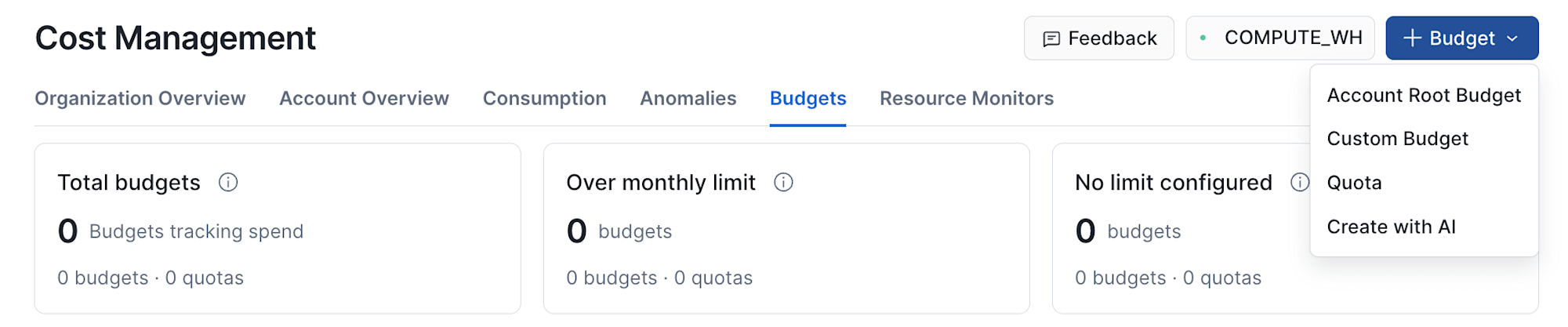
In Snowsight, you can create it from +Budget under Cost Management.
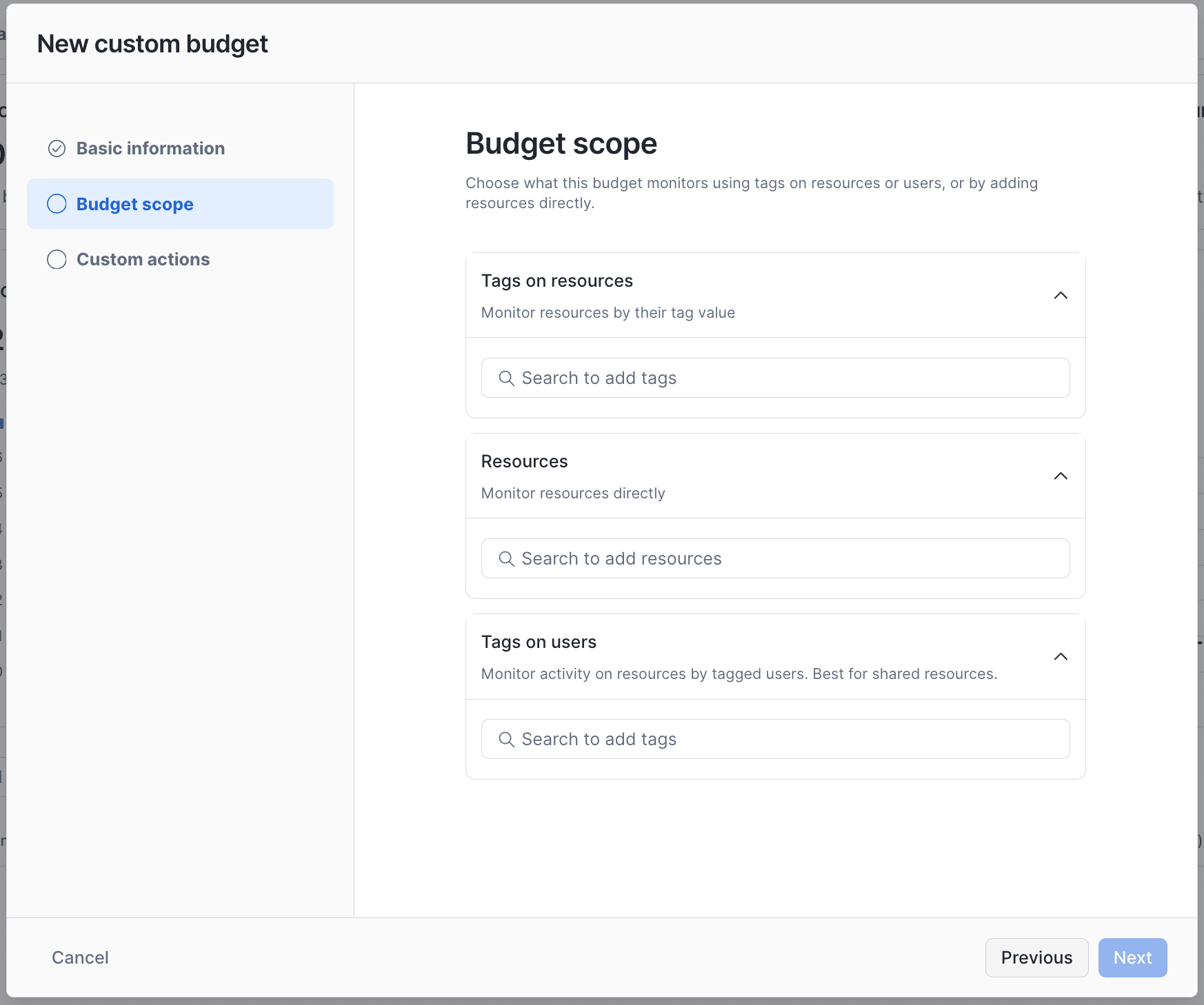
A custom budget requires you to set some resources or tags as the budget management target, so it is basically used for cost management of a narrower scope than the account budget.
▼ Target settings for a custom budget
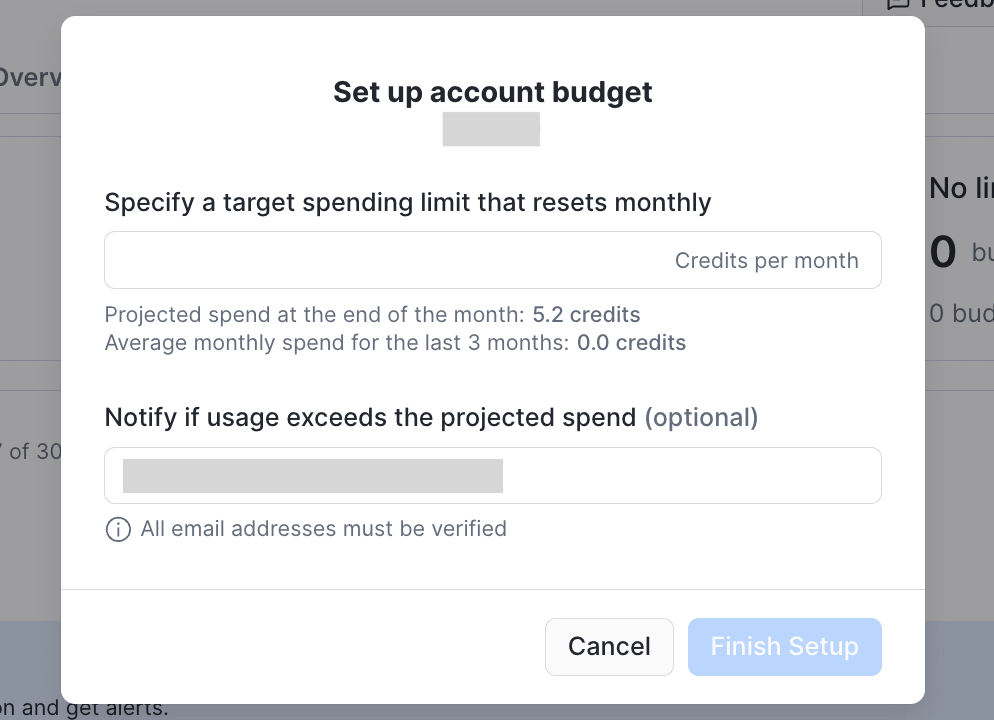
Notification settings for each budget
In Snowsight, for an account budget you can only set a notification for when the budget is exactly exceeded.
For a custom budget, in addition to the above notification, you can set custom actions with thresholds.
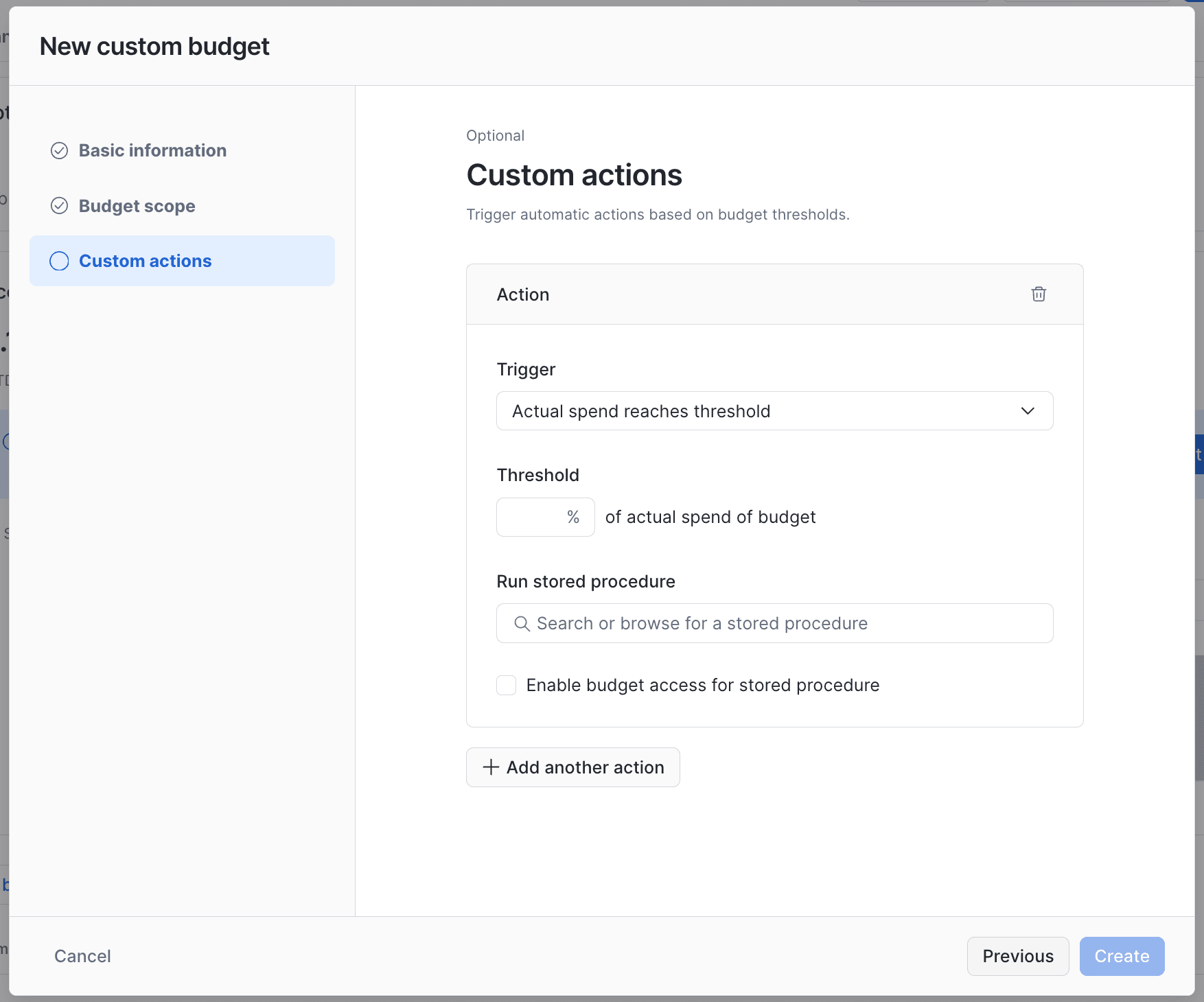
However, upon investigation, the guide shows that for an account budget, custom actions can be configured via SQL.
You can add multiple custom actions to the account budget or to a custom budget, but you can’t add more than 10 custom actions to the same budget.
On the other hand, there was no guide with a concrete SQL configuration example, so in this article I'll check whether it's possible to add a custom action to the account budget and send notifications using this method.
Adding notification settings
0. Creating the account budget
First, I created an account budget of 1 credit using the Snowsight flow introduced earlier.
As a bit of a digression, it could also be created from SQL with the following method.
-- アカウント予算のアクティベート
CALL SNOWFLAKE.LOCAL.ACCOUNT_ROOT_BUDGET!ACTIVATE();

-- 予算額の設定
CALL SNOWFLAKE.LOCAL.ACCOUNT_ROOT_BUDGET!SET_SPENDING_LIMIT(1);

-- 通知先の設定
CALL SNOWFLAKE.LOCAL.ACCOUNT_ROOT_BUDGET!SET_EMAIL_NOTIFICATIONS(
  'costadmin@example.com, budgetadmin@example.com'
);
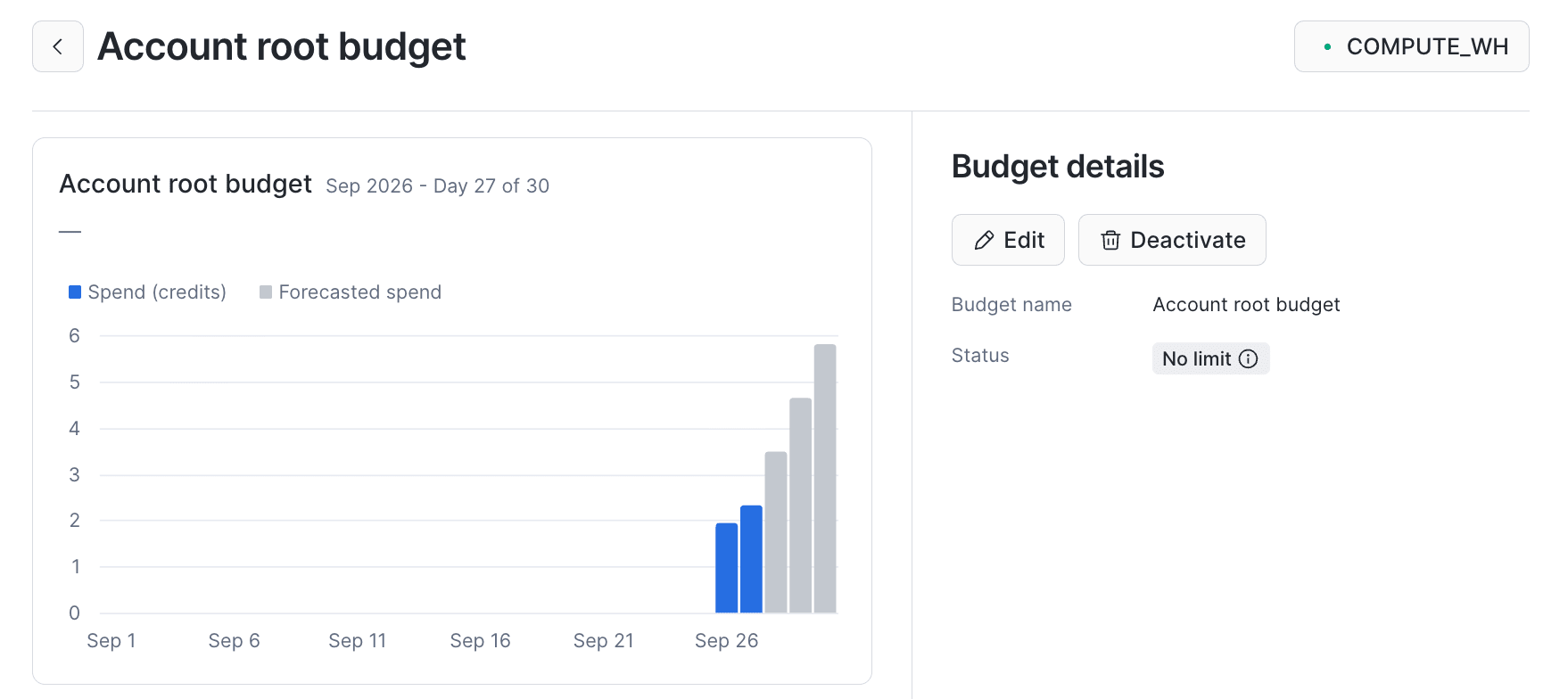
Checking in Snowsight what happens with each command, first, ACTIVATE activated the account budget.
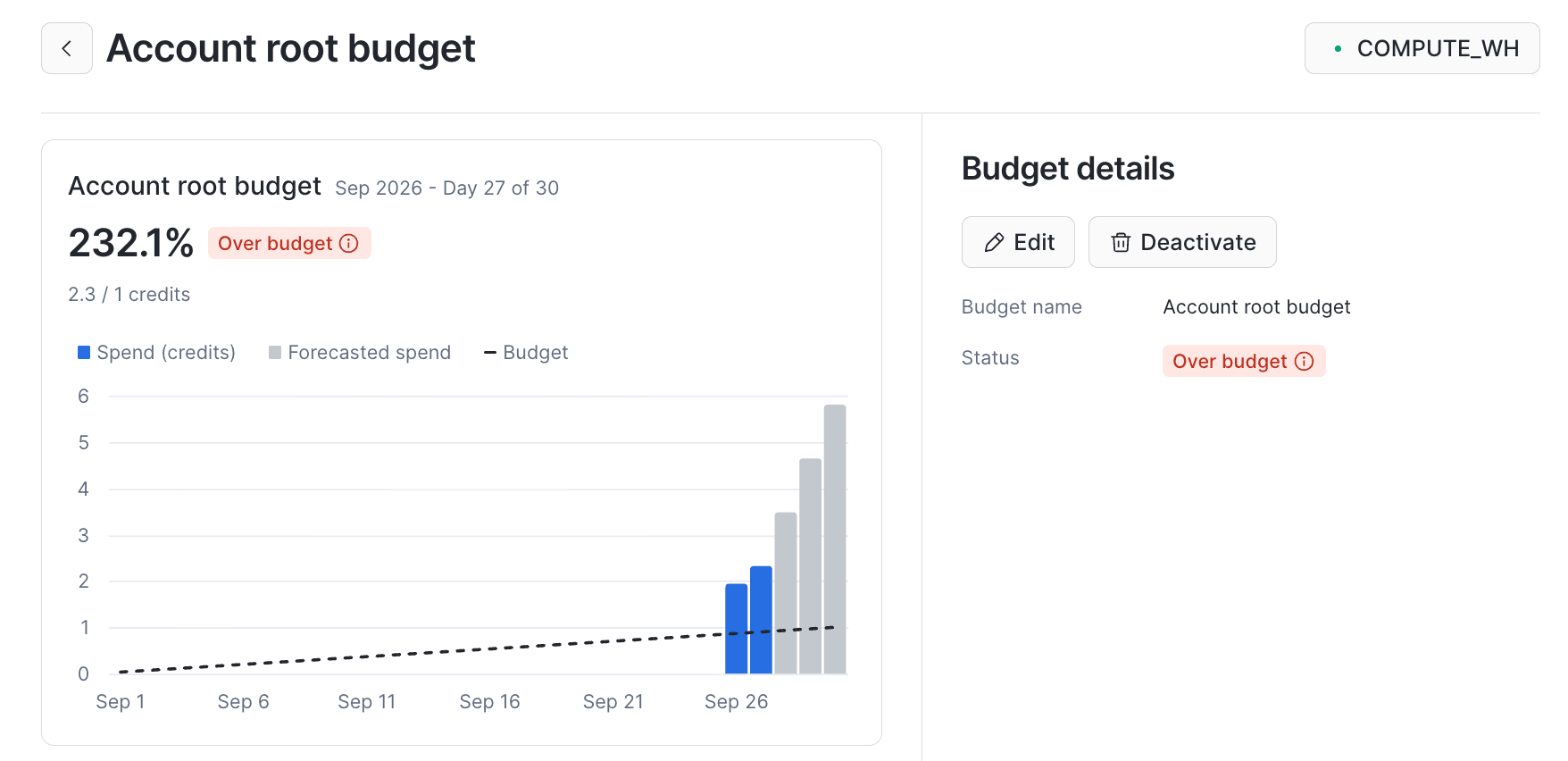
SET_SPENDING_LIMIT allowed me to set the budget amount.
※ I took the screenshot again after the initial verification, so the budget is exceeded at this point, but please ignore that.
At this point, the notification recipients are not set.
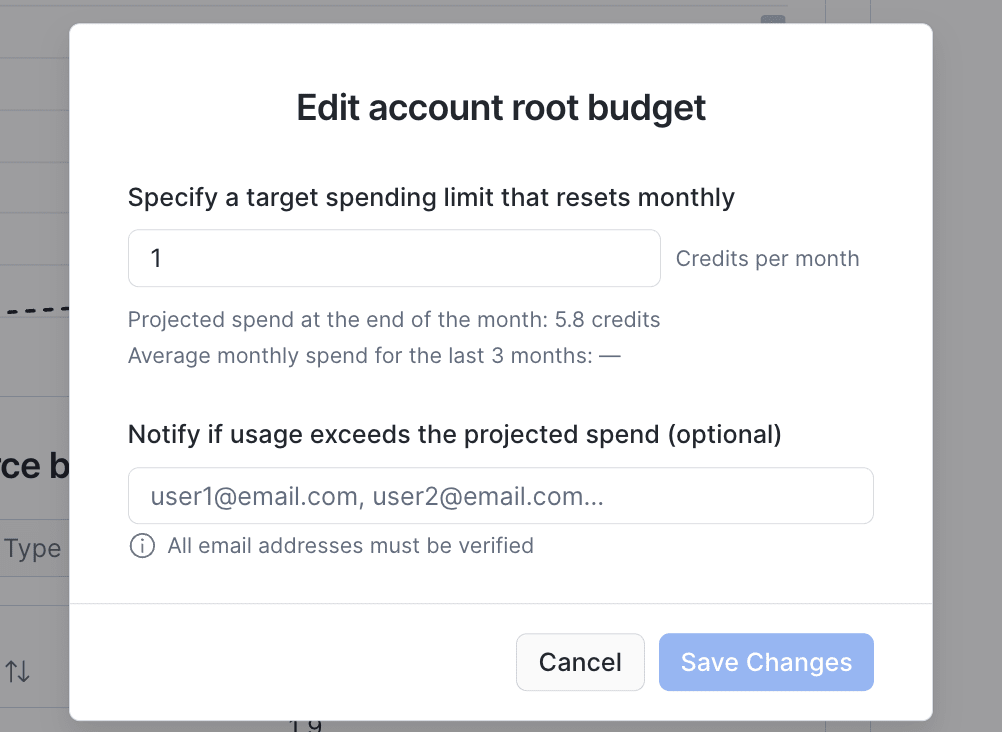
After this, SET_EMAIL_NOTIFICATIONS allowed me to set the notification recipients.
1. Creating the notification integration
I created a notification integration for email notifications.
USE ROLE ACCOUNTADMIN;
CREATE NOTIFICATION INTEGRATION IF NOT EXISTS budget_email_int
  TYPE = EMAIL
  ENABLED = TRUE
  ALLOWED_RECIPIENTS = ('costadmin@example.com');

-- 通知を行うロールへUSAGEを付与する。今回はSYSADMIN。
GRANT USAGE ON INTEGRATION budget_email_int TO ROLE SYSADMIN;
Note that I'm using ACCOUNTADMIN this time, but the CREATE INTEGRATION account privilege is required for creation.
The email addresses set in ALLOWED_RECIPIENTS must be verified in the Snowflake account.
If you want to use email addresses that are not verified, using an integration with Amazon SNS or similar might be a good option.
2. Creating the stored procedure for the custom action
I created the stored procedure to set as the custom action.
The stored procedure is added with ADD_CUSTOM_ACTION below.
From the stored procedure, email notifications are sent with one of the following notification functions.
This time, I created a stored procedure using SYSTEM$SEND_EMAIL as follows.
USE ROLE SYSADMIN;
CREATE DATABASE IF NOT EXISTS app_db;
CREATE SCHEMA IF NOT EXISTS app_db.ops;

CREATE OR REPLACE PROCEDURE app_db.ops.send_budget_alert(
    integration_name STRING,
    recipients      STRING,
    subject         STRING,
    body            STRING
)
RETURNS STRING
LANGUAGE PYTHON
RUNTIME_VERSION = '3.11'
PACKAGES = ('snowflake-snowpark-python')
HANDLER = 'send_budget_alert'
COMMENT = 'Budget の Custom Action から SYSTEM$SEND_EMAIL で通知する'
EXECUTE AS OWNER
AS
$$
def send_budget_alert(session, integration_name, recipients, subject, body):
    if not integration_name or not str(integration_name).strip():
        raise Exception("budget email failed: integration_name is required")
    if not recipients or not str(recipients).strip():
        raise Exception("budget email failed: recipients is required")
    if not subject or not str(subject).strip():
        raise Exception("budget email failed: subject is required")
    if not body or not str(body).strip():
        raise Exception("budget email failed: body is required")

    try:
        session.sql(
            """
            CALL SYSTEM$SEND_EMAIL(?, ?, ?, ?, 'text/plain')
            """,
            params=[integration_name, recipients, subject, body],
        ).collect()
    except Exception as err:
        raise Exception(f"budget email failed: {err}") from err

    return "sent"
$$;

GRANT USAGE ON DATABASE app_db
  TO APPLICATION SNOWFLAKE;

GRANT USAGE ON SCHEMA app_db.ops
  TO APPLICATION SNOWFLAKE;

GRANT USAGE ON PROCEDURE app_db.ops.send_budget_alert(STRING, STRING, STRING, STRING)
  TO APPLICATION SNOWFLAKE;
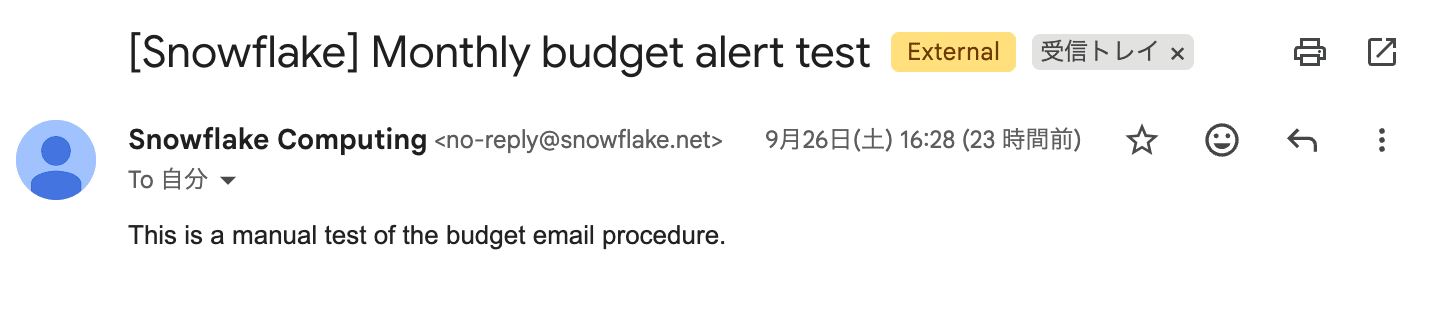
I confirmed beforehand that the procedure can send a notification on its own, as follows.
CALL app_db.ops.send_budget_alert(
  'budget_email_int',
  '<recipient@example.com>',
  '[Snowflake] Monthly budget alert test',
  'This is a manual test of the budget email procedure.'
);
It arrived properly. Looking good.
3. Registering with the account budget
Next, I registered the notification stored procedure I created with the account budget. Please replace <recipient@example.com> with your own notification email address.
-- 予測消費が予算上限の 75% に達したときにアラート通知する。
CALL snowflake.local.ACCOUNT_ROOT_BUDGET!ADD_CUSTOM_ACTION(
  SYSTEM$REFERENCE(
    'PROCEDURE',
    'app_db.ops.send_budget_alert(string, string, string, string)'
  ),
  ARRAY_CONSTRUCT(
    'budget_email_int',
    '<recipient@example.com>',
    '[Snowflake] Monthly budget alert 75%',
    'Projected credit consumption reached 75% of the monthly budget limit.'
  ),
  'ACTUAL',
  75
);
I specified ACTUAL so that the alert is sent when 75% is actually reached.
4. Verifying the alert notification
I used Snowflake for a bit to increase credit consumption and tried triggering the alert.
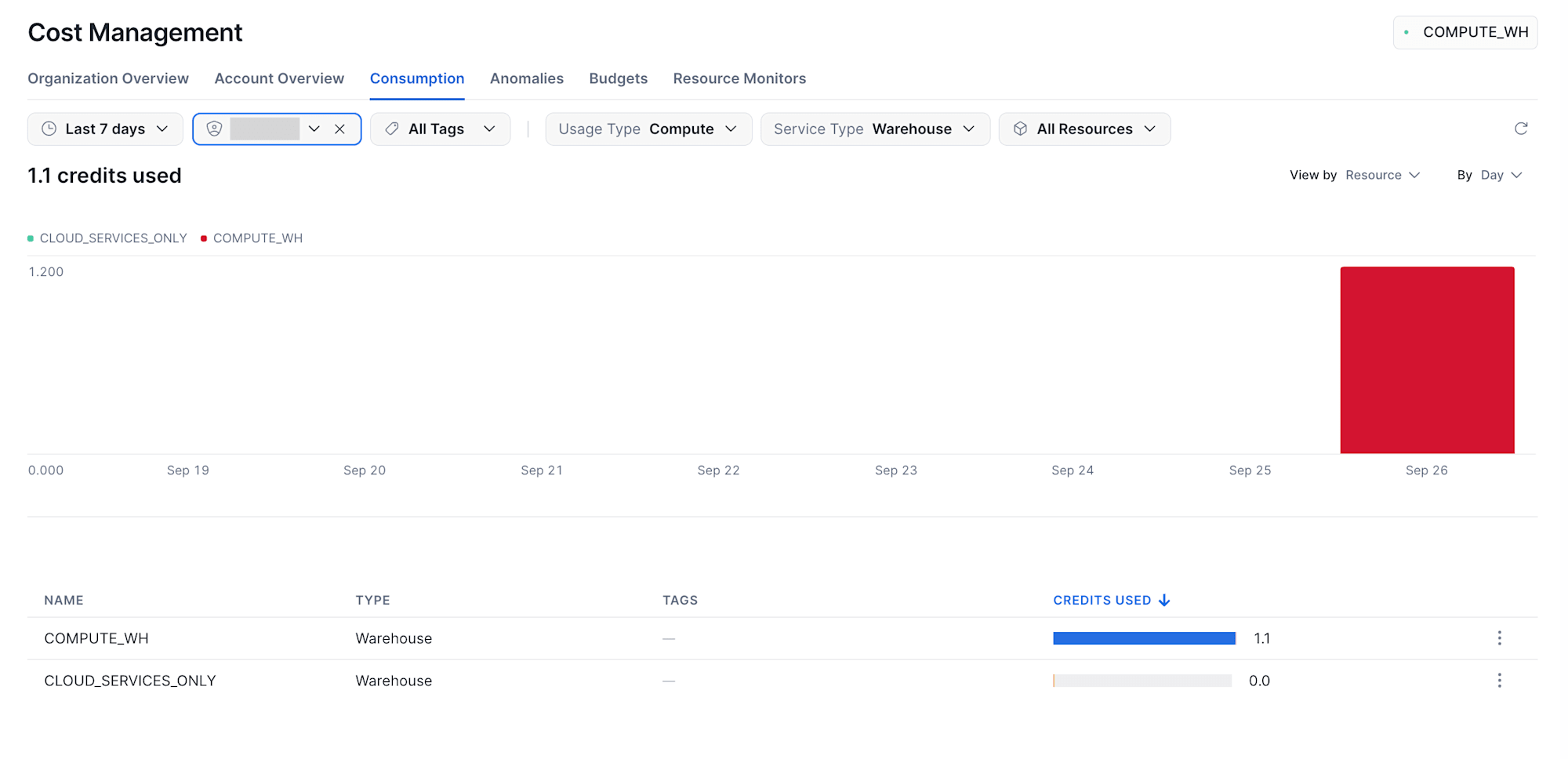
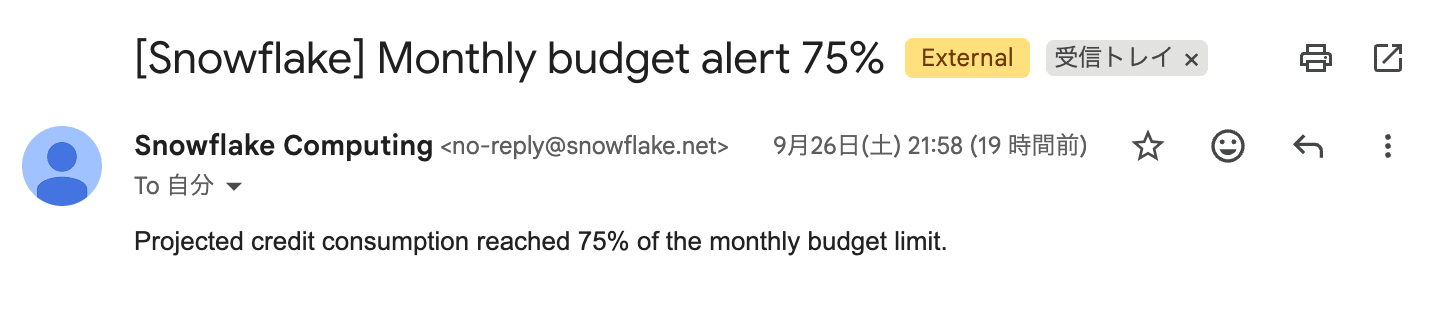
Notifications were sent as follows.
▼ Notification for exceeding 75%
▼ Notification for exceeding 100%
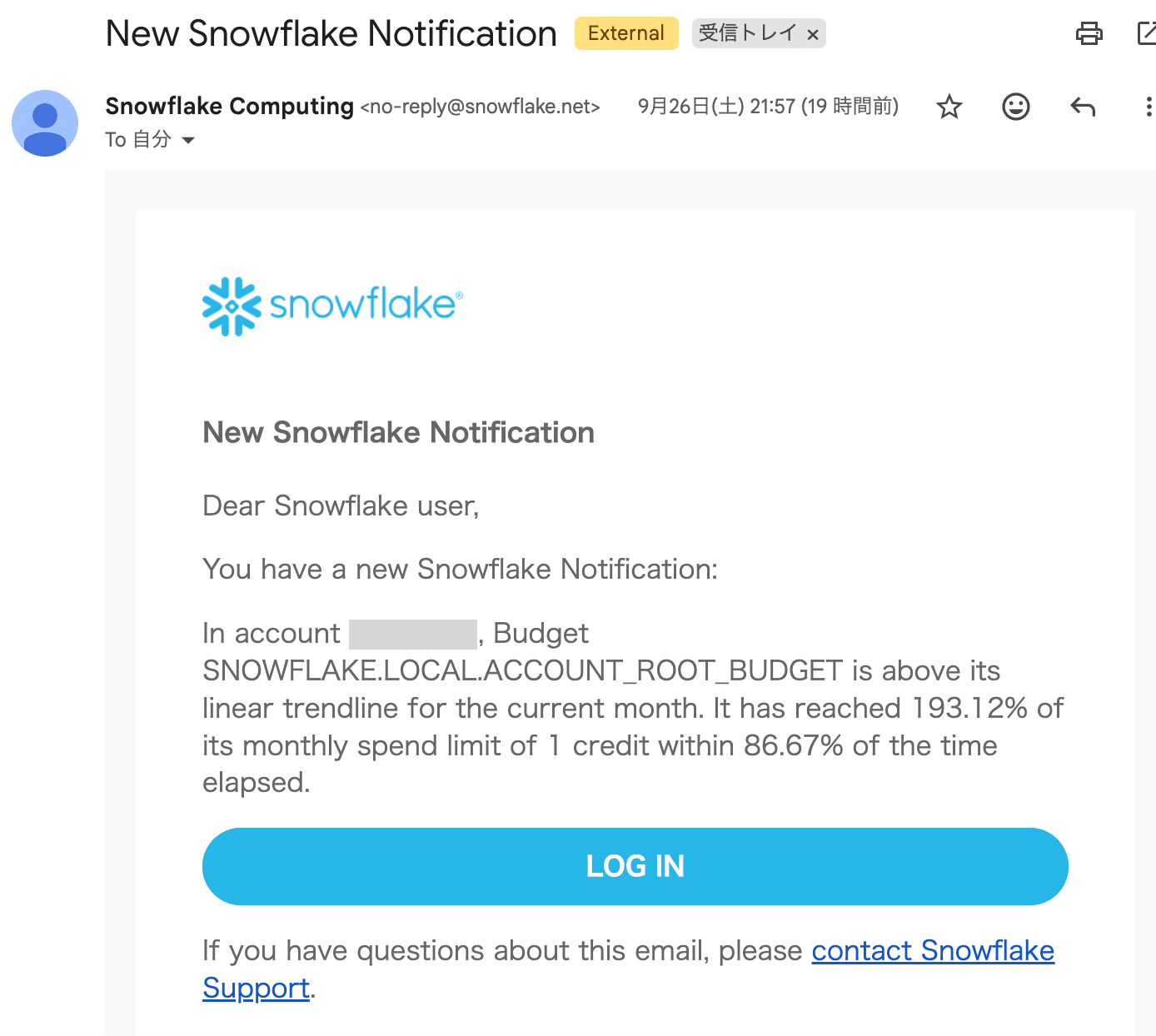
The budget itself was exceeded about 5 hours earlier, but the notifications came after a bit of a delay, with both sent together.
This is thought to be because the budget refresh interval can be up to 6.5 hours.
In actual operation, there would be many more credits between the notification thresholds, so I think this is not a particular problem.
Conclusion
This was an example of adding notifications via custom actions to a Snowflake account budget.
The guide does state in writing that custom actions can be set on an account budget, but there were surprisingly few concrete examples, so I'm glad I was able to confirm how it works.
I hope this is helpful.