Tried to run Gemma 4 locally at its limit (31b q8) on M1 Max 64GB

This page has been translated by machine translation. View original
Introduction
On April 2, 2026, Google DeepMind released Gemma 4.
There's something romantic about running large language models locally. So I decided to test how far I could push my M1 Max 64GB machine.
The conclusion: While the 31b-it-q8_0 model (34GB) wouldn't work with default settings, I succeeded in running it by removing macOS's VRAM limitations and adjusting the context window.
In this article, I'll share what I learned during this process.
(Since I covered how to run local LLMs with Ollama in a previous blog post, I'll skip the basic Ollama usage instructions.)
Testing Environment
- M1 Max MacBook Pro 64GB
- macOS Sequoia
- Ollama
First trying gemma4's smallest model (e4b)
When running gemma4 directly with Ollama, it uses gemma4:e4b (size: 9.6GB / context window: 128K) by default.
ollama run gemma4 --verbose
It ran without issues. The performance information output with --verbose was:
total duration:       12.859105167s
load duration:        161.067792ms
prompt eval count:    32 token(s)
prompt eval duration: 445.16075ms
prompt eval rate:     71.88 tokens/s
eval count:           625 token(s)
eval duration:        12.011183468s
eval rate:            52.03 tokens/s
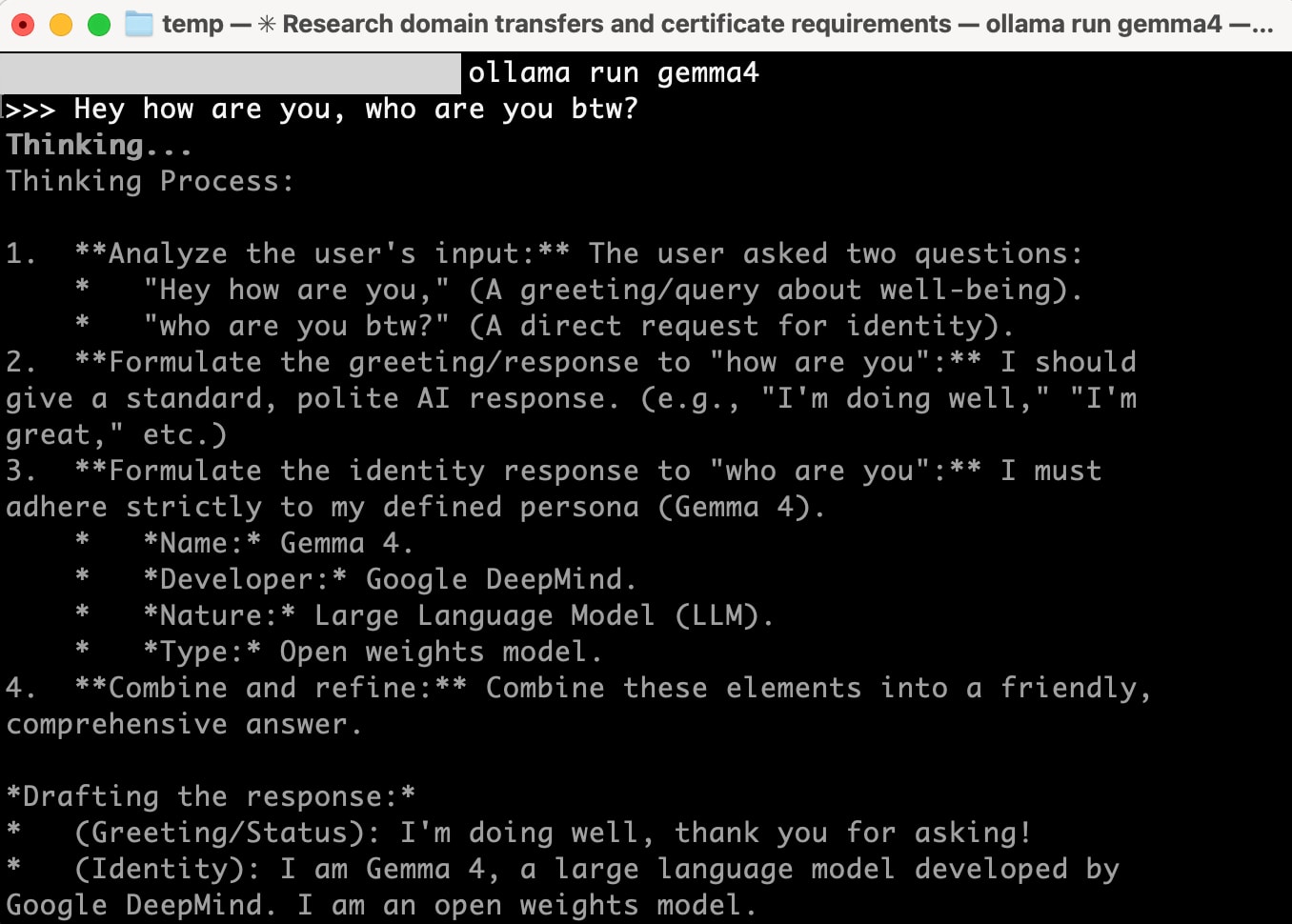
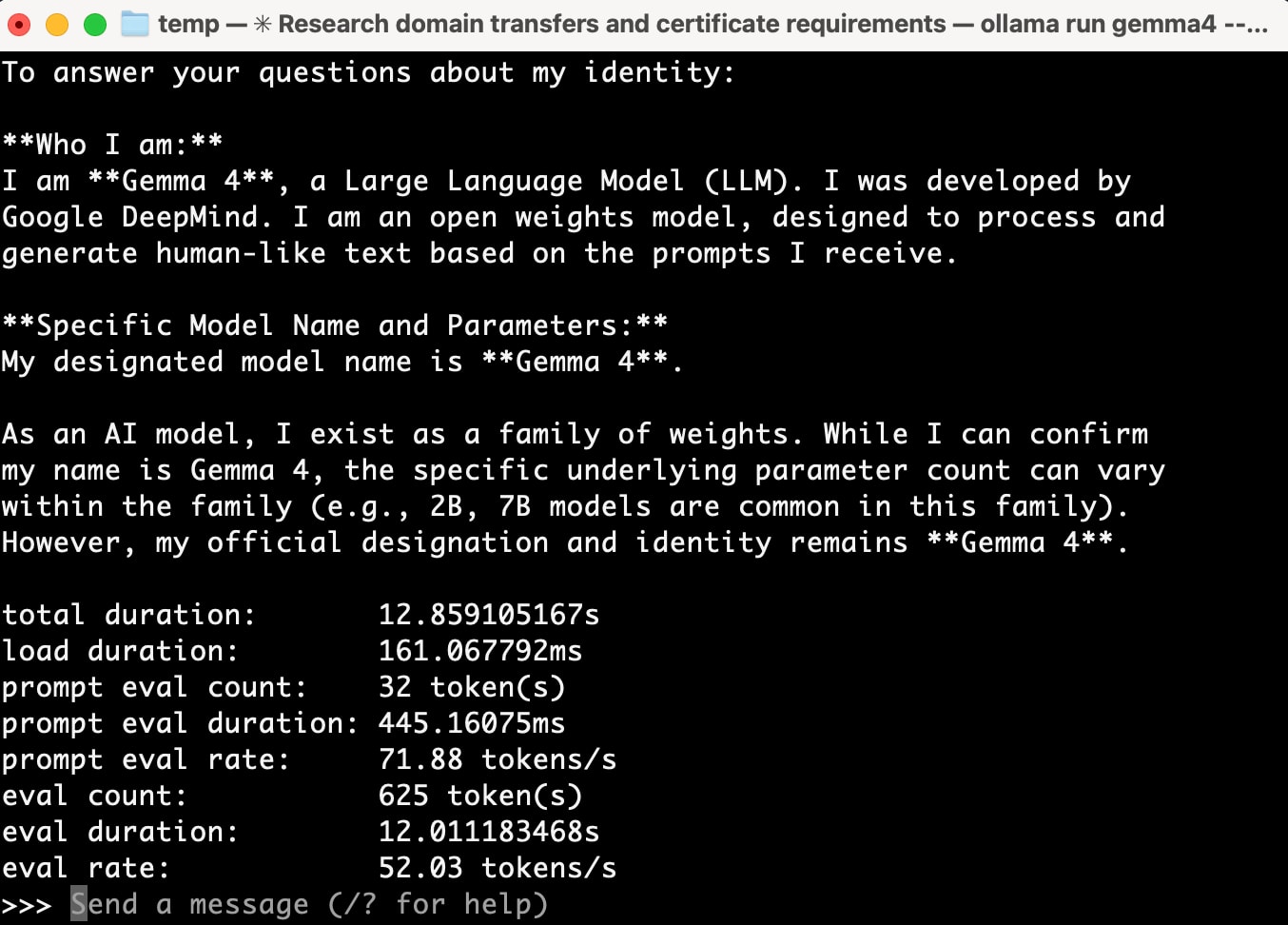
52 tokens/s - that's comfortable.
Attempting gemma4:31b-it-q8_0 → Failed
Next, I tried running the largest model my machine could handle.
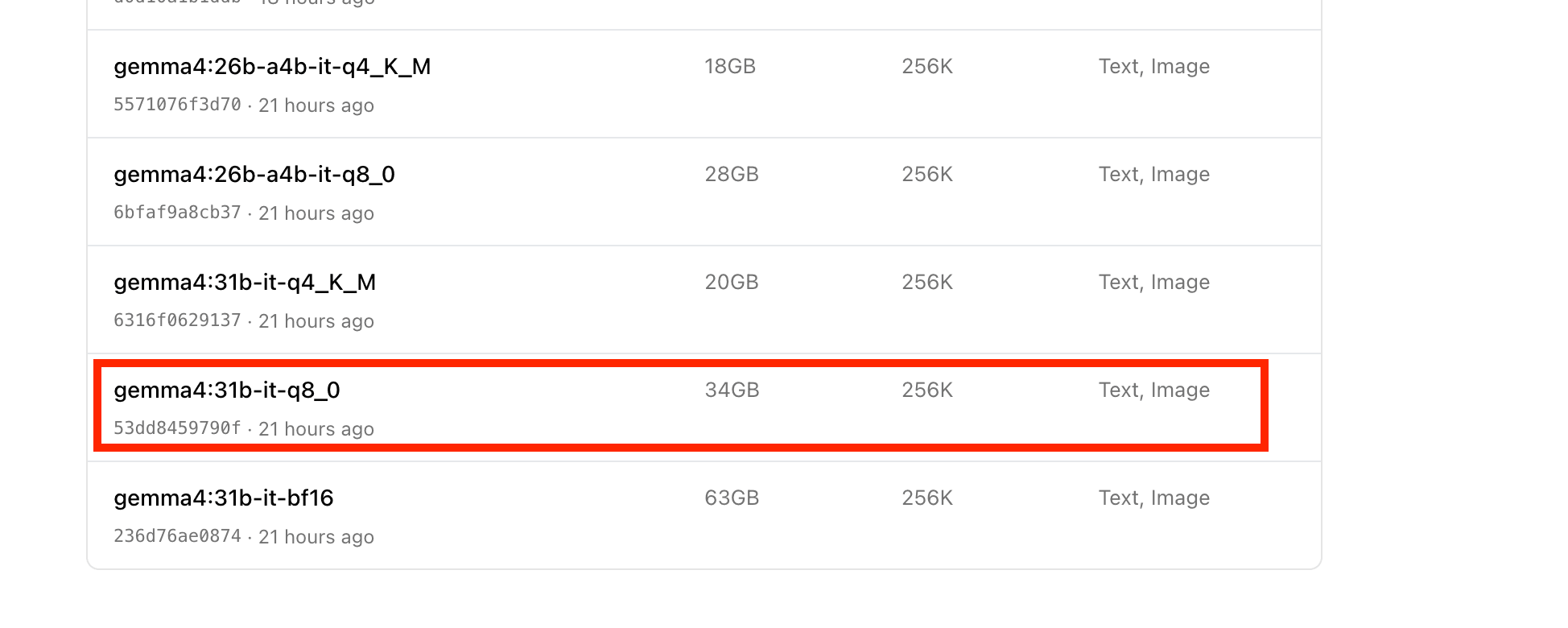
gemma4:31b-it-q8_0 is a 34GB model with a 256K token context window. With 64GB of RAM, it should work fine... or so I thought, but it nearly froze. It was taking over a minute to process just one token.
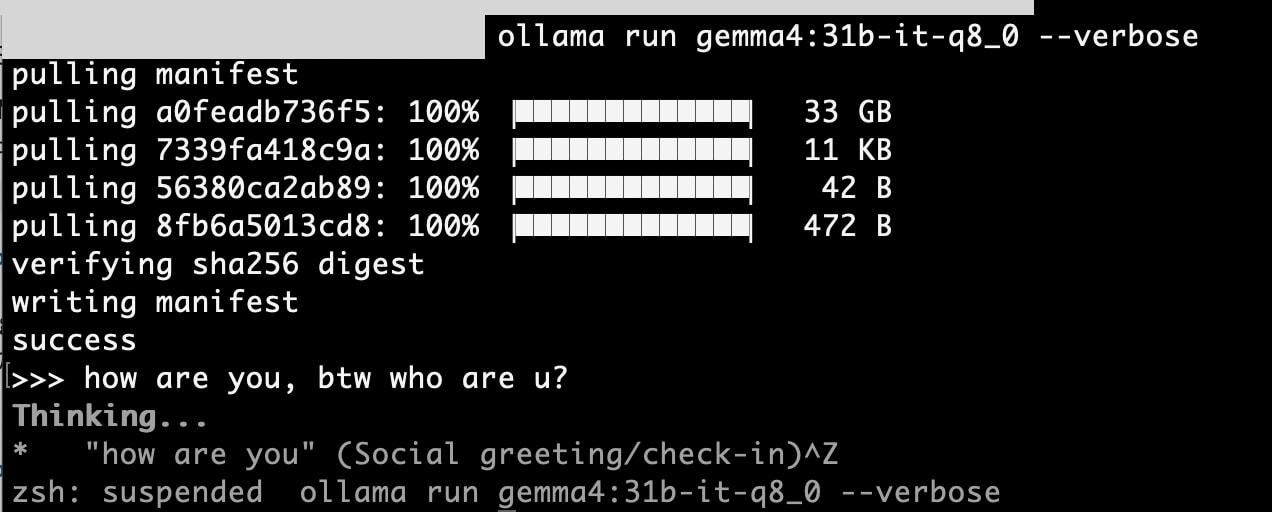
After investigating, I discovered that macOS automatically limits Apple Silicon GPU VRAM to about 75% of physical RAM. This means even on a 64GB machine, the GPU can only use about 48GB. Not enough for the 34GB model plus the KV cache for 256K tokens.
However, I eventually got it working with the steps I'll describe later. First, let's try a more compressed model (Q4).
gemma4:31b-it-q4_K_M works fine
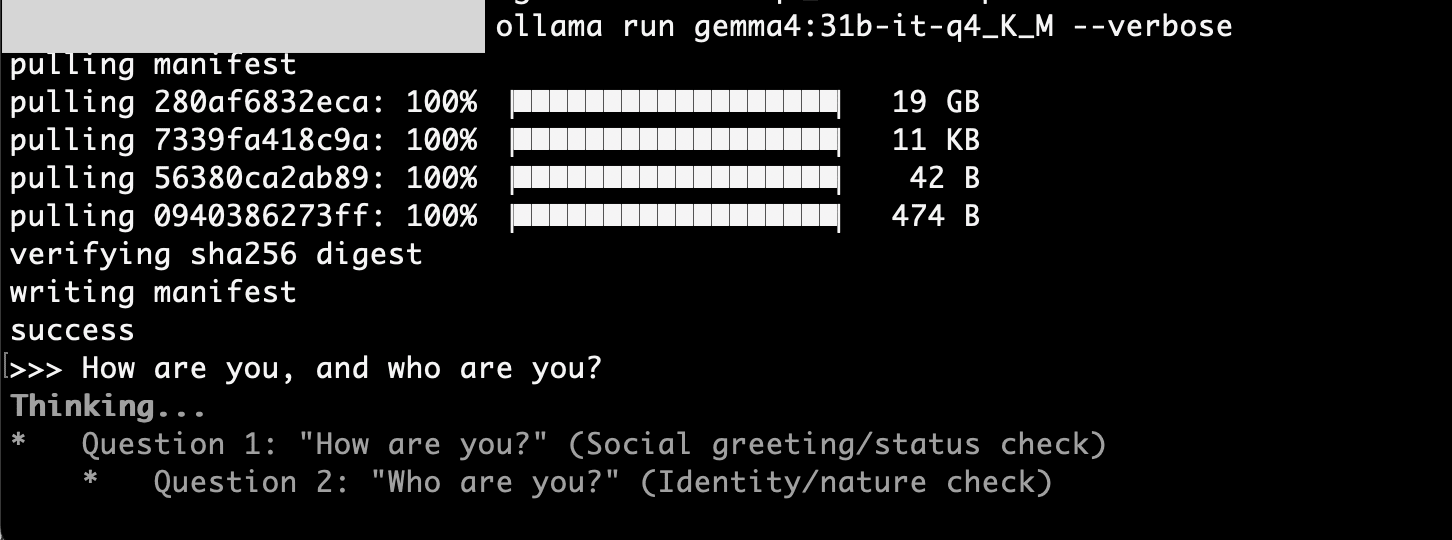
I tried the more compressed version (Q8→Q4) gemma4:31b-it-q4_K_M (size: 20GB / context window: 256K).
ollama run gemma4:31b-it-q4_K_M --verbose
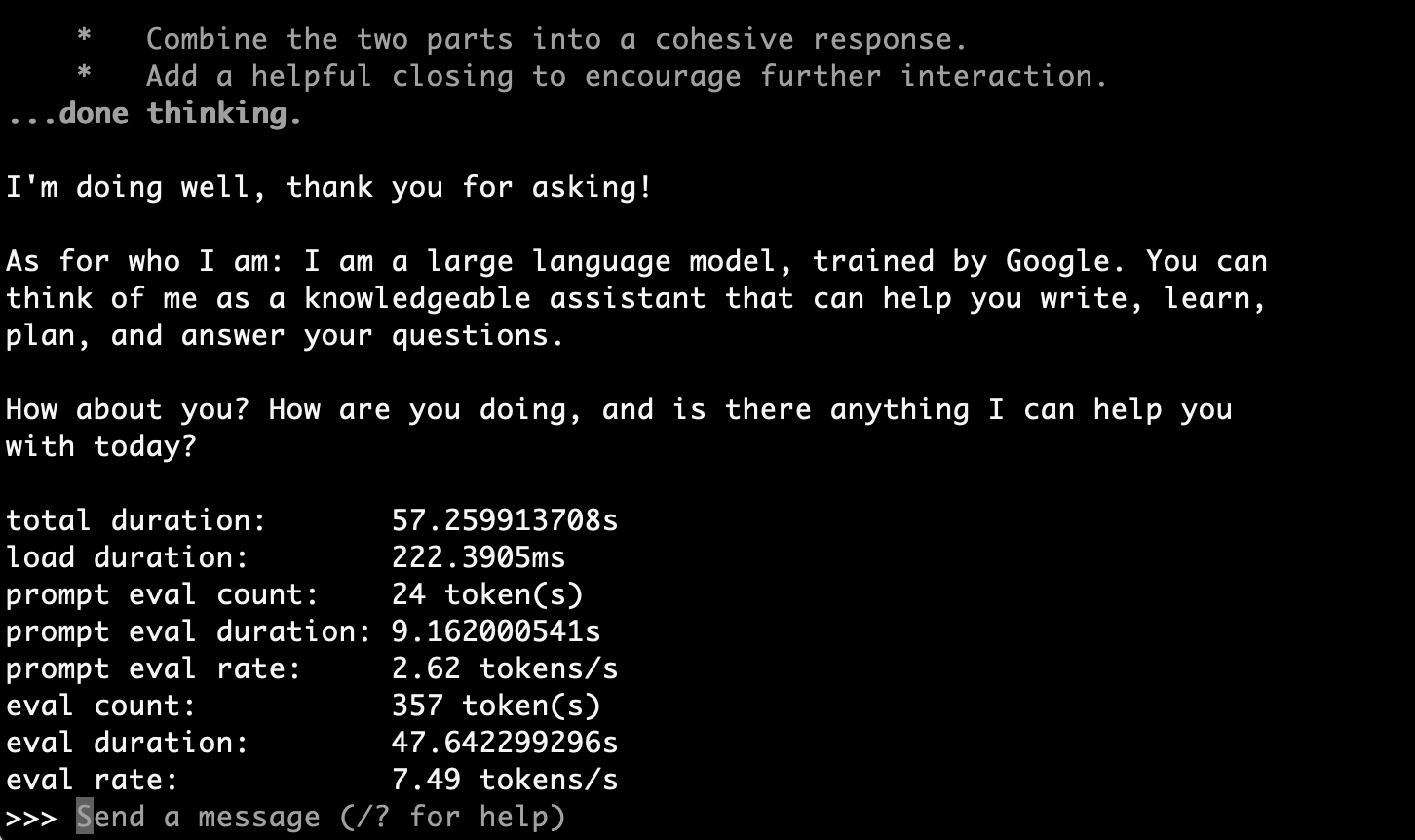
This worked without issues.
total duration:       57.259913708s
load duration:        222.3905ms
prompt eval count:    24 token(s)
prompt eval duration: 9.162000541s
prompt eval rate:     2.62 tokens/s
eval count:           357 token(s)
eval duration:        47.642299296s
eval rate:            7.49 tokens/s
7.49 tokens/s. While slower than the e4b model, it's still practical considering it's a 31B parameter model running locally.
Two approaches to run 31b-it-q8_0
Approach 1: Increase macOS VRAM limit
You can change the memory limit that the GPU can use with the macOS sysctl command.
References:
- https://www.reddit.com/r/LocalLLaMA/comments/186phti/m1m2m3_increase_vram_allocation_with_sudo_sysctl/
- https://github.com/ggml-org/llama.cpp/discussions/2182#discussioncomment-7698315
The following command allocates 56GB (57344MB) to the GPU:
sudo sysctl iogpu.wired_limit_mb=57344
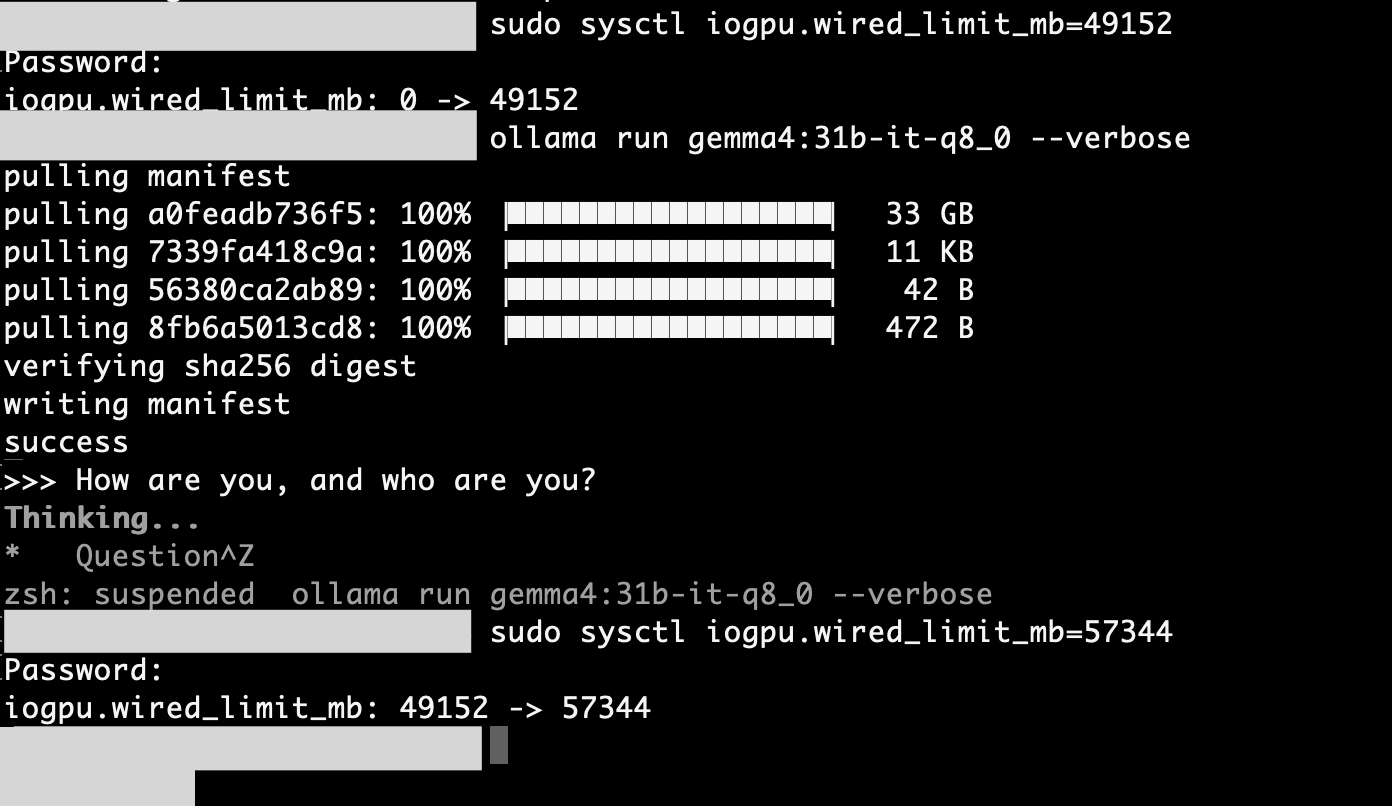
Note: This setting resets when you restart your computer.
This should have secured 56GB for the GPU... but it still froze.
Why? Because in addition to the 34GB model itself, the context window (KV cache) was consuming a massive amount of memory.
Approach 2: Reduce the context window
This was my biggest learning from this experiment.
256K doesn't mean 256KB of VRAM, but rather allocating KV cache for 256,000 tokens in memory.
Research online suggests that Gemma 4 31B's default context window (256K tokens) requires about 21GB of memory. Combined with the 34GB model, that's over 55GB. Even after expanding to 56GB, it wasn't enough.
Since I just wanted to try a simple greeting ("How are you, and who are you?"), I decided to minimize the context window to reduce memory consumption. I used Ollama's Modelfile:
FROM gemma4:31b-it-q8_0
PARAMETER num_ctx 512
Official documentation: https://docs.ollama.com/modelfile
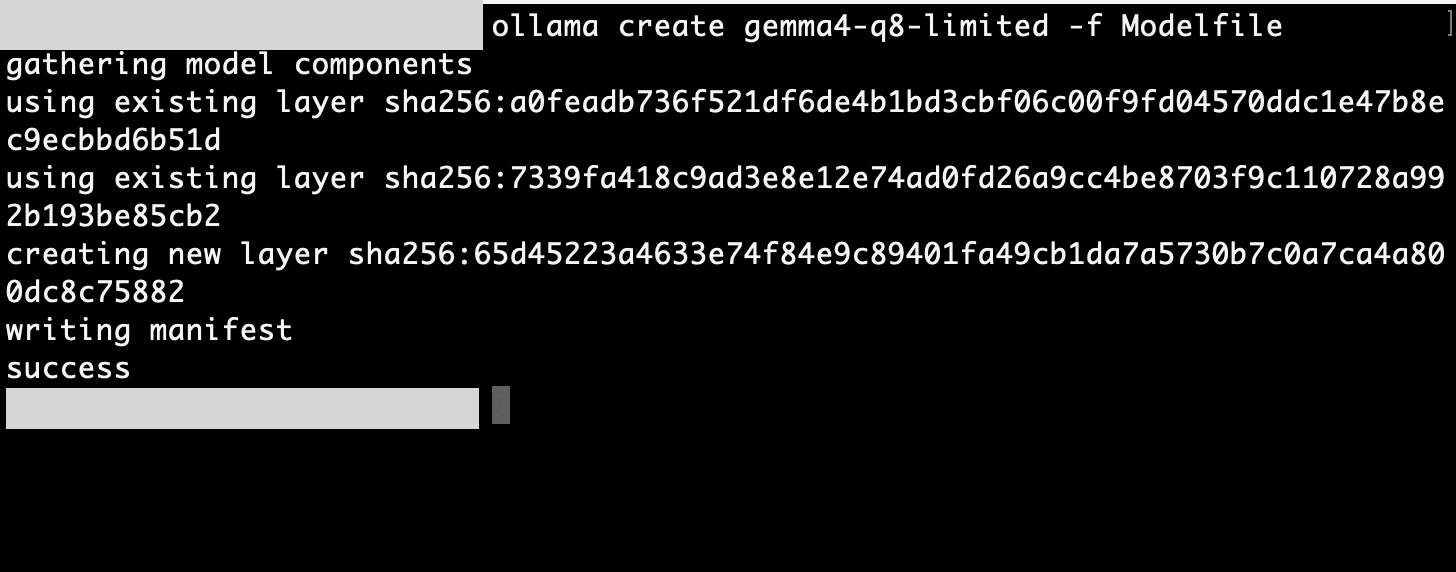
I created and ran a custom model from this Modelfile:
ollama create gemma4-q8-limited -f Modelfile
ollama run gemma4-q8-limited --verbose
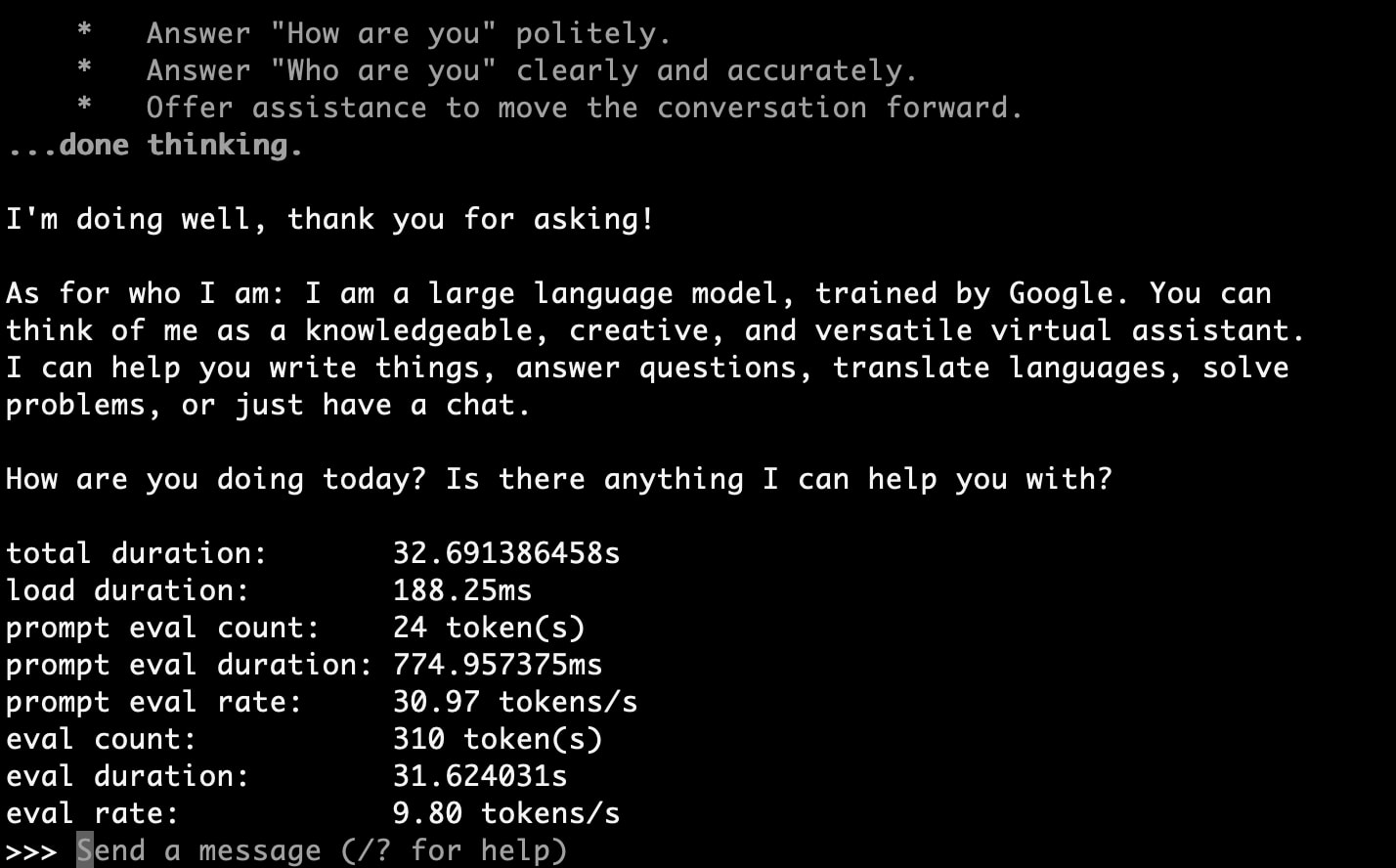
Result: It worked!
>>> How are you, and who are you?
Thinking...
...done thinking.

I'm doing well, thank you for asking!

As for who I am: I am a large language model, trained by Google. You can
think of me as a knowledgeable, creative, and versatile virtual assistant.
I can help you write things, answer questions, translate languages, solve
problems, or just have a chat.

How are you doing today? Is there anything I can help you with?

total duration:       32.691386458s
load duration:        188.25ms
prompt eval count:    24 token(s)
prompt eval duration: 774.957375ms
prompt eval rate:     30.97 tokens/s
eval count:           310 token(s)
eval duration:        31.624031s
eval rate:            9.80 tokens/s
9.80 tokens/s. This is faster than Q4_K_M's 7.49 tokens/s, and Q8 offers higher precision, so for use cases where you can limit the context window, Q8 becomes a better choice.
Model Comparison Summary
Comparison using the same prompt ("How are you, and who are you?"):
| Model | Size | Context Window | Eval Rate | Notes |
|---|---|---|---|---|
| gemma4:e4b | 9.6 GB | 128K | 52.03 tokens/s | Default model, fastest |
| gemma4:31b-it-q4_K_M | 20 GB | 256K | 7.49 tokens/s | Convenient option for 31B |
| gemma4:31b-it-q8_0 | 34 GB | Limited to 512 tokens | 9.80 tokens/s | Requires VRAM limit removal + ctx (context window) reduction |
Lessons Learned
- macOS limits GPU VRAM to about 75% of physical RAM by default. Can be increased with
sysctl iogpu.wired_limit_mb. - Context windows consume massive amounts of memory. Need to consider not just the model size but also KV cache memory usage. A 256K context generates over 20GB of KV cache.
- Ollama parameters can be customized with Modelfile. Reducing
num_ctxallows running large models with limited memory. - Quantization (Q4/Q8 compression) involves trade-offs. Q4 is smaller and easier to load but less accurate than Q8. If you have memory to spare, using Q8 with a reduced context window might be better.
Conclusion
Macs with Apple Silicon are well-suited for running local LLMs thanks to their unified memory. However, there are several things to be aware of, such as macOS VRAM limitations and memory consumption by the context window.
This testing confirms that an M1 Max 64GB machine can run Gemma 4's 31b-it-q8_0 (34GB) model. While context window adjustments are necessary, it's perfectly practical for inference with short prompts or API-style usage.
If you're interested in local LLMs, give it a try!
