
How to check security-related notifications for Alteryx products
Learn how to check Alteryx security notifications via the MyAlteryx Security Bulletins page for advisories, and configure notification settings in the Preference Center.

2026.10.22
This page has been translated by machine translation. View original
Issue
Please tell me how to check security-related notifications for Alteryx products.
Overview
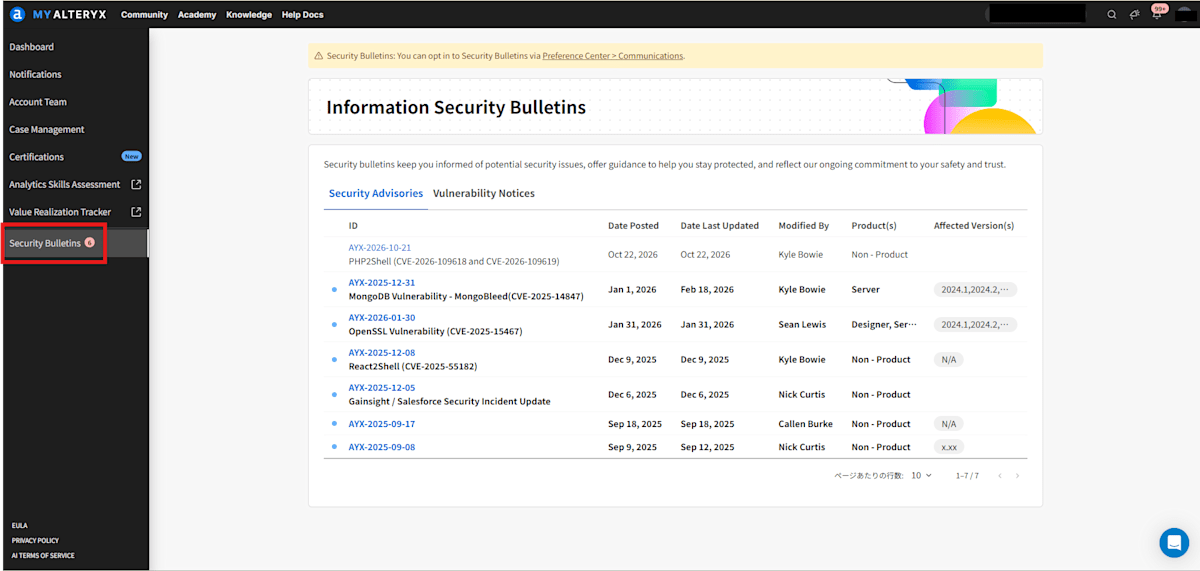
Open the Information Security Bulletins page from MyAlteryx and check the reported security advisories.[1]
※ MyAlteryx user registration is required.
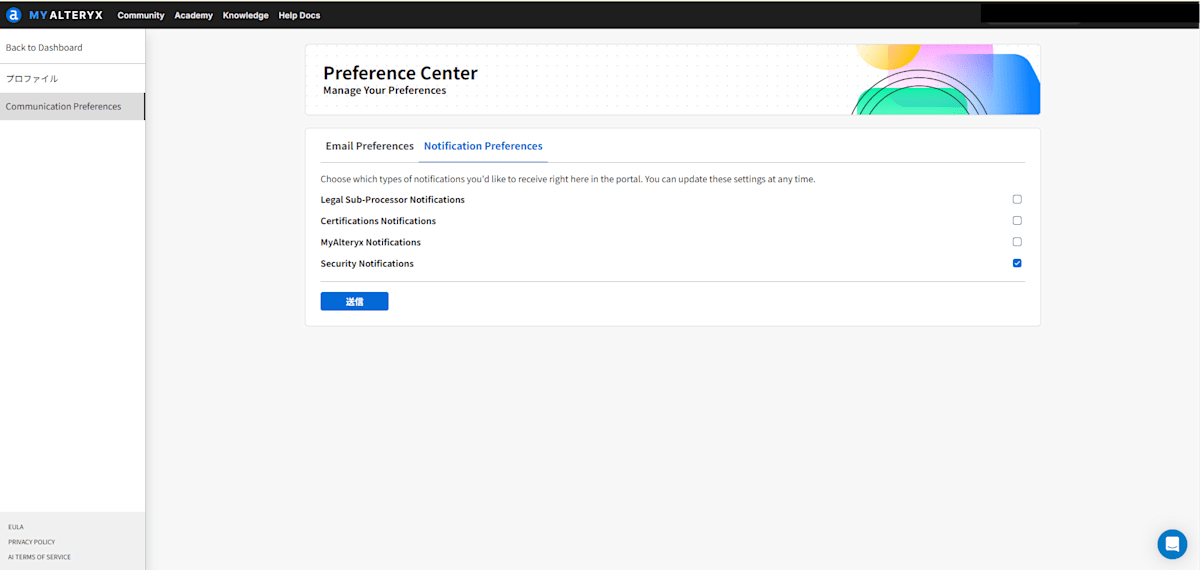
Also, please consider configuring security notifications from the Preference Center of your user account.[2]
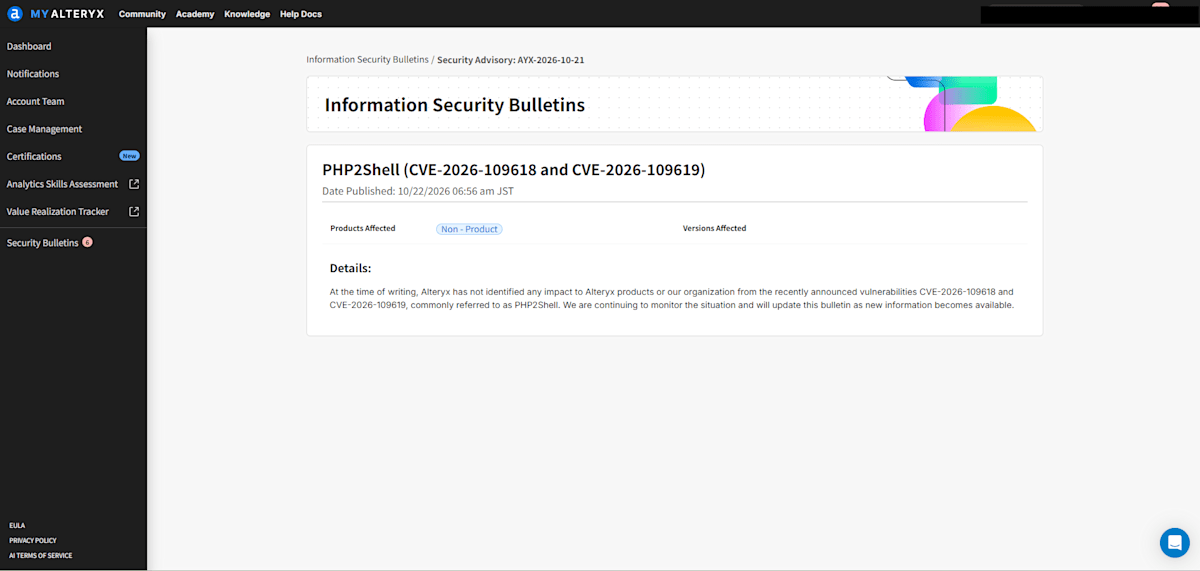
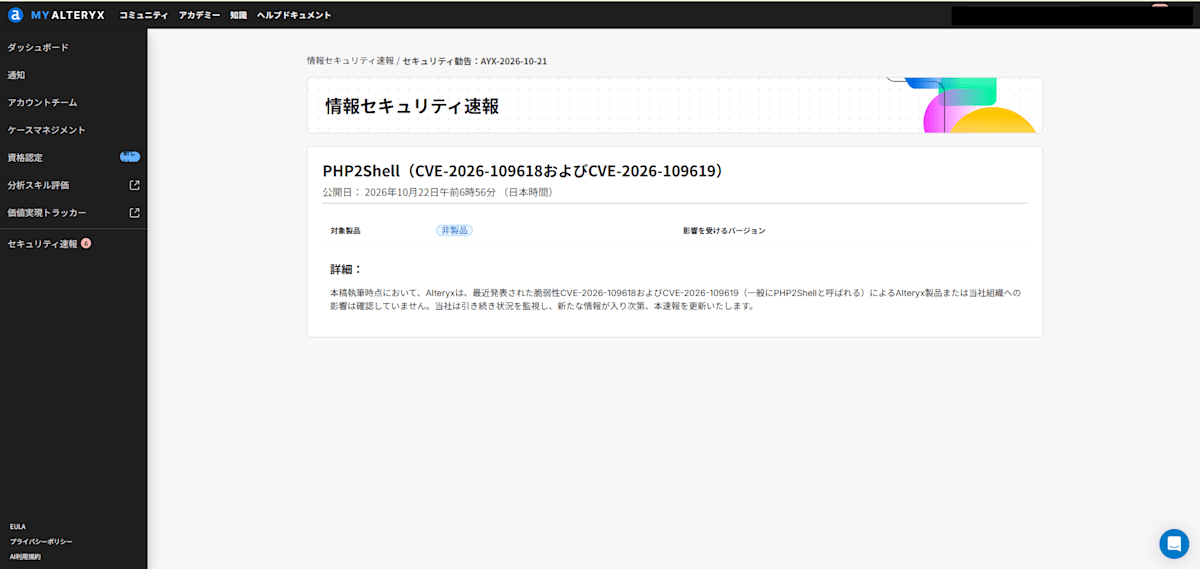
Example of Security Advisory
As of 2026/10/22 at the time of writing this article, a security notice regarding PHP vulnerability remediation was reported as AYX-2026-10-21.
References
[1] MyAlteryx
[2] MyAlteryx