
Creating UI transition detection & transition diagram editing app in v0: Extract screen candidates from smartphone recordings and save them to Supabase

This page has been translated by machine translation. View original
Introduction
When estimating game UI, there are situations where you want to see not only the number of screens but also the structure of screen transitions. For example, even if screens look the same, having many transition conditions increases the burden of implementation and testing.
On the other hand, creating screen transition diagrams manually is a significant burden. If you paste screenshots into tools like Figma, draw arrows, and track version differences, it takes time just for preparation before estimation.
Therefore, this time I created an app with v0 + Supabase that automatically extracts screen candidates and transitions from a smartphone screen recording (vertical 1080 x 1920 / 30 fps / max 5 minutes) and allows you to view them as a transition diagram. Automatic extraction doesn't aim for 100% accuracy. It's designed to achieve sufficient accuracy automatically, with the assumption that the rest will be manually supplemented.
Overview of v0 and Supabase
v0 is an AI development environment provided by Vercel. It generates apps like Next.js based on natural language instructions, and allows you to modify the output with additional instructions while previewing it. The Integration feature makes it easy to connect Supabase, enabling you to create apps that include not just screen implementation but also data persistence.
Supabase is a BaaS (Backend as a Service) centered around Postgres, which allows you to use Auth, Storage, and other services together. In this verification, I used Postgres for storing metadata and Storage for saving thumbnails.
In this article, I'll use v0 and Supabase with the following approach:
- Leave UI to v0 and quickly create a working form
- Extract frames and calculate hashes in the browser without uploading videos to the server
- This is because handling video files via API can easily hit size limits and processing time constraints
- Save only generated thumbnails and metadata to Supabase
Target Audience
- Those who are new to v0 but want to know what can be created with v0 + Supabase
- Those who want to create screen transition diagrams for game UI estimation and requirement organization while minimizing coding time
References
What I Created
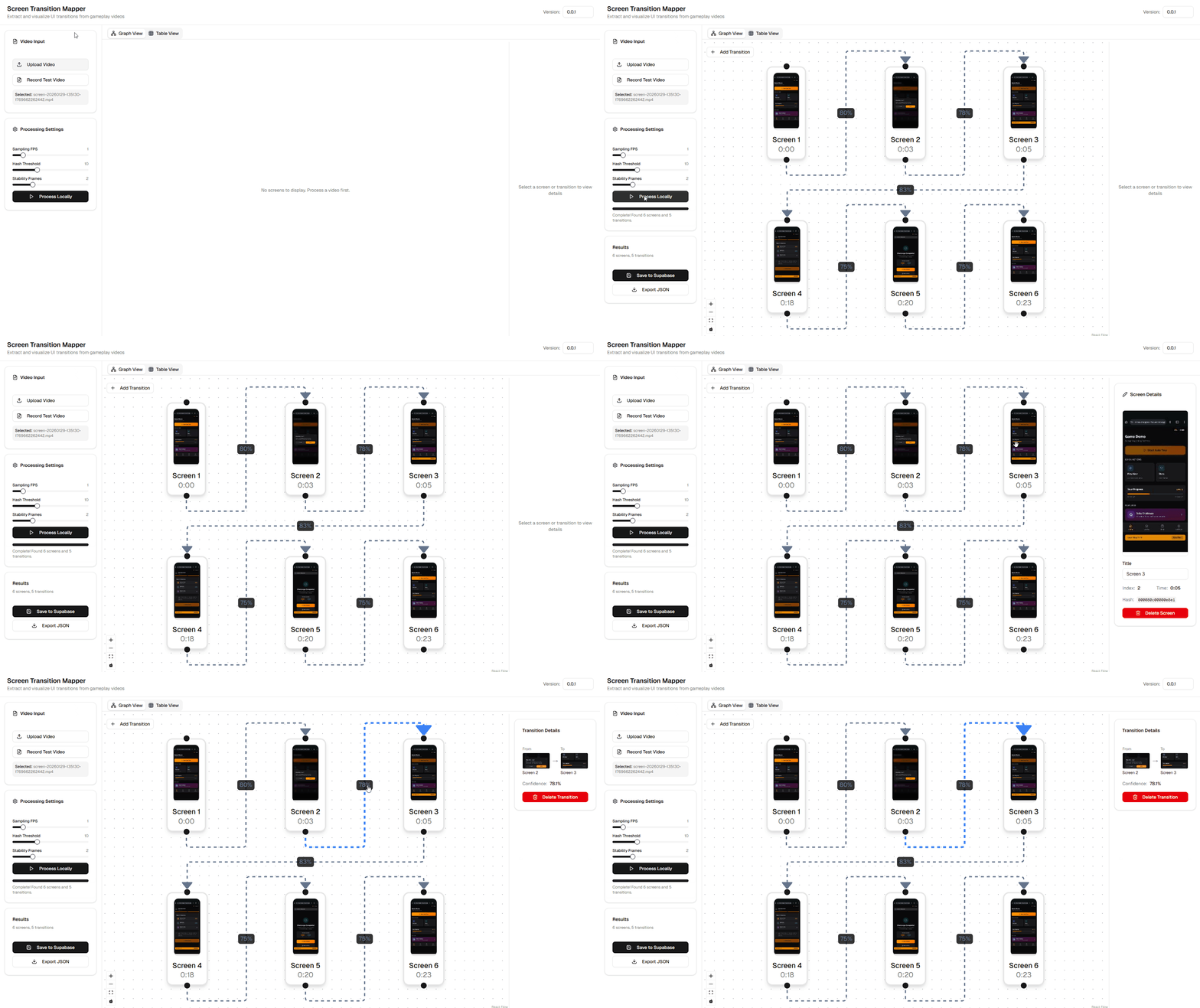
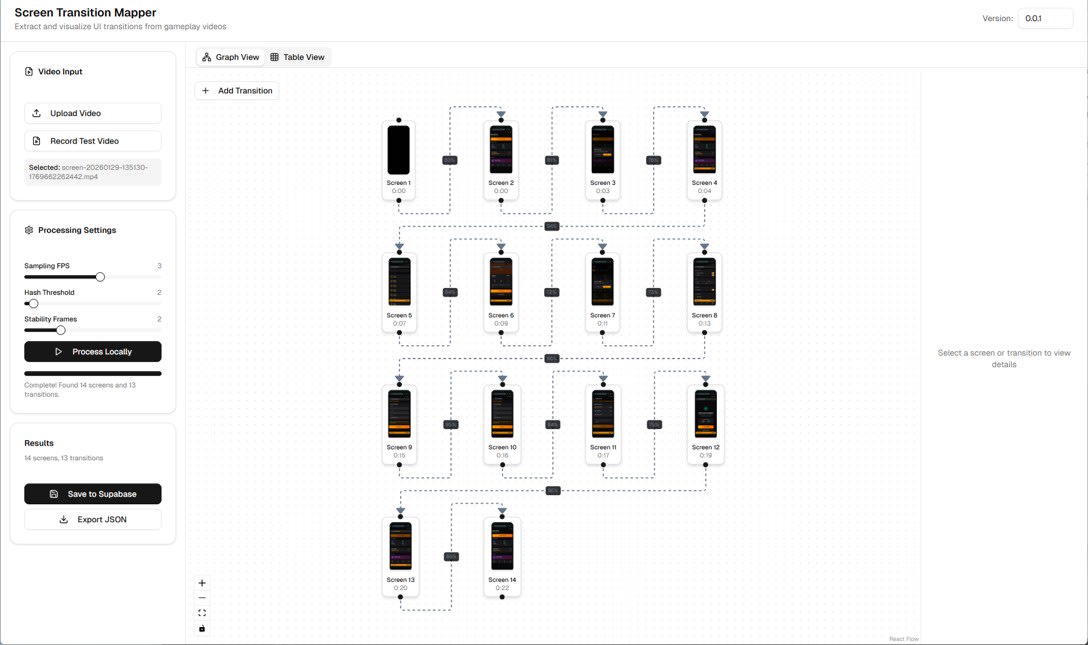
Screen Transition Mapper is an app that extracts screen candidates from loaded recordings and displays transitions in a graph. The UI allows you to adjust Sampling FPS / Hash Threshold / Stability Frames and switch between Graph View and Table View.
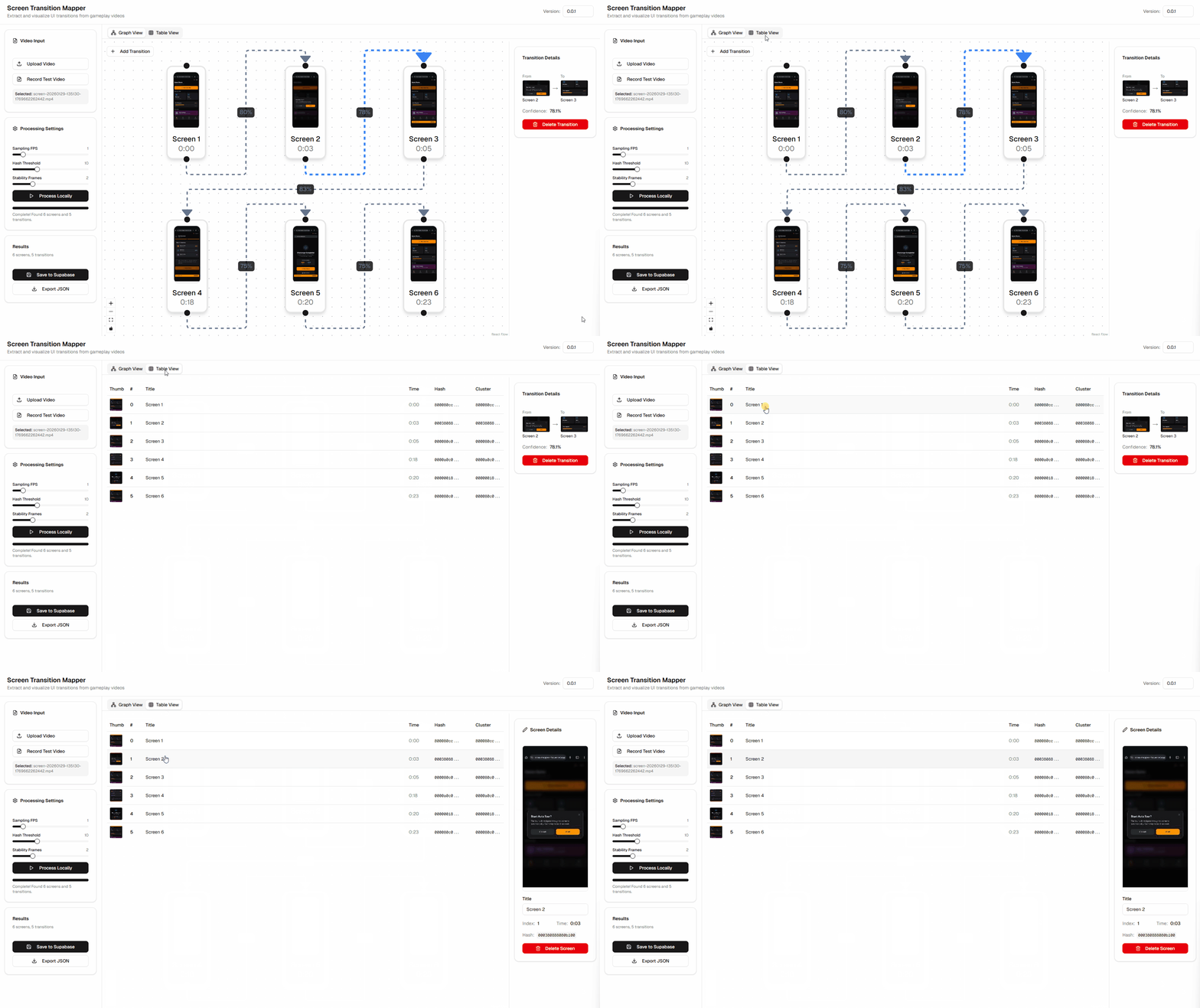
The process flow is as follows. The video is processed locally, and only the extracted results are saved to Supabase.
Supabase Design
Without the ability to save extraction results, you can't review verification results. When comparing with different parameters, it's also easier to work with previous results retained. Therefore, I designed a configuration where metadata is stored in Postgres and thumbnails in Storage.
Table Design
There are 4 tables to be saved. runs is a processing unit, screens and transitions are extraction results, and edits is for storing manual corrections.
runs: Processing session with version and processing parametersscreens: time_ms, hash, cluster_key, thumbnail_path, etc.transitions: from_screen_id, to_screen_id, confidence, etc.edits: Save entire graph as JSON
Storage Design
Thumbnail images are placed in the frames bucket in Storage.
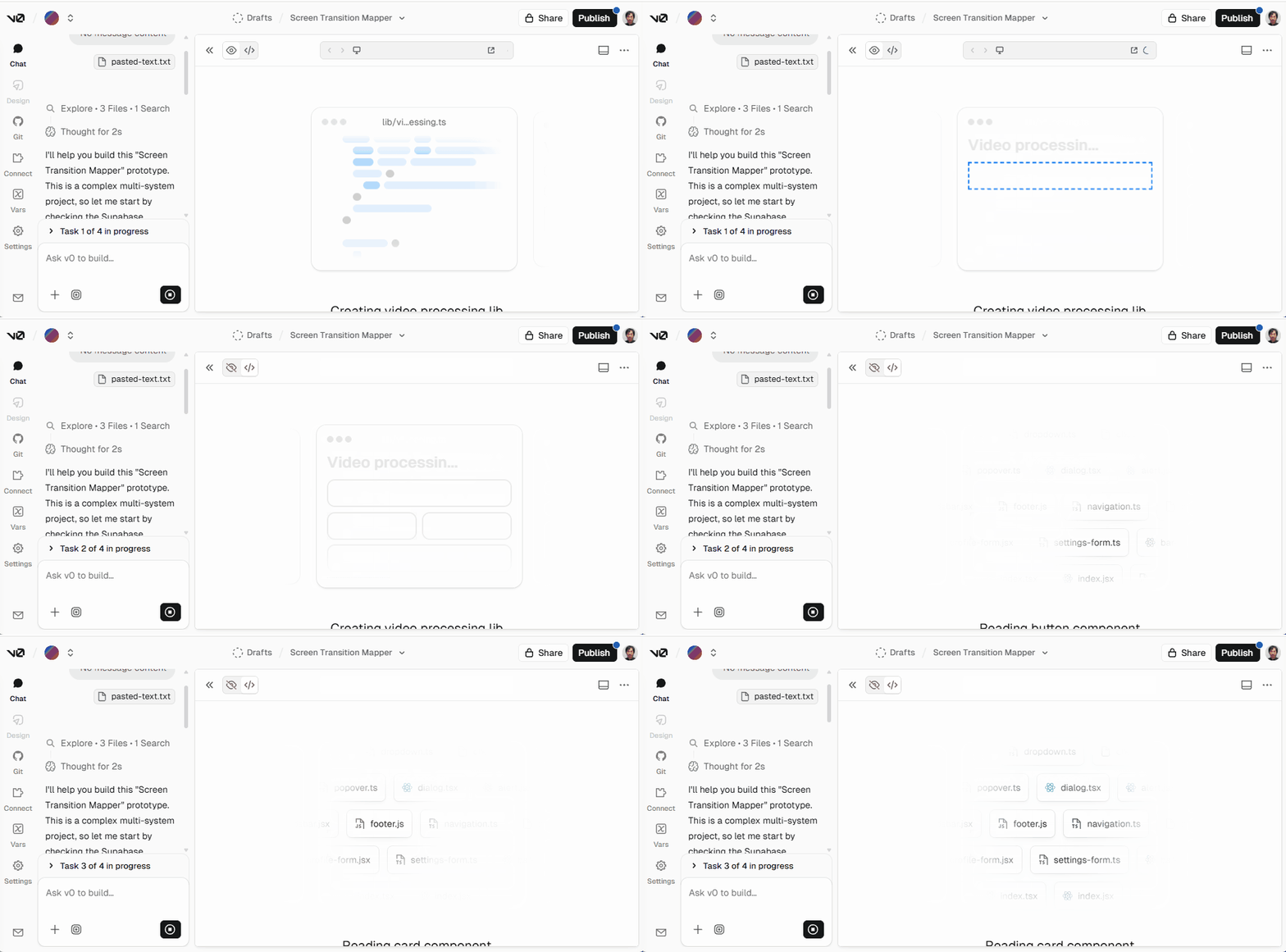
Prompt Given to v0
Here is the prompt I gave to v0:
Build a full-stack prototype called "Screen Transition Mapper" for game UI estimation.

Context:
- Used by a single developer on desktop Chrome.
- Input videos are smartphone screen recordings: vertical 1080x1920, 30fps, up to 5 minutes.
- Goal is AUTO extraction accuracy first; editor polish is secondary.
- No authentication needed for this PoC.

Tech constraints:
- Next.js App Router + TypeScript + Tailwind + shadcn/ui.
- Use React Flow for the transition diagram.
- Use Supabase (Postgres + Storage) via v0's Supabase integration (Integrations/Connect).
- Do NOT upload large video payloads through Vercel Functions (4.5MB limit); process the video in the browser and only upload extracted thumbnails/metadata to Supabase.

Core features (MVP):
1) Home page (single page is OK):
   - Version input (default "0.0.1").
   - Video import:
     a) Upload existing mp4 from disk (primary).
     b) Optional "Record a short test video" using MediaRecorder (camera) for quick testing (note: screen recording of other apps is not required).
   - Processing controls:
     - Sampling FPS selector (default 1 fps).
     - Hash threshold slider (default Hamming distance 10).
     - Stability requirement (default: accept a new screen only if it persists for 2 consecutive samples).
   - Button "Process locally" -> generates candidate screens + transitions.
   - Show results:
     - A list/table of detected screens with timestamp, thumbnail, hash, and cluster id.
     - A React Flow graph (nodes = screens w/ thumbnails, edges = transitions w/ confidence).
     - Allow manual edits: rename screen, delete/merge screens, add/remove edges.
   - Button "Save to Supabase" saves the run, screens, transitions, and any edits.

2) Video processing algorithm (client-side):
   - Load the file into a <video> element via URL.createObjectURL.
   - Sample at N fps (default 1) by seeking to timestamps.
   - For each sample frame:
     - Draw to an offscreen canvas.
     - Downscale to something small (e.g., 160px width) and convert to grayscale.
     - Compute a 64-bit dHash (or pHash) and store as hex string.
   - Clustering / dedupe:
     - Compare hash to last accepted screen hash.
     - If distance <= threshold -> same screen cluster.
     - If distance > threshold, treat as "candidate new screen", but only accept if it stays different for the next sample too (stability = 2).
     - Drop "one-off" transient frames.
   - Transitions:
     - Create edges between consecutive accepted screen clusters in time order.
     - Confidence based on (hash distance, stability count).
   - Export:
     - Provide "Export JSON" for the current graph.

3) Supabase persistence:
   - Use @supabase/supabase-js.
   - Read env vars: NEXT_PUBLIC_SUPABASE_URL and NEXT_PUBLIC_SUPABASE_ANON_KEY.
   - Storage:
     - Create a bucket name: "frames".
     - Upload screen thumbnails as JPEG (reasonable compression).
     - Store object path in DB.
   - Database tables (generate SQL file at /supabase/schema.sql and also include in README):
     - runs(id uuid, version text, created_at timestamptz, params jsonb)
     - screens(id uuid, run_id uuid, version text, idx int, time_ms int, title text, hash text, cluster_key text, thumbnail_path text, created_at timestamptz)
     - transitions(id uuid, run_id uuid, version text, from_screen_id uuid, to_screen_id uuid, confidence real, created_at timestamptz)
     - edits(id uuid, run_id uuid, version text, graph jsonb, updated_at timestamptz)
   - Since there is no auth, keep it simple for PoC:
     - Provide SQL to either disable RLS for these tables OR add permissive policies for anon (clearly marked as "PoC only, insecure").
   - Storage policies:
     - Supabase Storage requires RLS policies to allow uploads. Provide minimal INSERT policy for storage.objects for bucket_id='frames' (PoC-only). Also provide SELECT policy if needed for listing.
     - Put these policy SQL snippets in /supabase/policies.sql and explain in README how to apply them.

4) UX / UI basics:
   - Make the UI usable but not over-engineered.
   - The graph view should show thumbnails in nodes.
   - Provide a right-side inspector panel for selected node/edge.

Deliverables:
- Working Next.js app with the above.
- README.md with:
  - How to connect Supabase via v0 integration (Integrations/Connect).
  - Where to paste schema.sql and policies.sql in Supabase SQL editor.
  - How to run locally (npm install / dev).
- Keep code clean and modular (lib/videoProcessing.ts, lib/hash.ts, lib/supabaseClient.ts, components/*).
Supabase Integration
When you provide a prompt to use Supabase, v0 suggests installing Supabase.
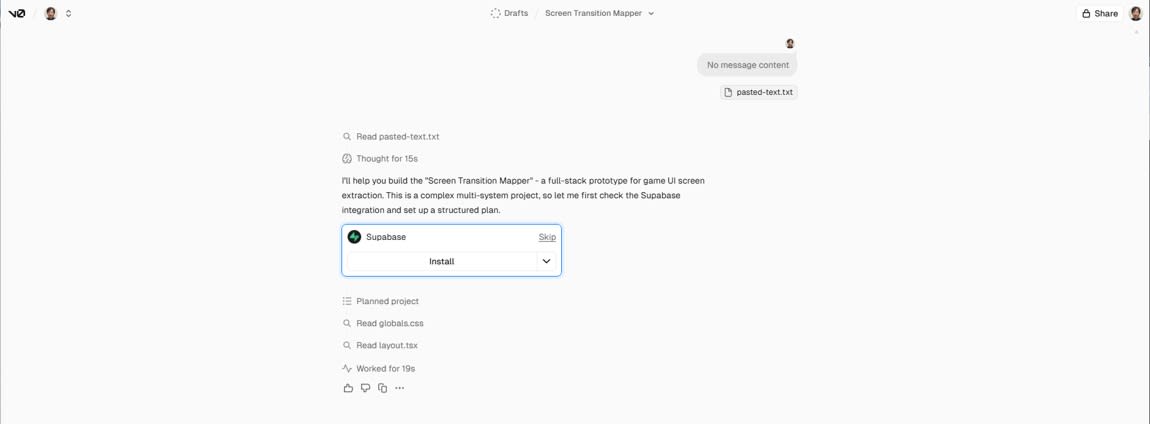
Follow the installation process by creating a Database.
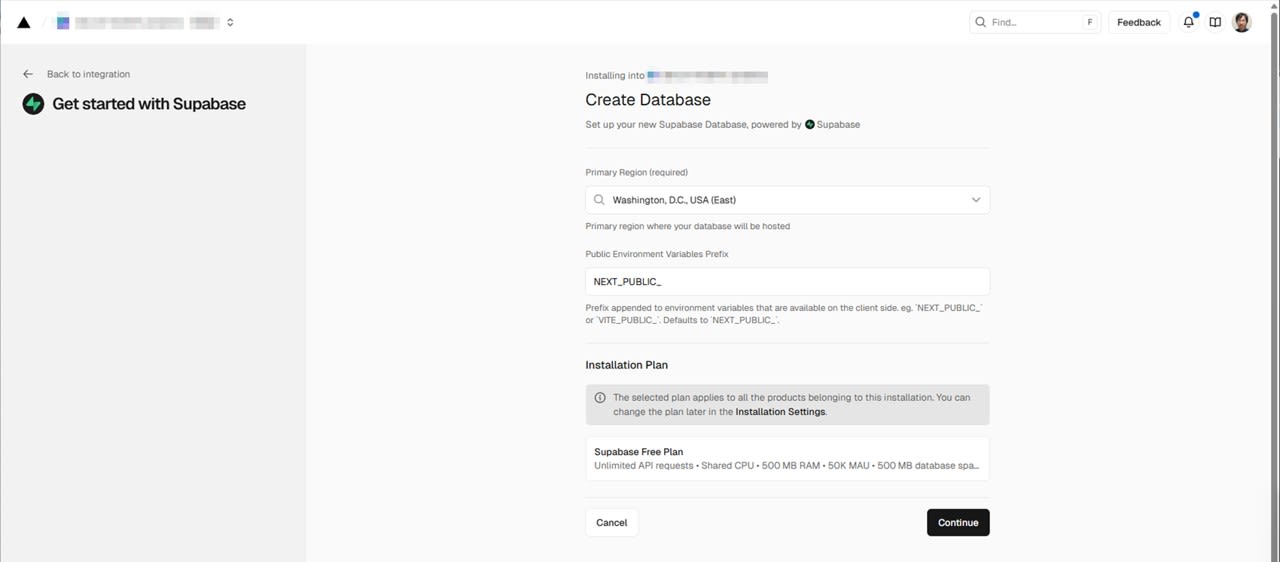
Decide on a Database name and click Create.
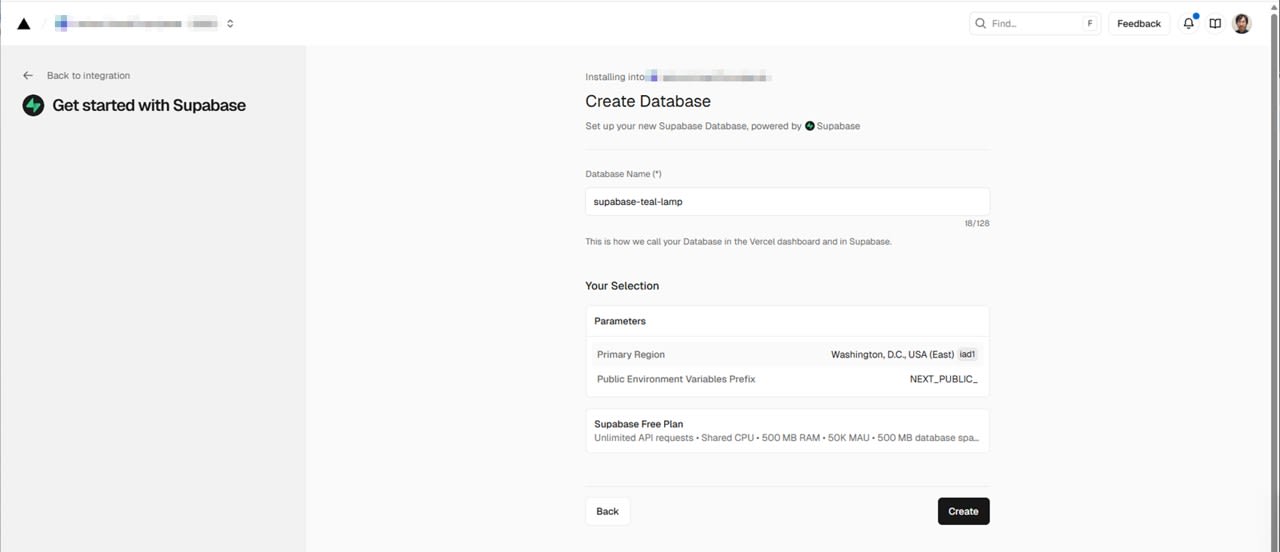
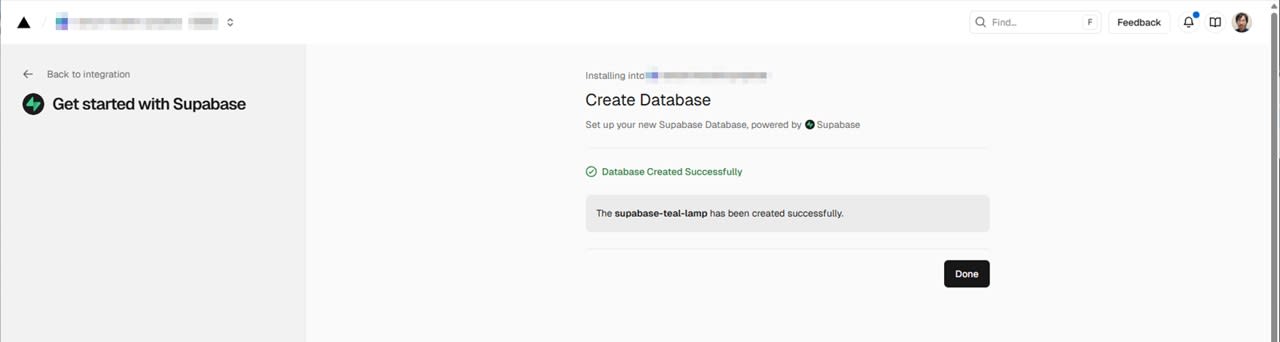
Once the Database is created, click Done. You will be redirected to the v0 page.
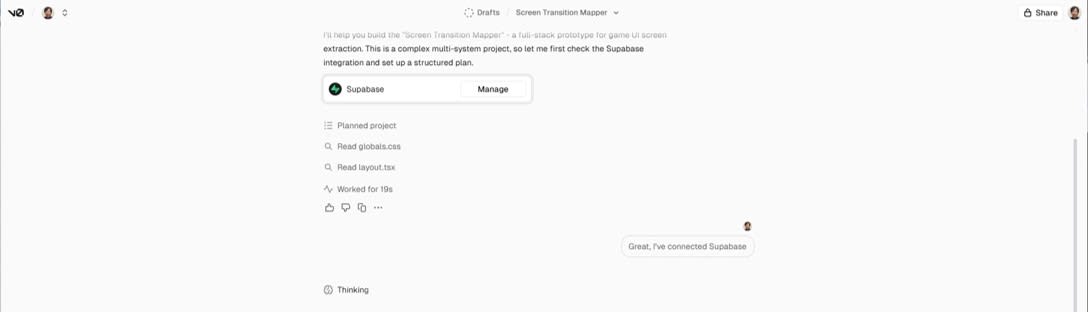
A message is automatically passed to v0 indicating that the Database setup has been completed, so continue waiting for implementation.
Actual Output and Additional Instructions
This time, the display showing transitions was different from the intended appearance. Specifically, there were squares displayed between screens. Since arrows are easier to read for transition diagrams, I added instructions to change to arrows.
I'm concerned that the figure showing the transition between screens is a square. Can you change it to an expression like an arrow?
This kind of visual adjustment can be made by rewriting the React Flow edge settings, but it's faster to instruct v0 to reflect it.
Implementation Details
Extracting Screen Candidates from Video
Smartphone recordings constantly fluctuate with toasts, light animations, scrolling, etc. If treated as transitions, these fluctuations would result in too many screens. Therefore, we measure closeness using feature quantities from downsized screens and reject short fluctuations.
In the implementation, the video is loaded as a <video>, and frames are extracted by drawing to an OffscreenCanvas. Frames are reduced in size and converted to grayscale, then a 64-bit dHash is calculated. The reduction width is about 160 px. The judgment targets the entire screen without cropping.
- Determine how many fps to sample frames with Sampling FPS
- Calculate dHash from extracted frames
- Compare with the hash distance (Hamming distance) to the previously confirmed screen, treat as the same screen if below Hash Threshold
- If exceeding Hash Threshold, don't immediately confirm as a new screen but keep it as a candidate
- Confirm as a screen transition if the same candidate continues for Stability Frames times consecutively
Stability Frames is a dial to filter out differences that appear only briefly. For example, if a toast appears momentarily, it might be seen as a candidate but won't be confirmed as a screen since it doesn't continue consecutively.
Parameter Adjustment UI
To adjust extraction accuracy, parameters can be changed from the UI.
- Sampling FPS: Affects the interval at which frames are picked
- Hash Threshold: Affects how much difference is considered a separate screen
- Stability Frames: Affects how long a screen must continue to be confirmed as a separate screen
Transition Diagram Display and Manual Correction with React Flow
The transition diagram is implemented with React Flow. Thumbnails are displayed in nodes, and arrows are added to edges. Automatic extraction doesn't aim for perfection but creates a draft of screens and transitions for manual correction later.
Saving to Supabase
Saving is done to 4 tables: runs / screens / transitions / edits. Thumbnails are placed in the frames bucket in Storage. JPEGs created in the browser are uploaded, and the object path is saved as thumbnail_path.
Creating a Verification App with v0 for Recording
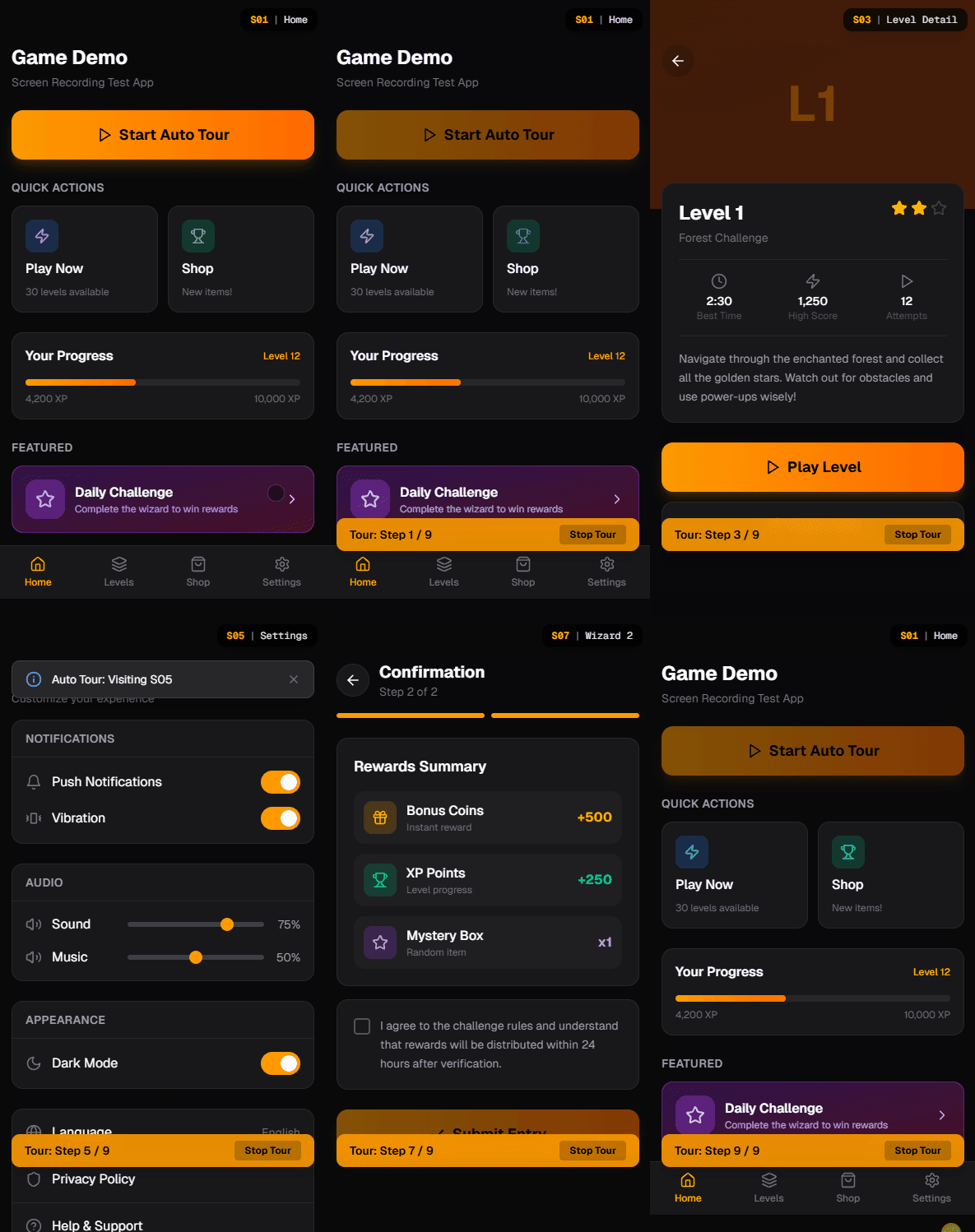
I also created a demo app with v0 for recording on smartphones for verification. The Screen ID is displayed at the top right of the screen, making it easier to determine the correct screen when reviewing the recording. The top screen has an Auto Tour, which starts automatic transitions after a confirmation dialog.
Testing It
When a smartphone recording (vertical 1080 x 1920 / 30 fps) was input and Process Locally was pressed, extraction began. In the verification, a video of about 30 seconds was input, and 6 screens were extracted.
I also confirmed that increasing the Sampling FPS or decreasing the Hash Threshold allows for stricter judgment of transitions for extraction. There are cases where the same screen is considered different, so final adjustments need to be made manually.
Summary
Using v0, you can quickly create a verification that includes not just UI but also video processing and Supabase persistence. This time, I ran frame extraction and dHash calculation in the browser and saved only thumbnails and metadata to Supabase. From a video of about 30 seconds, 6 screens were extracted. I also confirmed that adjusting parameters allows for stricter transition judgment.