![[Session Report] Intensive and Sustained Workflows in Wwise 2026.1 / How to Utilize Wwise Acoustics with Wwise and Unreal #CEDEC2026](https://images.ctfassets.net/ct0aopd36mqt/5L0LdMnL6vvm3iyLUBor5I/23a209b62a40af938e8edddf48d73233/cedec2026.png?w=3840&fm=webp)
[Session Report] Intensive and Sustained Workflows in Wwise 2026.1 / How to Utilize Wwise Acoustics with Wwise and Unreal #CEDEC2026

This page has been translated by machine translation. View original
Introduction
This is a report on a session I attended at CEDEC2026. The session provided a two-part explanation of the audio middleware Wwise. The first half covered workflow improvements in the upcoming version Wwise 2026.1, and the second half covered how to use Wwise Acoustics in combination with Unreal Engine.
The session overview is as follows.
- Title: Focused and Sustained Workflows in Wwise 2026.1 / How to Use Wwise Acoustics with Wwise and Unreal
- Speakers: Damian Kastbauer, Hiroshi Goda (both from Audiokinetic Inc.)
- Date and time: July 23, 2026, 10:50 to 11:50
- Venue: Hall 13
Focused Workflows in Wwise 2026.1
The first half introduced the focused and continuous authoring experience that the upcoming version Wwise 2026.1 aims for.
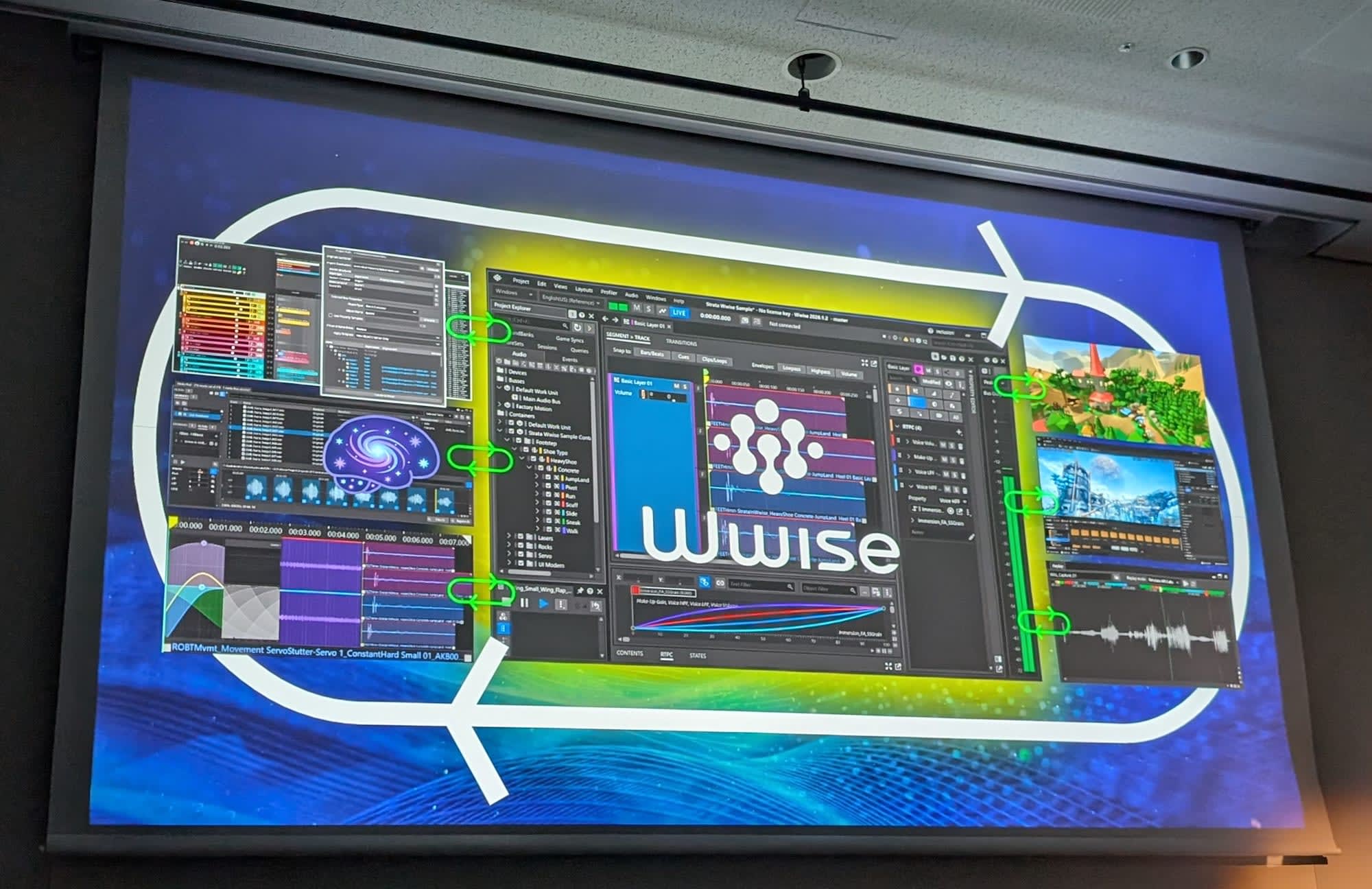
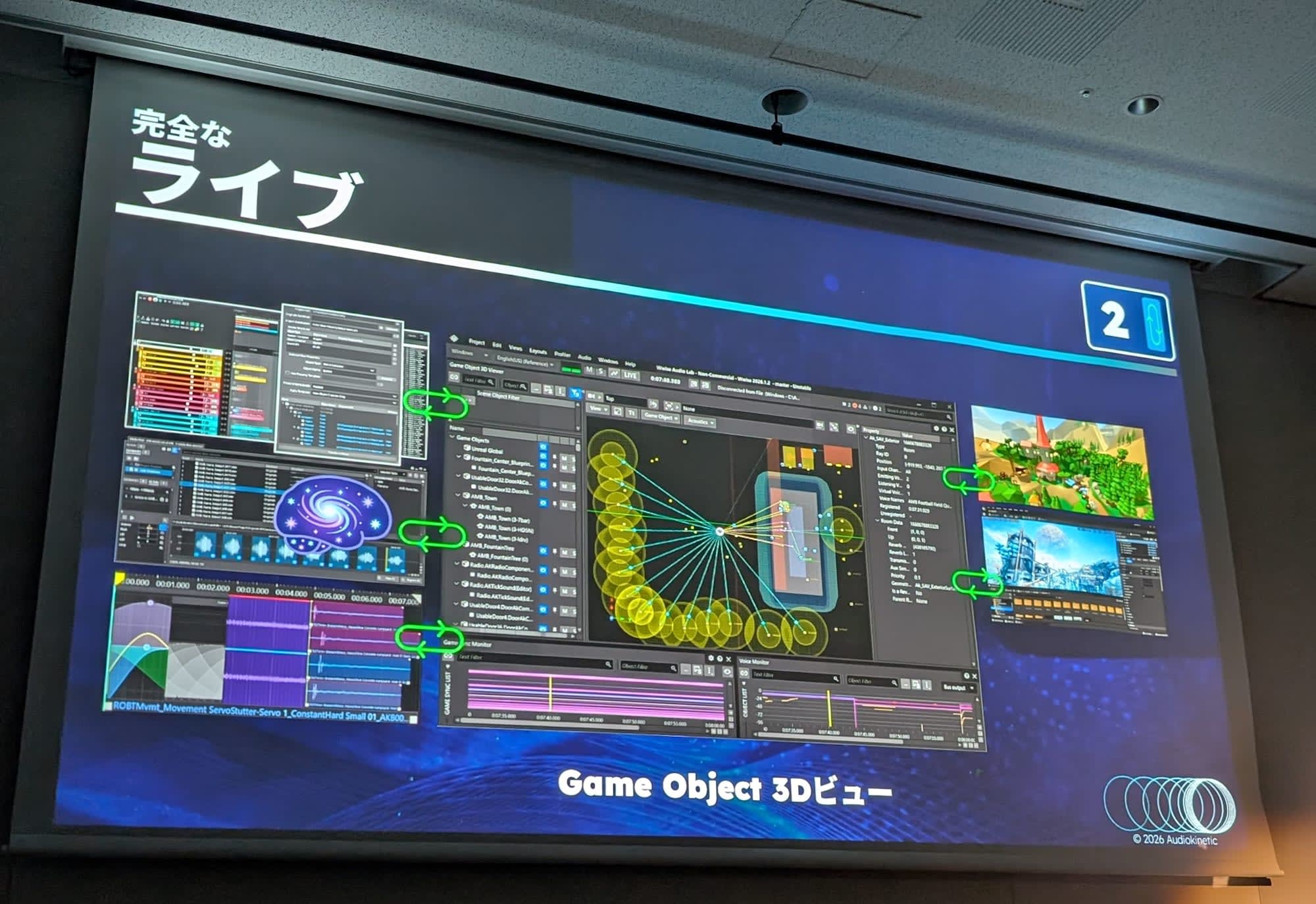
The core is a mechanism to speed up trial and error at runtime. Live Edit for editing sounds while the game is running, Live Media Transfer for transferring modified assets during execution, and a replay feature coming soon all work together to build a foundation for fast and stable iteration.
The replay feature will finally be included in the 2026.1 Beta. Until now, tracking sounds that were playing during game execution after the fact required relying on logs, making it difficult to reproduce the conditions when a problem occurred. With the replay feature, you can retrace the sounds exactly as they were at that moment.
The other pillar is a revamped authoring experience. A newly integrated Segment introduces a time-based canvas for arranging multiple tracks along a timeline, bringing visual clarity to track-based sound and music design.
Spatial Audio with Wwise Acoustics
The second half transitioned to Hiroshi Goda, who explained how to use Wwise Acoustics in combination with Unreal. This was a continuation of last year's session.
Wwise Acoustics is a set of features that simulate how sound travels through a space. These include occlusion and obstruction caused by obstacles, rooms and portals for handling rooms and doorways, diffraction and transmission, and reverb zones that partially alter reverberation.
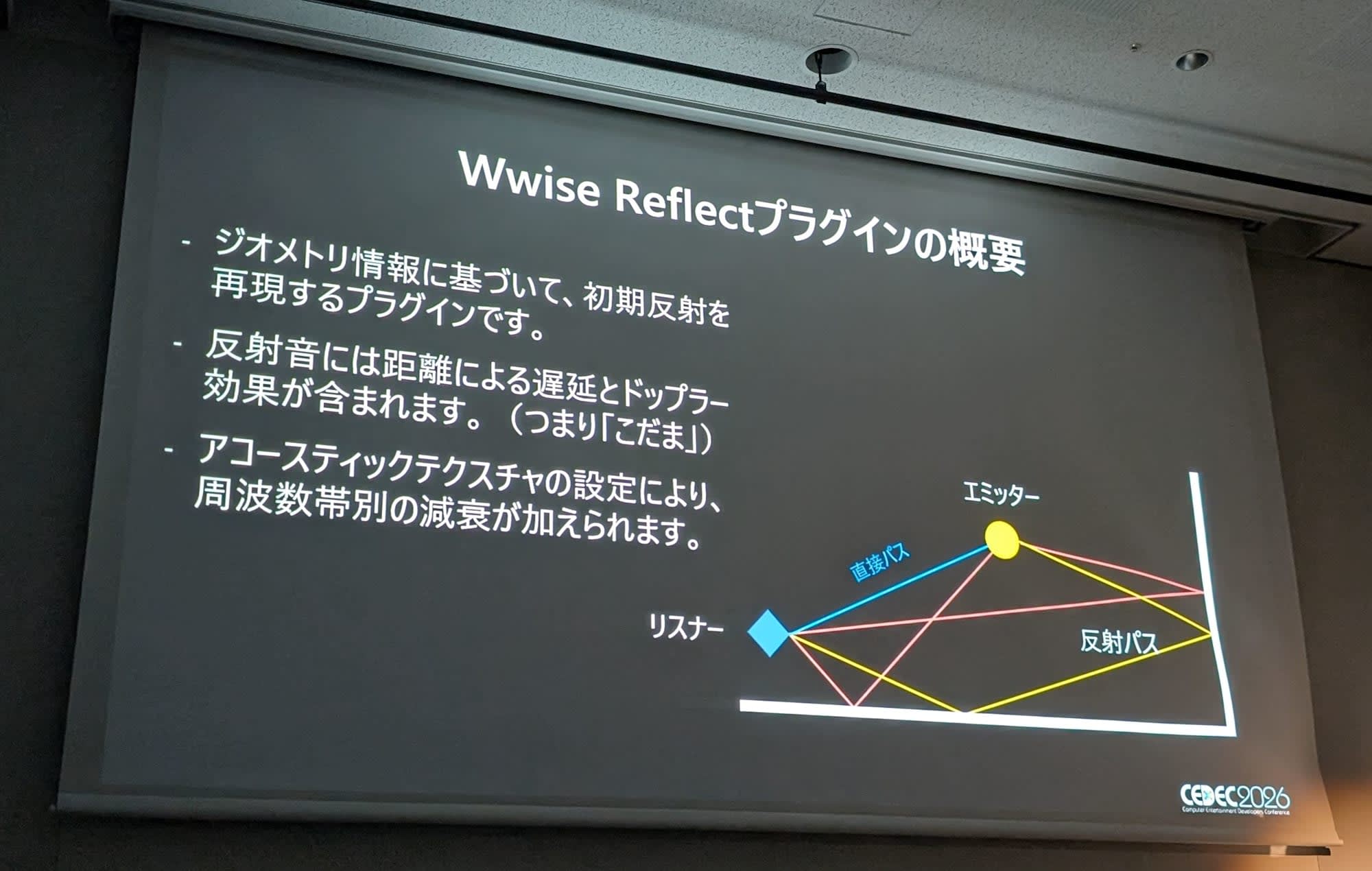
The focus of this year, early reflections, is handled by the runtime plugin Wwise Reflect. It reproduces reflected sounds bouncing off walls and other surfaces based on the geometry's shape, and the reflected sounds also include distance-dependent delay and Doppler effects. The reflection order, which represents how many times sound bounces off walls, supports up to 4 orders; increasing the order enriches the expression while also increasing the processing load.
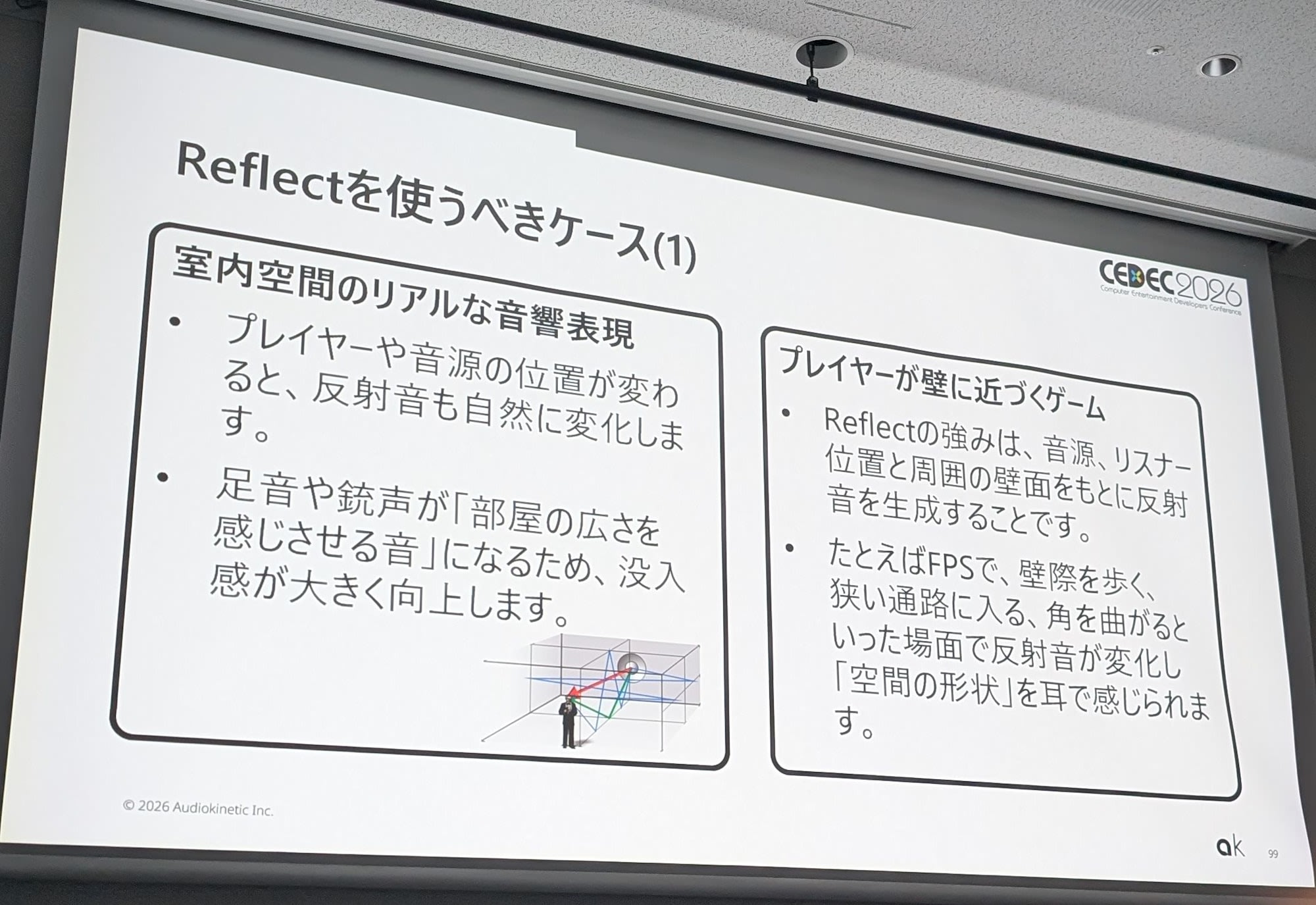
Next, the session organized when these features should be used. The division of roles was clarified: enclosed spaces such as rooms and caves use Rooms, while shapes that block or reflect sound such as walls and pillars use Geometry. Wwise Reflect for early reflections is particularly effective in FPS games, horror games, and VR where footsteps and gunshots convey a sense of spatial size, while it was noted as unsuitable for ambient sounds like wind and rain, or in situations where processing load is a concern on mobile.
A Real Story
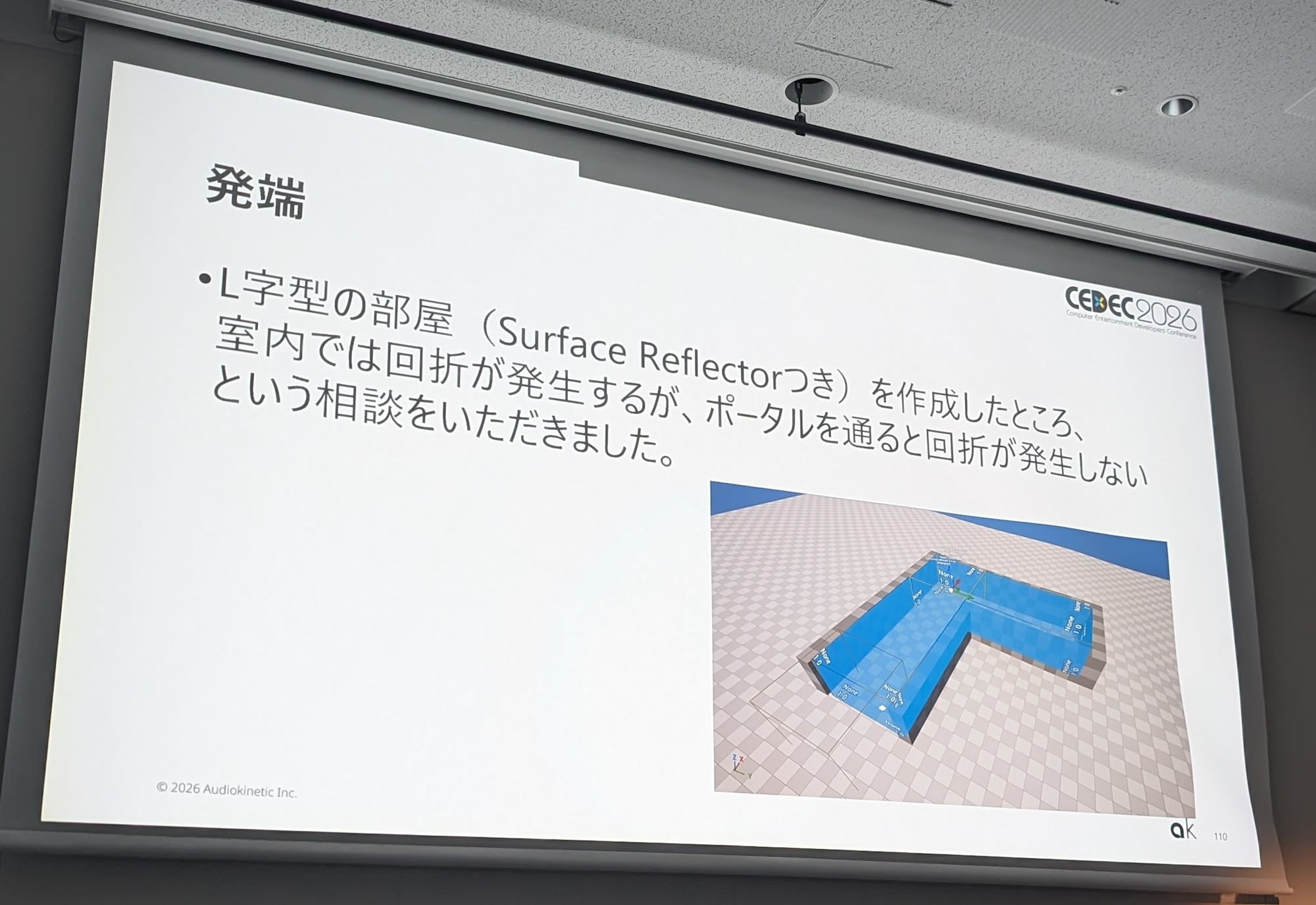
Finally, three examples of actual inquiries received from customers were shared. I will introduce one of them here.
The inquiry was about an L-shaped room where diffraction occurred inside the room, but stopped occurring when passing through a portal. Upon investigation, it was found that increasing the number of rays cast to calculate reflected sounds from the default 35 to 500 made diffraction work even after leaving the room. The cause was that rays were less likely to hit after passing through the portal, and it was shared that this is currently a known issue with investigation and fixes planned.
Impressions
Although the session approached workflow and acoustic expression from separate angles, both discussed steady improvements for crafting sound on the actual game development front, and I felt it was a session deeply rooted in practical work. The replay feature in particular raised my expectations, as it seems poised to significantly change the debugging experience when I think about the past struggles of not being able to trace back sounds that had already played.