
Trying Out Snowflake's OIDC Federated Authentication with Microsoft Entra ID

This page has been translated by machine translation. View original
Introduction
With the July 2026 update, Snowflake's OIDC (OpenID Connect) federated authentication entered public preview.
In the following article, I tried it with Google (a managed provider).
This article summarizes what I found when trying it with Microsoft Entra ID, which is also a managed provider.
Overview of OIDC Federated Authentication
This feature is described in the following documentation.
OIDC federated authentication is a mechanism in which Snowflake validates an ID token (JWT) issued by an IdP, maps the claims in the token to a Snowflake user, and signs the user in.
Until now, setting up federated SSO with Snowflake has mostly relied on SAML2 integration, which required exchanging metadata and certificates between the IdP and Snowflake, as well as operational work associated with certificate expiration.
This update supports the following three types of identity providers.
- Custom OIDC-compliant identity providers
- Google (managed provider)
- Microsoft Entra ID (managed provider)
Google and Microsoft Entra ID are managed providers for which Snowflake handles the configuration of the IdP app. There is no need to upload certificates or exchange metadata manually, and you can set up federated SSO simply by creating a security integration object.
Regarding the managed provider for Microsoft Entra ID (OIDC_PROVIDER = 'MICROSOFT'), the documentation states the following.
- It uses a multi-tenant Entra app managed by Snowflake, "Snowflake Social Login". No app registration is required on the user side
- You specify the tenants allowed to sign in with
OIDC_ALLOWED_MSFT_TENANTS - User mapping is fixed to the
emailclaim of the ID token and theEMAIL_ADDRESSattribute of the Snowflake user. Mapping cannot be configured - For Entra ID, using the managed
MICROSOFTprovider rather than a custom integration is recommended unless you need your own app registration
In addition, to map a user, the Snowflake user's email address must be verified.
Prerequisites
Test Environment
I used the following environment.
- Snowflake: Trial account (AWS Tokyo region)
- IdP: Microsoft Entra ID
- Prepared a test tenant with a Microsoft 365 Business Standard trial
- Exchange Online Kiosk is already assigned to the test user
Preparation
In OIDC integration, the user is resolved by matching the email claim in the ID token with the Snowflake user's EMAIL. Therefore, I set the same email address as the Entra ID user on the Snowflake user to be used for login.
USE ROLE USERADMIN;

CREATE USER IF NOT EXISTS oidc_entra_user
  TYPE = PERSON
  EMAIL = '<Entra ID のメールアドレス>'
  DEFAULT_ROLE = PUBLIC;
Note that I did not set a password this time. I will check whether a user without a password can sign in via OIDC.
show users like 'OIDC_ENTRA_USER'
  ->> select "name", "has_password" from $1;
+-----------------+--------------+
| name            | has_password |
|-----------------+--------------|
| OIDC_ENTRA_USER | false        |
+-----------------+--------------+
Creating the Security Integration
Using ACCOUNTADMIN, create a security integration with OIDC_PROVIDER = 'MICROSOFT'. For OIDC_ALLOWED_MSFT_TENANTS, specify the tenant ID of the Entra ID tenant allowed to sign in. You can find the tenant ID under "Overview" in the Entra admin center.
USE ROLE ACCOUNTADMIN;

CREATE SECURITY INTEGRATION entra_oidc
  TYPE = OIDC
  ENABLED = TRUE
  OIDC_PROVIDER = 'MICROSOFT'
  OIDC_ALLOWED_MSFT_TENANTS = ('<tenant-id>');
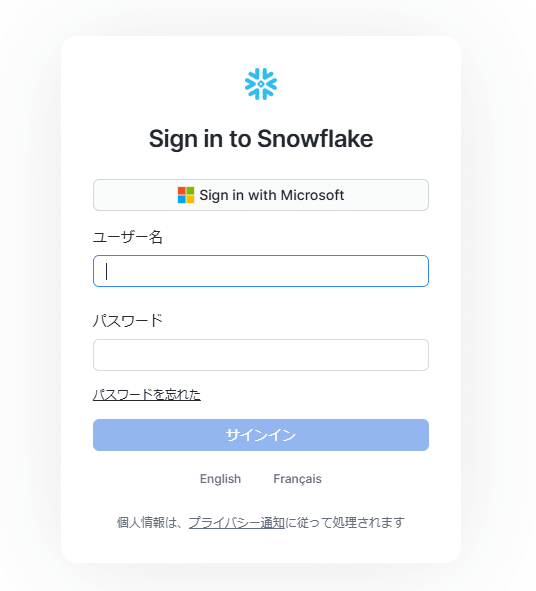
After creating the integration object, a "Sign in with Microsoft" button appeared on the login screen.
Email Address Verification
When I tried to sign in as the Entra ID user in this state, a message saying that email address verification is required was displayed, and I could not sign in.
The documentation states that when mapping by EMAIL_ADDRESS, the email address of the matched user must be verified. An email address is considered verified under either of the following two conditions.
- The user has completed the email verification flow themselves
- The user's email domain has been verified through domain verification (
SYSTEM$VERIFY_DNS_DOMAIN)
The documentation recommends verifying the domain once when there are many users. However, since the email address this time is in the onmicrosoft.com domain, I verified the user individually.
Sending a Verification Email from an Administrator
When a user verifies on their own, they sign in to Snowsight and do it from their profile, but this user has no password and cannot sign in. Therefore, I tried sending a verification email from an administrator using SYSTEM$START_USER_EMAIL_VERIFICATION.
USE ROLE USERADMIN;

SELECT SYSTEM$START_USER_EMAIL_VERIFICATION('OIDC_ENTRA_USER');
After running the above as an administrator, a verification email arrived at the user's email address.
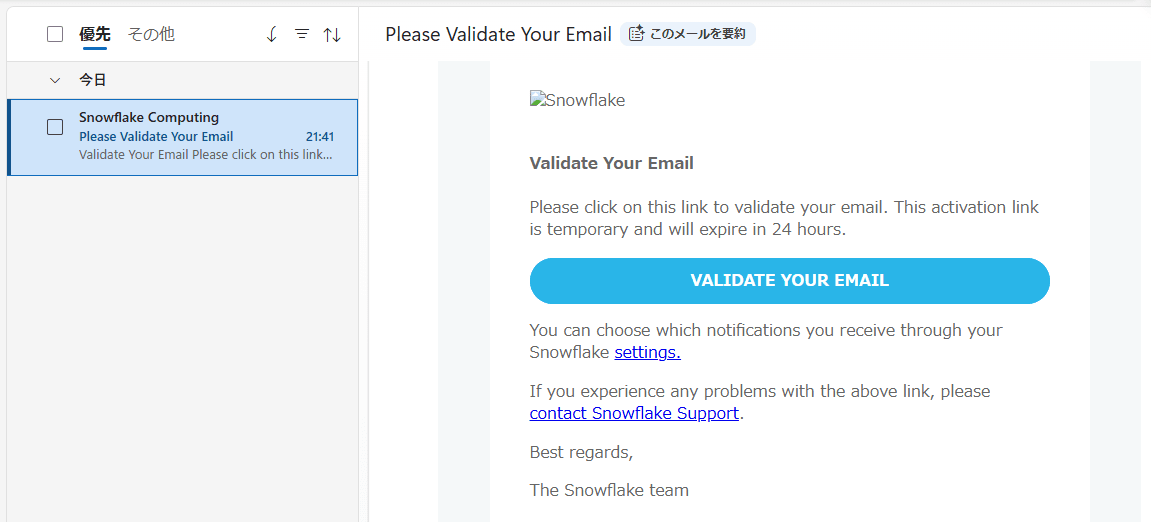
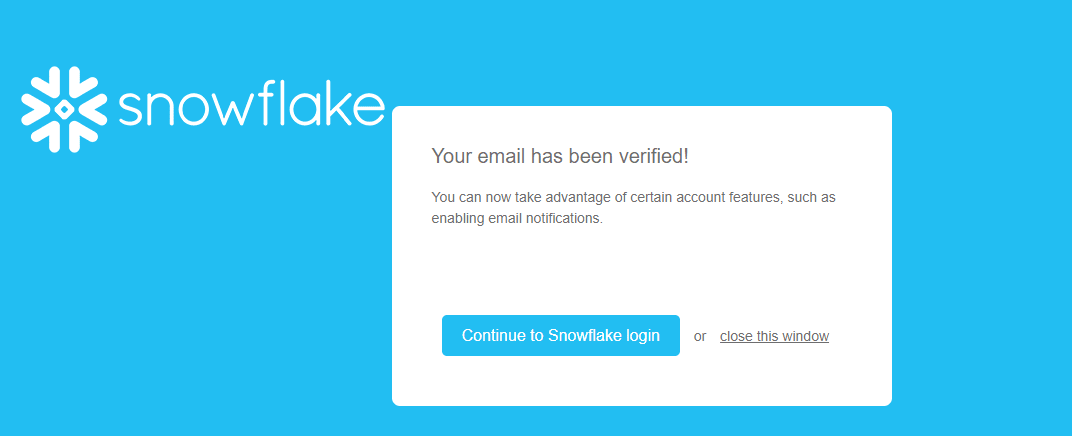
Opening the link in the email completed the verification. Even for a user with no password set, verification could be completed without the user signing in.
Trying to Sign In
After completing the email address verification, I signed in again via "Sign in with Microsoft". I entered the Entra ID email address.
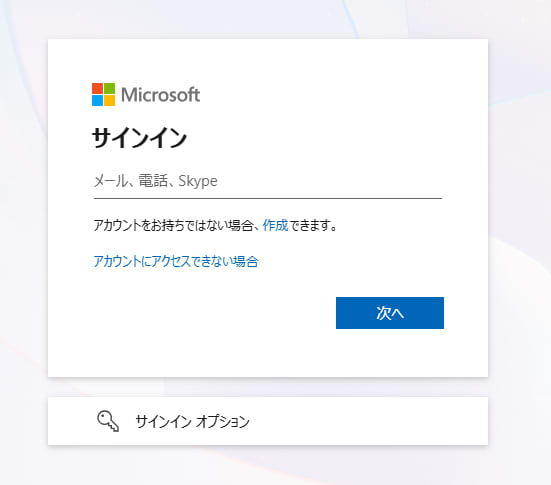
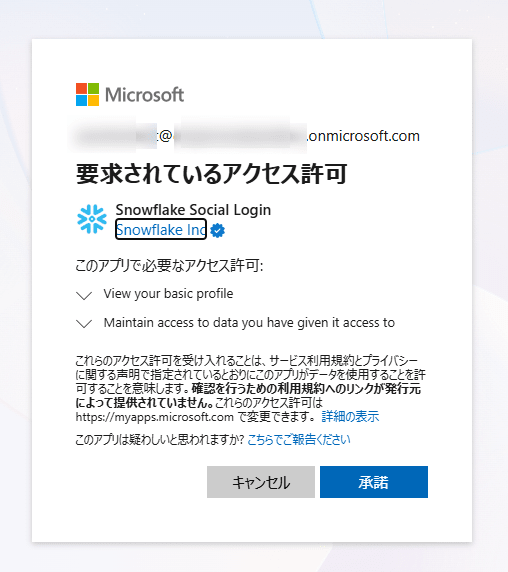
On the first sign-in, a confirmation screen for granting access permissions to the Snowflake Social Login app was displayed.
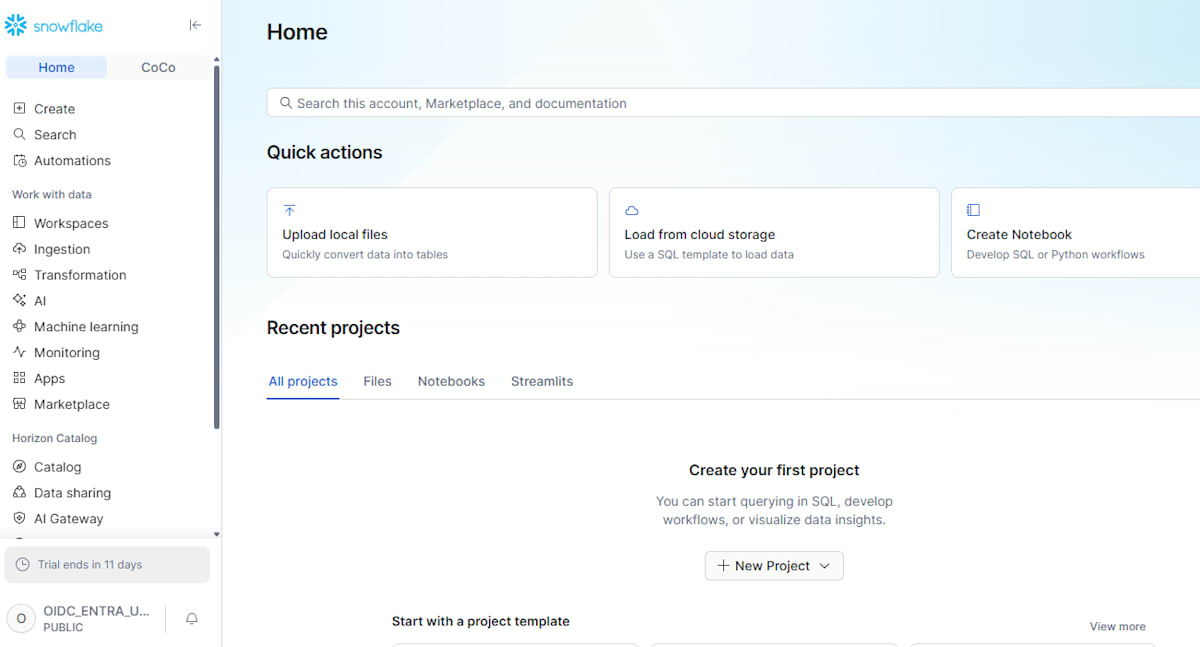
Even the user with no password set was able to sign in via OIDC without any problems.
The login history can be checked with FIRST_AUTHENTICATION_FACTOR = 'OIDC_ID_TOKEN'.
SELECT event_timestamp,
       user_name,
       client_ip,
       reported_client_type,
       first_authentication_factor,
       is_success,
       error_code,
       error_message
FROM TABLE(SNOWFLAKE.INFORMATION_SCHEMA.LOGIN_HISTORY_BY_USER(USER_NAME => 'OIDC_ENTRA_USER'))
ORDER BY event_timestamp DESC;
+-------------------------------+-----------------+---------------+----------------------+-----------------------------+------------+------------+-------------------------------+
| EVENT_TIMESTAMP               | USER_NAME       | CLIENT_IP     | REPORTED_CLIENT_TYPE | FIRST_AUTHENTICATION_FACTOR | IS_SUCCESS | ERROR_CODE | ERROR_MESSAGE                 |
|-------------------------------+-----------------+---------------+----------------------+-----------------------------+------------+------------+-------------------------------|
| 2026-11-22 04:43:56.609 -0800 | OIDC_ENTRA_USER | xx.xx.xx.xx   | SNOWFLAKE_UI         | OIDC_ID_TOKEN               | YES        |       NULL | NULL                          |
| 2026-11-22 04:32:43.619 -0800 | NULL            | xx.xx.xx.xx   | SNOWFLAKE_UI         | OIDC_ID_TOKEN               | NO         |     390269 | OIDC_USER_EMAIL_NOT_VALIDATED |
+-------------------------------+-----------------+---------------+----------------------+-----------------------------+------------+------------+-------------------------------+
Conclusion
I tried Snowflake's OIDC federated authentication with Microsoft Entra ID. Because it is a managed provider, simply creating a security integration allowed a user without a password in Snowflake to sign in with Entra ID.
I hope this is helpful to someone.