
I Tried Receiving My Team's Activity Logs over HTTPS with Vercel Audit Log Drains

This page has been translated by machine translation. View original
Introduction
Hello, I'm Sato.
I tried "Audit Log Drains," a feature available only on Vercel's Enterprise plan. It automatically forwards audit logs of "who did what, when, and where" in your team on Vercel to an external system.
In this article, I receive audit logs with my own HTTPS endpoint and summarize what form they arrive in, and what happens when you delete a drain.
What are Audit Log Drains?
The difference between Audit Log and Drains
The names are similar, but Audit Log and Drains are separate concepts.
- Audit Log: A record of operations performed by people within the team. Changes to environment variables, adding members, deployments to production, and so on are recorded in the form of "who did what, when, and where." For more details about Audit Log, see this article
- Drains: A general term for mechanisms that automatically forward Vercel data to external destinations. You create them by choosing the type of data to send, such as app logs or traces
Audit Log Drains combine these two, and are Drains that forward audit logs externally.
Trying it out
I set up a function to receive audit logs in my own Vercel project and configured it so that the Audit Log Drain sends logs to it over HTTPS.
チームで操作が発生
   ↓ 監査ログが記録される
Audit Log Drain
   ↓ HTTPSでPOST(x-vercel-signature付き)
受け取り用の関数
   ↓ 署名を検証して、ログに出す
Vercelのランタイムログで確認
The receiving function
When you set a signing secret on a Drain, Vercel attaches a signature to the audit logs it sends. This time, I verified this signature on the receiving side so that only transmissions from Vercel are accepted.
Creating the drain
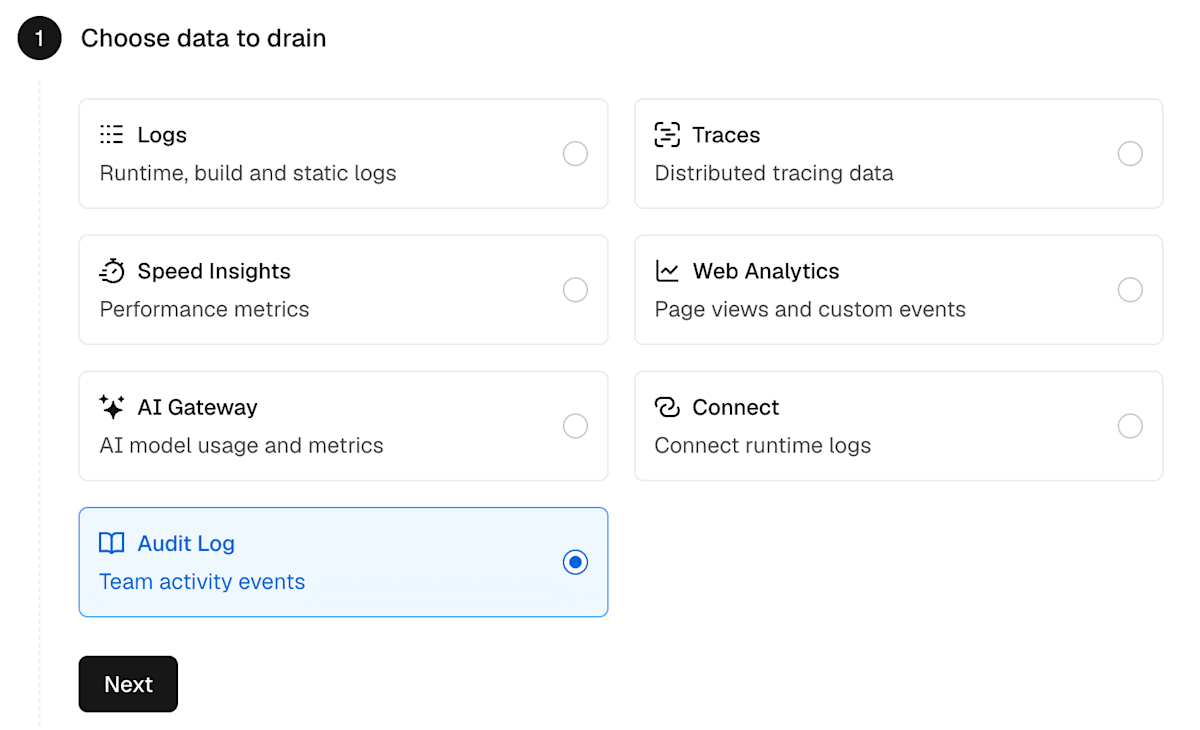
① From the team's Settings, open Drains and select the data to send (Audit Log this time).
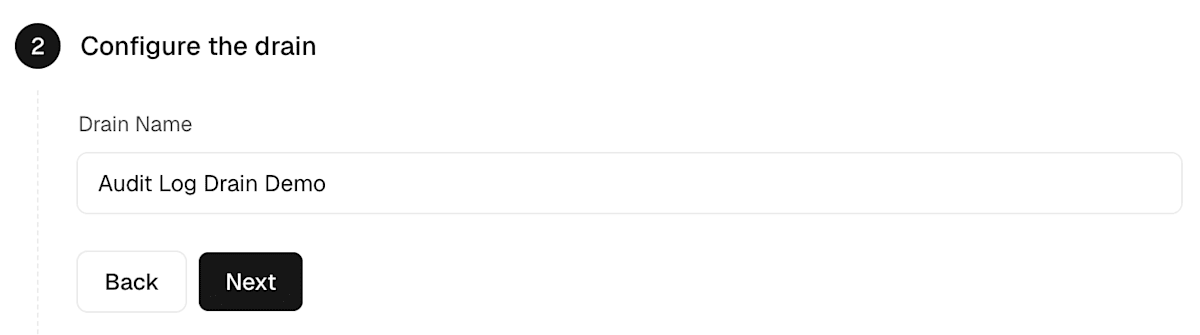
② Set the drain name
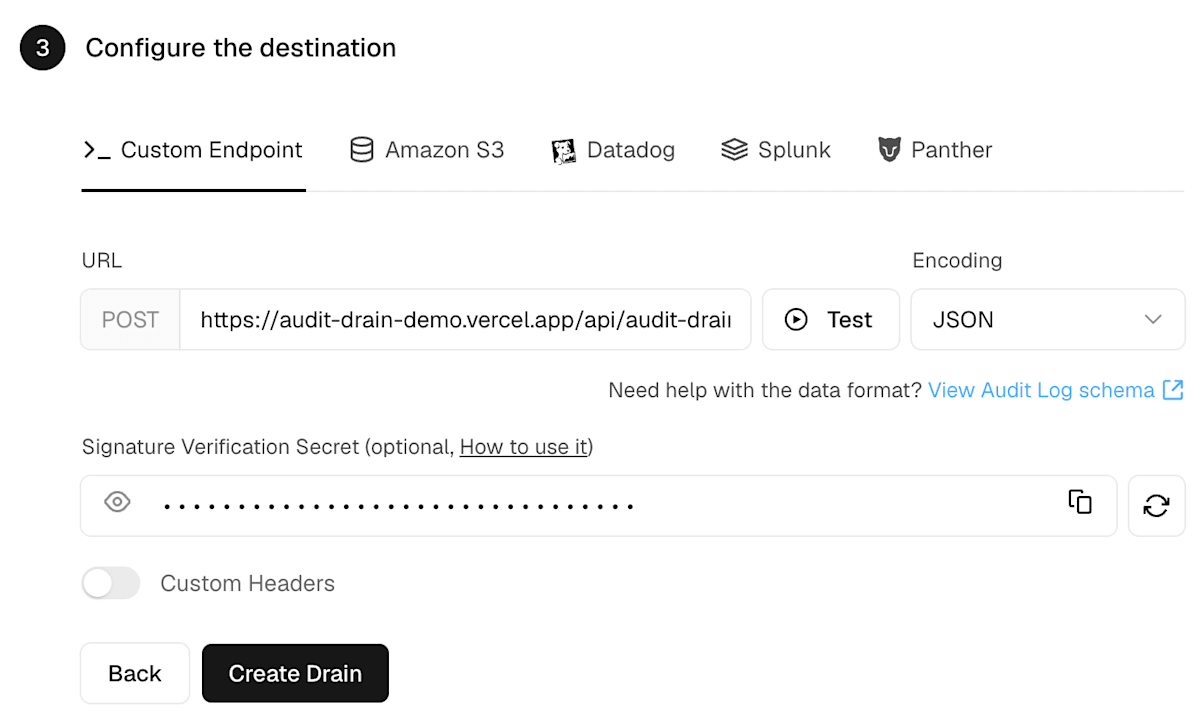
③ Specify the destination. This time I chose Custom Endpoint and set the URL of the function I created earlier. Setting the Signature Verification Secret is optional. However, if you verify the signature on the receiving side as in this case, you need to add the secret displayed on the screen during Drain creation to the function's environment variables before pressing the create button. The confirmation request sent at creation also carries a signature, so if the secret doesn't match, creation fails.
Looking at the audit logs that arrived
This time, I made the function output the received audit logs to Vercel's runtime logs.

The values are intentionally masked in the image, but if you do no processing, they are displayed as is.
You can tell what kind of operation was recorded by looking at action. The events that arrived this time were as follows.
aliases-assigned: A record that the production URL was assigned to a new deployment when deploying to production. It seems to be recorded as "the URL was assigned" rather than "deployed"project-paused,project-unpaused: Records of pausing a project and of resuming a paused projectexample-audit-log-action: Seems to be a test event sent with the Test button on the drain creation screen.
The fields included in the log vary depending on the type of operation. For example, project-unpaused included userAgent and ipAddress, but aliases-assigned did not.
What happens when you delete the drain
When I deleted the drain at the end of the verification, the record of the deletion operation did not reach the receiving function.
This is probably because by the time the deletion record is created, the forwarding destination no longer exists. In other words, even if someone deletes a drain and stops the forwarding of audit logs, you can't notice it from that forwarding path alone. The forwarding simply stops silently.
If you use audit logs for actual security operations, it seems you need to consider countermeasures such as the following.
- Restrict the members who can operate drains by role
- If a drain has been deleted unintentionally, check directly in the Audit Log on the dashboard
- Prepare multiple drains so that if one is deleted, you can notice it through the other
Other destinations
I verified with Custom Endpoint this time, but Audit Log Drains can also connect to the following destinations.
- Amazon S3: Writes audit logs directly as files to an S3 bucket.
- Datadog: Sends to Datadog's Logs API. A tag indicating that they are Vercel audit logs is attached, so you can filter them in Datadog. An API key is required
- Splunk: Sends to Splunk's HTTP Event Collector (HEC)
- Panther: Sends to the Vercel source built into Panther
If you already have a system for storing or monitoring logs, you can choose the destination to match it.
Impressions after using it
The setup itself is simple, and with Custom Endpoint, audit logs started arriving right away once I had a receiving function. When sending to S3 and the like, no function is needed, so I think it's even easier.
Having actually used it, I felt Audit Log Drains could be used for the following purposes.
- Integrating into company-wide security monitoring: If your company already collects logs in a SIEM such as Datadog, Splunk, or Panther, you can consolidate Vercel's operation records there as well. You no longer need to go look at a separate screen just for Vercel
- Long-term retention of audit logs: If you send them to S3, you can keep records in a place you manage yourself, separate from Vercel's dashboard. You can also decide the retention period yourself. It seems useful when you are asked to submit operation records for security audits or compliance
- Real-time notification of important operations: With Custom Endpoint, you can freely write the processing after receiving, so you can build a mechanism such as notifying Slack only of important operations like changes to environment variables or adding members
- Investigating causes during incidents: When something like "the site's behavior suddenly changed" happens, you can trace who performed what operation just before, using
actionandtimestamp
One thing that left an impression was that the record of deleting the drain did not arrive. Audit log forwarding can be stopped without anyone easily noticing, so if you use it in operations, I felt you need to also think about mechanisms to protect the drain itself.