
Running a two-player ping pong game with Vercel + Supabase Realtime (Broadcast)

This page has been translated by machine translation. View original
Introduction
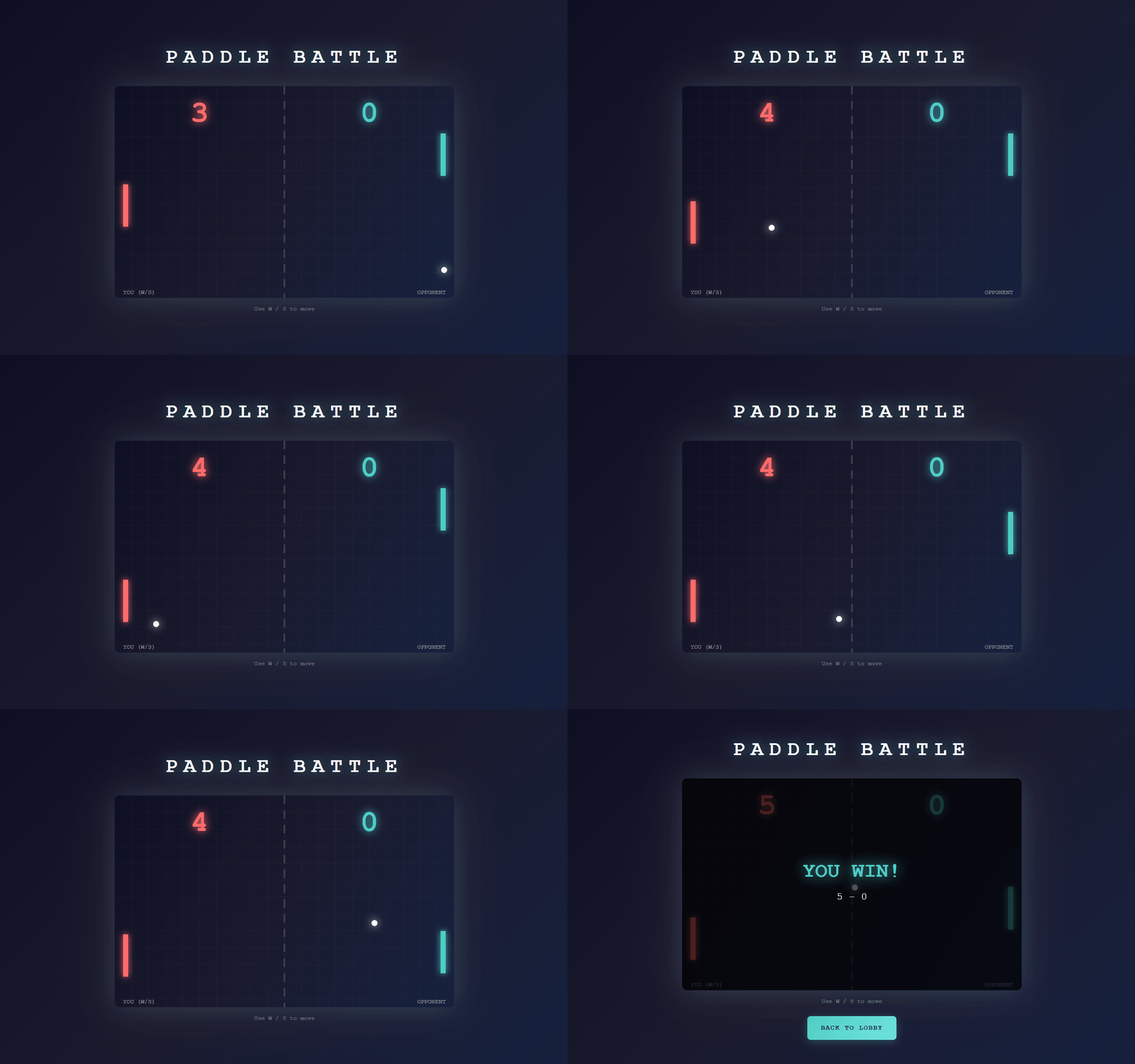
In this article, I report on the results of replacing the existing Pub/Sub component with Supabase Realtime (Broadcast) in a minimal two-player ping-pong game deployable on Vercel. In my previous article, I built the same demo using Momento Topics. The purpose of this article is to replace it with Supabase Realtime and verify its operation.
What is Vercel
Vercel is a hosting platform that enables continuous deployment of web applications, primarily Next.js, through Git integration. Its key feature is the ability to handle both frontend and API (Route Handlers) within the same project, making it easy to advance verification even for demo purposes.
What is Supabase Realtime
Supabase Realtime is a real-time platform that enables event distribution between clients. Broadcast allows sending and receiving messages to arbitrary channels, and the client library uses WebSocket connections for distribution.
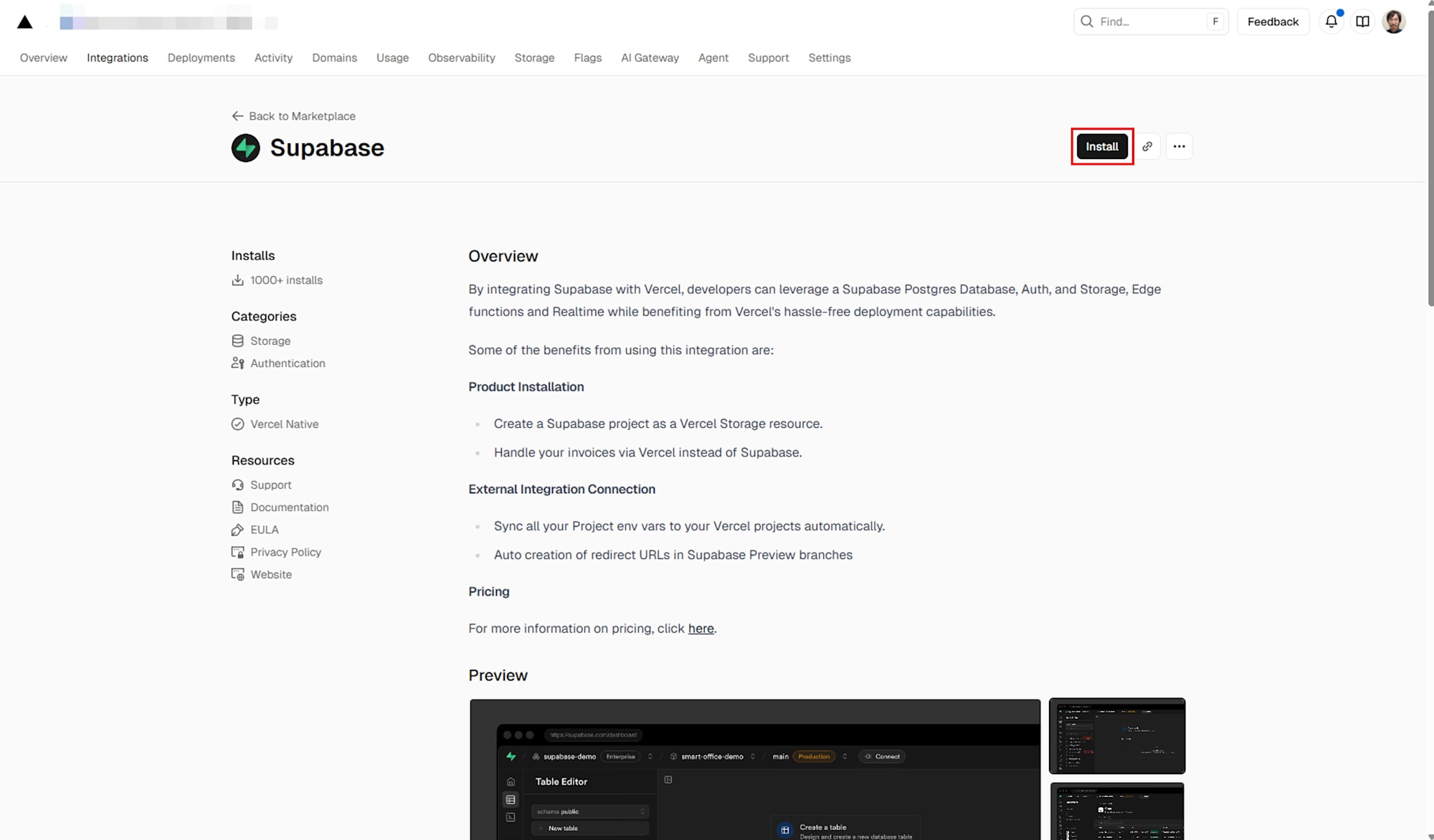
With Vercel's Supabase Integration, you can connect Supabase from the Vercel Marketplace and automatically sync Supabase project environment variables to your Vercel project. Additionally, when using Preview Deployment configuration, the system automatically provides redirect URLs for previews, reducing setup work during verification.
Target Audience
- Those who want to know the minimum configuration for real-time communication deployable to Vercel
- Those who want to check basic sending and receiving methods of Supabase Realtime (Broadcast) with working code
- Those who want to synchronize environment variables with Vercel's Supabase Integration for verification
References
- Publish and Subscribe to Realtime Data on Vercel
- Supabase ( Vercel Marketplace )
- Broadcast ( Supabase Docs )
Architecture
Since Vercel Functions are not resident processes, for real-time communication on Vercel, it is recommended to have clients subscribe to an external Realtime infrastructure, while Functions handle the publishing side. Vercel's official documentation recommends a configuration where Functions respond as quickly as possible and do not handle subscriptions.
This demo aligns with this approach by handling browser-to-browser real-time communication through Supabase Realtime (Broadcast). The Vercel side only manages room creation and entry points, while message exchanges during the game occur via channels.
Implementation
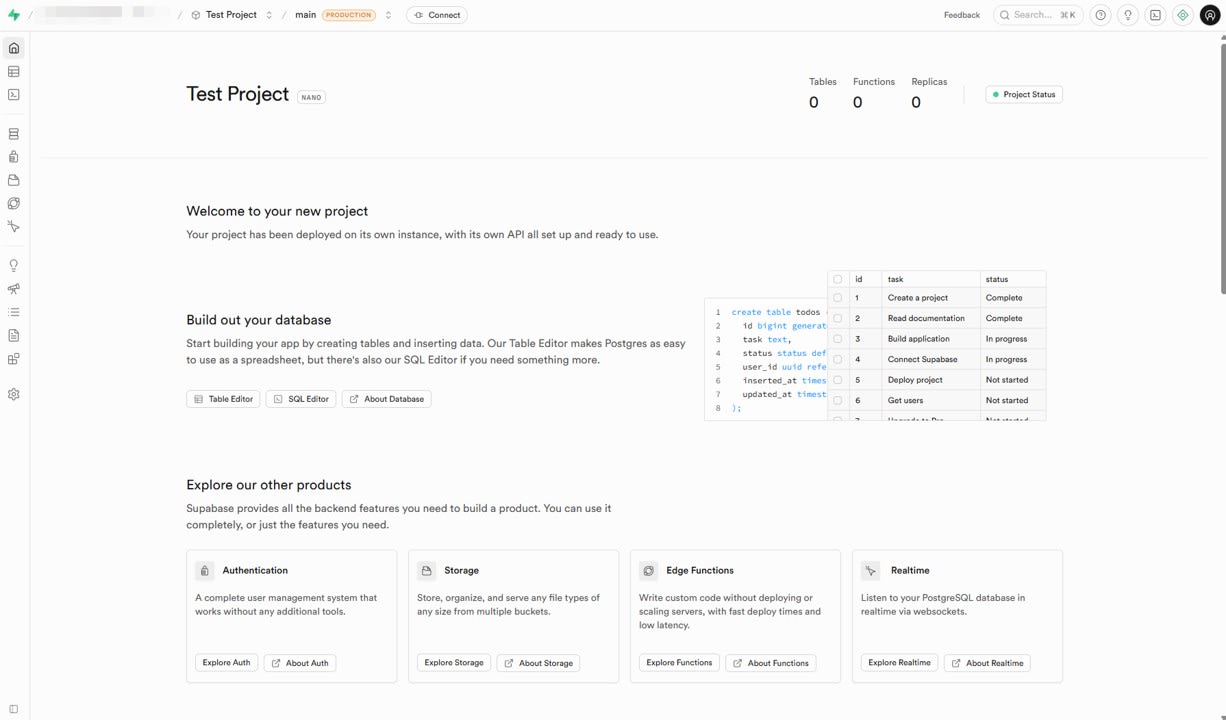
Preparing the Supabase Project
First, create a project on the Supabase side.
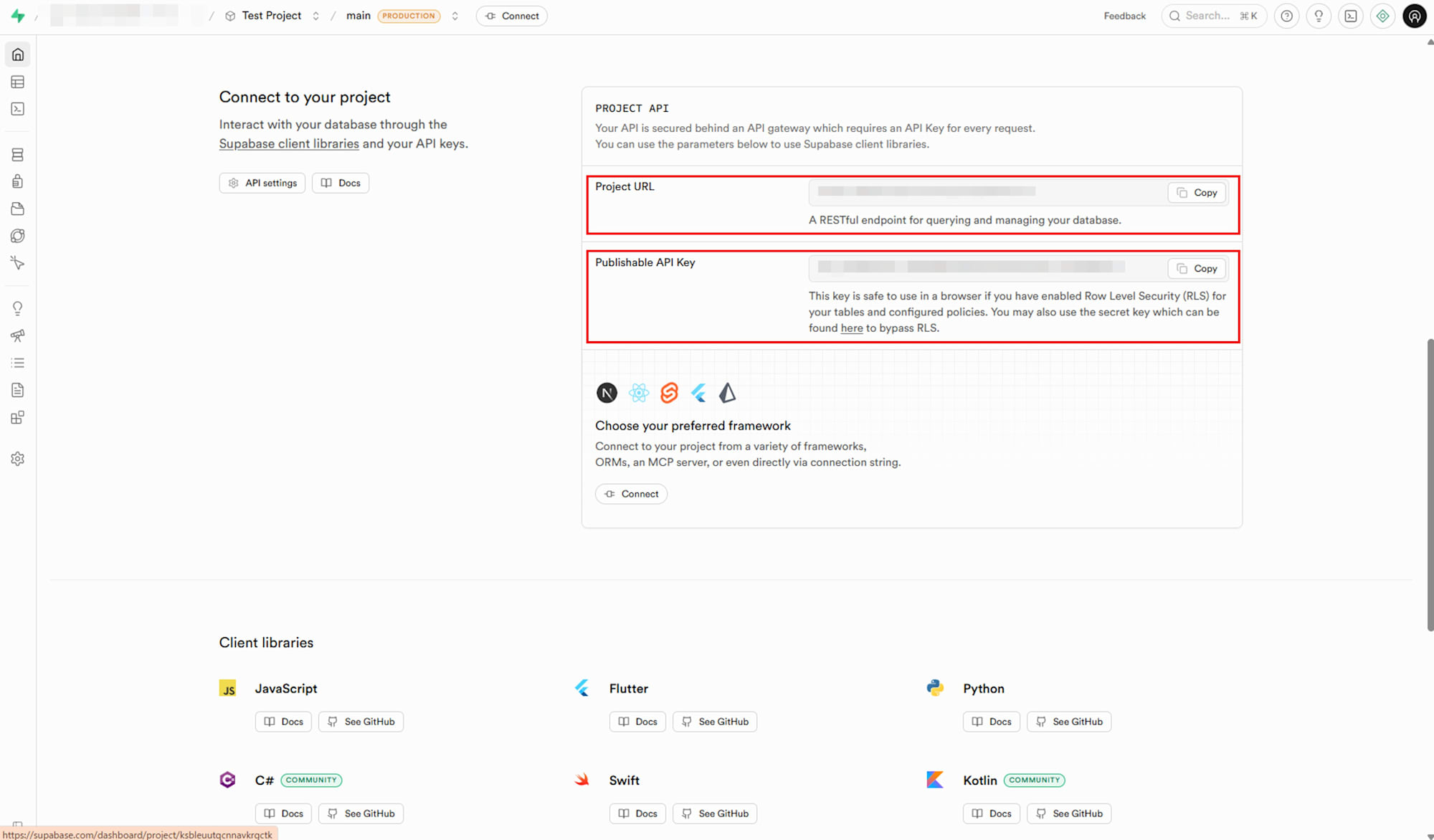
The URL and key issued here will be used for client initialization.
Adding the Supabase Client
I replaced the send and receive processing that used Momento Topics in the previous article with Supabase Realtime (Broadcast) send and receive processing.
For Broadcast reception, register handlers with channel.on ( ... ) and join the channel with channel.subscribe ( ... ). For sending, use channel.send ( ... ). In this demo, sending and receiving are done from the browser client library, using WebSocket for distribution.
Broadcast reception and sending skeleton (excerpt from connectToSupabase)
const channelName = `paddle-game:${roomIdToJoin}`;
channelNameRef.current = channelName;

// Create Supabase Realtime channel
const channel = getSupabase().channel(channelName);

// Subscribe to broadcast events
channel.on("broadcast", { event: "game" }, (payload) => {
  const message = payload.payload as TopicMessage;
  handleTopicMessage(message, playerRole);
});

// Subscribe to the channel
await channel.subscribe((status) => {
  if (status === "SUBSCRIBED") {
    console.log(`[Game] ${playerRole}: Successfully subscribed to ${channelName}`);
  }
});

channelRef.current = channel;

// Wait a short time for subscription to be established
await new Promise((resolve) => setTimeout(resolve, 500));

// If guest, send join message after subscribing
if (playerRole === "guest") {
  const joinMessage: JoinMessage = {
    type: "join",
    clientId,
    t: Date.now(),
  };
  await channel.send({
    type: "broadcast",
    event: "game",
    payload: joinMessage,
  });
}
Broadcast is sent and received from the Supabase client library. Sending uses HTTP before subscribing and WebSocket after subscribing. In this article, I focus on sending and receiving via the client library as a configuration that is easy to handle from a Next.js app on Vercel.
In this demo, to use the same initialization code both locally and on Vercel, the client is generated using NEXT_PUBLIC_SUPABASE_URL and NEXT_PUBLIC_SUPABASE_ANON_KEY.
Client generation (excerpt from components/RealtimePaddleGame.tsx)
const supabaseUrl = process.env.NEXT_PUBLIC_SUPABASE_URL || "";
const supabaseAnonKey = process.env.NEXT_PUBLIC_SUPABASE_ANON_KEY || "";

let _supabaseClient: ReturnType<typeof createClient> | null = null;

function getSupabase() {
  if (!_supabaseClient) {
    if (!supabaseUrl || !supabaseAnonKey) {
      throw new Error(
        "Missing Supabase environment variables. Please set NEXT_PUBLIC_SUPABASE_URL and NEXT_PUBLIC_SUPABASE_ANON_KEY."
      );
    }
    _supabaseClient = createClient(supabaseUrl, supabaseAnonKey);
  }
  return _supabaseClient;
}
RealtimePaddleGame Replacement Strategy
The replacement work proceeded with a policy of maintaining the existing message design as much as possible. In this implementation, I maintained the message types (join, start, input, state, game_end), sending frequency, Host Authoritative role division, drawing, and TICK (50 ms) logic, while only replacing the send/receive API.
Type definition excerpt
interface JoinMessage {
  type: "join";
  clientId: string;
  t: number;
}

interface StartMessage {
  type: "start";
  t: number;
}

interface InputTopicMessage {
  type: "input";
  up: boolean;
  down: boolean;
  t: number;
}

interface StateMessage {
  type: "state";
  state: GameState;
  t: number;
}

interface GameEndMessage {
  type: "game_end";
  state: GameState;
  t: number;
}

type TopicMessage =
  | JoinMessage
  | StartMessage
  | InputTopicMessage
  | StateMessage
  | GameEndMessage;
For the channel name, I adopted paddle-game:${roomId} similar to the old topic name, so that two clients sharing the same roomId join the same channel.
Handling Room API
Supabase Realtime (Broadcast) itself does not provide room management functions such as determining if a room is full or establishing host/guest roles. Therefore, if you want to strictly manage rooms, you would need additional control combined with a database or storage.
In this case, I wanted to verify with a minimal configuration, so room management is currently out of scope. To focus verification on the Pub/Sub replacement, I simplified POST /api/rooms to only generate roomId and POST /api/rooms/join to always return success.
roomId generation only (excerpt from app/api/rooms/route.ts)
export async function POST(request: NextRequest) {
  const body = (await request.json()) as CreateRoomRequest;
  const { clientId } = body;

  if (!clientId) {
    return NextResponse.json({ error: "clientId is required" }, { status: 400 });
  }

  const roomId = nanoid(8);

  return NextResponse.json({ roomId });
}
Always return success (excerpt from app/api/rooms/join/route.ts)
export async function POST(request: NextRequest) {
  const body = (await request.json()) as JoinRoomRequest;
  const { roomId, clientId } = body;

  if (!roomId || !clientId) {
    return NextResponse.json(
      { error: "roomId and clientId are required" },
      { status: 400 }
    );
  }

  // Always succeed for demo
  return NextResponse.json({ success: true });
}
Vercel's Supabase Integration and Environment Variable Synchronization
I deployed to Vercel and synchronized the Supabase environment variables.
First, push to the GitHub repository and create a Project on Vercel to connect.
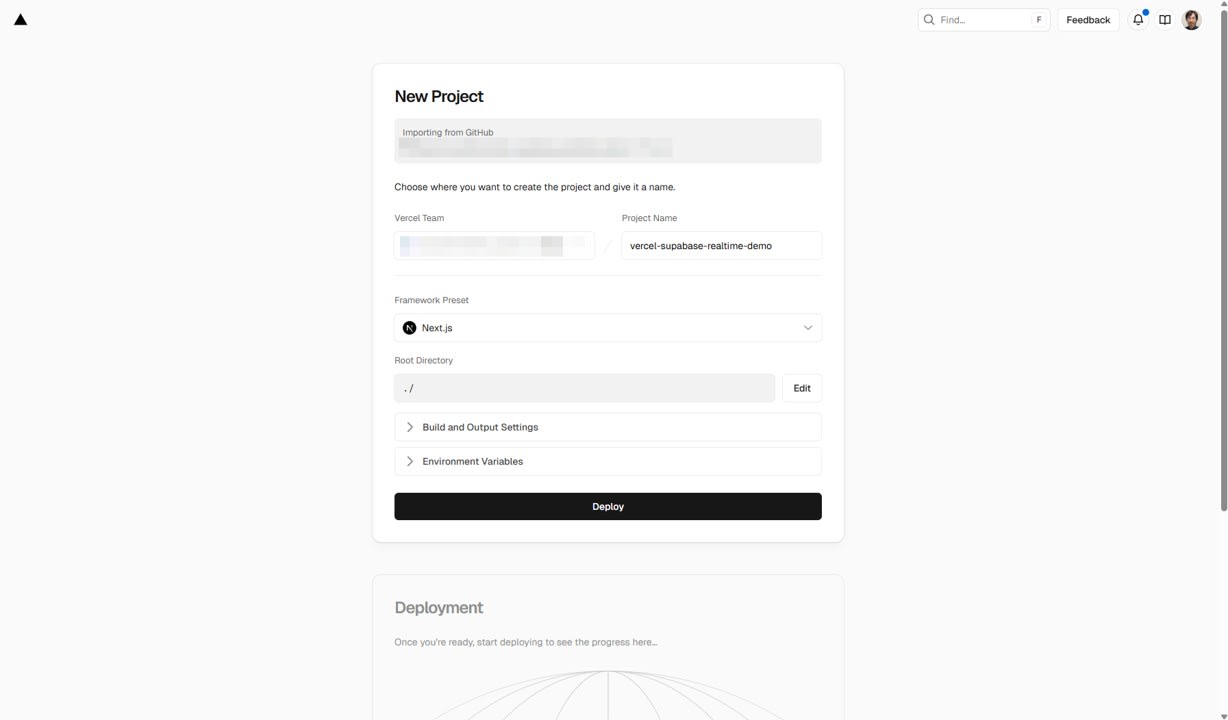
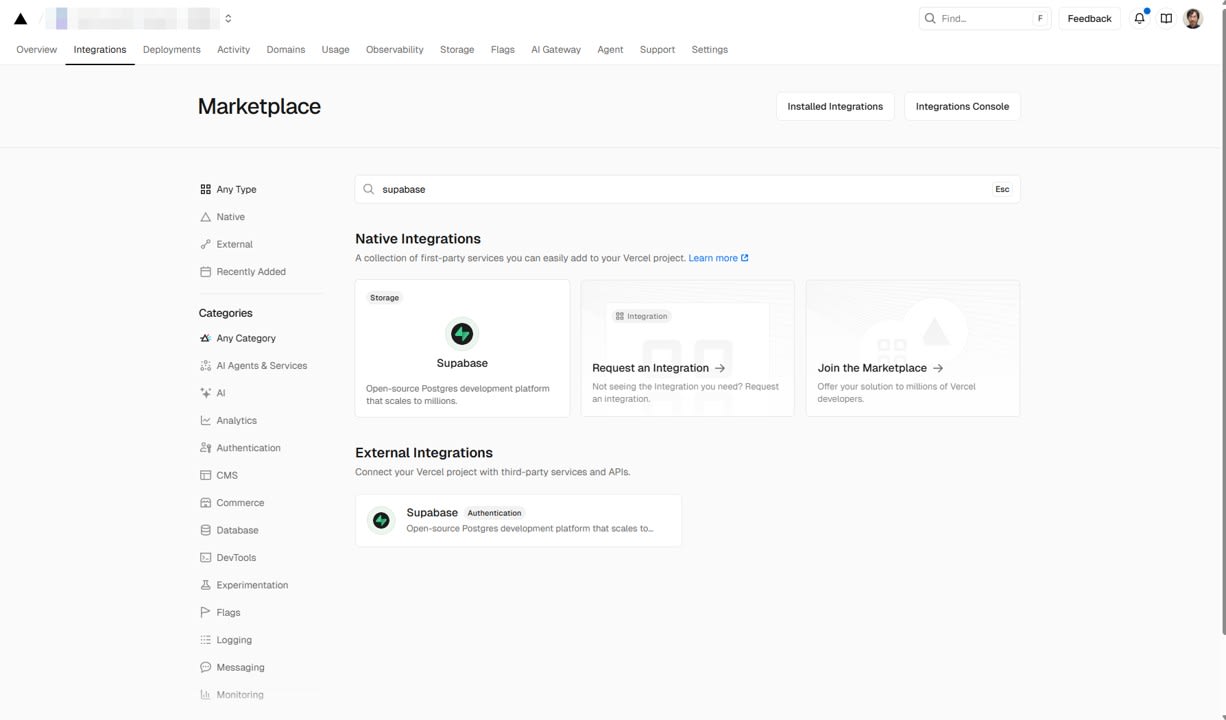
Search for Supabase on the Vercel Marketplace and select it.
Click Install.
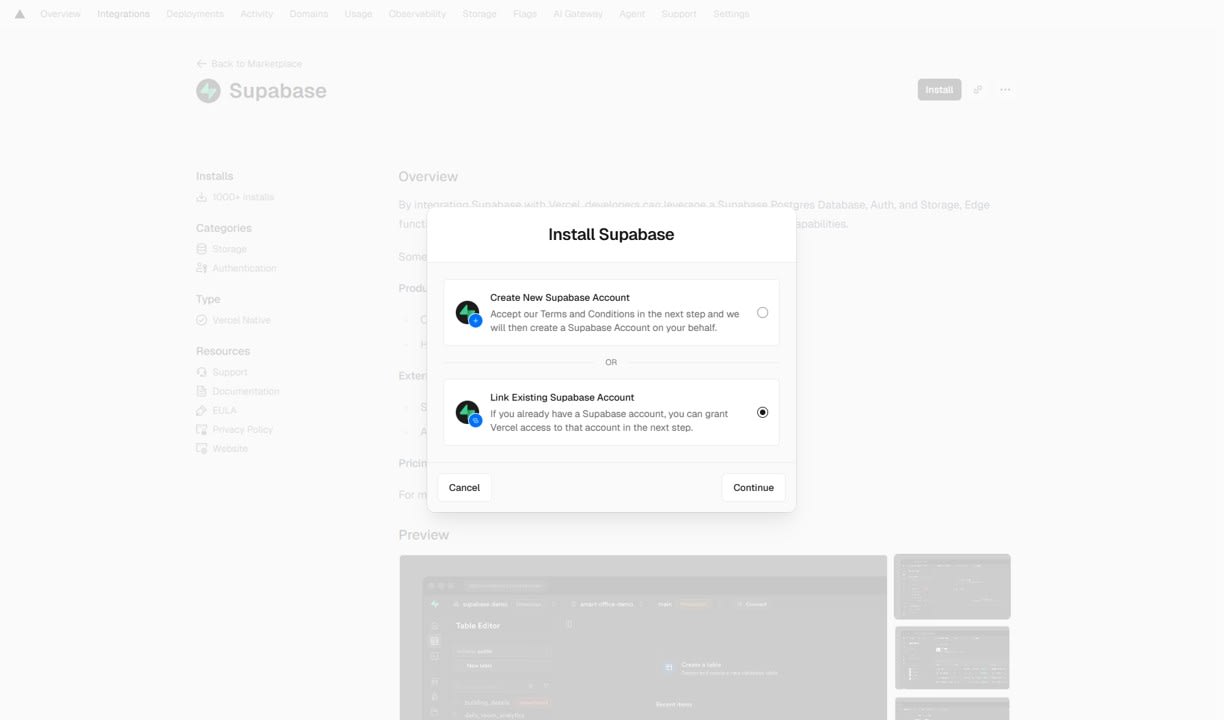
Since I already have a Supabase project, I proceed with the configuration to use an existing project.
Select the Vercel project to connect.
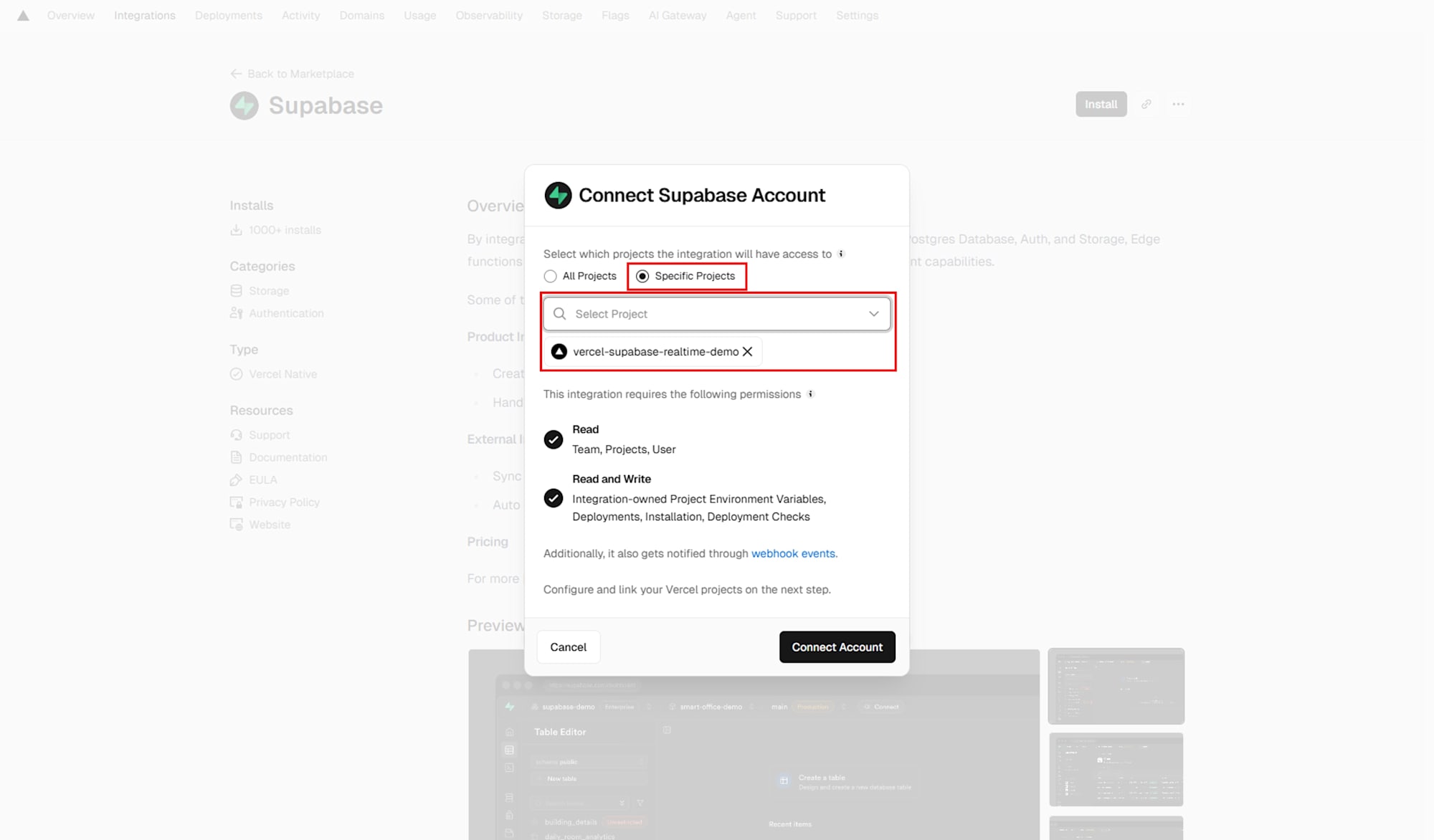
Select both the Supabase project and the Vercel project.
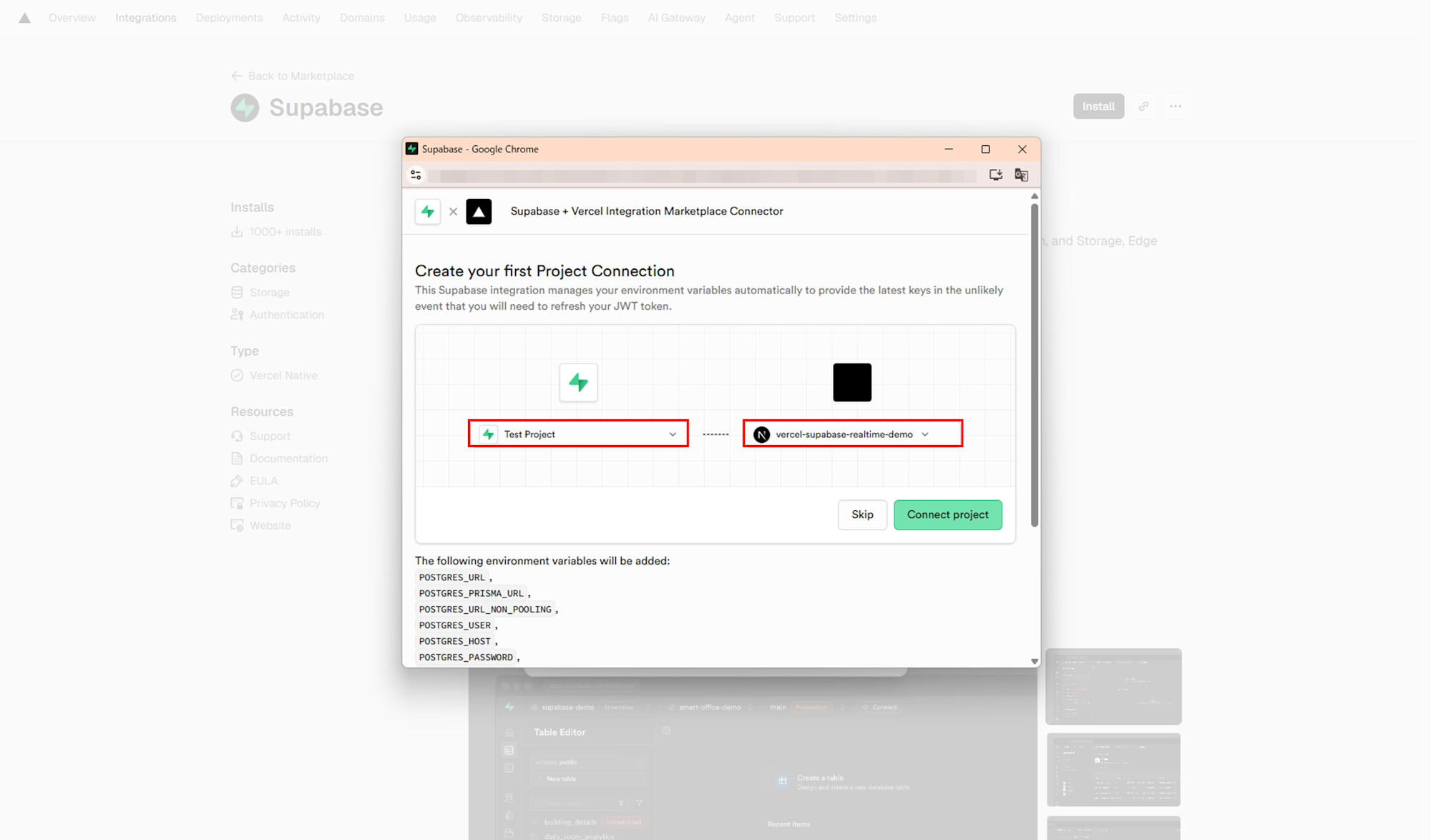
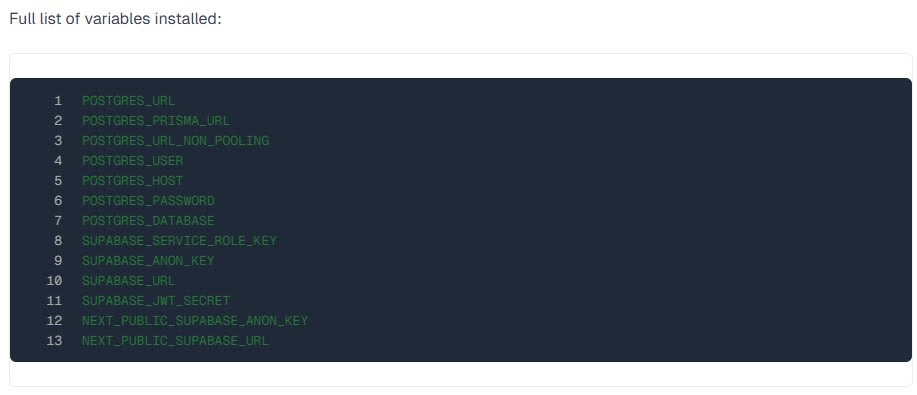
The environment variables set by the Integration include NEXT_PUBLIC_SUPABASE_URL and NEXT_PUBLIC_SUPABASE_ANON_KEY.
Verification
Local Testing
For local testing, set the environment variables NEXT_PUBLIC_SUPABASE_URL and NEXT_PUBLIC_SUPABASE_ANON_KEY, and start the development server. Open 2 browser tabs, create a room in one, and join using the Room ID in the other to verify the start of a two-player match.
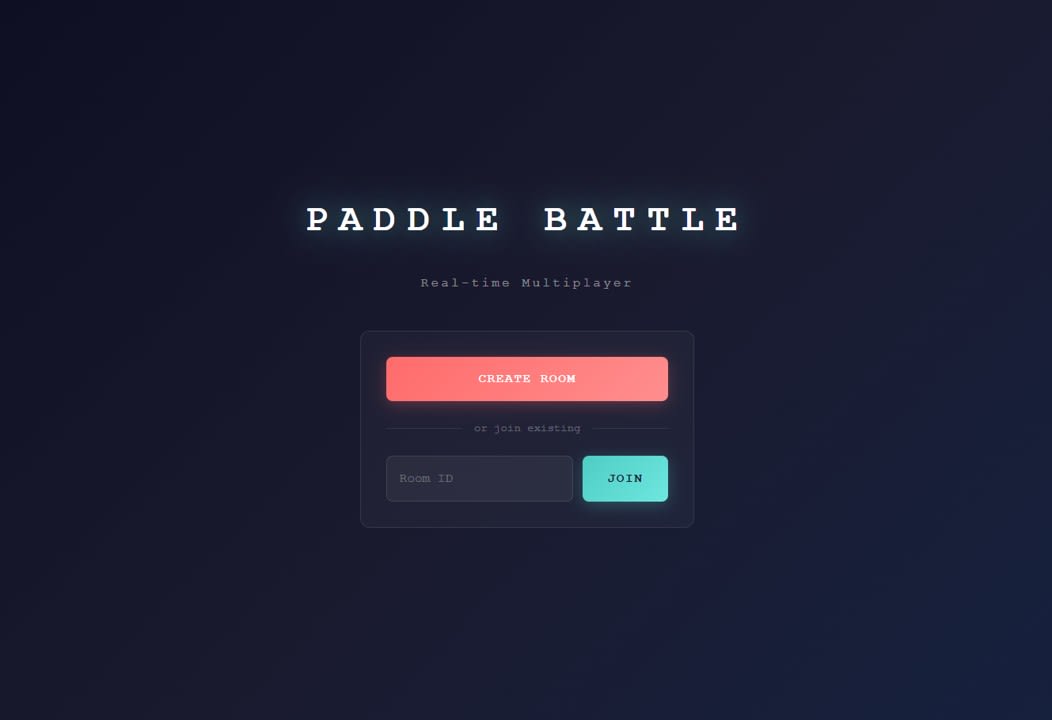
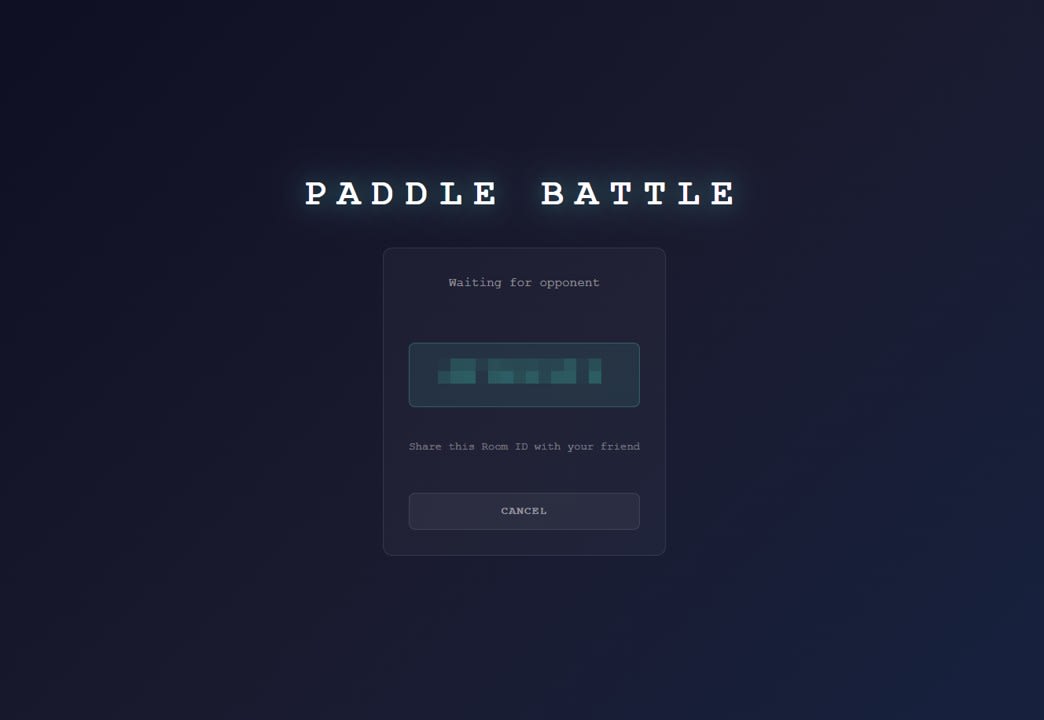
I clicked CREATE ROOM and confirmed that the room number was displayed.
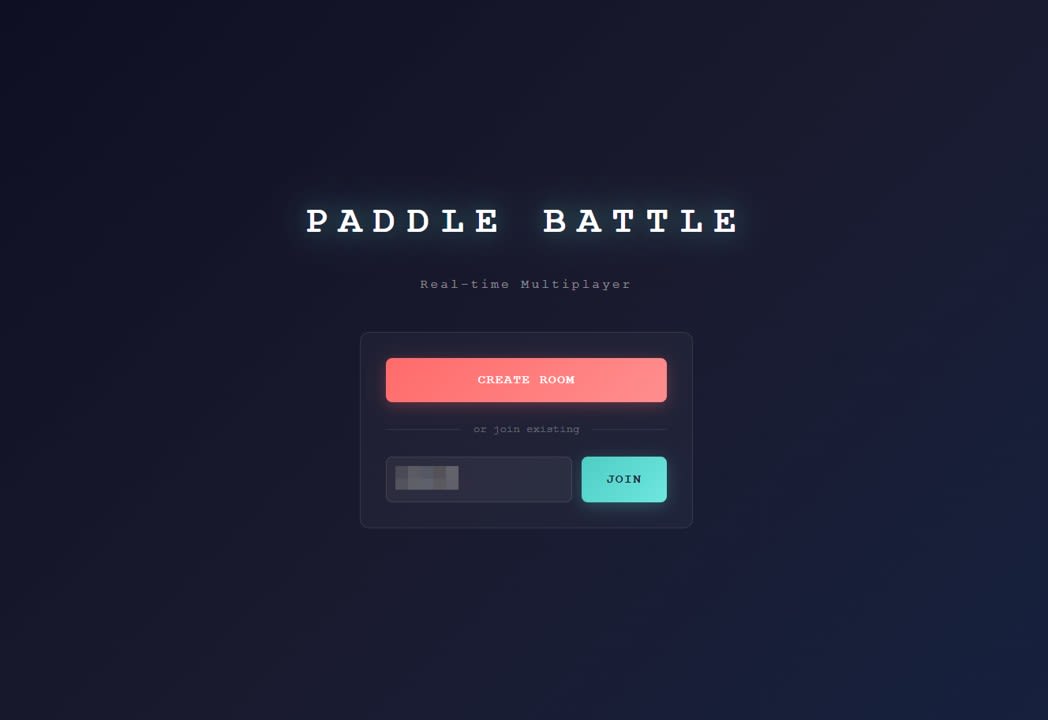
I entered the number issued on the guest side, joined, and confirmed that I could play against each other.
Verification After Vercel Deployment
I also confirmed operation with 2 tabs in the environment deployed to Vercel.
Discussion
Operating Experience
In this verification, I confirmed a gameplay experience with no issues. The guest input loss problem recorded as an issue in the previous article was not particularly noticeable in this verification.
Integration Convenience
The automatic synchronization via Supabase Integration simplified the deployment process to Vercel. Being able to avoid manually entering values in Vercel's Environment Variables helps prevent configuration mistakes.
It was good to be able to work while confirming which values would be synchronized, as the list of environment variables set by the Integration is clearly documented (reference). The fact that values referenced by the client side, such as NEXT_PUBLIC_SUPABASE_URL and NEXT_PUBLIC_SUPABASE_ANON_KEY, are available from the start felt easy to handle even for verification purposes like this demo.
Conclusion
I implemented a two-player ping-pong game deployable to Vercel by combining Vercel and Supabase Realtime (Broadcast). In the verification, I hardly felt any input loss on the guest side and was able to play comfortably. I found that Supabase Integration allows environment variables to be synchronized to Vercel without manual entry, simplifying the deployment process.