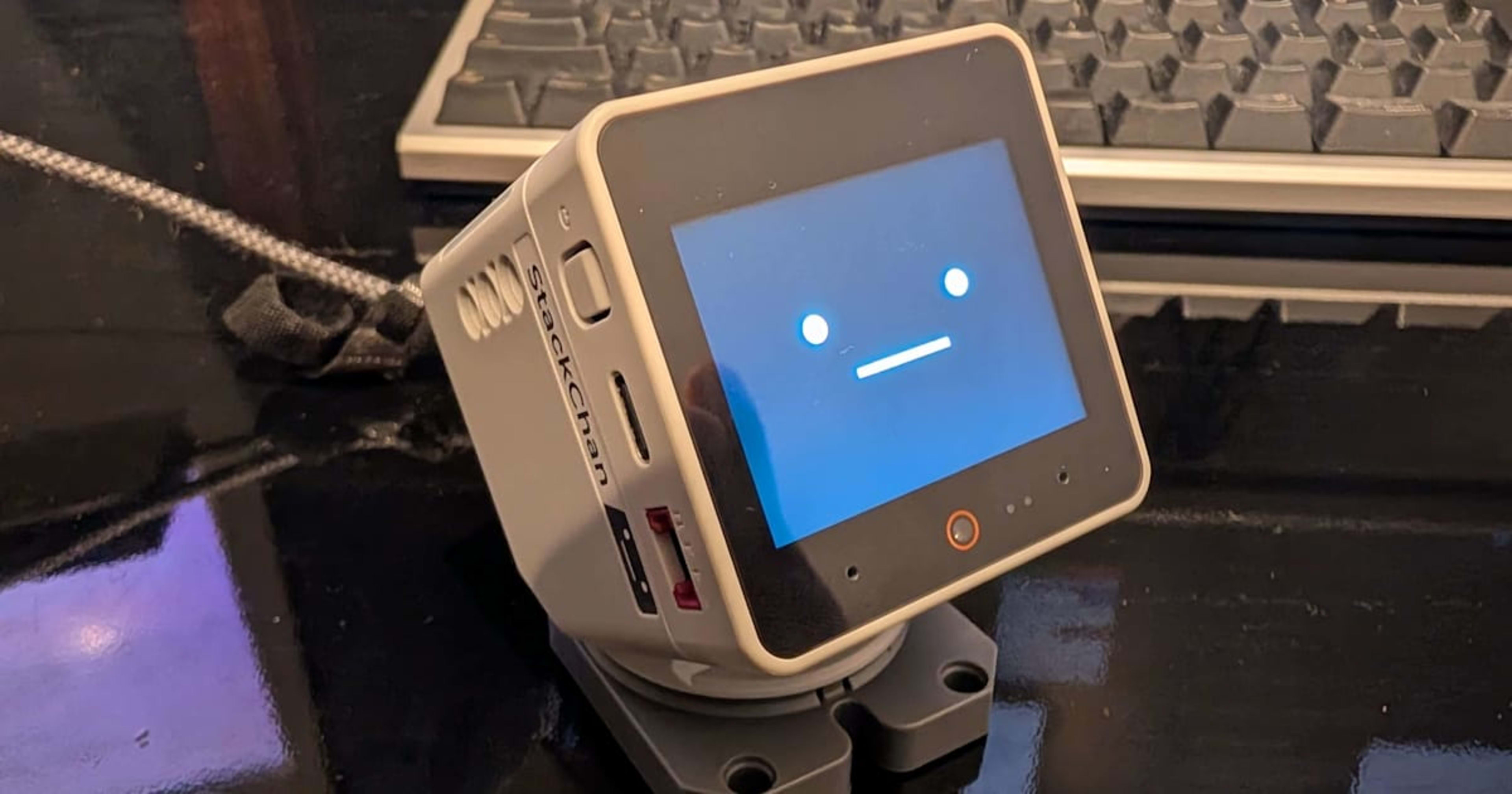
Use the web version of M5Burner to restore StackChan to factory firmware

This page has been translated by machine translation. View original
The other day, as introduced in the blog below, I presented at a session on customizing StackChan behavior with VibeCoding.
That was a lot of fun in itself, but since I had completely rewritten the firmware, I wanted to restore it to its initial state. While looking for the procedure, I found that the firmware writing via the previously provided desktop application is scheduled to be discontinued.
There were still multiple sources out there (including official ones) presenting the client version download as the procedure for firmware writing, so as the latest information as of October 25, 2026, I am presenting the firmware writing procedure using the Web version of M5Burner.
M5Burner Desktop End of Service on January 1, 2027
When I downloaded and launched the desktop version, the following message was displayed.
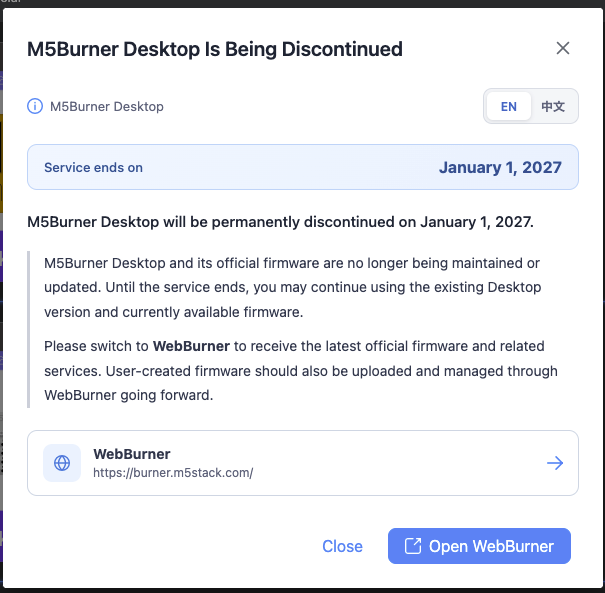
Well, it's an announcement that M5Burner Desktop will end its service on January 1, 2027. WebBurner will be used instead.
From what I briefly looked into, it doesn't seem to be announced on any website in particular, and the message displayed when launching the Desktop version above appears to be all there is.
There was one comment on the M5Stack Community suggesting a concern. It expresses concerns about browser limitations (only Chromium-based browsers are supported, excluding Firefox and Safari users) and the lack of an offline workflow. There may be updates on this front as well.
Feedback regarding M5Burner Desktop discontinuation & WebBurner limitations | M5Stack Community
Preparation
First, connect StackChan to your PC via cable and make sure it is recognized. Also, using M5Burner requires an M5Stack account, so create one in advance.
Trying out WebBurner
Access the following site and log in with your M5Stack account.
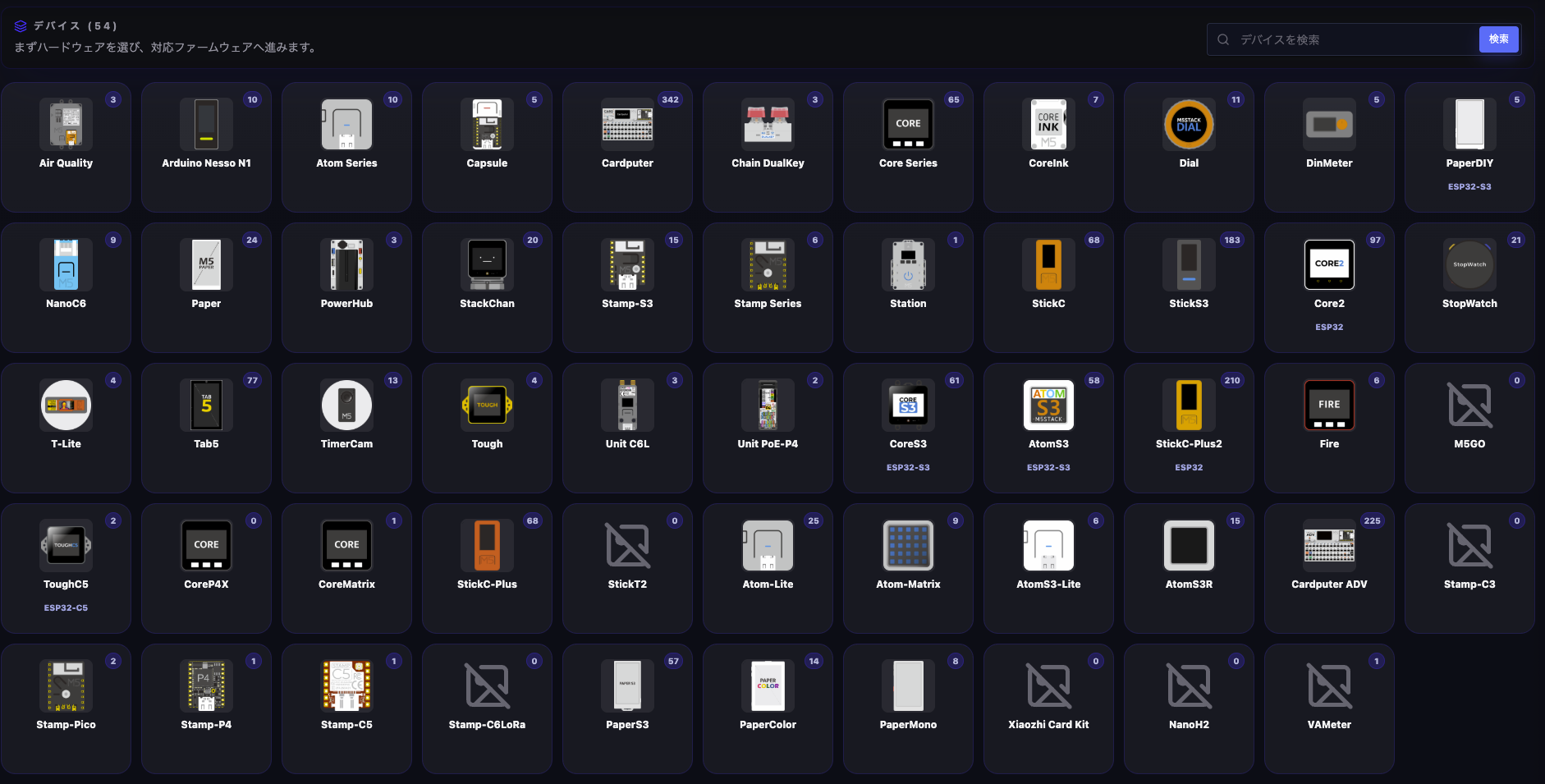
When you access it, a list of M5Stack devices is displayed like this. Select the product you want to restore to its initial firmware from this list. This time, click on StackChan.
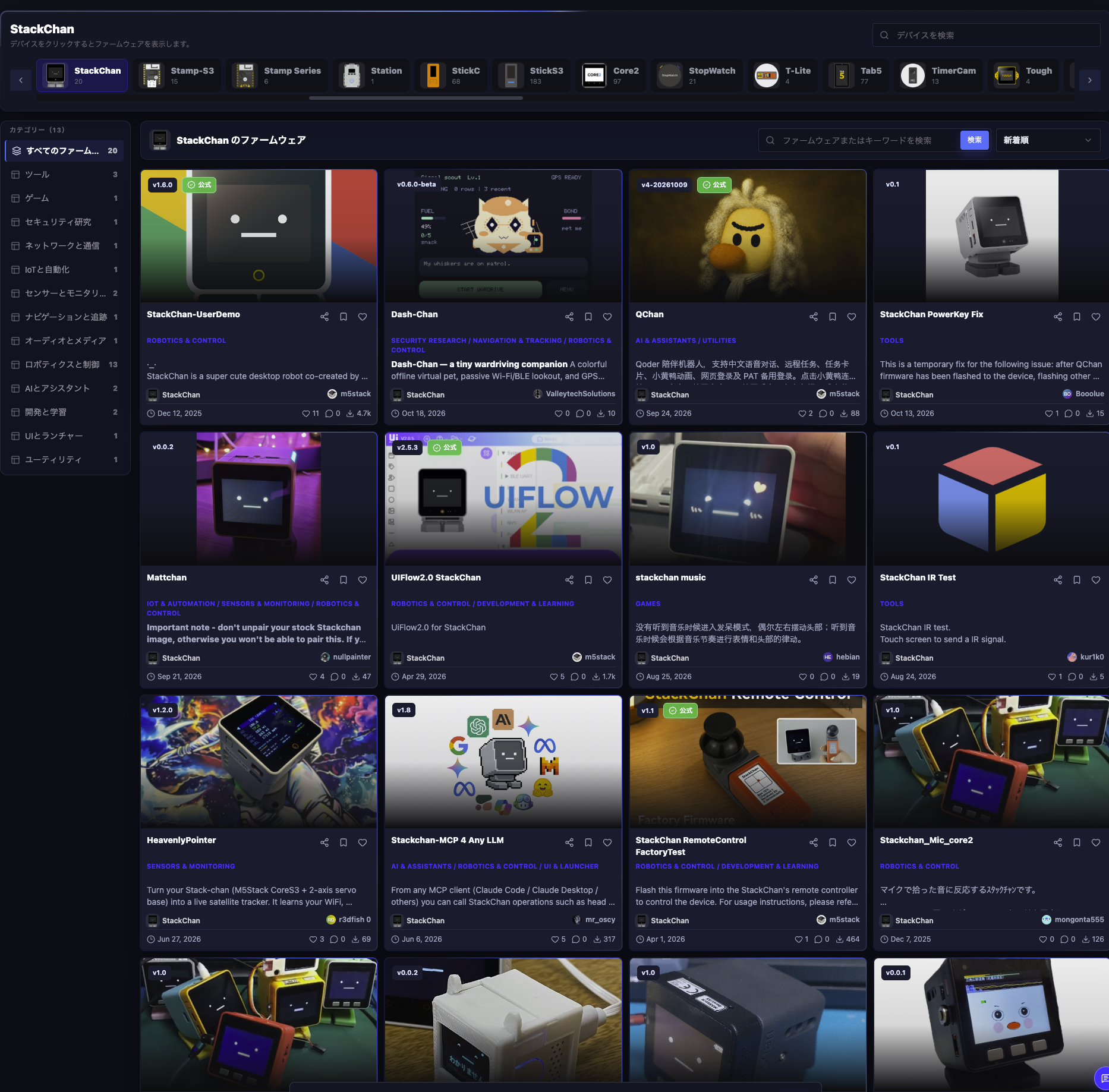
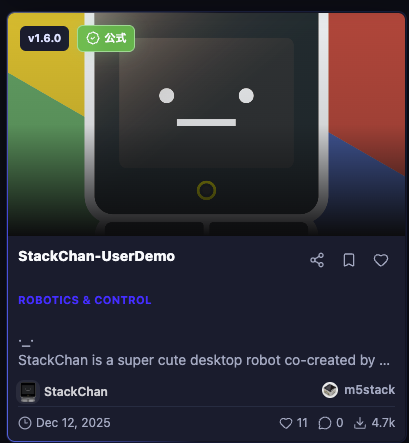
Firmware compatible with StackChan is displayed. Since M5Burner also allows you to upload firmware you created yourself, various users have published their firmware. Just browsing through these is interesting.
This time, since I'm applying the official firmware, I'll click this one in the upper left.
The device writing screen is displayed. Directly from the web browser
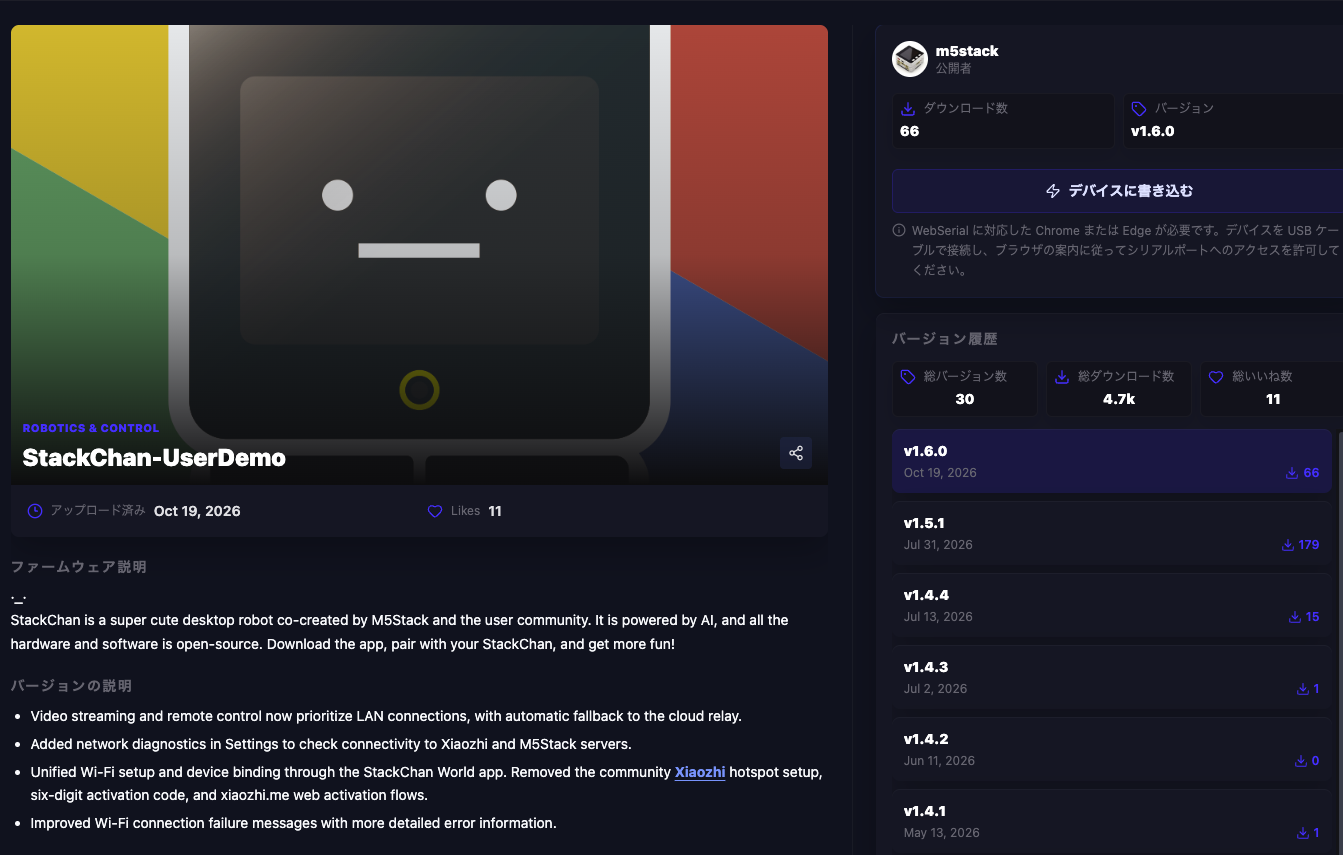
Since writing directly to the device from the browser is required, Chrome or Edge with WebSerial support is needed. I personally use Chrome by default so it's fine, but it seems this feature cannot be used with Safari.
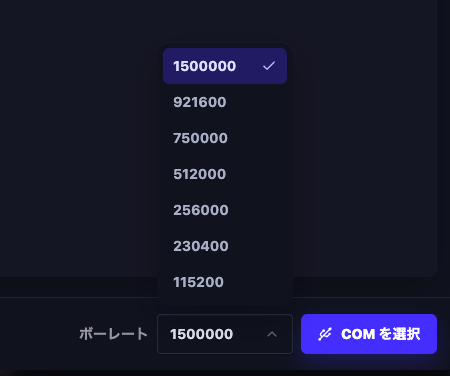
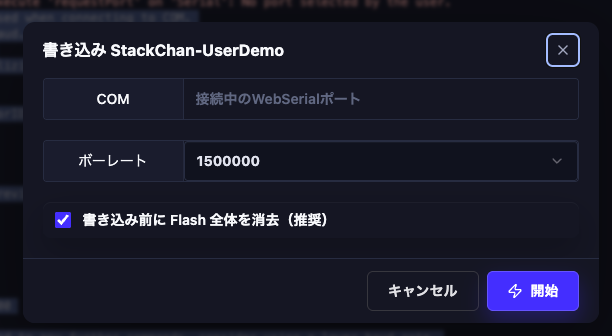
When you click the "Write to device" button, you are taken to the firmware writing screen. There is a "Baud rate" display in the lower right, which I honestly didn't quite understand, but for now I'll leave the default "1500000" selected.
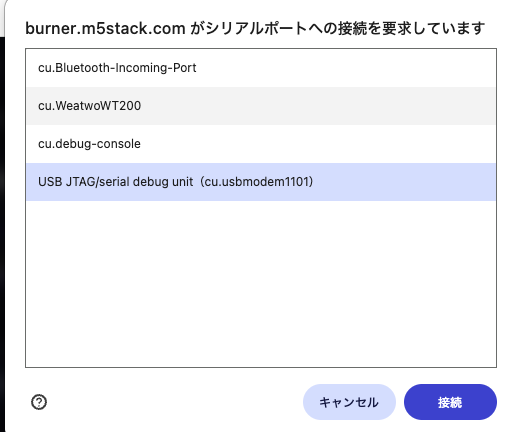
A screen to select the serial port is displayed, so select the port corresponding to StackChan, USB JTAG/serial debug unit, and click "Connect" (at first I thought it was displaying terminal logs and left it alone for a while, which resulted in an error).
The following content is displayed in the console. This is the flow from Chrome connecting the writing tool (esptool.js) to StackChan and verifying the chip on the other end.
[20:59:21] Baud rate set to 1500000. It will be used when connecting to COM.
[20:59:24] Requesting COM connection at 1500000 baud...
[20:59:24] CONNECTING: Requesting serial port...
[20:59:41] CONNECTING: Serial port opened, initializing transport...
[20:59:41] CONNECTING: Connecting to ESP32...
[20:59:41] CONNECTING: esptool.js
[20:59:41] CONNECTING: Serial port WebSerial VendorID 0x303a ProductID 0x1001
[20:59:41] CONNECTING: Connecting...
[20:59:41] CONNECTING: Detecting chip type...
[20:59:41] CONNECTING: ESP32-S3
[20:59:42] CONNECTING: Chip Revision: 0
[20:59:42] CONNECTING: Chip is ESP32-S3 (QFN56) (revision v0.2)
[20:59:42] CONNECTING: Features: Wi-Fi,BLE
[20:59:42] CONNECTING: Crystal is 40MHz
[20:59:42] CONNECTING: MAC: ********************************
[20:59:42] CONNECTING: Uploading stub...
[20:59:42] CONNECTING: Running stub...
[20:59:42] CONNECTING: Stub running...
[20:59:42] CONNECTING: Changing baudrate to 1500000
[20:59:42] CONNECTING: Changed
[20:59:42] CONNECTING: If the chip does not respond to any further commands, consider using a lower baud rate.
[20:59:42] CONNECTING: Flash ID: 184046
[20:59:42] CONNECTED: Connected to ESP32-S3 (QFN56) (revision v0.2)
[20:59:42] Successfully connected to COM.
[20:59:42] Chip: ESP32-S3
[20:59:42] Features: Wi-Fi, BLE
[20:59:42] MAC: ********************************
Now that everything is ready, click the "Write" button in the lower right. A final write confirmation will appear, so click the "Start" button.
After the logs finish, if everything completed successfully, this message will be displayed.
(omitted)

[21:08:23] Writing at 0xc256db... (98%)
[21:08:23] Writing at 0x00300000... (99 %)
[21:08:23] Writing at 0xc297c6... (99%)
[21:08:23] Writing at 0x00304000... (100 %)
[21:08:23] Writing at 0xc2d957... (100%)
[21:08:23] Writing at 0x0030761e... (100 %)
[21:08:24] Wrote 12783792 bytes (3175966 compressed) at 0x0 in 60.183 seconds.
[21:08:24] Leaving...
[21:08:24] VERIFYING: Verifying flash write...
[21:08:24] VERIFYING: Flash header verified.
[21:08:24] Hard resetting via RTS pin...
[21:08:24] Hard resetting via RTS pin...
[21:08:25] Burn successfully.
After restarting, StackChan in its initial state came back.
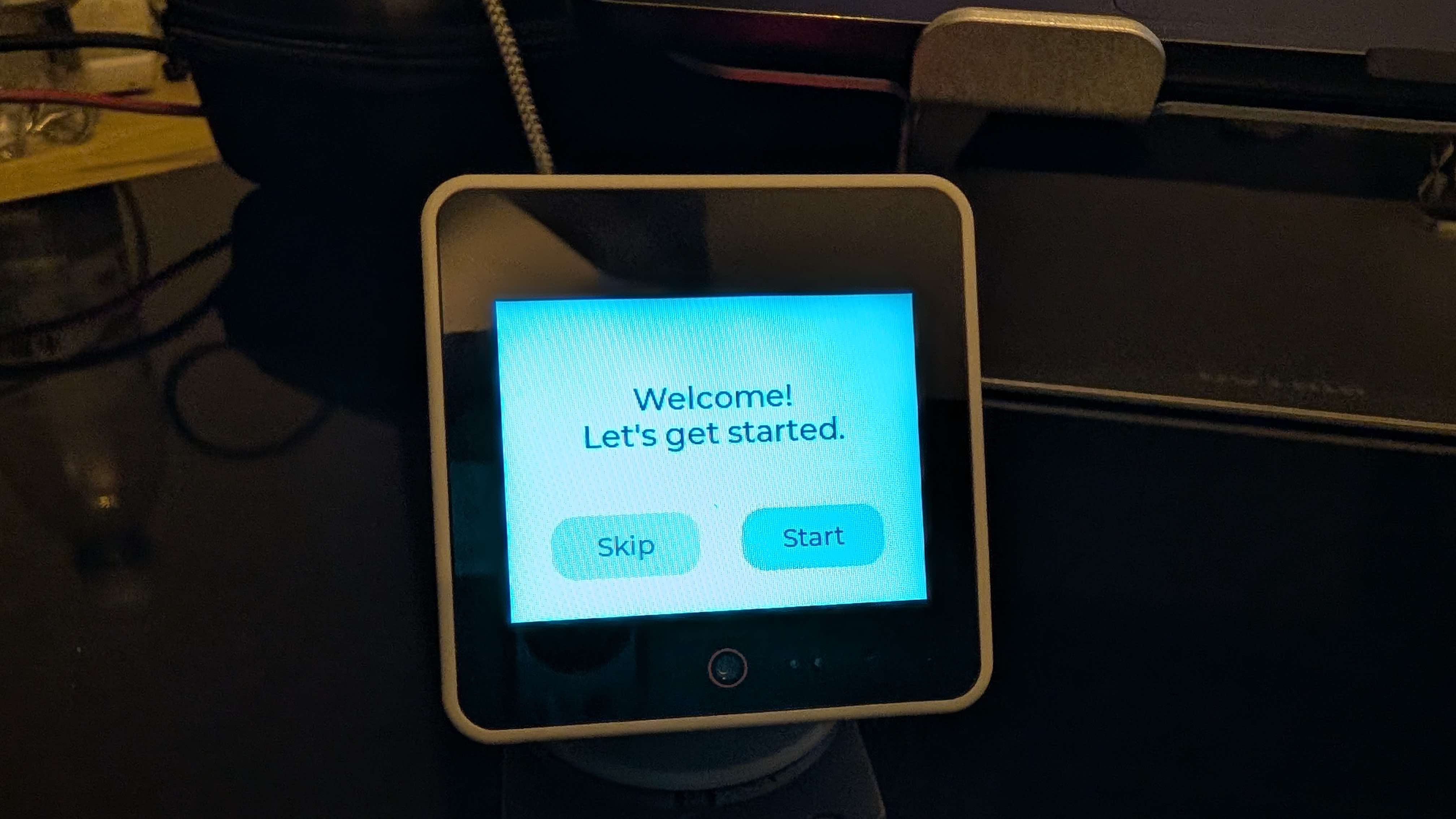
For information on the initial firmware content and the first-time setup, please refer to the official documentation here.
There will surely always be times in the future when you want to restore to factory settings…
So that was the procedure for installing the factory firmware onto StackChan using the web version of M5Burner. The customizability of M5Stack is one of its great attractions, but there may be times when you write a bad build and get completely stuck.
Being able to use this feature at any time to restore to the initial state will contribute greatly to a sense of security when proceeding with customization.
M5Burner has a large number of firmware uploads beyond what the official team provides, so exploring those should be interesting too.
That's all for today. This was Koji Hamada (Hamako).