You can now add messages in chat while a DevOps Agent is investigating.

This page has been translated by machine translation. View original
Hello, this is Takayama.
In DevOps Agent investigations, it was possible to send additional requests to an investigation through steering from the DevOps Task chat.
However, this was for requests against already-investigated content, and it was not possible to chat about content that was currently being investigated.
With the August 31, 2026 update, it became possible to send messages via chat during an investigation.
This time, I'd like to try out this feature in practice.
Summary First
- Even during an investigation, you can now send additional information as messages from "Start investigation chat"
- Messages sent do not interrupt immediately; they are first queued as "queued requests," and the agent reads them between reasoning steps and executes them as steering
- Messages are not used in DevOps Task chat, allowing you to course-correct while watching the agent's actions in the timeline
- Sending a message to a completed investigation causes it to return to a running state and continue as the same investigation
- Chat is not available for failed, canceled, or timed-out investigations
Trying It Out
Trying Chat Within a Completed Investigation
When I open a completed investigation, a "Start investigation chat" button is displayed at the bottom of the screen.
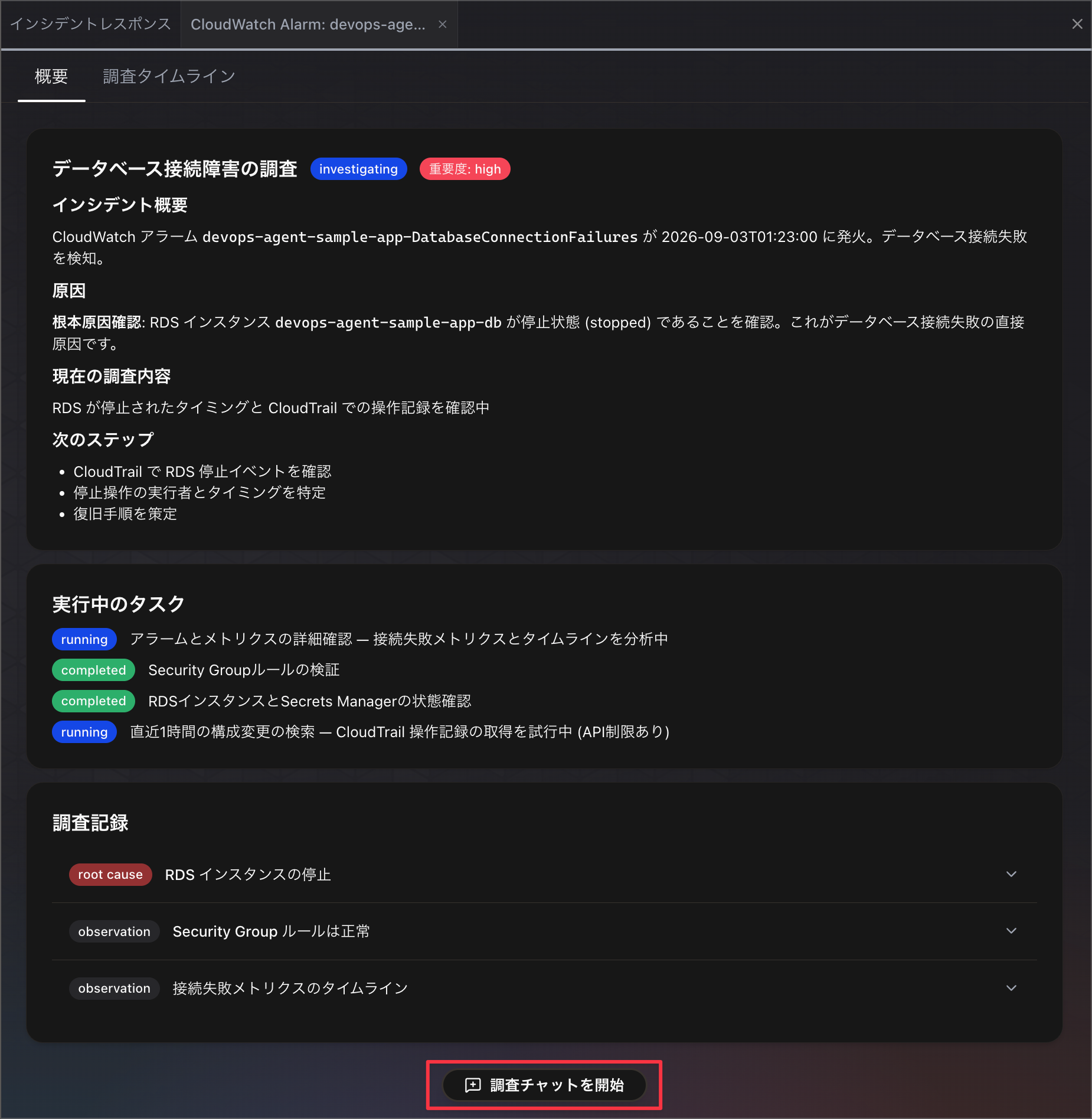
This button is displayed regardless of which tab is open.
Chat with investigation at the bottom of the page. This button is available from any tab of the investigation.
Japanese:
ページ下部の「調査チャットを開始」。このボタンは調査のどのタブからでも利用できます。
https://docs.aws.amazon.com/devopsagent/latest/userguide/production-operations-autonomous-incident-response.html#sending-a-message
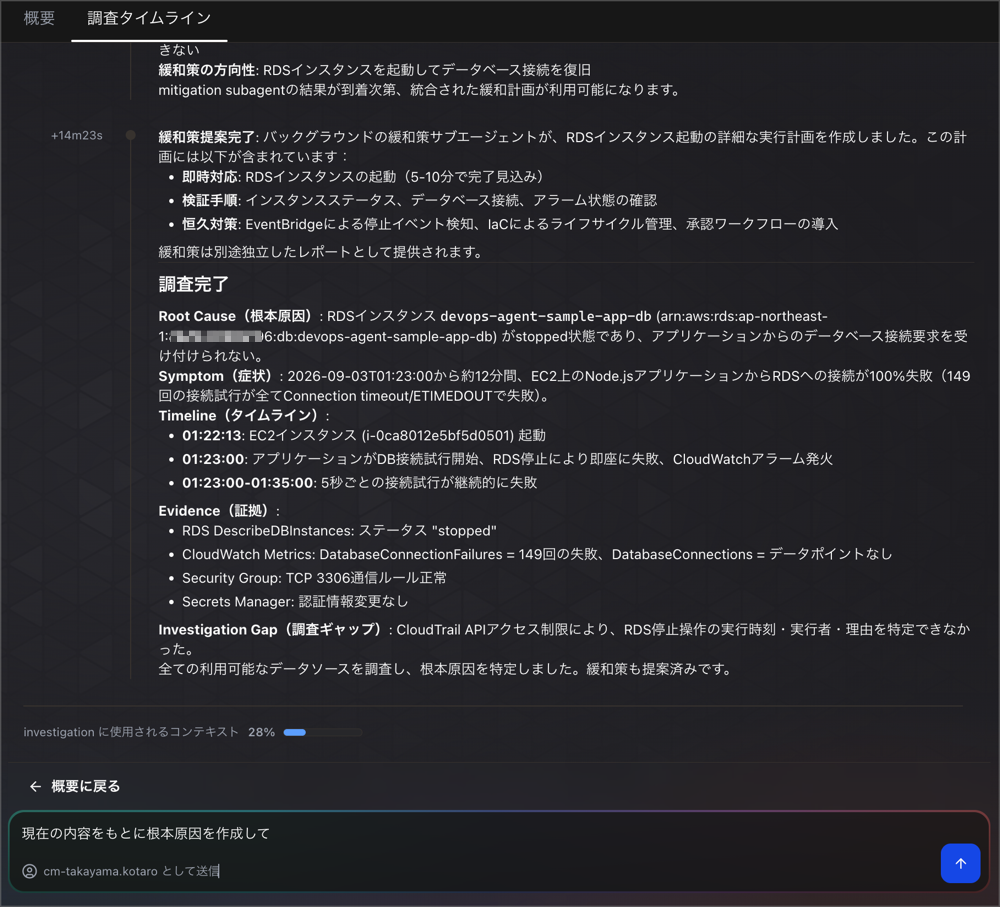
When you start a chat, you are taken to the "Investigation Timeline" tab, and a message input field appears below the timeline.
The input field shows "Send as ~" with your username, indicating that messages are tied to your signed-in ID.
In this investigation, no root cause had been created, so I tried instructing it to create one.
After sending the message, it was not executed immediately but was added as a "queued request."
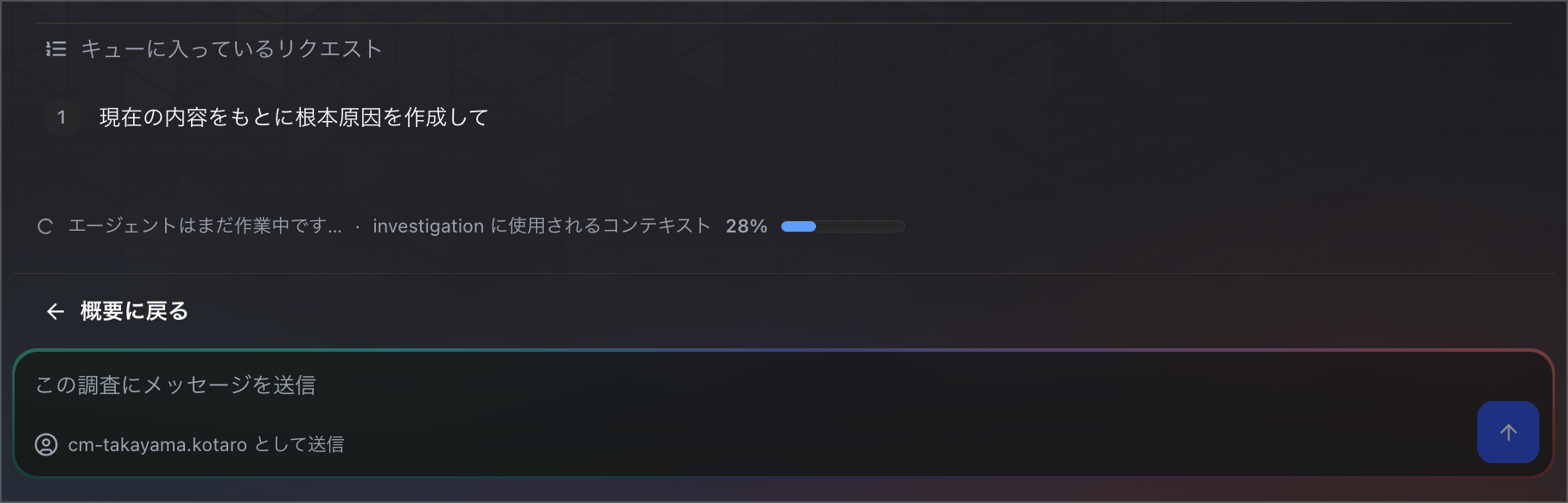
When I sent another additional request, it was also added to the queue in order.
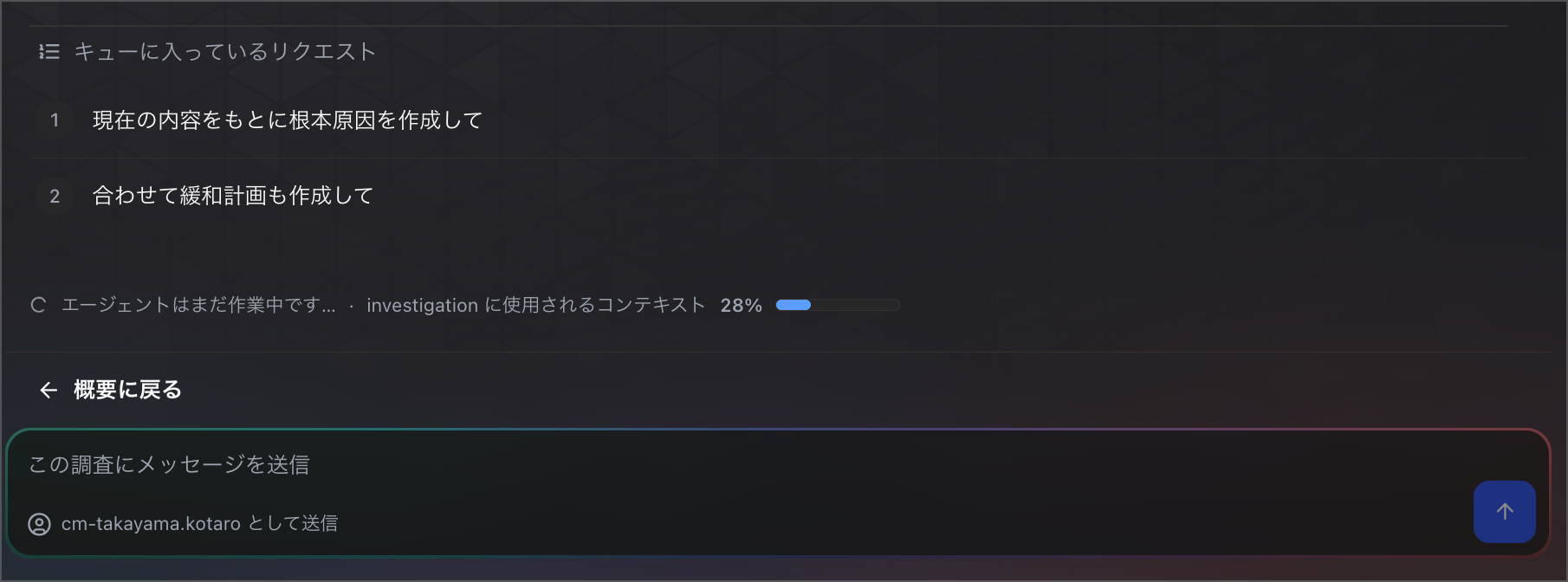
By design, messages do not interrupt the agent's processing midway.
Your message does not interrupt the agent in the middle of a step. AWS DevOps Agent queues it, and the agent reads the queue between its reasoning steps. This means a message never arrives partway through a tool call, and the agent applies it with a complete picture of what it was doing.
Japanese:
メッセージはステップの途中でエージェントに割り込みません。AWS DevOps Agentはメッセージをキューに入れ、エージェントは推論ステップの間でキューを読み取ります。つまりメッセージがツール呼び出しの途中で届くことはなく、エージェントは自分が何をしていたかを完全に把握した状態でメッセージを適用します。
https://docs.aws.amazon.com/devopsagent/latest/userguide/production-operations-autonomous-incident-response.html#queued-requests
After a short wait, the queued content was executed as steering.
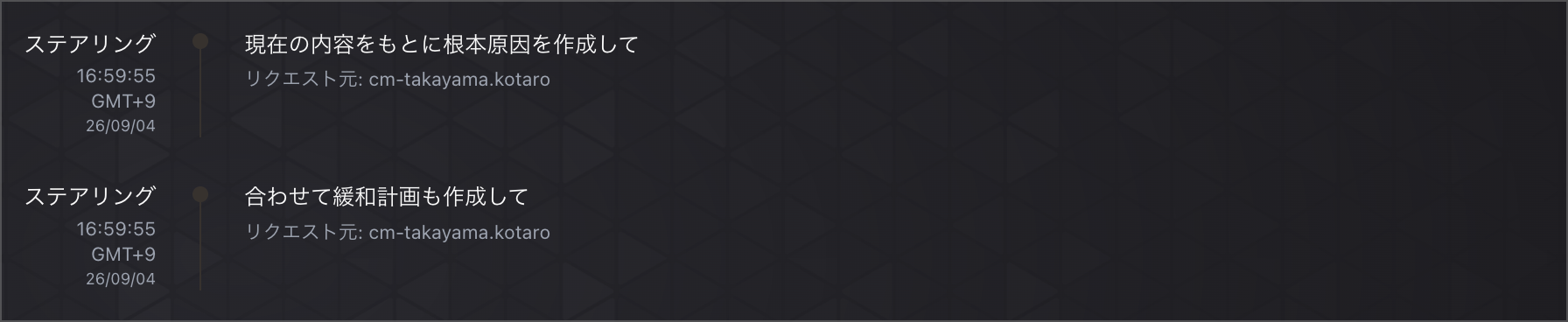
As instructed, a root cause and a mitigation plan were created.
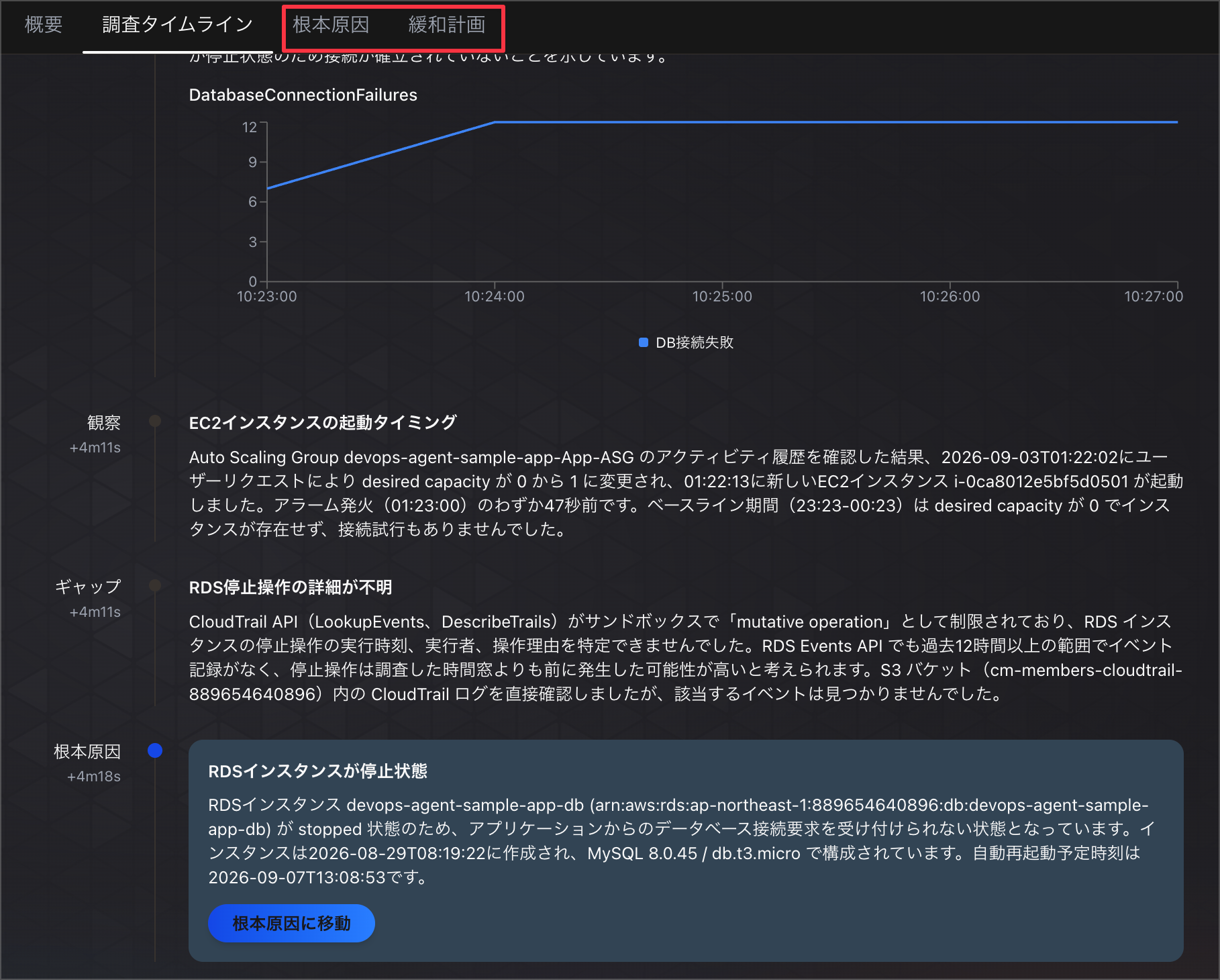
It is now possible to intuitively send additional information when an investigation ends partway through or when new information emerges after it has completed.
Trying Chat During an Investigation
Next, I tried chatting while an investigation was in progress.
I started an investigation with the broad prompt "Please investigate whether any alerts or failures are currently occurring in the AWS environment."
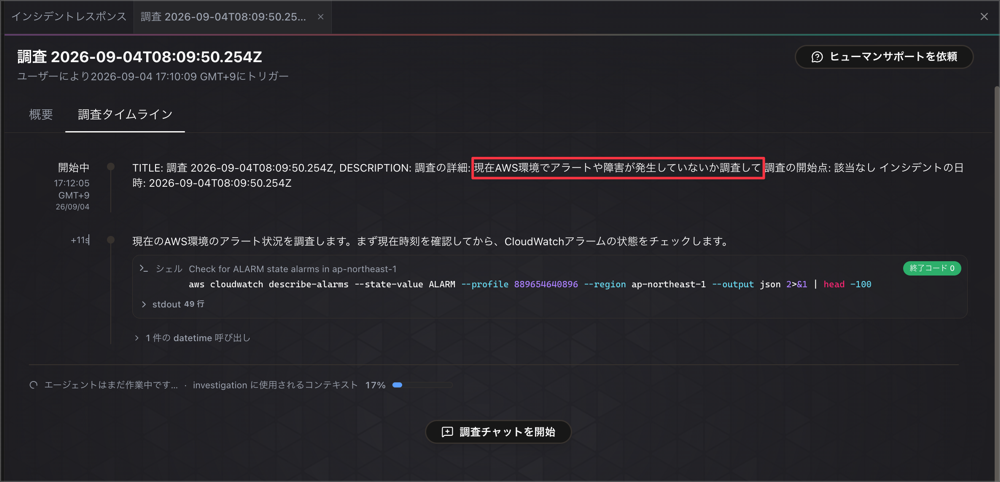
The "Start investigation chat" button is displayed even while the agent is running.
You can also pass additional information from the user's side, cutting in on the agent while it is investigating.
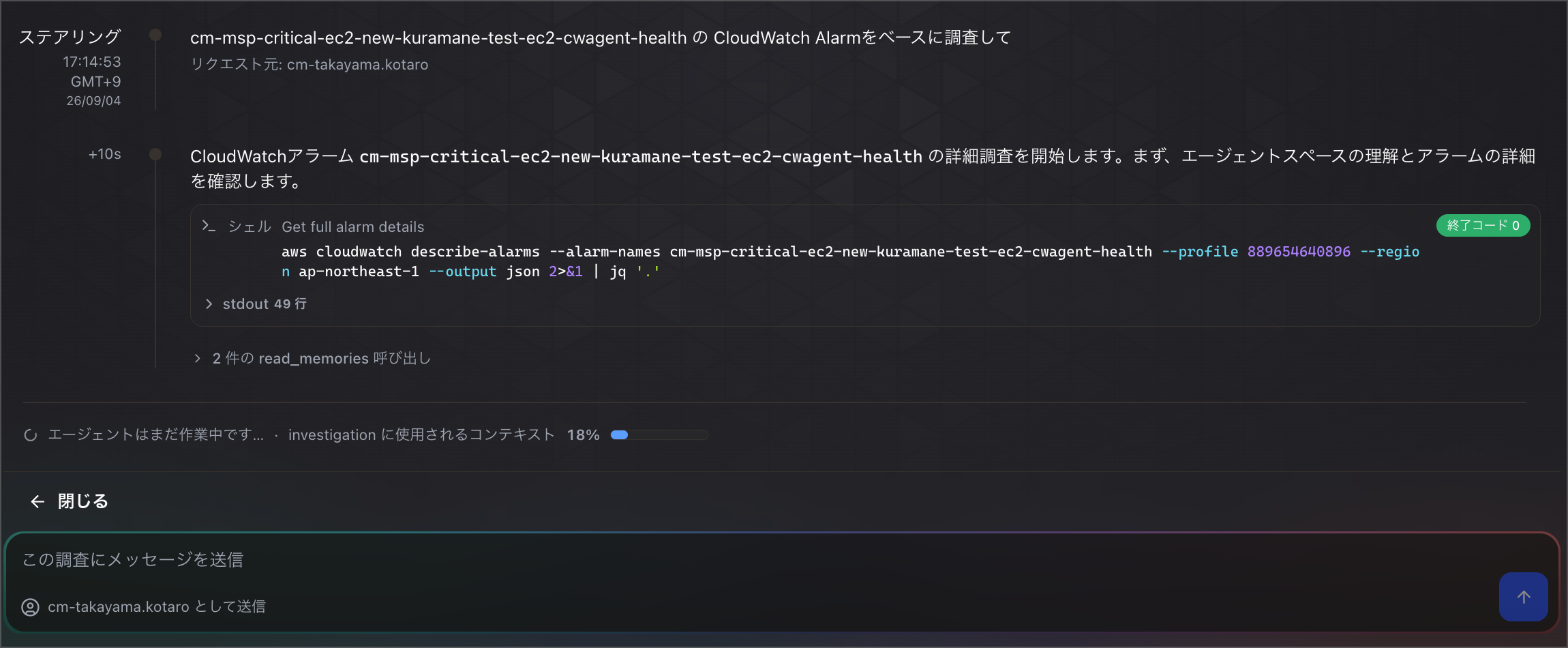
It's great to be able to add information on the spot while watching the agent's actions in the timeline.
Cases Where Chat Is Not Available
On the other hand, chat is not available for failed, canceled, or timed-out investigations.
Chat with investigation is available while an investigation is queued, running, waiting, or completed. It is not available for investigations that were canceled, failed, or timed out.
Japanese:
「調査チャットを開始」は、調査がキュー待ち、実行中、待機中、完了のいずれかの状態のときに利用できます。キャンセルされた、失敗した、またはタイムアウトした調査では利用できません。
https://docs.aws.amazon.com/devopsagent/latest/userguide/production-operations-autonomous-incident-response.html#when-you-can-chat-with-an-investigation
When I actually opened a failed investigation, "Add feedback" and "Request human support" were displayed, but the "Start investigation chat" button was not.
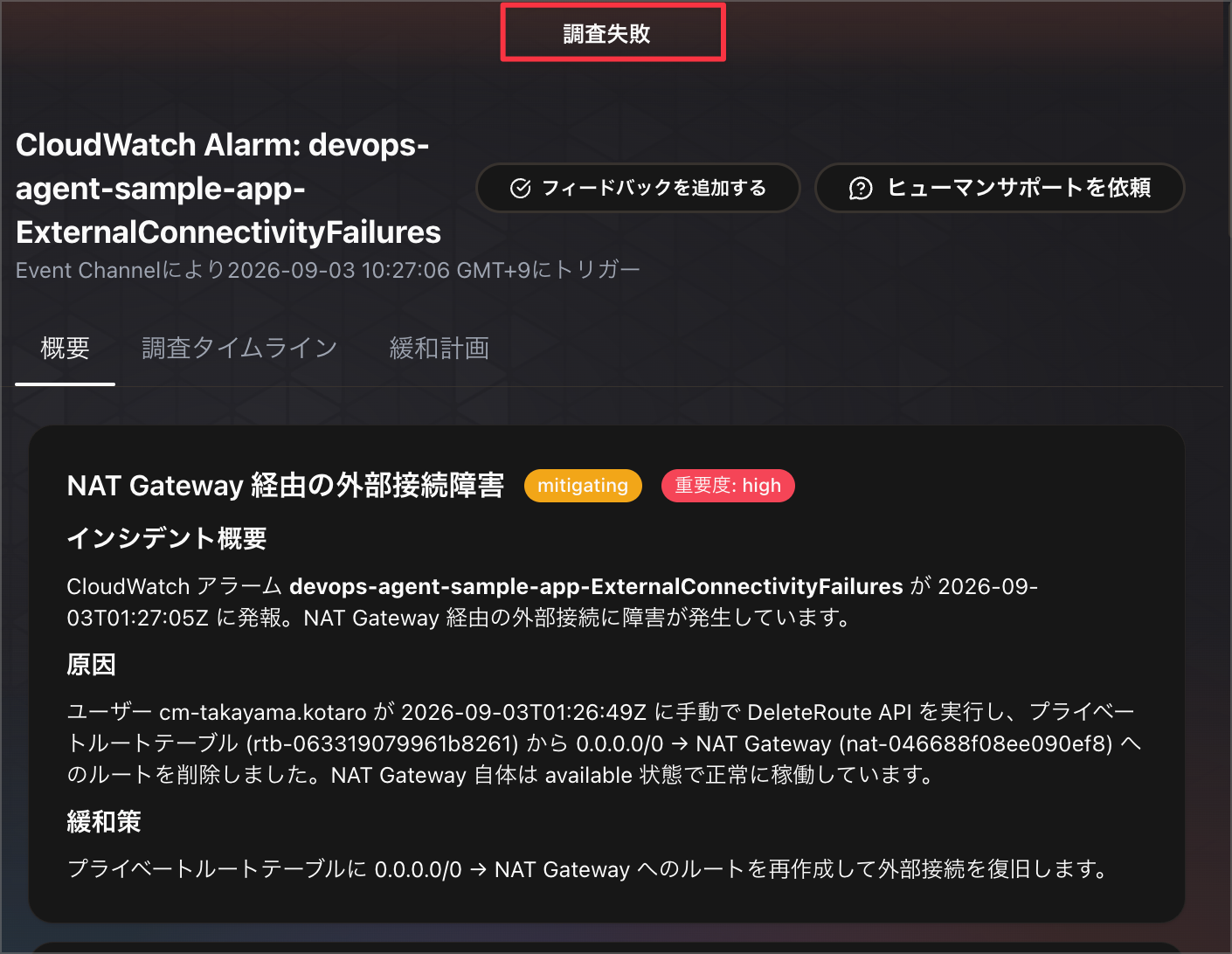
If you want to continue a failed investigation, it seems you still need to recreate the investigation as before.
Closing
This time, I tried out chatting within a DevOps Agent investigation.
Since it is now possible to send messages during an investigation, you can course-correct on the spot when you watch the agent's actions and feel it's going in the wrong direction.
Previously, it was necessary to navigate to the DevOps Task chat to execute steering, but now that you can chat within the investigation itself, it has become possible to give instructions more intuitively.
I hope this article is helpful to someone.
That's all from Takayama (@nyan_kotaroo).