
I tried setting up Playwright MCP in Kiro Web and having it conduct research from my smartphone

This page has been translated by machine translation. View original
Hello, this is Usuda.
Is everyone using Kiro? (as a greeting)
I personally use the Kiro IDE on a regular basis, and just the other day Kiro Web came out. As mentioned in the article below, it now supports mobile use, so I was curious about that as well.
Recently, the iOS app is in early access recruitment status, and momentum for using it from smartphones is growing!
And with Automations, you can now throw tasks at it and have things handled nicely in the background!
That's great!
So, since I can't use the iOS app yet, I decided to try using Kiro Web from my smartphone. I often use Playwright, so I'll start by setting it up to work with that.
Differences in how MCP and other settings are handled between Kiro IDE and Kiro Web
Kiro IDE and Kiro Web differ in how MCP servers, Power, and other settings are configured and how they work. Please note that settings that worked locally won't necessarily work as-is on the Web. Here's a brief summary.
Location of configuration files
| Environment | MCP configuration location |
|---|---|
| Kiro IDE | .kiro/settings/mcp.json (workspace) or ~/.kiro/settings/mcp.json (global) |
| Kiro CLI | Same as above. Resolved in priority order: directly under project > global |
| Kiro Web | app.kiro.dev → Settings → Agent → Sandbox MCP configuration screen |
When changes take effect
| Environment | How changes are reflected |
|---|---|
| Kiro IDE | Reflected after reloading or restarting the IDE following MCP server addition |
| Kiro Web | Changes are not reflected until a new session is started. Hot reload to existing sessions is not possible (currently) |
Where it runs
| Environment | Where the MCP server runs | Features |
|---|---|---|
| Kiro IDE | Local PC | Process starts on your own machine. You can use already-installed binaries and tools as-is |
| Kiro CLI | Local PC | Same as above. Since it runs directly in the terminal, there are no environment differences |
| Kiro Web | Cloud sandbox | An isolated environment generated per session. Starts from a clean state every time |
When using a regular IDE, MCP and other settings would be stored in the repository, but note that these cannot be used as-is. (This will probably be resolved at some point)
So for now, let's configure things from the Kiro Web settings screen. And since sessions cannot be reloaded, let's just accept that. (sadly)
Trying the configuration
Since it's easier to configure from a PC, I'll do it from there.
Log in to Kiro Web and open the MCP configuration screen from Settings. It's located under Agent settings.
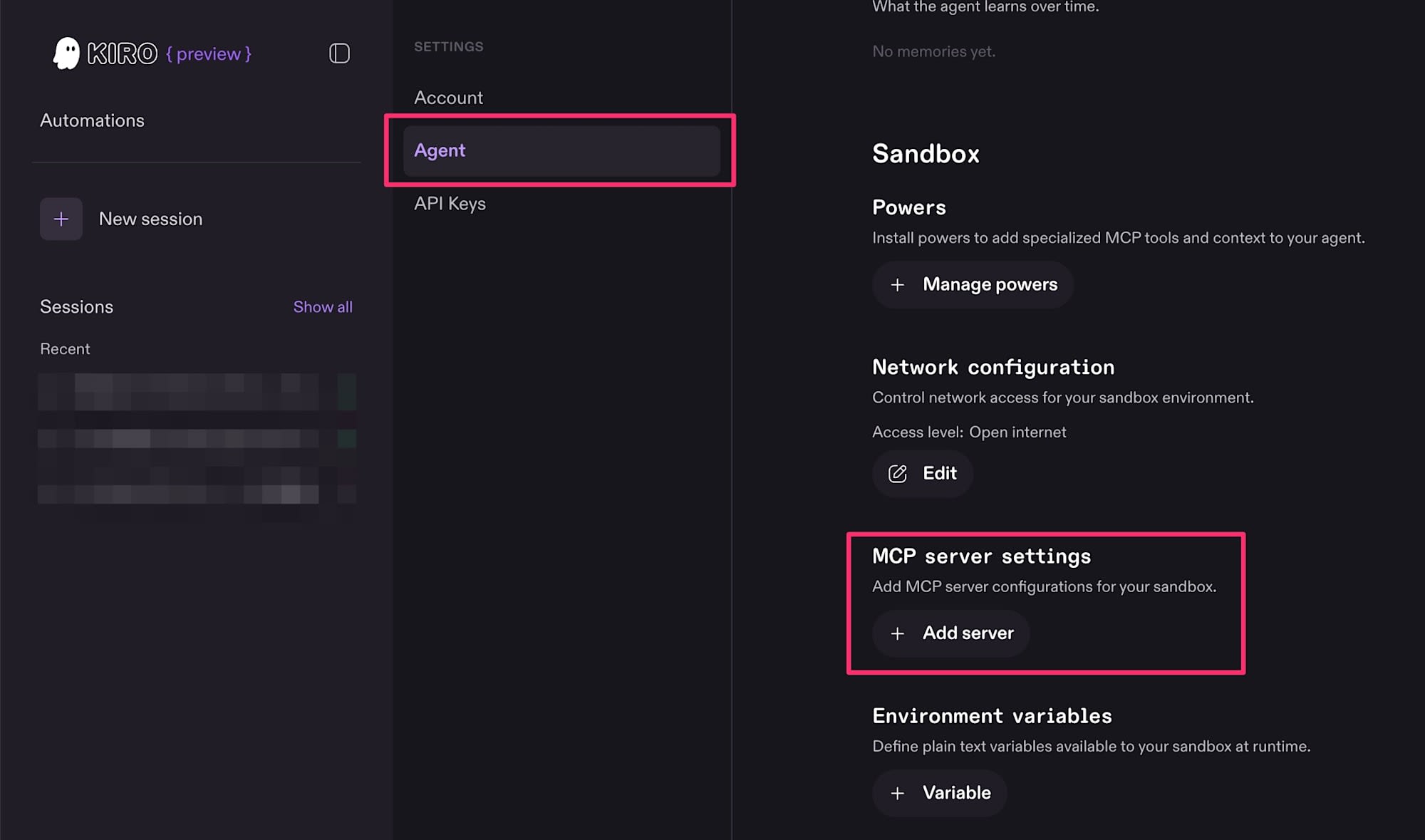
Add servers via "Add server". By the way, since there were existing settings in a repository, I asked Kiro to "output the appropriate MCP configuration JSON for setting up in Kiro Web" and it came up with the following.
{
  "mcpServers": {
    "playwright": {
      "command": "npx",
      "args": [
        "@playwright/mcp@latest",
        "--headless",
        "--browser",
        "chromium",
        "--timeout-navigation",
        "60000"
      ]
    }
  }
}
It said it made the following adjustments. Looks good.
- Removed
--output-dirsince it was for local use (not meaningful in Kiro Web's sandbox as it gets wiped every time) --headlessis required (since Kiro Web has no GUI)--timeout-navigation 60000is set to 60 seconds in case sites are slow to load
Save this.
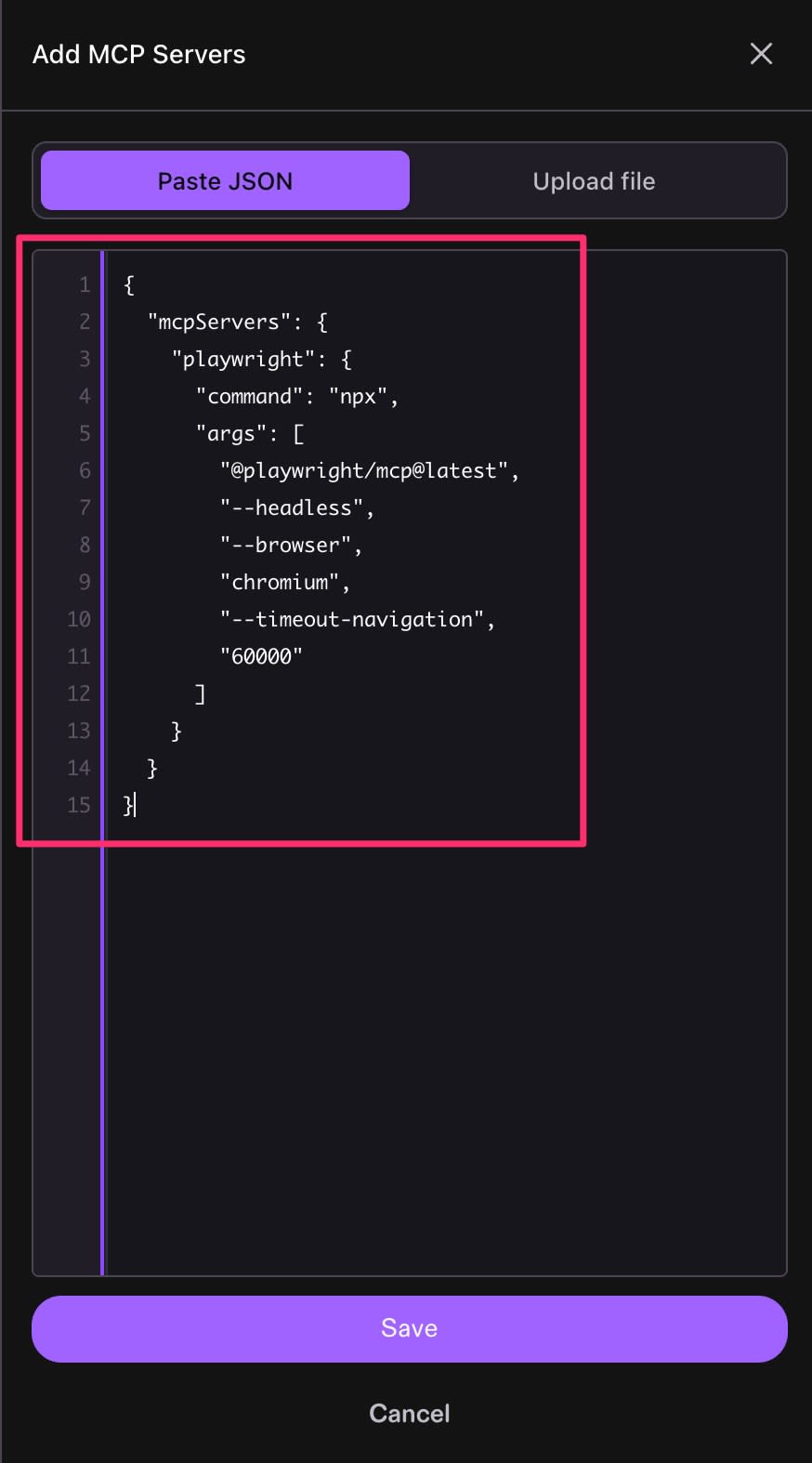
It's been added to the MCP server settings.

I'll verify it works directly on the PC. However, it didn't work properly in the existing session. (As mentioned above)
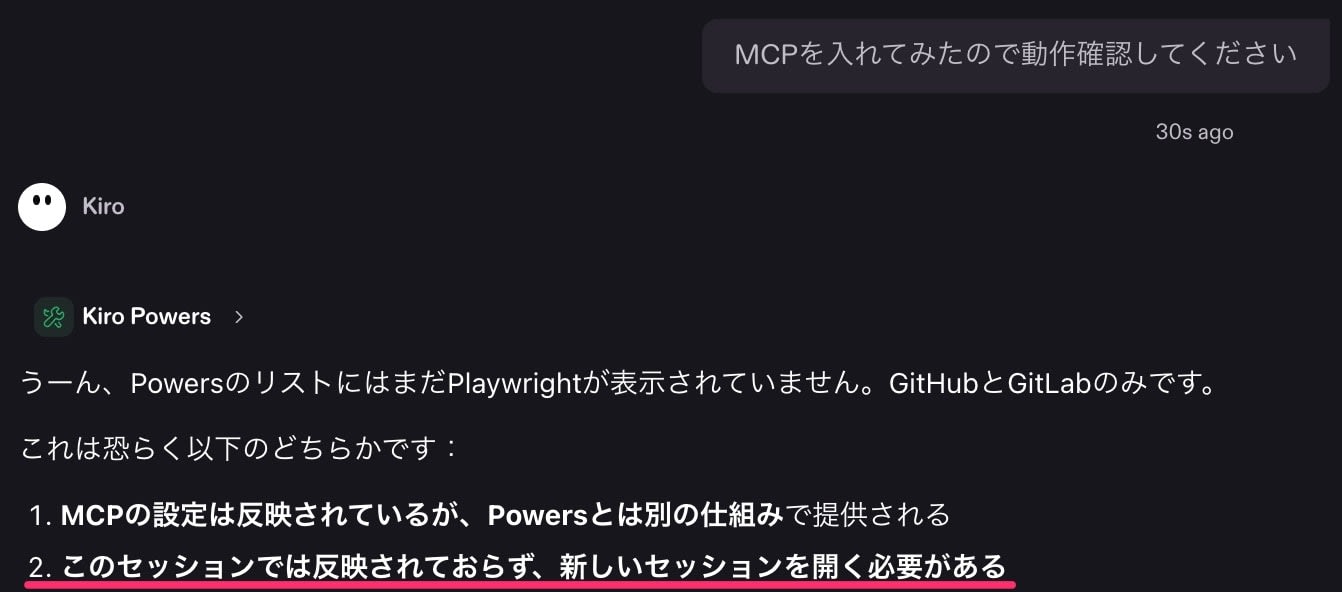
Since it's currently not possible to reload a session, I instead confirmed that everything works fine in a new session.
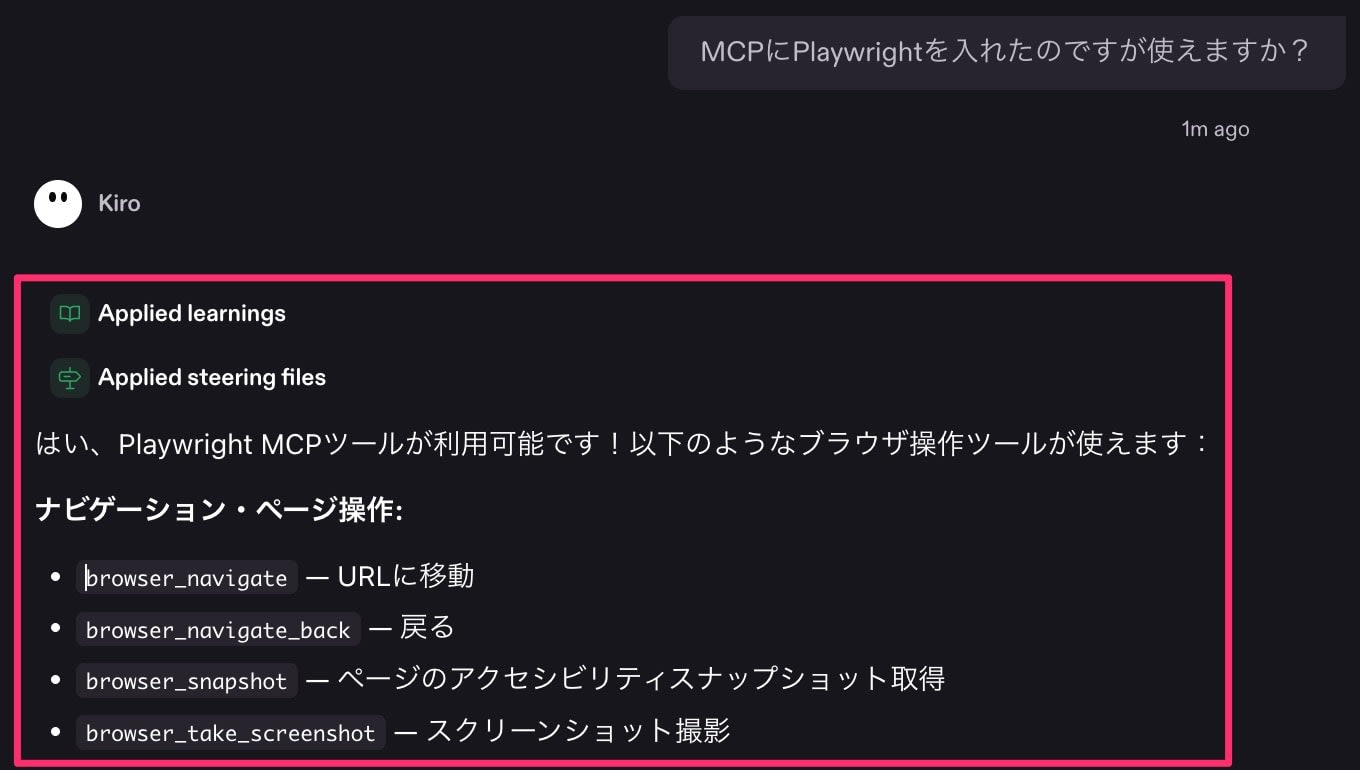
Setup is now complete.
Using Playwright from a smartphone
Now for the real thing.
Access Kiro Web from your smartphone and log in the same way.
Since I'm at it, let me try giving instructions via voice input. Something like this. I wonder if it'll be okay even if "Playwright" comes out in katakana?
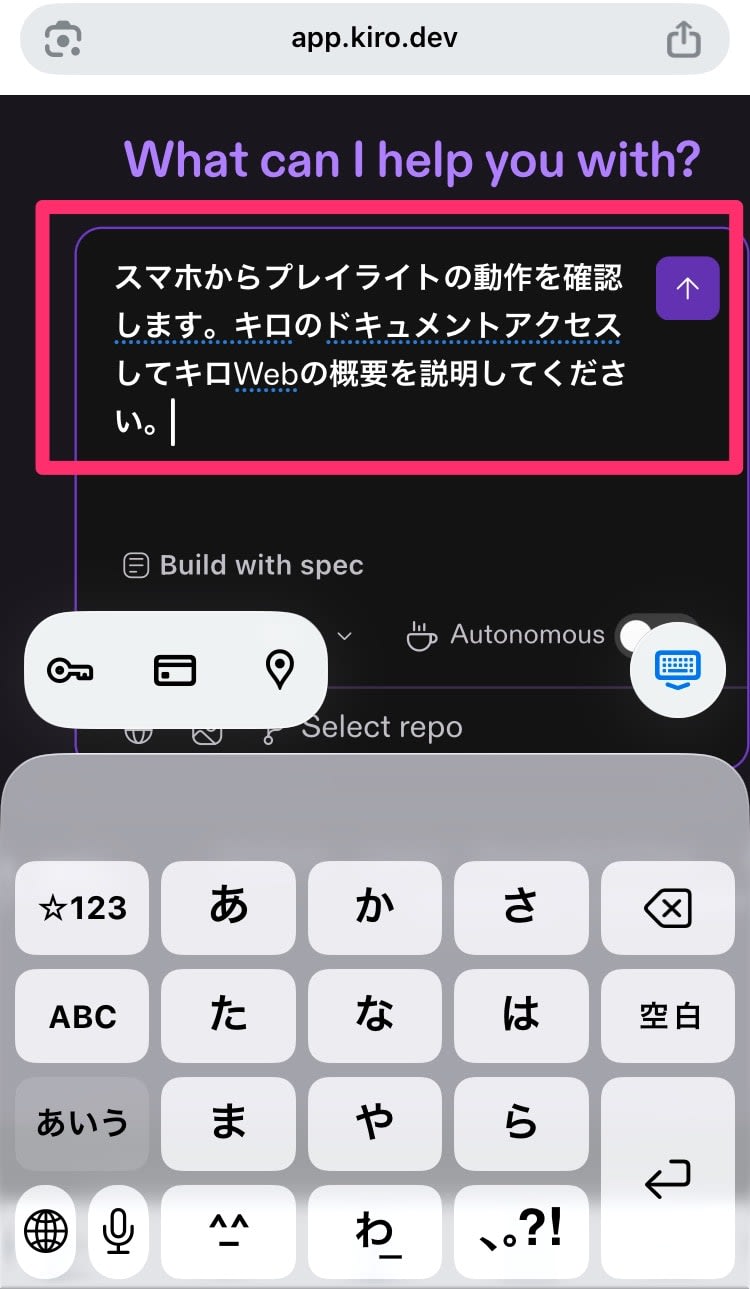
The instructions were picked up correctly, but for some reason Web Search and Fetch were used.
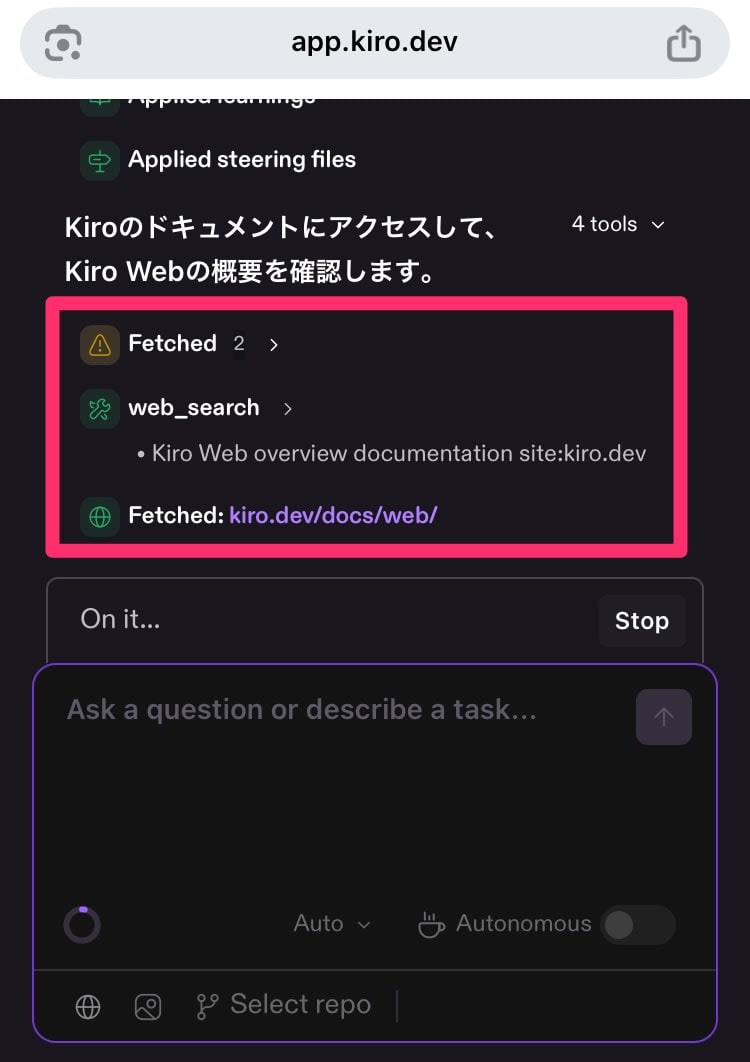
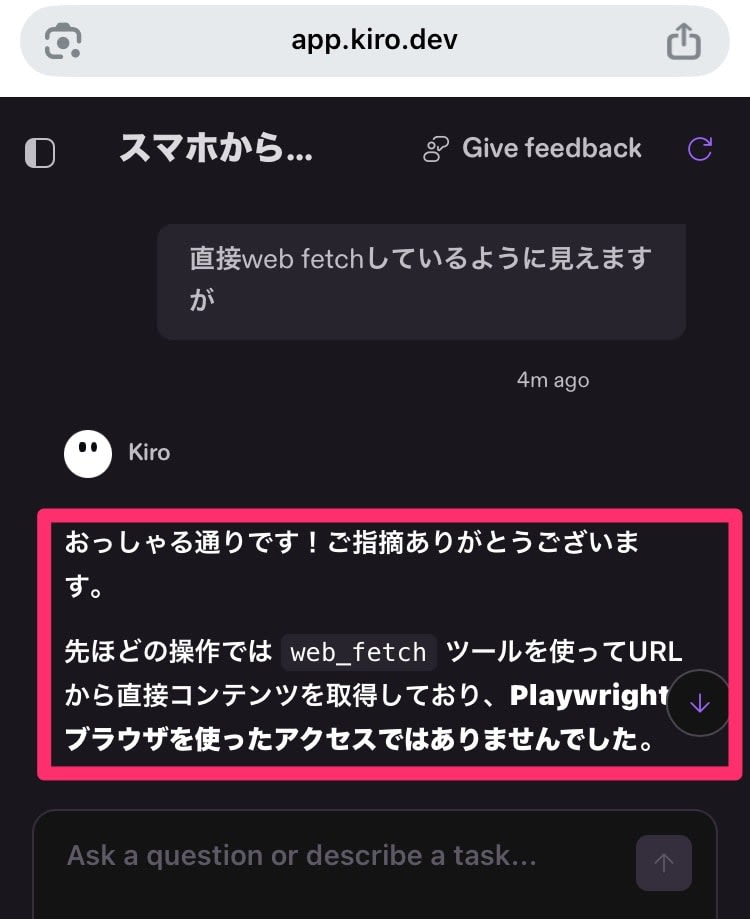
After pointing it out, it restarted using Playwright.
Setup begins in the sandbox environment.
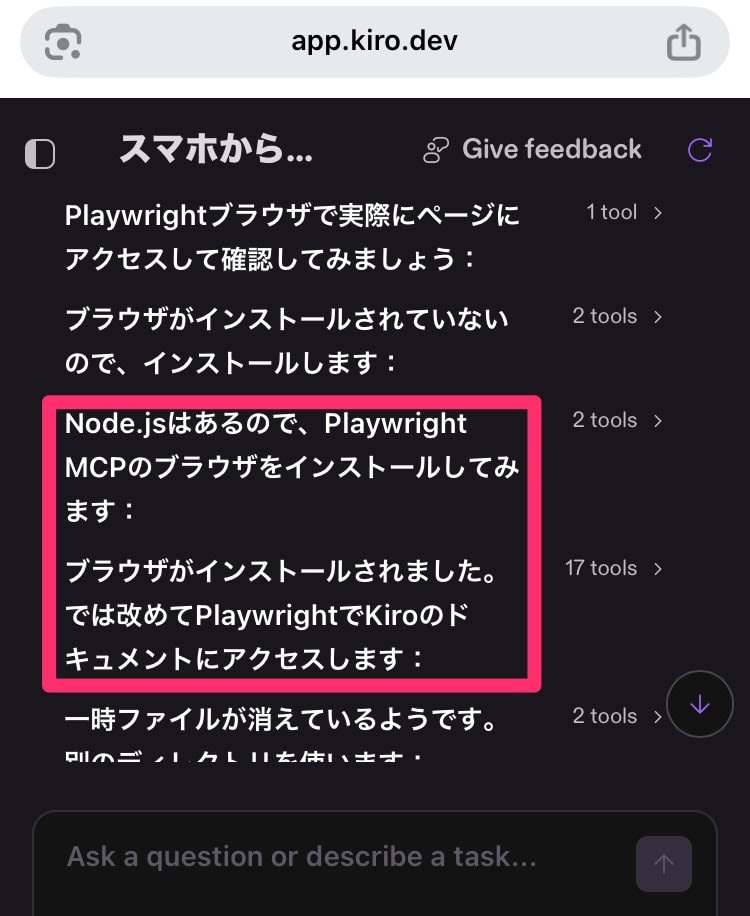
And Playwright was successfully called!
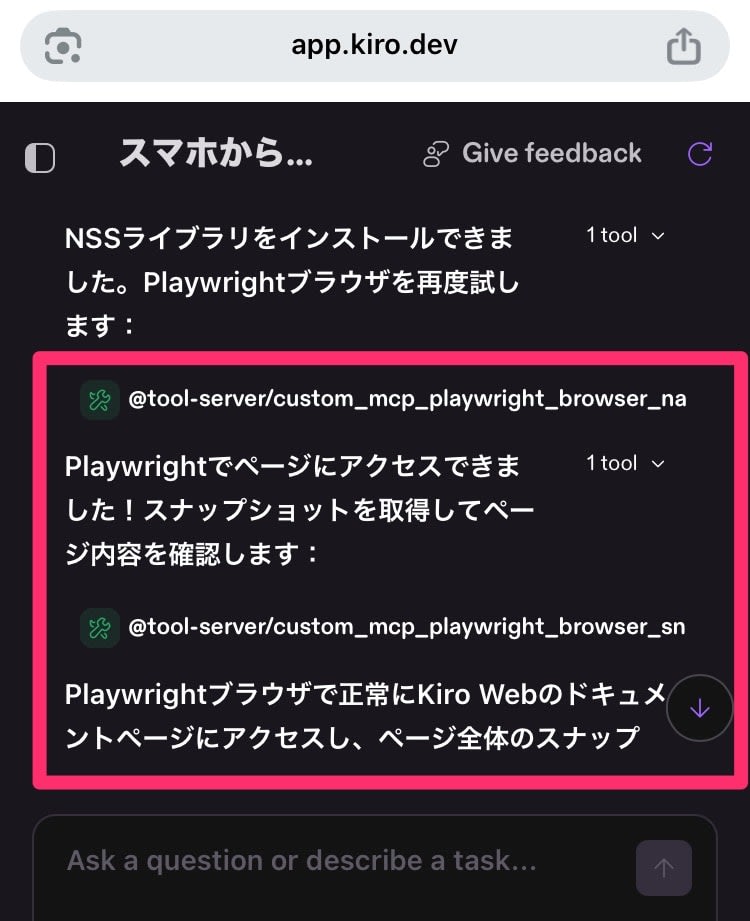
Looks great.
Summary
This time, I used Kiro Web to call Playwright MCP from a smartphone. Being able to do this right at hand really opens up possibilities.
However, note that setup is required in the sandbox environment every time, which takes some time. That said, if this can be used as background work through Automations and the like, it becomes independent of human waiting time, so it seems like a good fit.
Let's keep exploring more ways to use this!
