Kiro University Challenge の Lessons 5〜7・ボーナス課題をクリアしてみた

はじめに
Kiro の使い方を短期間で学ぶオンラインチャレンジ、Kiro University Challenge が 2026年9月21日から10月5日にかけて開催されています。
先行記事では Lessons 1〜4 を紹介しています。
9/23 に Lessons 5〜6、9/24 に Lesson 7 とボーナス課題2つが公開されたので、成果を紹介します。
課題の題材は前回と同じ AWS What's New 通知ツール(aws-whatsnew-notifier)のリポジトリです。
Lesson 5: Powers(500 credits)
Powers は、プロジェクト固有の手順や規約を Kiro に読み込ませる仕組みです。.kiro/powers/<power 名>/plugin.json を置くと認識されます。
{
  "name": "aws-whatsnew",
  "version": "1.0.0",
  "description": "Tools and best practices for the AWS What's New Notifier project. Loads setup skills and coding conventions when you mention 'aws-whatsnew' or 'whatsnew'.",
  "keywords": ["aws-whatsnew", "whatsnew", "aws", "rss", "sns", "notifier"],
  "skills": [
    {
      "name": "setup",
      "path": "skills/setup/SKILL.md"
    }
  ]
}
keywords で指定した語がチャットに現れると、この Power が読み込み対象になります。プロジェクト名だけでなく rss や sns のように会話で自然に出てくる語も入れておくと、使う側が Power の存在を意識せずに済みます。skills の path は plugin.json からの相対パスです。
読み込ませる中身は SKILL.md に Markdown で書きます。ここでは規約部分だけを抜き出します。
## Key Conventions

- Follow `.kiro/steering/python-style.md` for all Python code
- All functions must have type hints
- Use `logging` (not `print`) for output
- State file is stored at `state/seen.json`
規約の本体は Lesson 2 で作った python-style.md に置き、SKILL.md からはそこを参照させています。SKILL.md に書くのは、読み込み時に反映させたい要点だけです。
全文はリポジトリを参照してください。
Lesson 6: MCP(1,000 credits)
MCP サーバの登録は .kiro/mcp.json だけで済みます。ここでは URL の取得に使う fetch サーバを登録しました。
{
  "mcpServers": {
    "fetch": {
      "command": "uvx",
      "args": ["mcp-server-fetch"],
      "disabled": false
    }
  }
}
command に uvx を選んだのは、uv が入っていればサーバのパッケージを事前にインストールせずに起動できるためです。
Lesson 7: Custom agents(1,000 credits)
Custom agents は、使えるツールと事前ロードするファイルを指定したエージェントを .kiro/agents/ に定義する機能です。src/ と tests/ の実装作業用に1つ作りました。
{
  "name": "notifier-dev",
  "description": "Development agent for aws-whatsnew-notifier. Focused on src/ and tests/.",
  "tools": ["read", "write", "shell"],
  "includeMcpJson": false,
  "includePowers": false,
  "resources": [
    "file://./.kiro/specs/filter-and-notify.md",
    "file://./.kiro/steering/python-style.md"
  ],
  "permissions": {
    "rules": [
      { "capability": "shell", "match": ["python3 *", "pytest *", "git *"], "effect": "allow" }
    ]
  },
  "prompt": "You are a development assistant for the aws-whatsnew-notifier project. Always follow the coding style in python-style.md and implement features according to filter-and-notify.md.",
  "welcomeMessage": "Ready. I have the spec and style guide loaded. What would you like to work on?"
}
実装作業だけを任せたいので、includeMcpJson と includePowers はどちらも false にしています。Lesson 5・6 で足した Power と MCP サーバは、このエージェントには読み込まれません。代わりに resources で Lesson 1 の spec と Lesson 2 の steering を直接渡し、prompt でその2ファイルに従うよう指示しています。
permissions の match はルールを適用するコマンドのパターンで、effect で許可・拒否を決めます。ここでは実装とテストで使う python3・pytest・git を allow にしました。
Bonus Lesson 1: Kiro Web と cloud session(250 credits、有料プランのみ)
Kiro Web はブラウザから Kiro のセッションを開く機能です。同じリポジトリを Kiro Web から開きました。
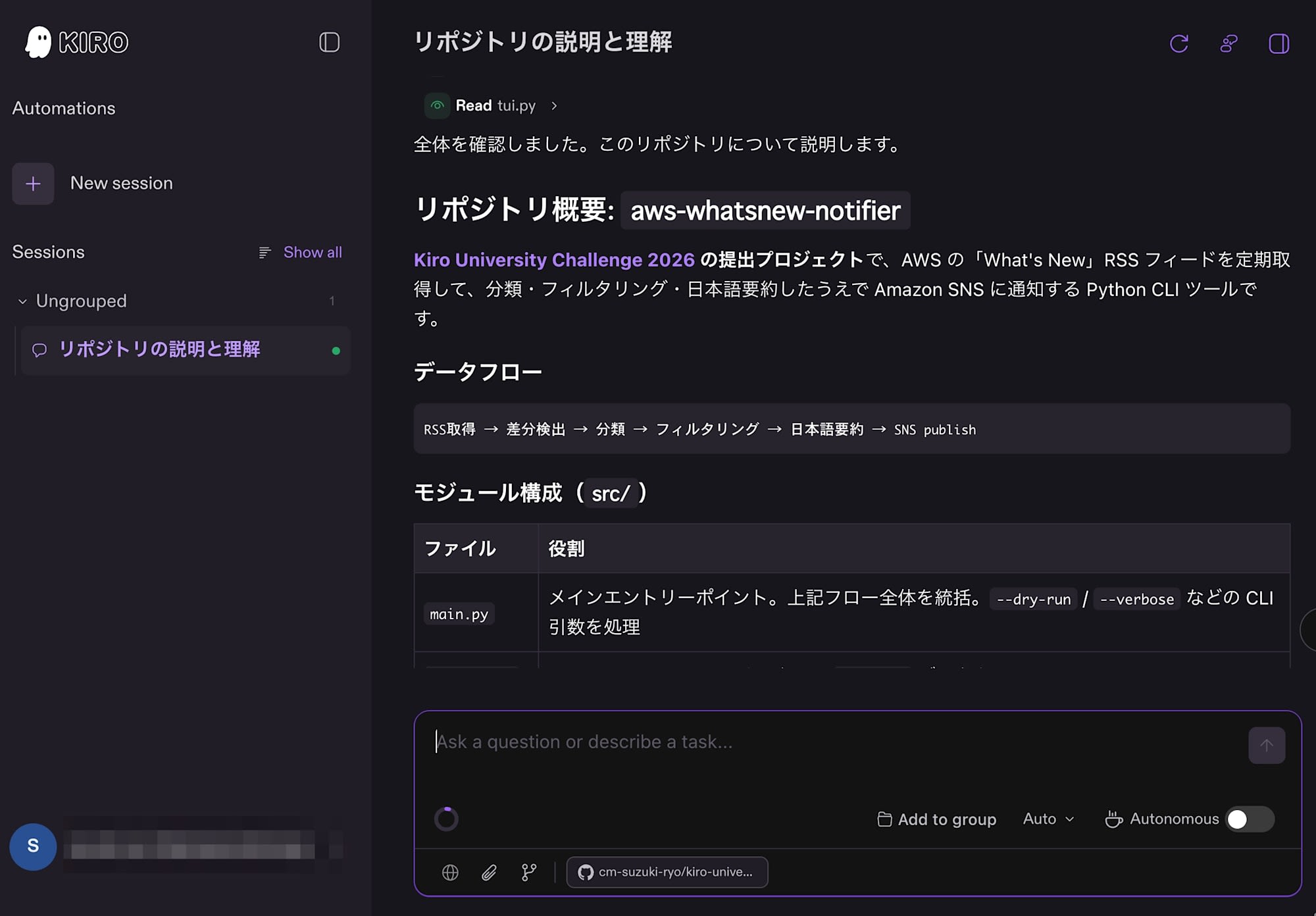
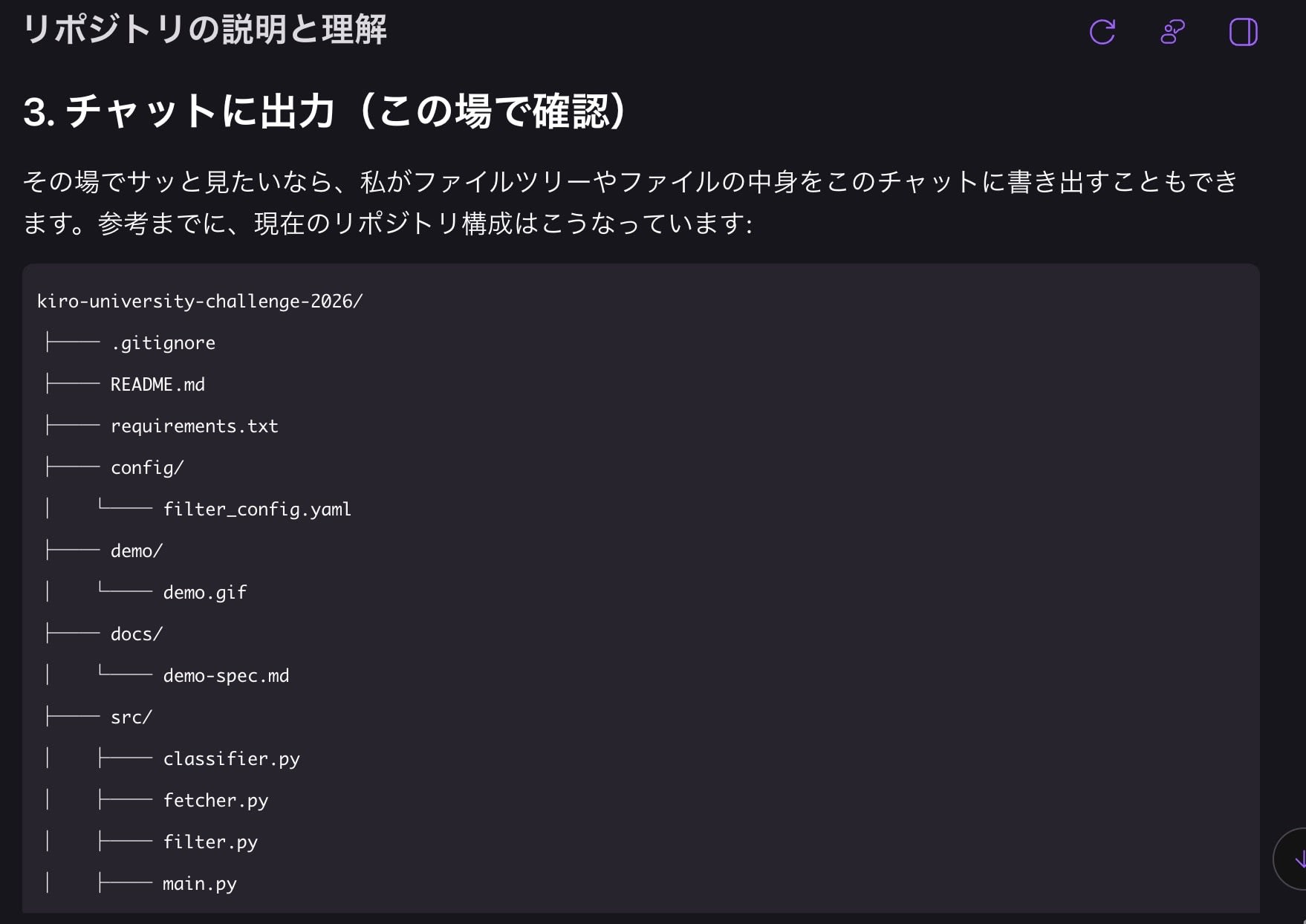
Kiro Web の cloud configuration では、今回 .kiro/agents/・.kiro/hooks/・.kiro/powers/ の3つをアップロードしました。この範囲の設定はブラウザ側のセッションでもそのまま使えます。有料プランであれば、この課題のために追加で書くファイルはありません。
Bonus Lesson 2: Power のパッケージング(250 credits)
配布できる Power の単位は plugin.json と skills/ の組です。Lesson 5 で作った .kiro/powers/aws-whatsnew/ がそのままこの形になっているため、パッケージングのために構成を変える作業は発生しませんでした。リポジトリを public で公開すれば、他のプロジェクトからも参照できます。
.kiro/ の最終構成
全レッスンを終えた時点のディレクトリです。
.kiro/
├── agents/
│   └── notifier-dev.json     ← Lesson 7
├── hooks/
│   └── hooks.json            ← Lesson 3
├── mcp.json                  ← Lesson 6
├── powers/
│   └── aws-whatsnew/
│       ├── plugin.json       ← Lesson 5 / Bonus 2
│       └── skills/setup/SKILL.md
├── specs/
│   └── filter-and-notify.md  ← Lesson 1
└── steering/
    └── python-style.md       ← Lesson 2
まとめ
Kiro University Challenge の Lessons 1〜7 とボーナス課題2つを完走しました。このあと成果物の紹介動画を作り、エントリーフォームから応募する予定です。
題材は RSS を取得して分類・通知するだけの小さな仕組みでしたが、Kiro の仕様駆動開発、Powers・MCP・Custom agents がそれぞれ何を担うのかを、手を動かしながら把握できるレッスン構成でした。仕組み自体はシンプルなので、通知先や分類ルールを増やすといった応用も検討しています。
Lesson 7 までは無料プランの Kiro で試せます。この記事を参考に一度手を動かしてみて、仕様駆動開発を体験してください。
成果物ができたら、エントリーして Kiro のクレジットを獲得するのもおすすめです。