統合ツールチェーン Vite+ を試してみた

こんにちは 人材育成室 育成メンバーチームで 研修中の はすと です。
先日、v-tokyo Meetup #25(Void & Vite+ 特集)に参加してみたのですが、Vite+ Team Member の NaokiHaba 氏のセッションで話していた Vite+ の話が印象的でした。Vite+ は「The Unified Toolchain for the Web」をコンセプトに掲げており、runtime や package management、ビルド、モノレポのタスクキャッシュに至るまで、あらゆる機能を vp という1つのコマンドに統合したツールチェーンとのこと。そのシンプルさに魅了されて、とりあえず自分でも触ってみようと思いました。
本記事では、Vite+ を新規プロジェクトに導入してコマンドを一通り動かした結果をまとめます。
注意: 2026年6月時点で v0.2.1 のアルファ版です。プロダクション利用は慎重に判断してください。
Vite+ とは
Vite+ は Vite の開発元 VoidZero が提供する、フロントエンド開発に必要なツールを1つにまとめた統合ツールチェーンです。
内部には以下のツールが統合されています。
| 役割 | 採用ツール |
|---|---|
| 開発サーバー / ビルド | Vite 8 + Rolldown(Rust 製バンドラー) |
| テスト | Vitest 4.1 |
| リント | Oxlint(ESLint 比で最大 100 倍高速とされる) |
| フォーマット | Oxfmt |
| ライブラリビルド | tsdown |
これらをバラバラに入れるのではなく、vp という単一コマンドと vite.config.ts に集約された設定で統一管理します。
従来の構成                Vite+ の構成
────────────────         ────────────────
eslint.config.js    →
.prettierrc         →    vite.config.ts(lint / fmt / staged を集約)
vitest.config.ts    →
Vite+ のインストール
macOS / Linux ではシェルスクリプト1行でインストールできます。
curl -fsSL https://vite.plus | bash
インストールの途中で「Vite+ で Node.js バージョンを管理しますか?」と聞かれます。今回はせっかくなので有効にしてみました。
Would you like Vite+ to manage your Node.js versions?
It adds `node`, `npm`, `npx`, and `corepack` shims to ~/.vite-plus/bin/ and automatically uses the right version.
Opt out anytime with `vp env off`.
Press Enter to accept (Y/n): Y
インストール完了のメッセージが表示されます。シェルの設定ファイル(~/.zshenv、~/.zshrc など)も自動で更新されています。
✔ VITE+ successfully installed!

  The Unified Toolchain for the Web.

  Get started:
    vp create       Create a new project
    vp env          Manage Node.js versions
    vp install      Install dependencies
    vp migrate      Migrate to Vite+

  Vite+ is now managing Node.js via vp env.
  Run vp env doctor to verify your setup, or vp env off to opt out.

  Run vp help to see available commands.

  Shell configuration:
    - zsh: updated ~/.zshenv, ~/.zshrc
    - bash: updated ~/.profile
    - fish: skipped (not installed)
    - nushell: skipped (not installed)

  Note: Restart your terminal to load updated shell configuration.
ターミナルを再起動して vp --version で確認します。
vp --version
# 0.2.1
Node.js バージョン管理(vp env)
vp env current で現在の Node.js バージョンを確認できます。インストール時に管理を有効にしたため、LTS バージョンが自動で入っていました。
vp env current
VITE+ - The Unified Toolchain for the Web

Environment:
  Version  24.17.0
  Source   lts
vp env use でバージョンを切り替えてみます。
vp env use 26
vp env current
VITE+ - The Unified Toolchain for the Web

Environment:
  Version  26.3.1
  Source   VP_NODE_VERSION
問題なく切り替えられました。vp env off でいつでも無効化できます。
プロジェクトの作成
vp create で対話形式のプロジェクト作成が始まります。プロジェクトの種類はモノレポ・アプリ・ライブラリの3択です。今回はモノレポを選びました。
vp create
VITE+ - The Unified Toolchain for the Web

  › Vite+ Monorepo: Create a new Vite+ monorepo project
    Vite+ Application: Create vite applications
    Vite+ Library: Create vite libraries
› Package name:
  vite-plus-monorepo-sample█
› Which package manager would you like to use?
  › pnpm: recommended
    yarn
    npm
    bun
コーディングエージェント向けの指示ファイルを生成するか聞かれます。今回は CLAUDE.md と .github/copilot-instructions.md を選びました。
› Which coding agent instruction files should Vite+ create?
    ◻ AGENTS.md
    ◼ CLAUDE.md (Claude Code)
    ◻ GEMINI.md
  › ◼ .github/copilot-instructions.md (GitHub Copilot)
    ◻ .cursor/rules/viteplus.mdc
    ◻ .aiassistant/rules/viteplus.md
  Press  space  to select,  enter  to submit
エディタ向けの設定ファイル(Oxlint / Oxfmt の拡張機能連携など)も生成されます。
› Which editors are you using?
    Writes editor config files to enable recommended extensions and Oxlint/Oxfmt integrations.
    ◼ VSCode (.vscode)
  › ◼ Zed (.zed)
  Press  space  to select,  enter  to submit
git の初期化とプレコミットフックの設定も選択できます。
› Initialize a git repository with an initial commit?
  › Yes /   No
› Set up pre-commit hooks to run formatting, linting, and type checking with auto-fixes?
  › Yes /   No
たった3.5秒で依存関係のインストールまで完了しました。
◇ Scaffolded vite-plus-monorepo-sample with Vite+ monorepo
• Node 24.17.0  pnpm 11.8.0
✓ Dependencies installed in 3.5s
→ Next: cd vite-plus-monorepo-sample && vp run
生成されたディレクトリ構成です。
vite-plus-monorepo-sample/
├── apps/
│   └── website/          # アプリ本体
│       ├── src/
│       └── package.json
├── packages/
│   └── utils/            # 共有ライブラリ
│       ├── src/
│       ├── vite.config.ts
│       └── package.json
├── vite.config.ts        ← lint / fmt / staged hooks を集約
├── tsconfig.json
├── pnpm-workspace.yaml
├── CLAUDE.md             ← vp create が自動生成
└── package.json
ルートの vite.config.ts を開くと、lint・フォーマット・ステージングフックの設定がまとまっています。
import { defineConfig } from "vite-plus";

export default defineConfig({
  staged: {
    "*": "vp check --fix",  // コミット前に自動修正
  },
  fmt: {},
  lint: {
    jsPlugins: [{ name: "vite-plus", specifier: "vite-plus/oxlint-plugin" }],
    rules: { "vite-plus/prefer-vite-plus-imports": "error" },
    options: { typeAware: true, typeCheck: true },
  },
  run: {
    cache: true,
  },
});
また、CLAUDE.md が自動生成されていました。vp check や vp test を使ったチェック手順がリスト形式でまとめられており、ドキュメントのリンク(https://viteplus.dev/guide/)も書かれています。
公式アナウンスには「一貫したインターフェースを持つ単一バイナリは、人間にも AI にも扱いやすい(simpler to work with for humans and AI)」と書かれています。Vite+ はまだ新しいツールなので、コーディングエージェントがコマンド構文を誤った形式で呼ぶ問題も起きていました。各エージェント向けのガイドファイルを自動生成する機能は、ツール側がエージェントに正しい使い方を教える仕組みとして追加されたもので、単なるおまけではなく設計の一部のようです。
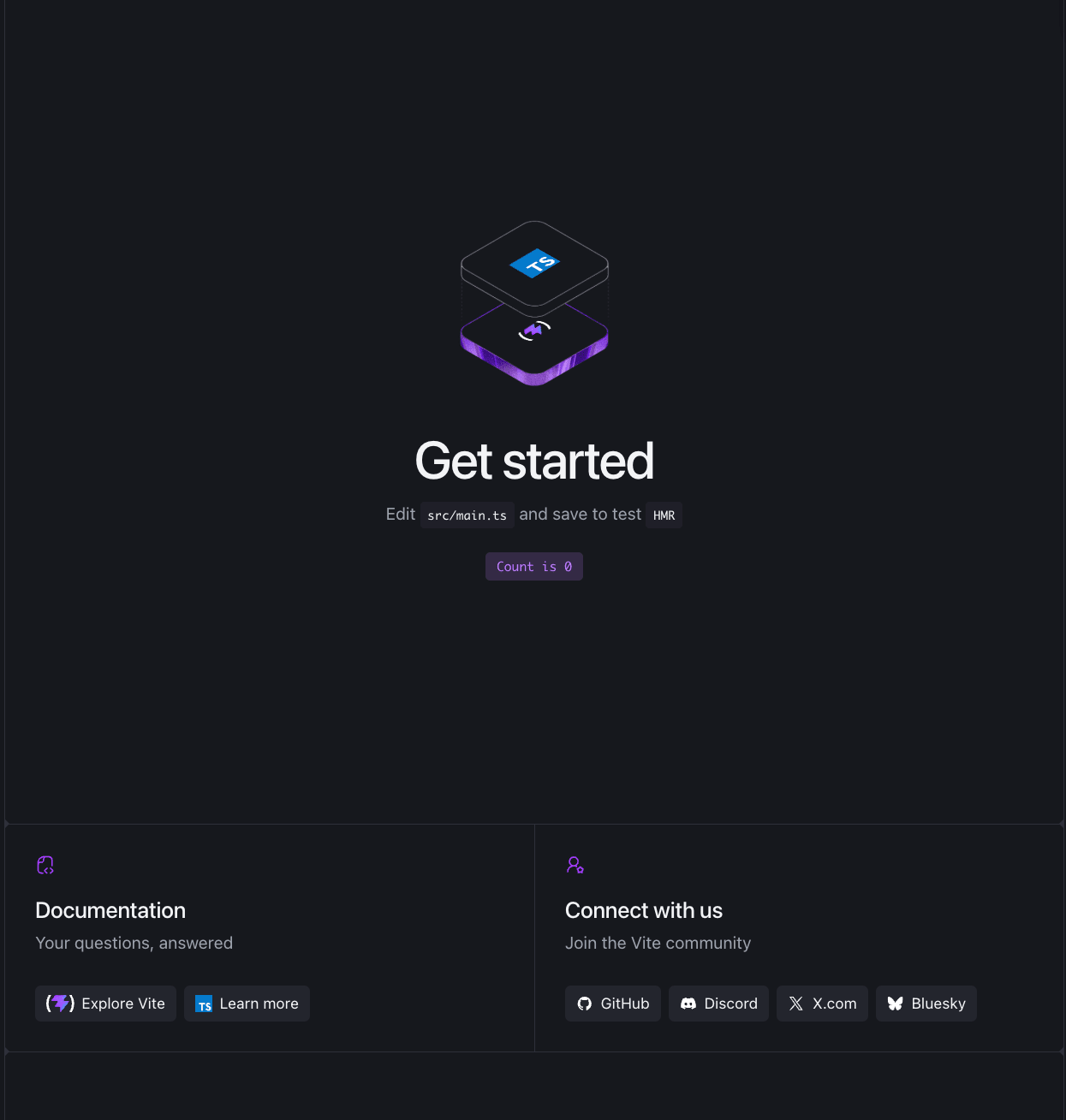
vp run で開発サーバーを起動します。
cd vite-plus-monorepo-sample && vp run
問題なく立ち上がりました
vp コマンドを一通り動かしてみる
モノレポの開発サーバーは vp run で起動しますが、その他のコマンドも確認しておきます。
テスト
vp test
 RUN  v4.1.9 /path/to/vite-plus-monorepo-sample

 Test Files  1 passed (1)
      Tests  1 passed (1)
   Start at  13:10:56
   Duration  108ms (transform 12ms, setup 0ms, import 21ms, tests 1ms, environment 0ms)
内部で Vitest が動いています。vitest.config.ts なしでテストが走ることを確認できました。
リント・フォーマット・型チェックをまとめて実行
vp check
pass: All 24 files are correctly formatted (235ms, 10 threads)
pass: Found no warnings, lint errors, or type errors in 6 files (238ms, 10 threads)
ここが Vite+ の特徴的なコマンドです。Oxlint でのリント・Oxfmt でのフォーマットチェック・TypeScript の型チェックを1コマンドで実行できます。
ESLint を使っていたときの感覚だと、それぞれ別のコマンドを叩く必要があり、CI も以下のように3ステップ書く必要がありました。
- name: Lint
  run: pnpm eslint .
- name: Format check
  run: pnpm prettier --check .
- name: Type check
  run: pnpm tsc --noEmit
実際には vp check で3つ一気に終わります。CI は1行で済みます。
- name: Check
  run: vp check
ビルド
モノレポの場合、ルートで vp build をそのまま実行すると失敗します。Vite+ がカレントディレクトリで index.html を探しますが、index.html は apps/website/ にあるためです。
モノレポでは vp run -r build でワークスペースをまとめてビルドします。
vp run -r build
~/apps/website$ tsc
~/apps/website$ vp build
vite v8.0.16 building client environment for production...
✓ 9 modules transformed.
dist/index.html                  0.45 kB │ gzip: 0.29 kB
dist/assets/index-CsUDhMuy.css   4.10 kB │ gzip: 1.46 kB
dist/assets/index-B4vdZNPd.js    4.52 kB │ gzip: 2.02 kB
✓ built in 218ms

~/packages/utils$ vp pack
ℹ entry: src/index.ts
ℹ dist/index.mjs    0.10 kB │ gzip: 0.11 kB
ℹ dist/index.d.mts  0.08 kB │ gzip: 0.10 kB
✔ Build complete in 703ms
apps/website のビルドと packages/utils のライブラリビルドがまとめて走りました。Rolldown(Rust 製)が内部で使われており、既存の Vite プロジェクトを移行したケースでは88秒 → 32.6秒(約2.7倍)に短縮されたという報告もあります(参考)。
既存 Vite プロジェクトからの移行
vp migrate コマンドで既存の Vite プロジェクトへ移行できます。
vp migrate
eslint.config.js や Prettier などの個別設定ファイルを vite.config.ts に統合します。ただし、実行後に手動調整が必要なケースが多いと公式も明記しています。
公式ドキュメントでは「移行前に Vite 8+ へアップグレードすること」と明記されており、Vite を使っているプロジェクトが前提です。また、実行後は手動調整が必要なケースが多いとも記載されています。まずは新規プロジェクトで試すのがよさそうです。
ライセンスについて
ライセンスについても触れておきます。Vite+ は現在 MIT ライセンスで公開されていますが、最初の発表ではスタートアップ・エンタープライズ向けの有料プランを計画していました。これに対してコミュニティから強い反発があり、同月中に方針を転換して MIT オープンソースとして改めて発表されています。VoidZero は転換の理由として「どの機能を有料にするかの線引きが疲弊する議論になった。JavaScript 開発者の生産性向上というミッションは、完全に無料・OSS でなければ達成できない」と説明しています。
まとめ
vp1コマンドで dev・test・lint・format・build をまとめて扱える統合ツールチェーン- eslintrc・prettierrc・vitest.config が不要になり、
vite.config.tsに lint・fmt・staged フックをまとめて書ける - Rolldown(Rust 製)と Oxlint が内包されており、大規模プロジェクトほどパフォーマンスの恩恵が出やすい
- 2026年6月時点で v0.2.1 のアルファ版。まずは個人・小規模プロジェクトで試すのがおすすめ
AI を使えば誰でも気軽に開発できるようになった時代に、ツールチェーンが1つにまとまっていてサクッと環境を整えられるのは非常にいい体験だと感じました。どの技術を使うか議論するのも楽しいですが、技術はあくまで手段です。「何を、誰に、なぜ届けるか」に注力できる環境が整うのはいいなと思いました。
私と同じように「フロントエンドの設定ファイル多すぎ問題」を感じている方の参考になれば嬉しいです。