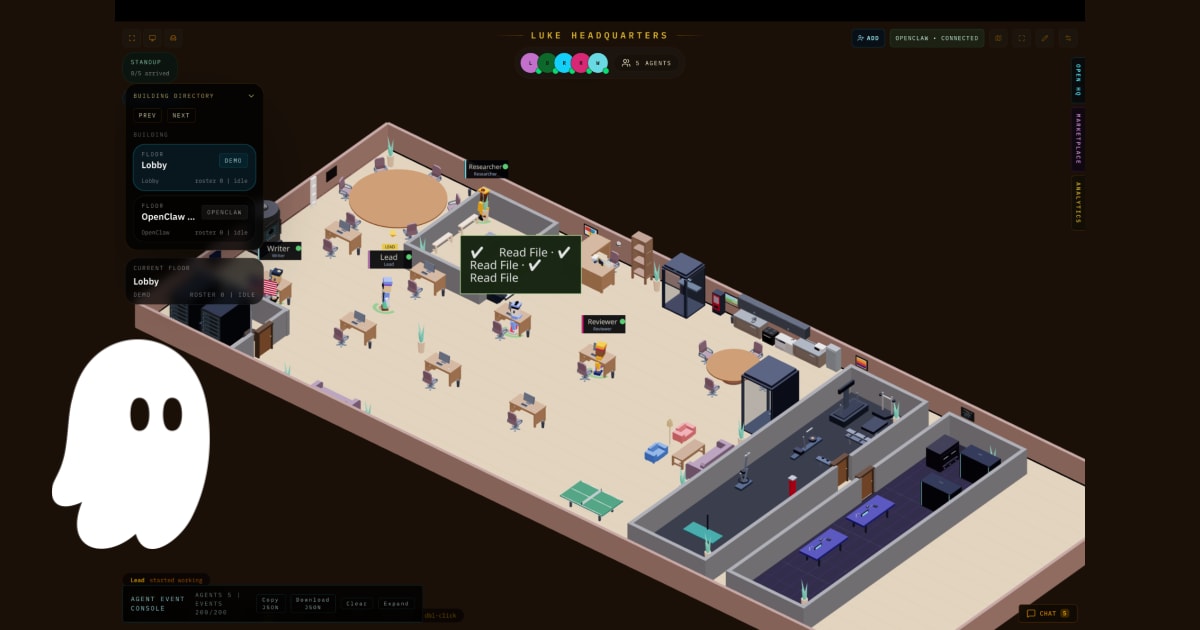
[Kiro] I built a virtual office for agent team!!!

Ciallo~(∠ ω< )⌒ ★ this is AnonymousPenguin~
Whenever I saw someone in a video or presentation show off their agent orchestration in a virtual office, I was surprised every time and thought: "Wow, that's impressive!"
Recently, I got a chance to try out Kiro's agent orchestration:
So I'm riding on this chance: I want my Kiro agents to work in a virtual office too!!!
What's behind it (in plain words)
There are three parts. Each one is simple on its own.
(1) Hooks: the agent tells someone what it did
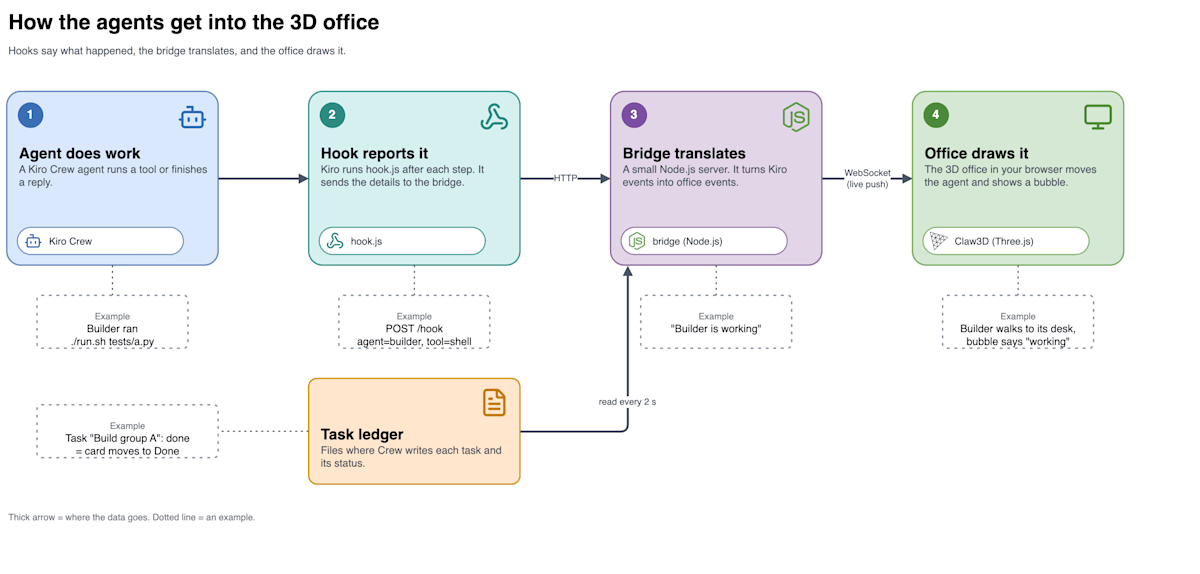
A hook is a command that Kiro runs for you at a fixed moment, for example "after every tool call" or "when the turn ends". Kiro passes the details (which tool, what input, the final reply) to the command as JSON.
So each agent file gets a few lines like this:
"hooks": {
  "agentSpawn":       [{ "command": "node /path/to/hook.js team-builder agentSpawn" }],
  "userPromptSubmit": [{ "command": "node /path/to/hook.js team-builder userPromptSubmit" }],
  "postToolUse":      [{ "matcher": "*", "command": "node /path/to/hook.js team-builder postToolUse" }],
  "stop":             [{ "command": "node /path/to/hook.js team-builder stop" }]
}
(2) The bridge: translate Kiro into "office language"
The bridge is a small Node.js server (about 700 lines). It has two doors:
| Door | Who uses it | What goes through |
|---|---|---|
HTTP POST /hook |
Kiro hooks | "team-builder just ran ./run.sh tests/a_static.py" |
| WebSocket | The 3D office | Live events: agent started, new bubble text, task moved |
It also reads Crew's task ledger every 2 seconds.
task ledger
The task ledger is a set of files where Crew writes each task and its status (in ~/.kiro/crew/work-ledger/).
Crew works in rounds. In round 1, the Lead hands out a batch of tasks and waits for the results. Then it plans the next batch: that's round 2, and so on. The ledger notes which round the team is in, and the office calls a standup meeting when a new round starts.
The bridge turns each task into a card on a kanban board:
| Ledger says | Card goes to |
|---|---|
| Task created, nobody on it yet | Todo |
| Worker is working | In progress |
| Worker says done, Lead hasn't checked yet | Review |
| Worker is blocked | Blocked |
| Lead accepted it | Done |
What is a kanban board?
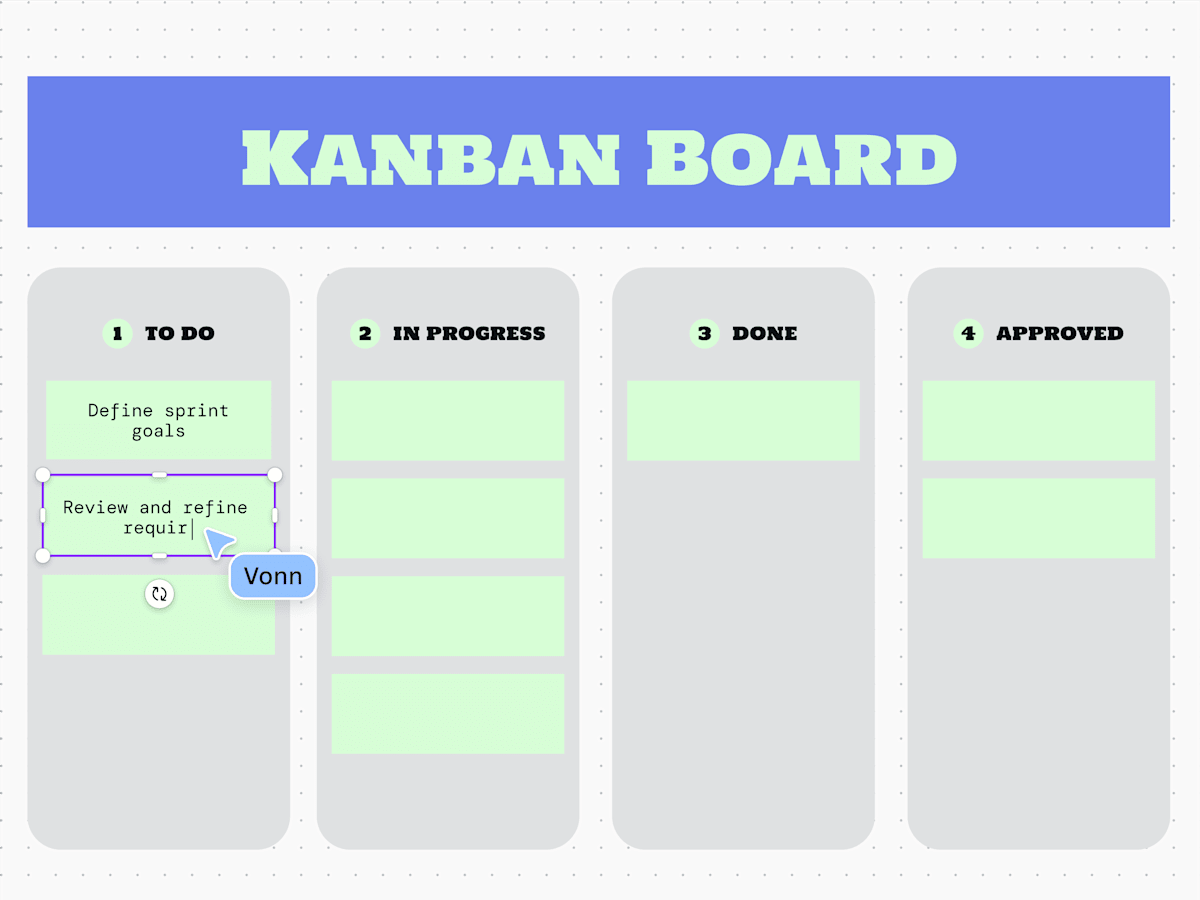
A kanban board is a board split into columns like "To do", "Doing" and "Done", where each task is a card that moves right as the work progresses.
Why a WebSocket and not just a web page that reloads?
A normal web page asks the server "anything new?" again and again (polling). A WebSocket is a connection that stays open, so the server can push "Builder just started working" the moment it happens. That's what makes the bubbles feel live.
The office I used (Claw3D) already speaks its own small WebSocket protocol. It uses it to talk to an OpenClaw gateway (the server of another agent framework). So the bridge pretends to be an OpenClaw gateway.
(3) The 3D office: Claw3D
I didn't build the 3D part myself.
Claw3D is an open-source (MIT) 3D office for AI agents, built with Three.js (3D graphics in the browser). It already has desks, walking agents, speech bubbles, a meeting room and a kanban board. It was made for OpenClaw, not Kiro, which is why I needed the bridge.
So: hooks say what happened, the bridge translates, and Claw3D draws it.
The real run
Here is the result~
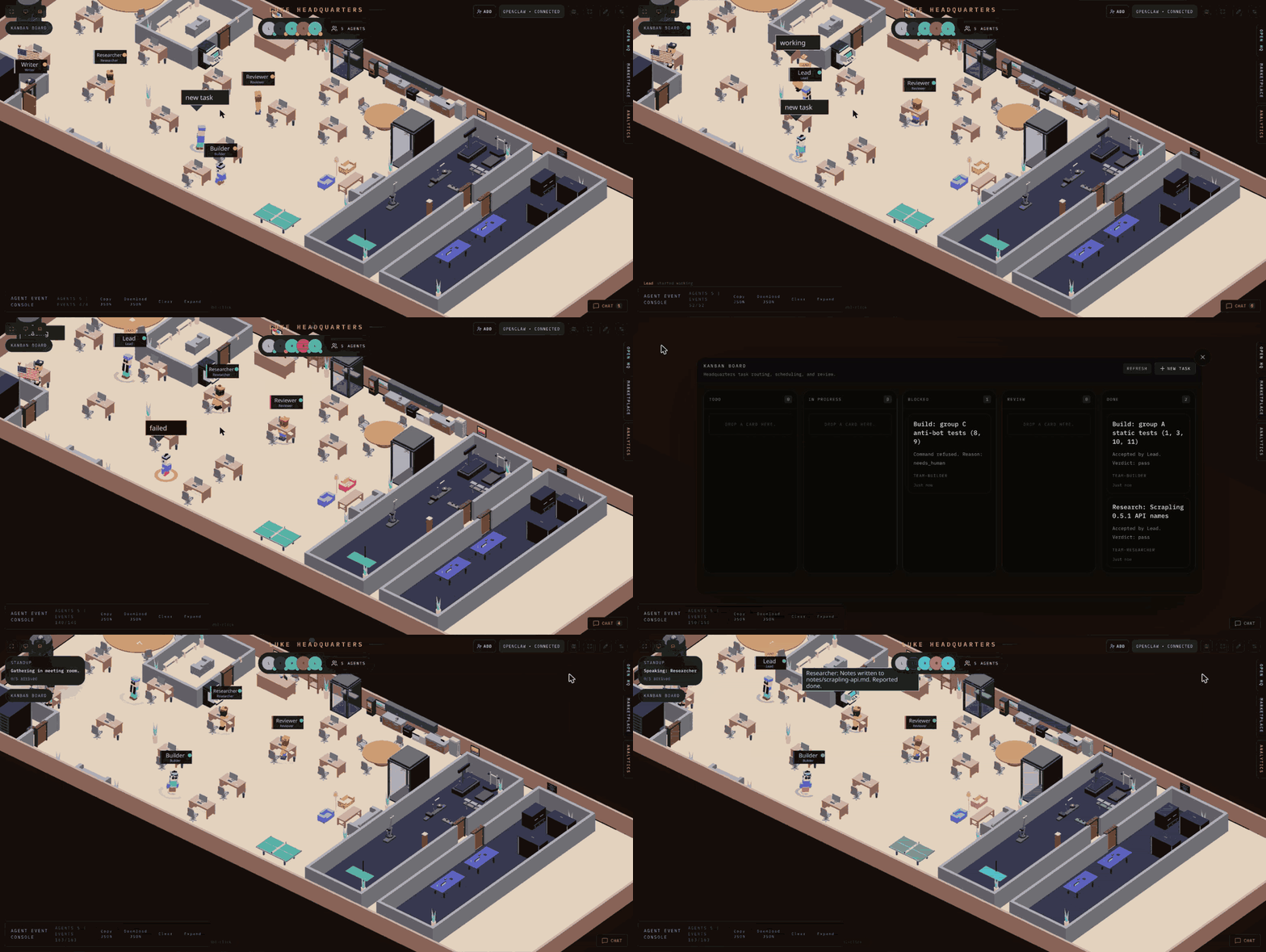
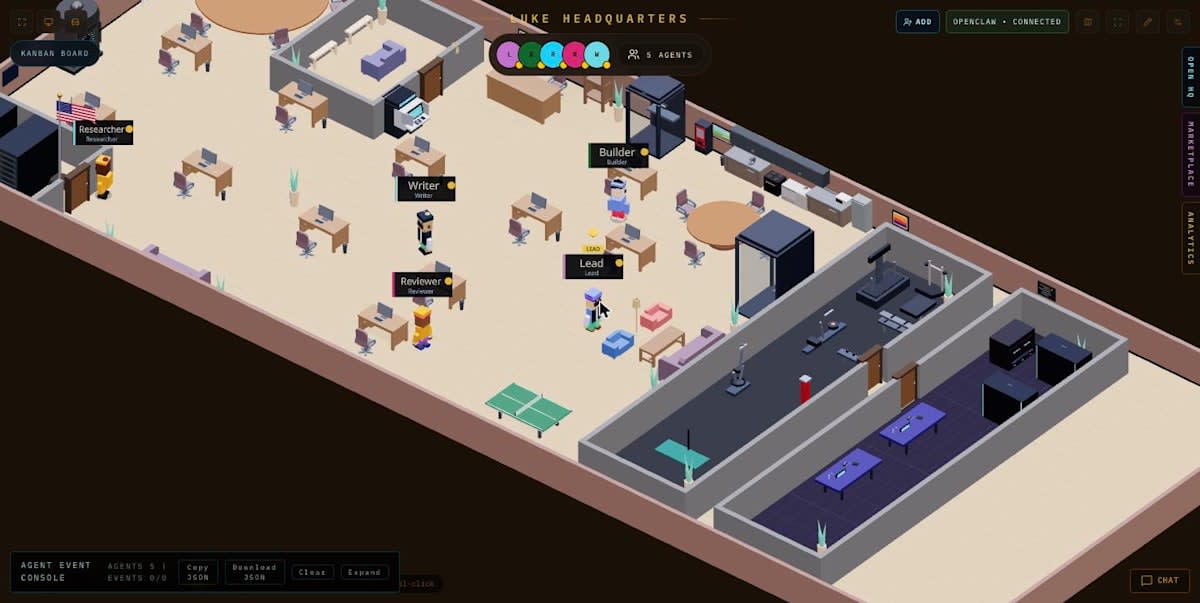
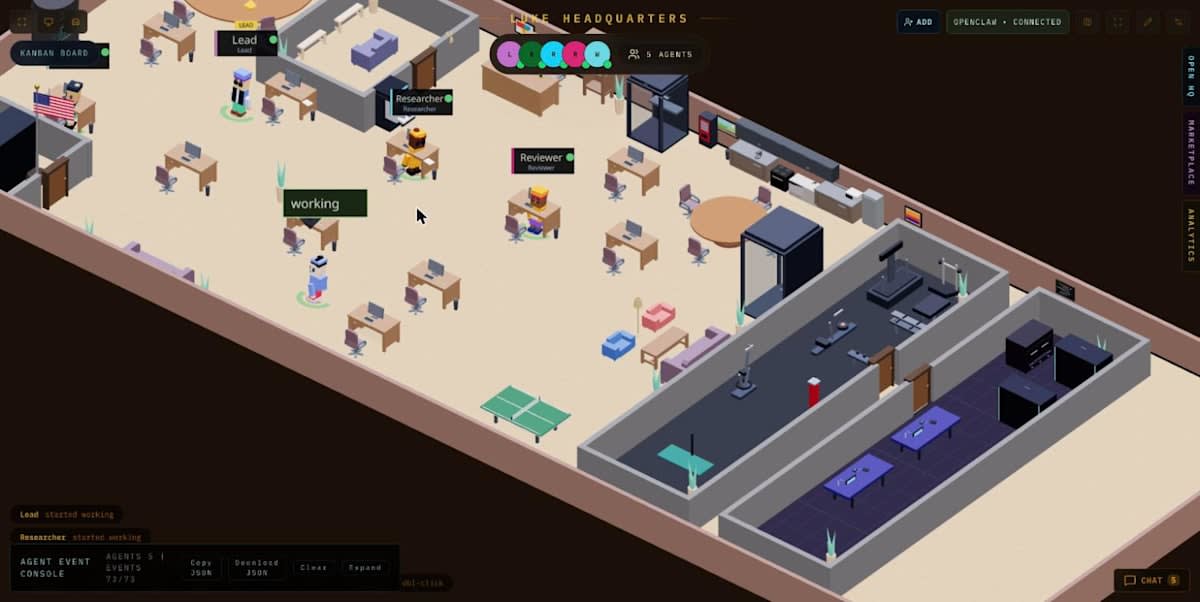
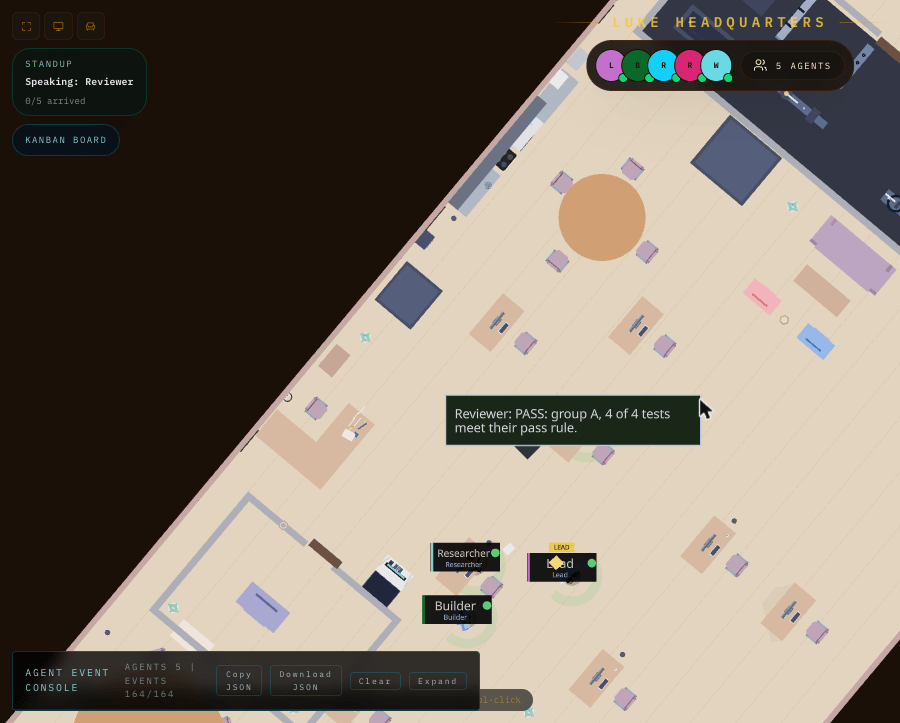
Once it was built, I felt like I was playing an idle game!
Closing
I was always surprised, and a bit jealous, when other people showed this, because I thought it was hard to build. After trying it myself, the idea behind it is actually quite simple: pass the agent state to the front end through a bridge and a WebSocket.
Instead of watching others do it, why not try it yourself? ʅ(ツ)ʃ